 By
Quick answer: How do I check if a website is legit?
- Is it flagged? Google Safe Browsing site status, VirusTotal, URLVoid.
- Who owns it? ICANN Lookup shows registration data; very new domains deserve care.
- Is the connection secure? HTTPS, and SSL Labs for a deeper check.
- Is there a real business? Contact details, policies, independent reviews.
- FTC red flags: pressure to act now, and payment by gift card, wire, crypto or payment app.
Key takeaways
- No single legit website checker can prove a site is honest; combine tools and judgement.
- A padlock means the connection is encrypted, not that the business is real.
- Independent proof (reviews, listings, verified profiles) is what visitors trust.
- Founders: every missing trust signal reads as a red flag to a stranger.
- Make contact, pricing and policies easy to find; hidden ones look like hiding.
"Legitimate website checker" is searched about 18,100 times a month (Google Keyword Planner, global 12-month average). Most people typing it are about to pay or sign up somewhere unfamiliar. This guide has two halves. First, how to check if a website is legit with free tools and the US Federal Trade Commission's red flags. Second, for founders: your new site is the unfamiliar one, and strangers run the same website legit check on you. Here's how to pass it honestly. Tools and the FTC page were read on 20 November 2026. Jump to the tools, the red flags or passing the check.
- Free tools for a website legit check
- 5
- FTC red flags to watch for
- 4
- Tools that can prove a site is honest
- 0
- Independent profile visitors can check
- 1
How to check if a website is legit

- Read the address bar — exact spelling, https, no extra words in the domain.
- Check if it's flagged — Google Safe Browsing site status and VirusTotal.
- Check its reputation — URLVoid.
- Check the domain's age — ICANN Lookup; a domain registered last week selling luxury goods is a warning.
- Look for a real business — address, phone, named people, refund and privacy policies.
- Search outside the site — the name plus "reviews", "scam" and "complaints".
- Pay safely — never by gift card, wire, crypto or payment app to a stranger.
Free legitimate website checker tools
| Tool | What it checks | What it can't tell you |
|---|---|---|
| Google Safe Browsing site status | Whether Google currently flags a site as unsafe | Whether an unflagged site is honest |
| VirusTotal | A URL against many security vendors | Business legitimacy |
| URLVoid | Reputation across security sources | Product quality or refunds |
| ICANN Lookup | Domain registration data | Who's behind privacy-protected records |
| SSL Labs | The server's HTTPS configuration | Whether the operator is trustworthy |
Table: Free legitimate website checker tools (each tool's own page, checked 18–20 Nov 2026)
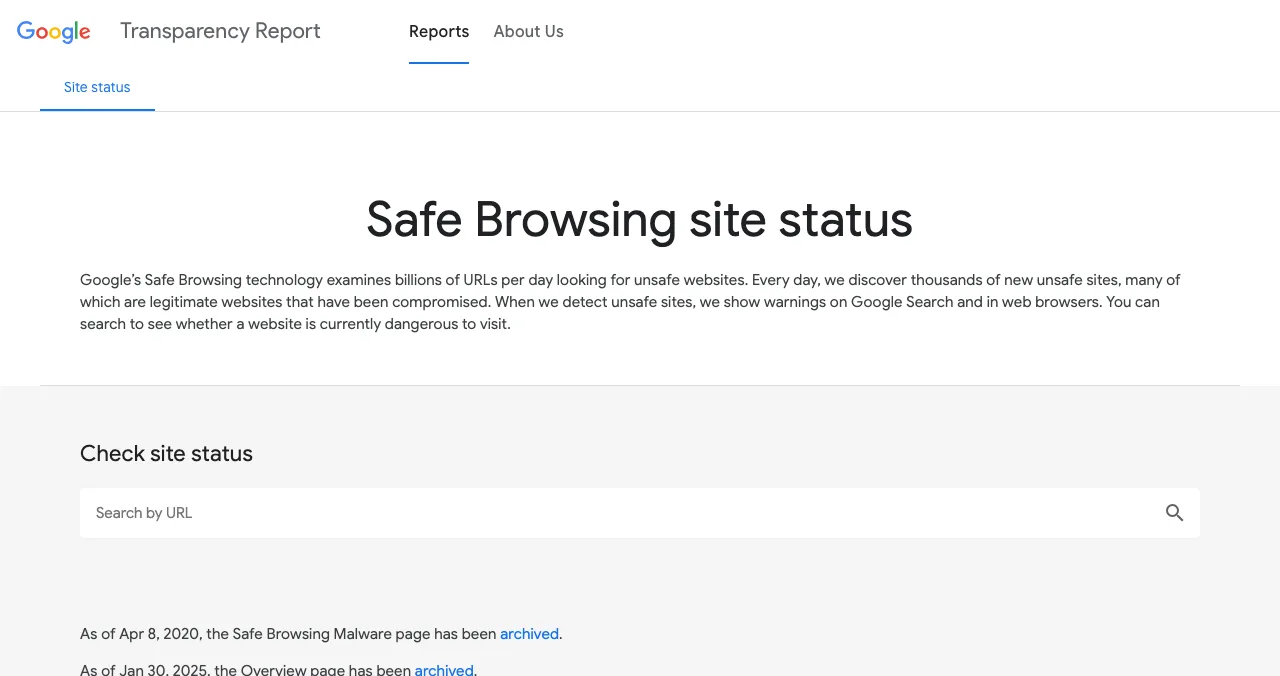
Google Safe Browsing site status. Google says Safe Browsing examines billions of URLs a day, finds thousands of new unsafe sites daily (many of them legitimate sites that have been compromised), and shows warnings on Search and in browsers. Search a URL to see its current status.
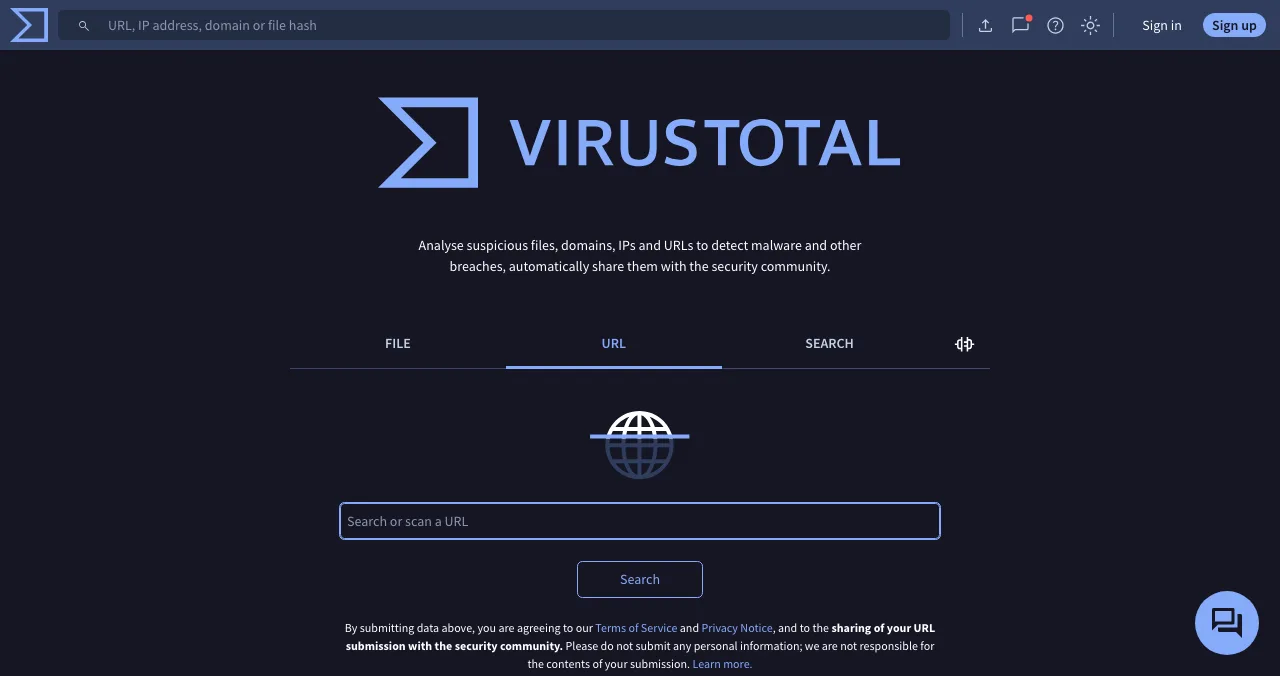
VirusTotal analyses suspicious files, domains, IPs and URLs and shares submissions with the security community, so don't submit anything containing personal information.
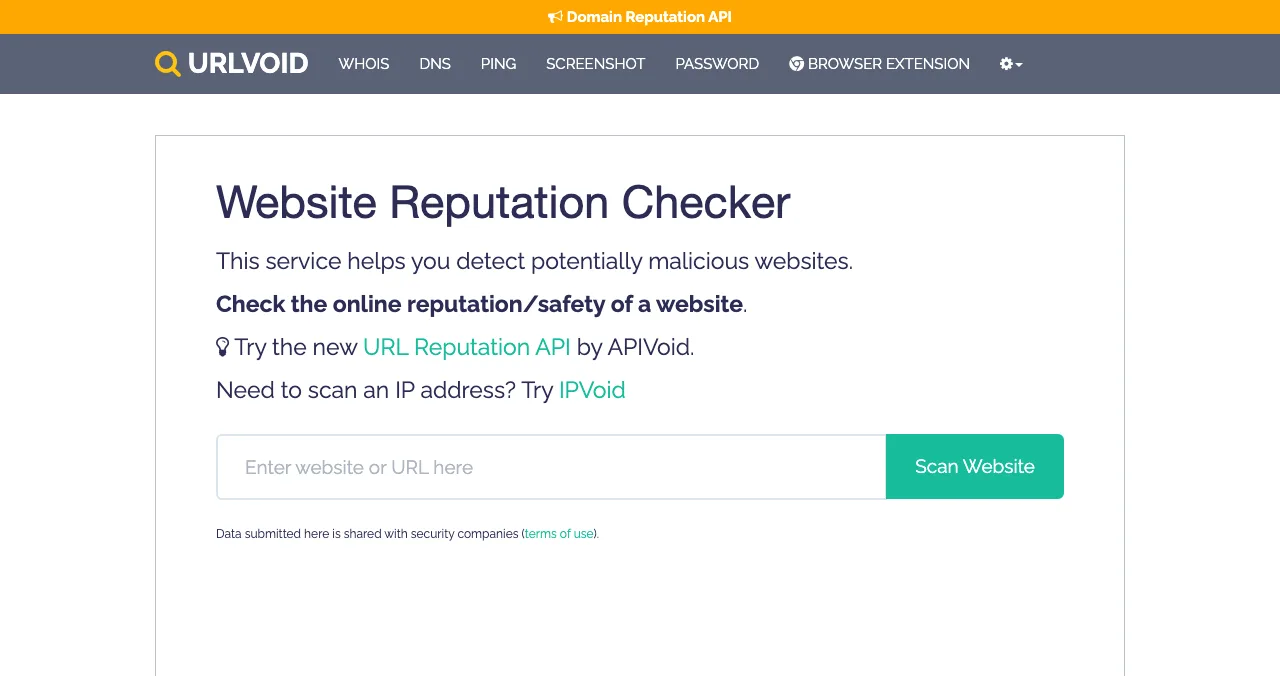
URLVoid describes itself as a service to detect potentially malicious websites by checking a site's online reputation and safety; submitted data is shared with security companies.
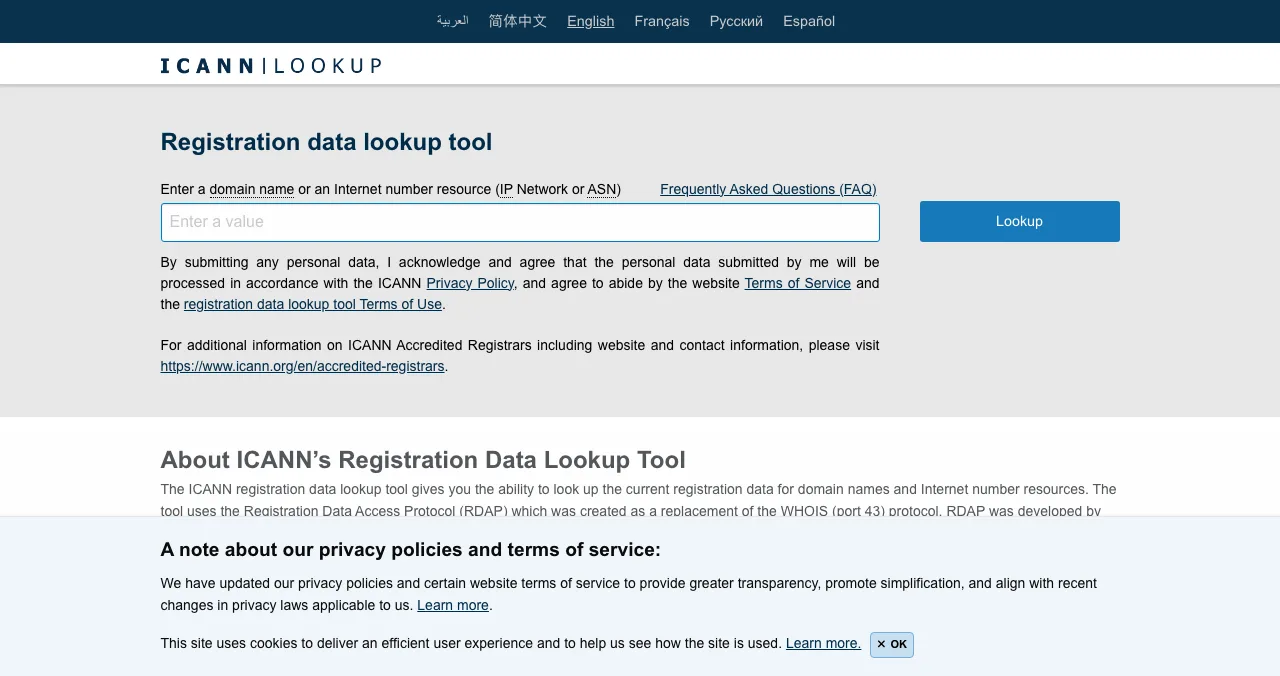
ICANN Lookup shows registration data for a domain, including when it was created. Many legitimate owners use privacy protection, so a hidden name isn't a red flag on its own; a days-old domain making big promises is.
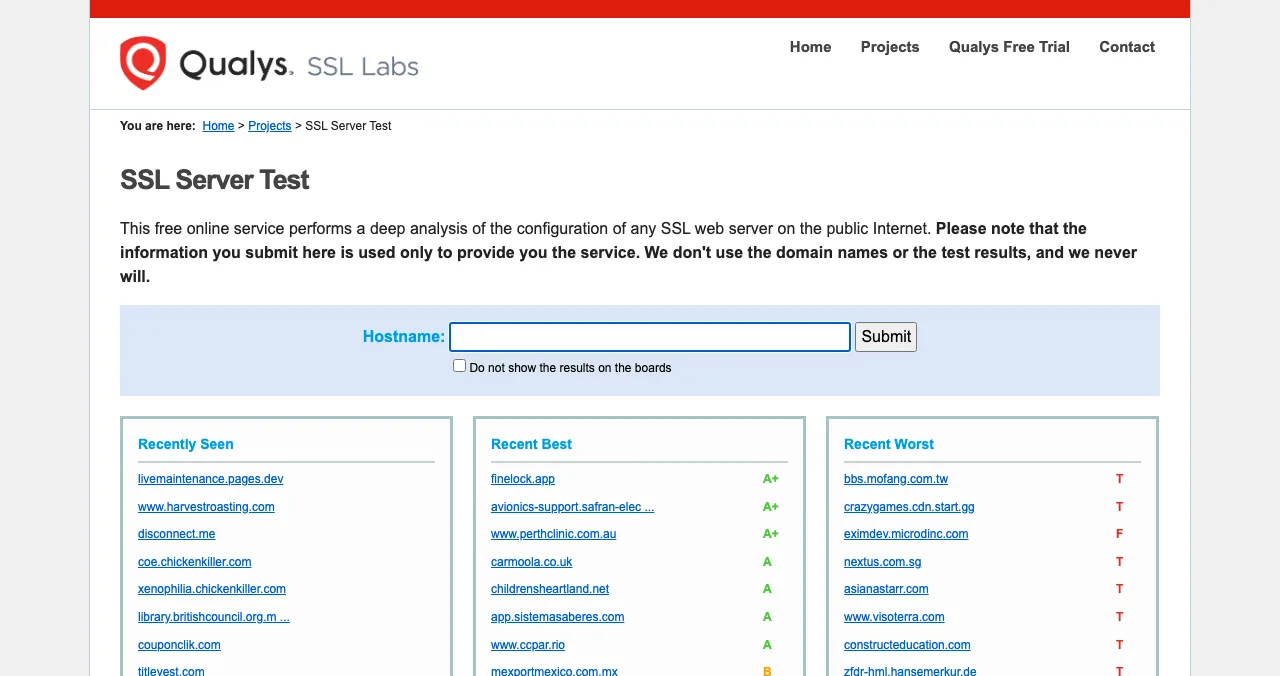
SSL Labs grades a server's HTTPS configuration. Useful for founders checking their own site; for shoppers, the browser's https is usually enough.
What are the FTC's red flags?
The FTC's "How To Avoid a Scam" page, read on 20 November 2026, gives the clearest official list:

- Pressure to act immediately — the FTC notes honest businesses will give you time to decide
- Unusual payment demands — cryptocurrency, wire transfers, payment apps or gift cards
- Unexpected requests for personal or financial information
- Links in unexpected messages — type in a site you trust instead
- Search results for hard-to-find items or unfamiliar stores — the FTC says search scams target these
The FTC also advises going straight to a company's own website, checking for https, and reporting fraud at ReportFraud.ftc.gov.
How visitors judge whether your website is legit
Founders forget that a brand-new startup looks a lot like a scam to a stranger: new domain, no reviews, nobody's heard of it. Visitors run a quick legitimacy check, mostly without tools.
| Visitor's question | Signal that answers it |
|---|---|
| Is this a real company? | Named founders, address or registered company, work email on the domain |
| Do other people use it? | Reviews, testimonials with names, logos used with permission, vouches |
| Has anyone independent checked it? | Listings on moderated sites, press, verified profiles |
| Will they treat my data properly? | Privacy policy, terms, clear sign-up consent |
| Can I get help or a refund? | Support contact, refund policy, visible pricing |
| Does it look cared for? | Consistent design, no broken pages, fast load |
Table: The website legit check visitors run, and the signals that answer it (Science of Apps editorial)
Social proof and the aesthetic-usability effect explain why: people infer trust from what others do and from how cared-for a page looks.
For founders: pass the legit check

- Custom domain and work email — not a free webmail address
- Who's behind it — founders' names and faces on an About page
- Pricing and policies in the footer — privacy, terms, refunds
- A real support route — email or chat that gets answered
- Independent proof — listings on moderated sites, reviews, press
- Consistent details everywhere — the same name, description and link on every profile
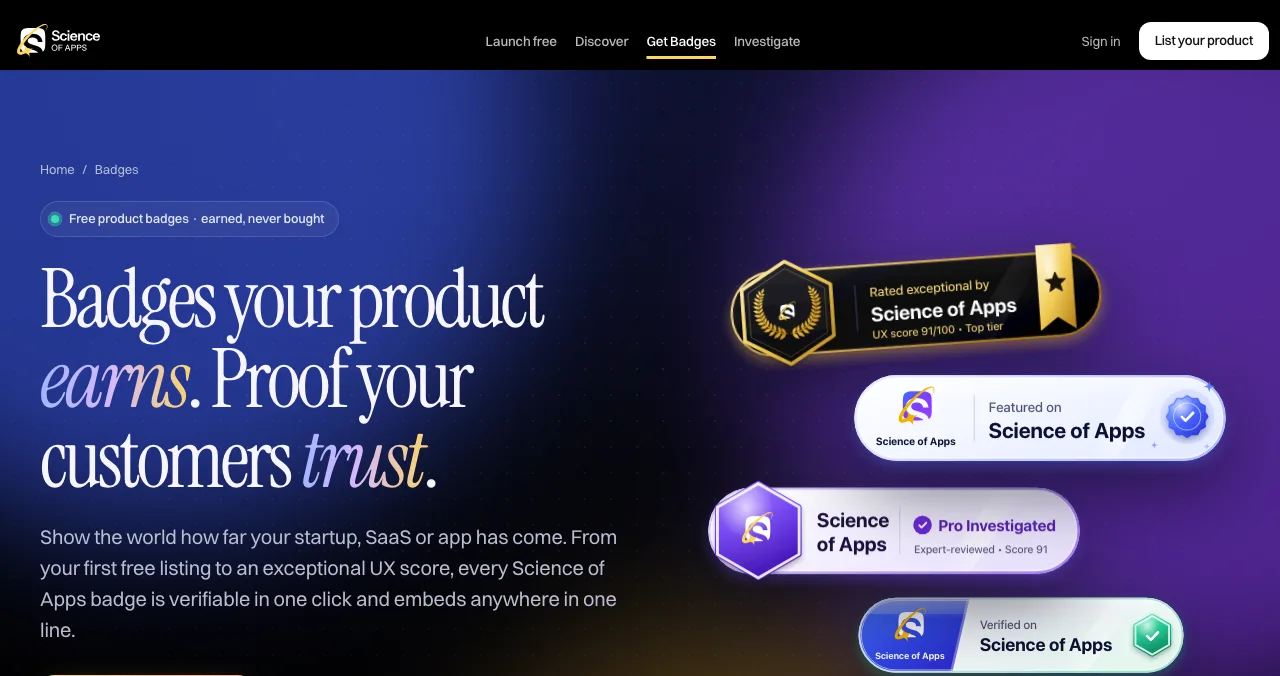
The Science of Apps Launchpad helps with the independent-proof part, for free. Every listing is checked automatically and reviewed by a person before it goes live. You get a permanent public page, a Featured badge on going live, and badges you can earn, including Verified (a work email on your domain) and Community favourite, each linking back to your public listing. Users can vouch for and follow your product. If you want the trust signals on your own site reviewed, an investigation includes a "Trust, privacy and security" area among its 22.
- Badges you can earn, each linking back
- 7
- Person reviews every listing
- 1
- Areas in an investigation, trust included
- 22
- Paid placements
- 0
Find the trust gaps strangers notice
List free, then order the report that fits your stage.

 Economy
See what new customers see
- Store listing and homepage, screen by screen
- Scorecard against 60 Laws of UX
- The fixes worth most
PremiumThe full diagnosis and the plan
- Every screen, every finding, every flow
- All 60 laws with evidence and fixes
- 8 strategy chapters and a 90-day roadmap
Analyst-reviewed. Private to your team. Never affects ranking.
Mistakes founders make

- Hiding pricing — "contact us" for a self-serve product reads as a trap
- Stock-photo team pages — visitors spot them
- Fake urgency — countdown timers are exactly what the FTC warns about
- Reviews only on your own site — get some on independent sites
- Free webmail for support — use your domain
Ready to launch?
How we know
Red flags come from the US Federal Trade Commission's consumer advice page; tool descriptions from each tool's own page; Launchpad details from its homepage and investigation page; all read on 18–20 November 2026. The visitor-signals table is Science of Apps' editorial framework. Science of Apps runs the Launchpad.
Key terms, defined
- Legitimate website checker: a tool that checks a site's safety or reputation, such as Safe Browsing or URLVoid.
- Website legit check: the combined checks (tools, domain, contact details, reviews) a visitor runs before trusting a site.
- Safe Browsing: Google's service that flags unsafe sites in Search and browsers.
- Domain registration data: public records of when and through whom a domain was registered.
- Trust signal: anything on or about a site that helps a visitor believe it's genuine.
Frequently asked questions
How do I check if a website is legit?
Search the URL in Google's Safe Browsing site status and VirusTotal, look up the domain in ICANN Lookup to see when it was registered, check the address bar for HTTPS and the exact spelling, look for a real address, contact details and policies, and search the business name with 'reviews' and 'scam'. If anything feels rushed, leave.
What is the best legitimate website checker?
There isn't one tool that settles it. Google's Safe Browsing site status shows whether Google currently flags a site as unsafe; VirusTotal checks a URL against many security vendors; URLVoid checks reputation; ICANN Lookup shows domain registration data. Use two or three together and add your own checks of contact details and reviews.
Is this website legit if it has a padlock?
Not necessarily. The padlock and https mean the connection is encrypted, which the FTC says protects information you send. It doesn't prove who runs the site or that they're honest; scam sites can get certificates too. Treat HTTPS as a minimum, not a verdict.
What are the red flags of a scam website?
The FTC lists pressure to act immediately, demands for payment by cryptocurrency, wire transfer, payment app or gift card, and unexpected requests for personal or financial information. Add misspelled domains, prices far below everyone else, no contact details, copied text and reviews that only appear on the site itself.
How do visitors judge whether a new startup's website is legit?
Within seconds, from what they see: a clear explanation of the product, a professional design, real people and contact details, transparent pricing, policies, and proof from elsewhere such as reviews, press, listings and verified profiles. A new domain with none of these looks risky even when the business is genuine.
How can a founder make a new website pass a legit check?
Use a custom domain and work email, show who's behind the product, put pricing and policies in the footer, add a real support route, and earn independent proof: listings on trusted sites, reviews, and verified profiles. A free Science of Apps Launchpad listing adds a Verified badge for a work email on your domain and vouches from users.
Sources
- US Federal Trade Commission — How To Avoid a Scam (checked 20 Nov 2026)
- Google Transparency Report — Safe Browsing site status (checked 20 Nov 2026)
- VirusTotal — URL scan (checked 20 Nov 2026)
- URLVoid — Website Reputation Checker (checked 20 Nov 2026)
- ICANN — Registration Data Lookup (checked 18 Nov 2026)
- Qualys — SSL Labs SSL Server Test (checked 20 Nov 2026)
- Science of Apps — Launchpad badges and homepage (checked 20 Nov 2026)
- Science of Apps — Product investigation: Trust, privacy and security (checked 20 Nov 2026)
- Checked November 20, 2026. Figures that change — fees, salaries, prices — are reviewed every six months; if something is out of date, tell us.
Where to go from here
- Social proof for new startups — build trust from zero
- Landing page conversion checklist — trust on the page
- Startup badges — featured-on proof
- Science of Apps - LaunchpadHow to judge a startup launch website before you list: real traffic, organic ranking, honest pricing, link policy and permanence, with red flags for pay-to-win sites and fake upvotesHow to tell a good startup launch website from a pay-to-win one: real visitors, organic ranking, clear pricing, permanent pages and red flags.
- Science of Apps - LaunchpadAn honest F6S review: what the free F6S membership gives founders (programmes, grants, software deals, jobs), how to judge its opportunities, and the best alternatives by jobAn honest F6S review: free membership, 15.7k listed accelerators and grants, software deals up to 80% off, how to vet programmes, and F6S alternatives by job.
- Science of Apps - LaunchpadWebsite traffic checker: how to find website traffic for any site with free traffic checker tools, how accurate the estimates are, and how to get traffic of your ownA website traffic checker estimates any site's visits. Free traffic checker tools compared, how to find website traffic accurately, and how to get your own.
- Science of Apps - LaunchpadWebsite checker: 12 free tools to check any site online for speed, SEO, accessibility, security and Google indexing, and what single checkers can't tell youThe best free website checker depends on what you test: 12 tools for speed, SEO, indexing, accessibility and security, and the whole product.
- Science of Apps - LaunchpadBuilt an app with AI? Where to launch a vibe coded app free, what each launch site accepts, and the checks to run before strangers find the bugsBuilt a vibe coded app with Lovable, Bolt or Replit? Where to launch an app built with AI for free, what each site accepts, and what to check first.
- Science of Apps - LaunchpadWhat a website for a startup needs on day one: a checklist of pages and checks, a startup website template, the free and cheap ways to build one, and how to test it the way a stranger wouldWhat a website for a startup needs on day one: the pages, the checks, a startup website template, and free ways to build and test it before launch.


Get the ideas, not the noise.
Sign up with Google and we’ll send you short UX psychology tips by email — why people tap, stall and leave, and what to do about it. Unsubscribe anytime. Prefer something to keep? Get the free Laws of UX guide as a PDF.
Launch day ends. Your listing shouldn't.
New sites fail visitors' legitimacy checks by default. A free Launchpad listing adds independent proof: a Verified badge for a work email on your domain, vouches from users and a permanent public page.