 By
Quick answer: What is an ADA compliance audit for a website?
- Not legal advice: for legal questions, talk to a qualified lawyer.
- The DOJ says the ADA applies to the goods and services businesses offer on the web, and points to WCAG as helpful guidance.
- Audit to WCAG 2.2 AA: the W3C's current Recommendation, published 5 October 2023.
- Automated tools find some issues; W3C says human judgement is required.
- Start free: WAVE, Lighthouse and Accessibility Insights, then manual keyboard and screen reader checks.
Key takeaways
- An ADA website audit is a WCAG audit in practice; there is no separate 'ADA checklist' in the regulations for private businesses.
- A clean automated report doesn't mean a site is accessible, says the DOJ.
- Most failures are basic: contrast, alt text, form labels, empty links and buttons.
- Sign-up and checkout are where inaccessible design costs the most customers.
- Re-audit after redesigns; accessibility regresses quietly.
"Are we ADA compliant?" is a question founders usually ask after a demand letter or a large customer's procurement form, which is the worst time. An ADA compliance audit answers it earlier: a structured test of whether people with disabilities can actually use your site. This guide explains what the US Department of Justice says about websites, how a WCAG audit works, a website accessibility audit checklist built on WCAG 2.2, and the free tools to start with. Government and standards pages were read on 20 November 2026. Jump to what the DOJ says, the checklist or the tools.
- Of the top 1M home pages had detected WCAG 2 failures (WebAIM Million 2026)
- 95.9%
- Average detected errors per home page
- 56.1
- New success criteria in WCAG 2.2
- 9
- WCAG principles: perceivable, operable, understandable, robust
- 4
What does the US Department of Justice say about websites?
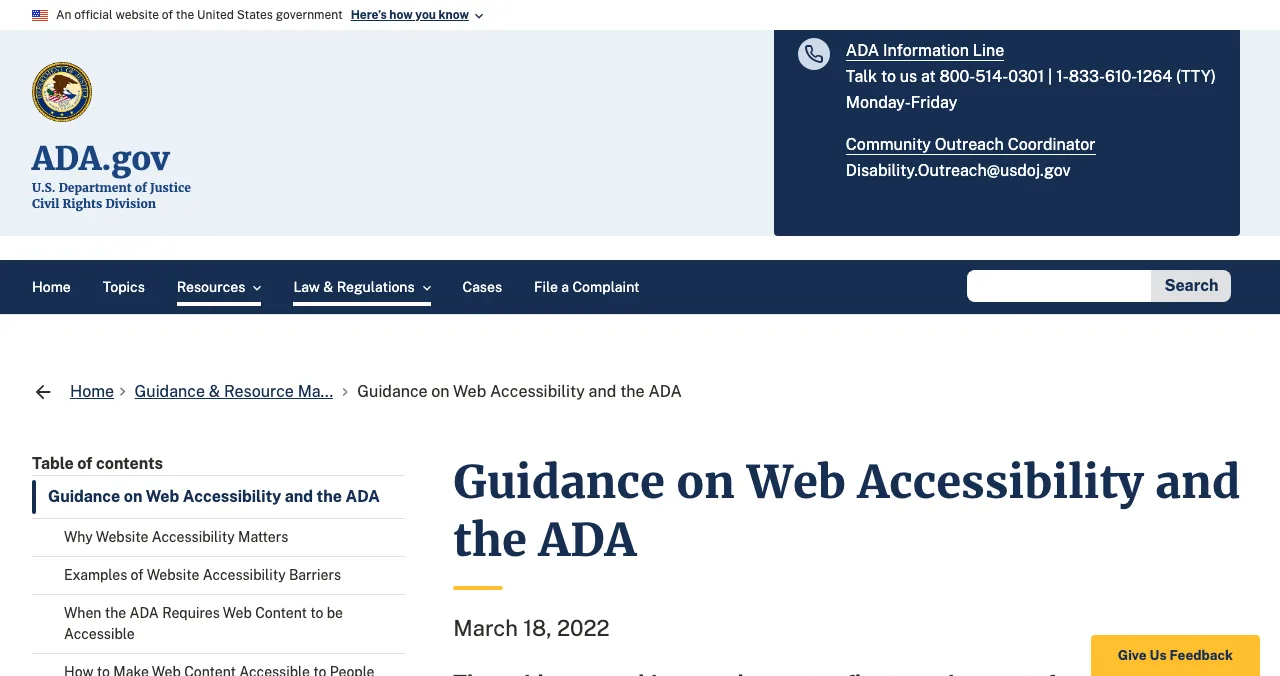
The DOJ's "Guidance on Web Accessibility and the ADA" (18 March 2022) is the plainest official source for businesses. As read on 20 November 2026, it says:
- Businesses (Title III): the Department "has consistently taken the position that the ADA's requirements apply to all the goods, services, privileges, or activities offered by public accommodations, including those offered on the web."
- Flexibility: businesses "have flexibility in how they comply" with the ADA's general requirements of nondiscrimination and effective communication, but they must comply.
- Standards: existing technical standards, including WCAG and the Section 508 Standards, "provide helpful guidance".
- Tools: automated checkers and overlays "can be helpful tools", but a clean report doesn't necessarily mean everything is accessible; pair them with a manual check.
- Governments (Title II): the page notes it doesn't reflect the rule for state and local governments published on 24 April 2024.
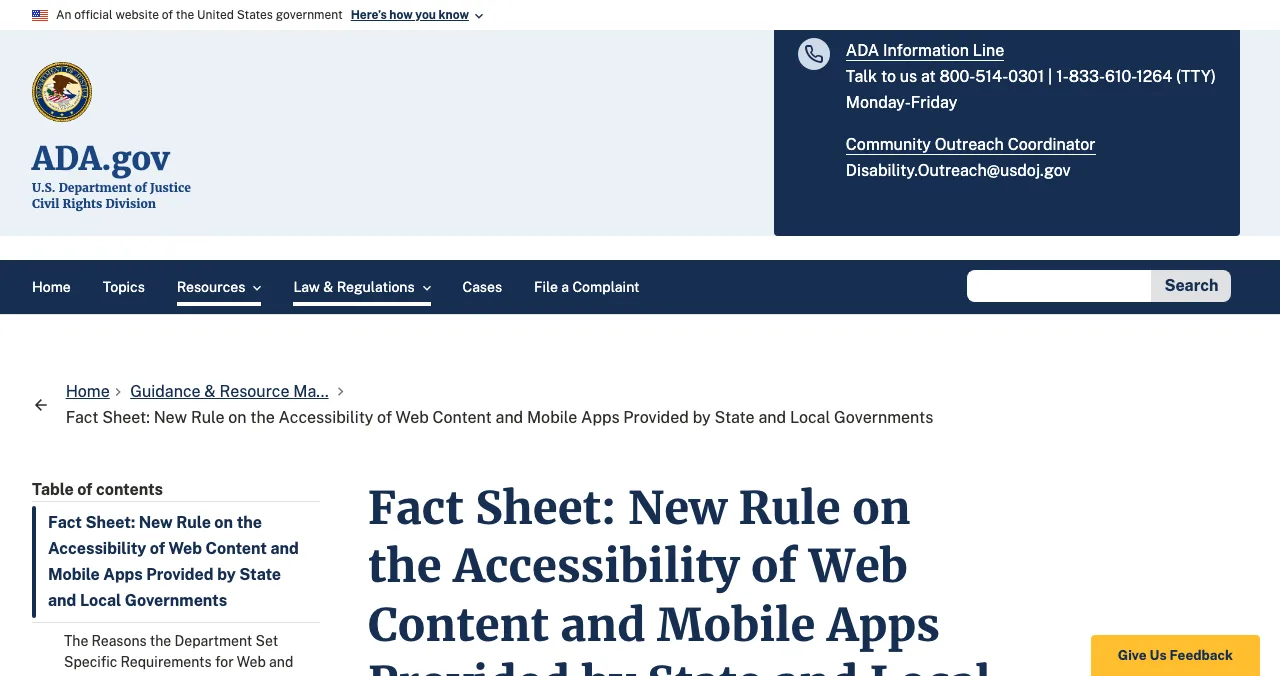
For state and local governments, the DOJ's Title II rule adopts WCAG 2.1 Level AA for web content and mobile apps. The ADA.gov fact sheet lists compliance dates of 26 April 2027 (populations of 50,000 or more) and 26 April 2028 (smaller populations and special district governments), after an interim final rule published on 20 April 2026 extended the original deadlines. If you sell software to US public bodies, expect that standard in procurement.
How does a WCAG audit work?
| Stage | What happens | Output |
|---|---|---|
| Scope | Pick the WCAG version and level (usually 2.2 AA), pages and key journeys | A test plan |
| Automated scan | Tools flag machine-detectable failures | Triage list |
| Manual testing | Keyboard-only, screen reader, zoom, contrast, forms | Confirmed failures |
| Journey testing | Sign-up, sign-in, checkout and core tasks end to end | Blockers by severity |
| Report | Each failure mapped to a WCAG success criterion, with evidence and a fix | Prioritised fix list |
| Re-test | Fixed items checked again | Updated status |
Table: The stages of a website accessibility audit (Science of Apps editorial, based on W3C WAI evaluation guidance)
Which WCAG version should an ADA website audit use?
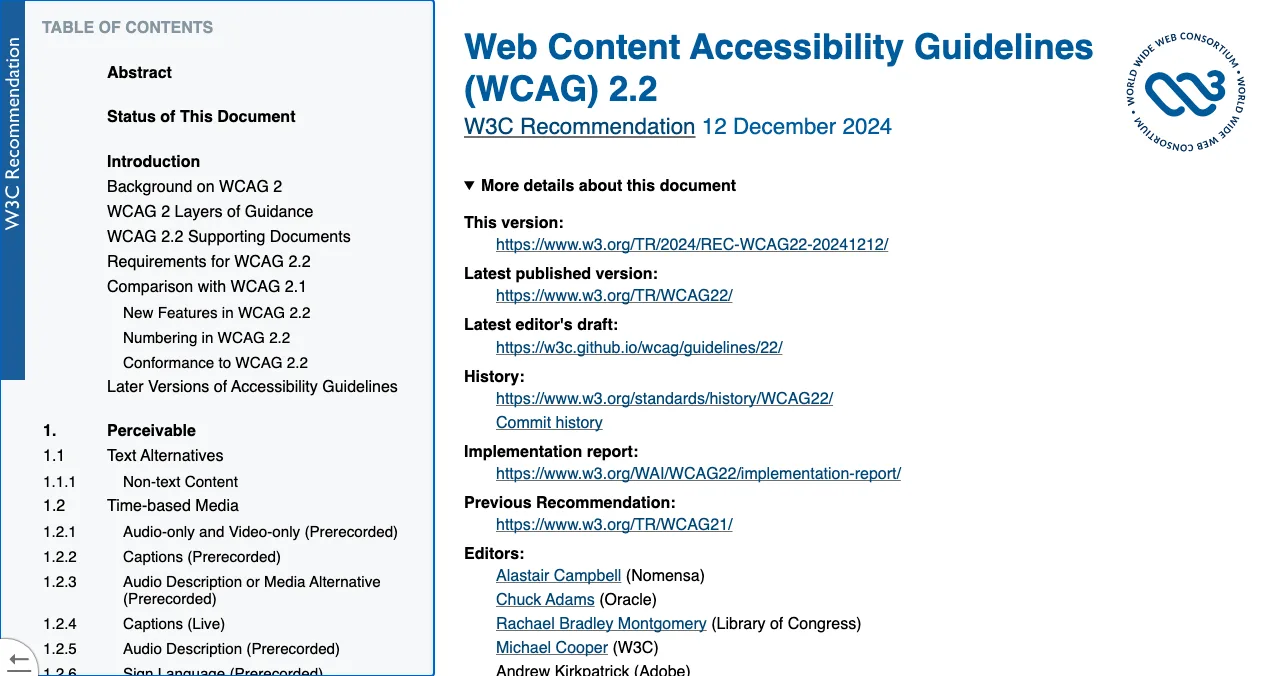
WCAG 2.2 became a W3C Recommendation on 5 October 2023. The W3C says it provides nine additional success criteria since WCAG 2.1, and that 4.1.1 Parsing is obsolete and removed. Auditing to 2.2 AA therefore covers everything in 2.1 AA except Parsing, plus the new AA and A criteria:
| New in WCAG 2.2 | Level | What to check |
|---|---|---|
| 2.4.11 Focus Not Obscured (Minimum) | AA | Sticky headers and cookie bars don't hide the focused element |
| 2.5.7 Dragging Movements | AA | Anything done by dragging also works with a single tap or click |
| 2.5.8 Target Size (Minimum) | AA | Buttons and links are big enough, or spaced apart |
| 3.2.6 Consistent Help | A | Help links appear in the same place across pages |
| 3.3.7 Redundant Entry | A | Users aren't asked for the same information twice in a process |
| 3.3.8 Accessible Authentication (Minimum) | AA | Sign-in doesn't rely on a memory or puzzle test without an alternative |
Table: WCAG 2.2 Level A and AA additions (W3C WAI, What's New in WCAG 2.2, checked 20 Nov 2026)
The website accessibility audit checklist
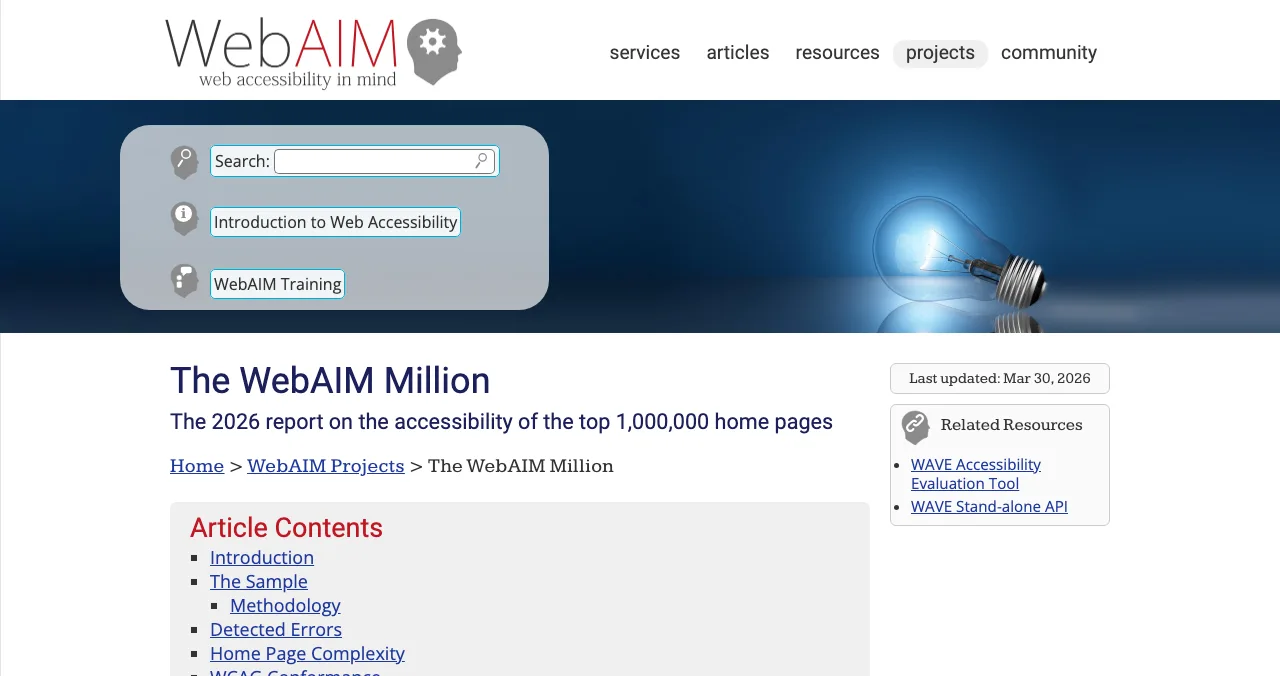
WebAIM's 2026 Million report found the six most common detected failures on home pages were low-contrast text (83.9% of pages), missing image alt text (53.1%), missing form input labels (51%), empty links (46.3%), empty buttons (30.6%) and missing document language (13.5%). Start there.
- Text contrast — at least 4.5:1 for normal text (WCAG 1.4.3)
- Alt text — every meaningful image described; decorative images marked as such
- Form labels — every input has a visible, programmatic label
- Link and button names — no empty links or icon-only buttons without accessible names
- Page language — set on the html element
- Keyboard only — every control reachable and usable with Tab, Enter, Space and arrows
- Visible focus — and not hidden behind sticky headers (2.4.11)
- Headings — one H1, logical order
- Zoom to 200% and reflow at 320px — no lost content or horizontal scroll
- Target size — tap targets meet 2.5.8
- Errors — identified in text, with suggestions, not colour alone
- Sign-in — no cognitive test without an alternative; password managers and paste allowed (3.3.8)
- No repeated entry — 3.3.7, especially in sign-up and checkout
- Media — captions for video, transcripts for audio
- Motion — no auto-playing content that can't be paused
- Screen reader pass — sign-up, core task and checkout with VoiceOver or NVDA
Free tools for a website accessibility audit
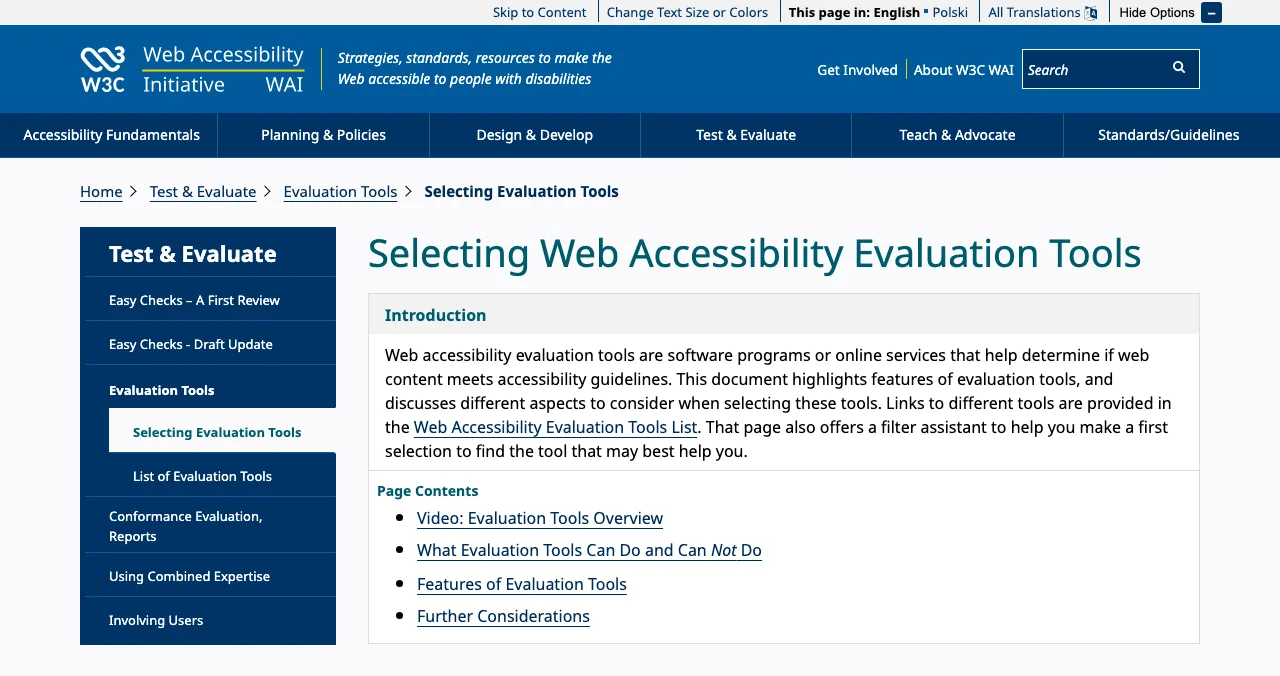
The W3C is clear: "Tools cannot check all accessibility aspects automatically. Human judgement is required." Use these to triage, then test by hand.
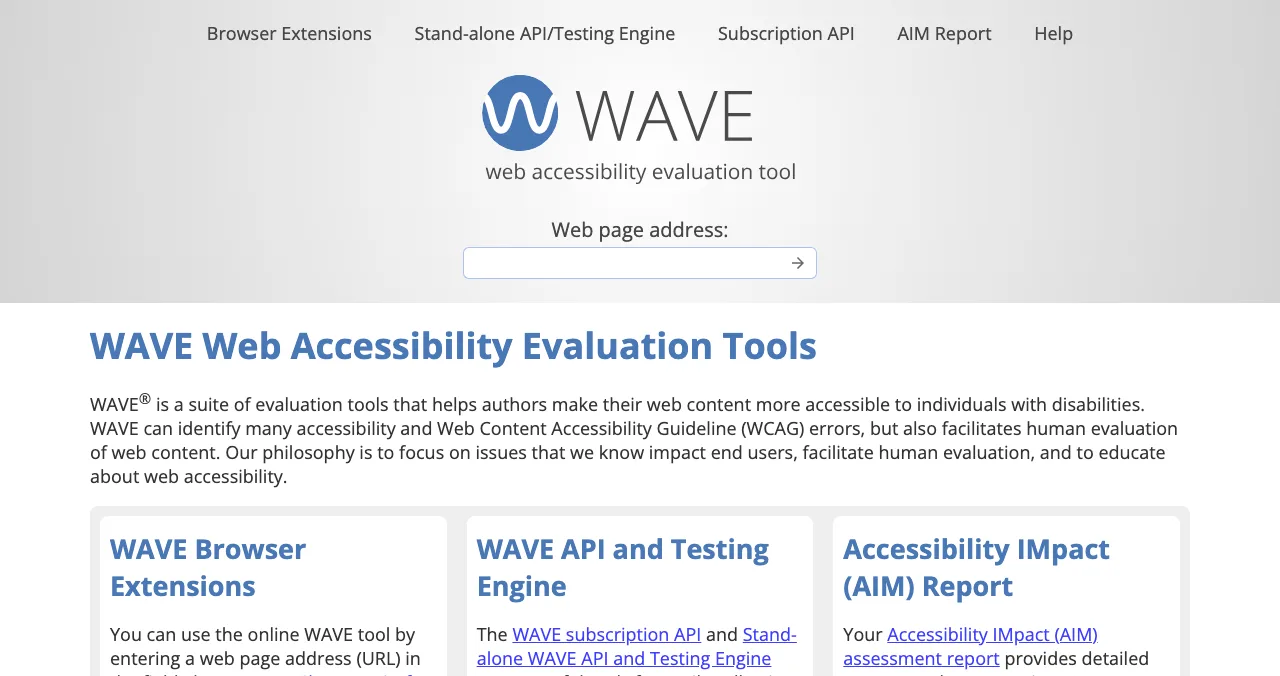
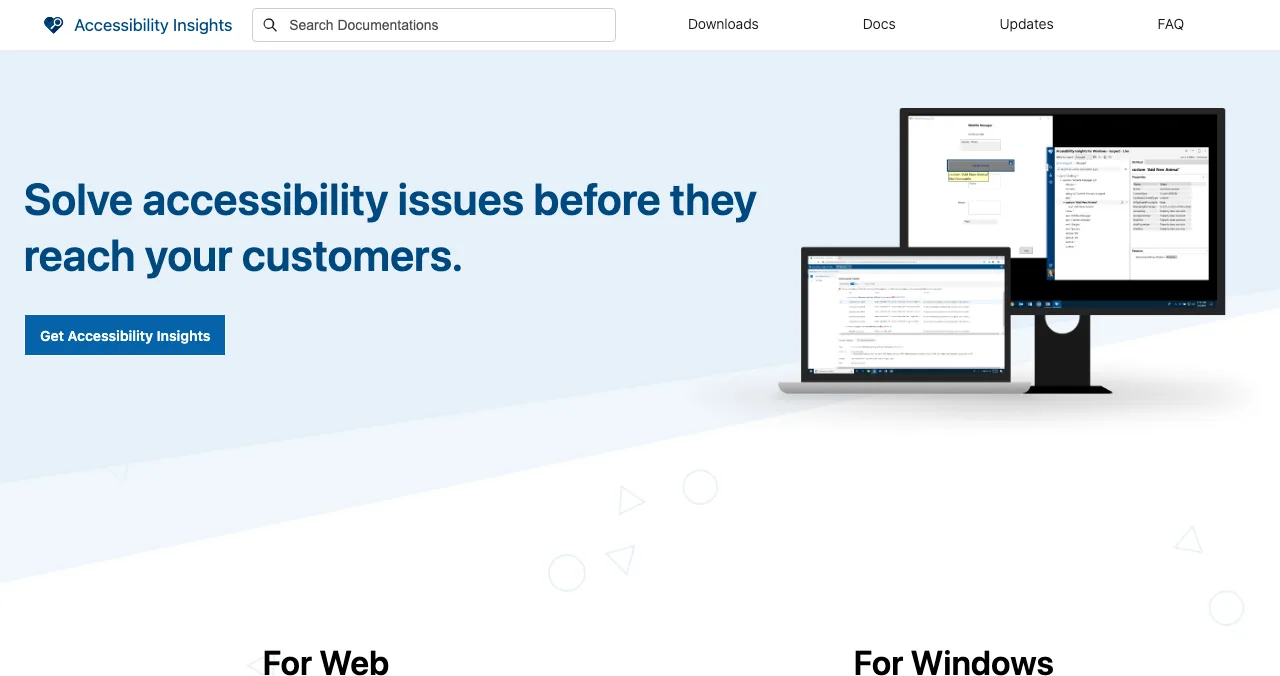
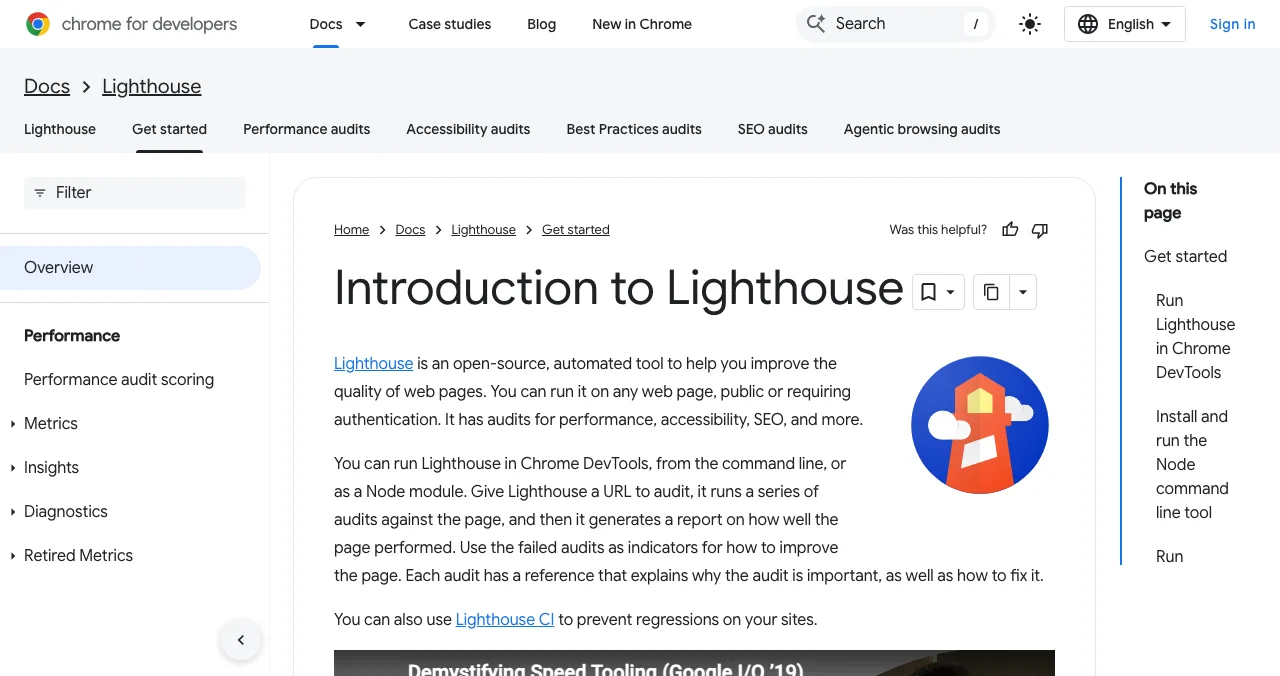
| Tool | Type | Best for |
|---|---|---|
| WAVE (WebAIM) | Free web tool and extension | Fast visual triage on any page |
| Accessibility Insights (Microsoft) | Free extension | Automated checks plus a guided assessment |
| Lighthouse (Google) | Built into Chrome | An accessibility score during development |
| Your keyboard | Manual | Focus order, traps and visibility |
| VoiceOver / NVDA | Free screen readers | Real assistive-technology behaviour |
Table: Free tools for a WCAG audit (each tool's own page, checked 17–20 Nov 2026)
Accessibility in the Launchpad investigation

Accessibility is usually audited on its own, page by page. In a Launchpad investigation it's measured alongside the rest of the product. "Accessibility (WCAG 2.2)" is one of 22 areas and the largest group of automatic measurements (9 of 39), run in a real browser on desktop and mobile, and expert checks look at the screens behind your login, such as sign-up and checkout, where an inaccessible step loses a customer outright. Each finding cites its WCAG criterion, carries one of five verdicts and is approved by an analyst. Listing is free, forever; the investigation is optional and private.
- Automatic accessibility measurements
- 9
- Automatic measurements in all
- 39
- Expert checks behind your login
- 74
- Areas, accessibility included
- 22
Every finding mapped and ranked
List free, then order the report that fits your stage.

 Economy
See what new customers see
- Store listing and homepage, screen by screen
- Scorecard against 60 Laws of UX
- The fixes worth most
PremiumThe full diagnosis and the plan
- Every screen, every finding, every flow
- All 60 laws with evidence and fixes
- 8 strategy chapters and a 90-day roadmap
Analyst-reviewed. Private to your team. Never affects ranking.
A two-week accessibility audit plan
- Day 1
Scope
Choose WCAG 2.2 AA; list your key pages and the sign-up, core task and checkout journeys.
- Day 2
Scan
Run WAVE and Accessibility Insights on each page; log every error.
- Days 3–5
Manual
Keyboard-only and screen reader passes through each journey.
- Days 6–9
Fix
Contrast, labels, names and focus first; then journeys.
- Day 10
Re-test
Re-scan and repeat the keyboard pass; publish an accessibility statement with a contact route.
Mistakes to avoid

- Relying on an overlay — the DOJ says a clean automated report doesn't mean a site is accessible
- Auditing the homepage only — sign-up and checkout matter most
- Using colour alone for errors — add text
- Blocking paste in password fields — it hurts accessible authentication
- Treating an audit as a certificate — re-test after every redesign
Ready to launch?
How we know
Statements about the ADA come only from the US Department of Justice's pages on ADA.gov, and statements about WCAG from the W3C, all read on 20 November 2026. Failure rates come from WebAIM's 2026 Million report. This is not legal advice. Science of Apps runs the Launchpad.
Key terms, defined
- ADA compliance audit: a check of whether a website or app can be used by people with disabilities, usually against WCAG.
- ADA website audit: the same test, framed around US law.
- WCAG audit: an audit against a stated version and level of the W3C's Web Content Accessibility Guidelines.
- WCAG 2.2 AA: the current WCAG version at the level most audits and policies target.
- Success criterion: a single testable requirement in WCAG, such as 1.4.3 Contrast (Minimum).
- Title II / Title III: the parts of the ADA covering state and local governments, and businesses open to the public.
Frequently asked questions
What is an ADA compliance audit?
An ADA compliance audit for a website is a structured check of whether people with disabilities can perceive, operate and understand it. In practice it tests pages and key journeys against the W3C's Web Content Accessibility Guidelines (WCAG) with automated tools, keyboard and screen reader testing, and expert review, then lists failures by severity. It isn't a legal certification.
Does the ADA apply to websites?
The US Department of Justice's web accessibility guidance says the Department has consistently taken the position that the ADA's requirements apply to all the goods, services, privileges or activities offered by public accommodations, including those offered on the web. It says businesses have flexibility in how they comply. For your own situation, ask a lawyer.
What standard does a WCAG audit use?
Most audits use WCAG at Level AA. WCAG 2.2, published as a W3C Recommendation on 5 October 2023, is the current version and adds nine success criteria to WCAG 2.1. The DOJ's 2024 rule for state and local governments adopts WCAG 2.1 Level AA; auditing to 2.2 AA covers 2.1 AA too, apart from the removed 4.1.1 Parsing.
What is the difference between an ADA website audit and a website accessibility audit?
In practice they're the same test. 'ADA website audit' is the US legal framing; 'website accessibility audit' or 'WCAG audit' is the technical one. Both check a site against WCAG success criteria. A good audit report states which WCAG version and level it used and which pages and journeys it covered.
Can an automated tool make my site ADA compliant?
No. The DOJ says automated checkers and overlays can be helpful but a clean report doesn't necessarily mean everything is accessible, and recommends pairing them with manual checks. W3C says tools cannot check all accessibility aspects automatically and that human judgement is required. Use tools to triage, then test by hand.
When do state and local governments have to comply?
Under the DOJ's Title II web rule, which adopts WCAG 2.1 Level AA, ADA.gov's fact sheet lists compliance dates of 26 April 2027 for governments serving 50,000 or more people and 26 April 2028 for smaller ones and special district governments, after an interim final rule published on 20 April 2026 extended the original deadlines.
How much does an ADA compliance audit cost?
Costs vary widely with the number of pages, journeys and platforms, and whether testing includes users with disabilities. You can start free with WAVE, Lighthouse and Accessibility Insights plus manual keyboard and screen reader checks. Our UX audit cost guide covers what professional audits typically include.
Sources
- US Department of Justice, ADA.gov — Guidance on Web Accessibility and the ADA (checked 20 Nov 2026)
- US Department of Justice, ADA.gov — Fact Sheet: New Rule on the Accessibility of Web Content and Mobile Apps Provided by State and Local Governments (checked 20 Nov 2026)
- W3C — Web Content Accessibility Guidelines (WCAG) 2.2 (checked 20 Nov 2026)
- W3C WAI — What's New in WCAG 2.2 (checked 20 Nov 2026)
- W3C WAI — Selecting Web Accessibility Evaluation Tools (checked 20 Nov 2026)
- WebAIM — The WebAIM Million, 2026 report (checked 20 Nov 2026)
- WebAIM — WAVE (checked 20 Nov 2026)
- Science of Apps — Product investigation: Accessibility (WCAG 2.2) (checked 20 Nov 2026)
- Checked November 20, 2026. Figures that change — fees, salaries, prices — are reviewed every six months; if something is out of date, tell us.
Where to go from here
- Accessibility checklist — the design side
- UX audit tools — tools beyond accessibility
- Website vs UX vs product audit — where accessibility fits
- Science of Apps - LaunchpadHow to do a UX audit of your website in one day: the eight steps, the standards to check against, the free tools, and how to turn findings into a fix listHow to do a UX audit in one day: set goals, walk the journey, check Nielsen's heuristics and WCAG 2.2, measure speed, read analytics and rank the fixes.
- Science of Apps - LaunchpadThe UX audit checklist: a free, journey-based template for websites and apps, built on Nielsen's heuristics and WCAG 2.2A free UX audit checklist for websites and apps: 60 checks across the user journey, from first impression to payment, using Nielsen's heuristics and WCAG 2.2.
- Science of Apps - LaunchpadA free website UX audit for startups: the five things to check first (findability, clarity, speed, accessibility, the sign-up path) with the free tools that measure eachA free website UX audit for startups: check findability, clarity, speed, accessibility and the sign-up path first, with free Google, WebAIM and Microsoft tools.
- Science of Apps - LaunchpadThe best UX audit tools for startups, free and paid: what each one actually checks (behaviour, speed, accessibility, research) and the gaps no tool fillsThe best UX audit tools for startups, free and paid: Clarity, PageSpeed Insights, WAVE, Hotjar, Maze and an end-to-end product test, with what each checks.
- Science of Apps - LaunchpadFree SEO audit: a site SEO audit checklist you can run yourself in an afternoon, the free SEO audit tools for each step, and the product audit that should followRun a free SEO audit yourself: a 20-point site SEO audit checklist for indexing, titles, speed, links and AI answers, and the free SEO audit tool for each.
- Science of Apps - LaunchpadWebsite checker: 12 free tools to check any site online for speed, SEO, accessibility, security and Google indexing, and what single checkers can't tell youThe best free website checker depends on what you test: 12 tools for speed, SEO, indexing, accessibility and security, and the whole product.

Get the ideas, not the noise.
Sign up with Google and we’ll send you short UX psychology tips by email — why people tap, stall and leave, and what to do about it. Unsubscribe anytime. Prefer something to keep? Get the free Laws of UX guide as a PDF.
Launch day ends. Your listing shouldn't.
Accessibility to WCAG 2.2 is measured in every Launchpad investigation, with 9 automatic accessibility measurements plus expert checks on the screens behind your login. List free, forever.