 By
Quick answer: How do I list my product on G2?
- One account: G2's seller account covers G2, Capterra, Software Advice, GetApp.
- Validation: LinkedIn or a business email.
- Free plan: claim profile, collect reviews, 'Users Love Us' badge.
- Starter: $299/month or $2,999/year (new vendors only).
- First: get real users; reviews come from customers.
Key takeaways
- G2 and Capterra are now one ecosystem for vendors.
- The free plan is enough to claim a profile and start reviews.
- Reviews come from customers, so list once you have them.
- Paid plans buy review campaigns and leads, not rank you haven't earned.
- Keep your profile consistent with your site and other listings.
Until recently, listing on G2 and listing on Capterra were two separate chores with two vendor portals. That's changed. Capterra's vendor page now introduces itself as "part of the G2 ecosystem", and G2's seller login describes one place to manage your profile across G2, Capterra, Software Advice and GetApp. For a startup, that means one account and one free plan to start collecting reviews. This guide covers how to list, what's free, what the paid plans add and when it's worth doing, from G2's and Capterra's own pages as read on 17 November 2026. Jump to how to list, free vs paid or when to bother.
- Seller account for G2, Capterra, Software Advice, GetApp
- 1
- G2's free plan
- $0
- G2 Starter (or $2,999/year)
- $299/mo
- Reviews in the G2 ecosystem (G2's figure)
- 6M+
G2 and Capterra are now one ecosystem
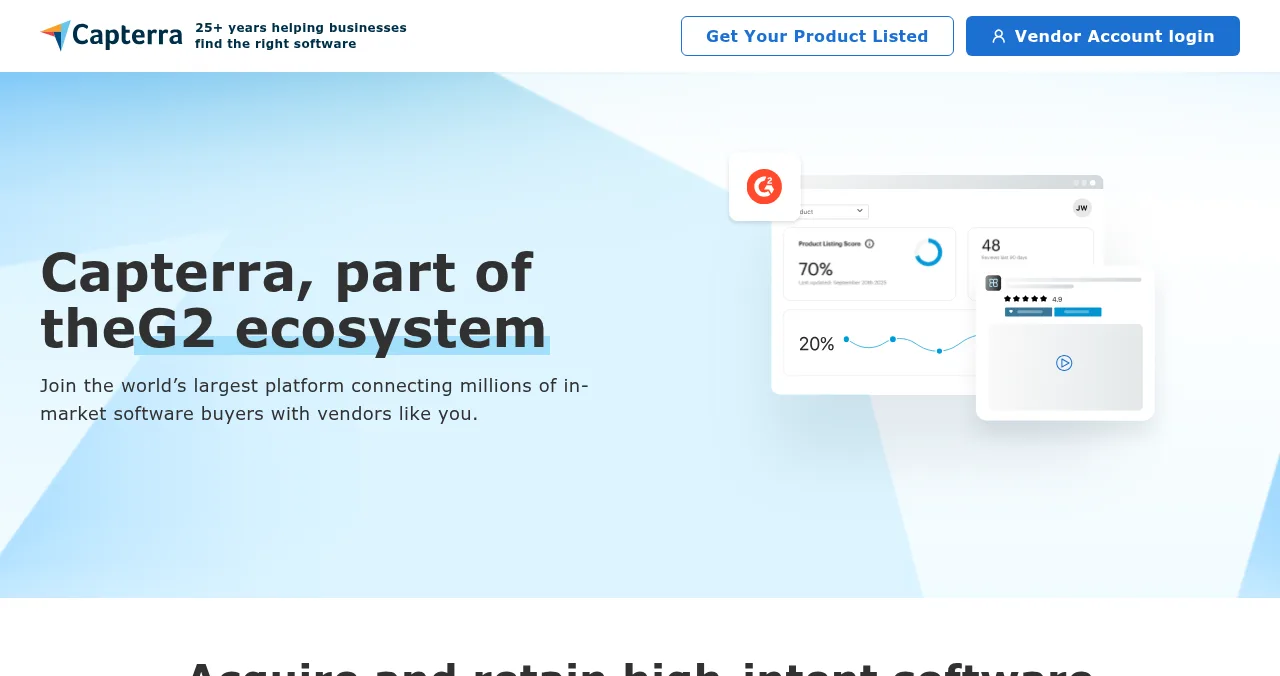
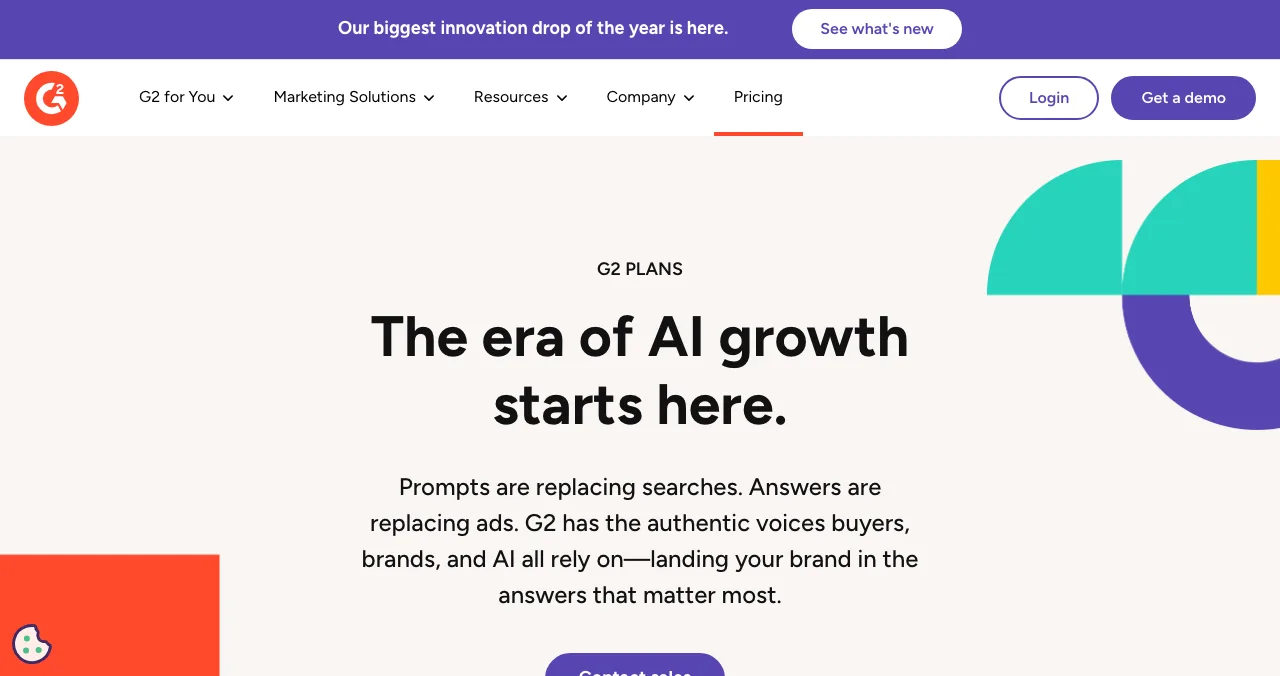
Capterra's vendor page says it's part of the G2 ecosystem and talks about acquiring buyers "across the G2 ecosystem", collecting verified reviews and qualifying for G2 research reports. G2's seller login describes managing your product profile, buyer activity and brand "across G2 marketplaces: G2, Capterra, Software Advice, and GetApp". G2 says its ecosystem has 6M+ reviews and 200M+ buyers a year.
How to list on G2 (and Capterra)

- Open G2's seller login — via "Add Your Product/Service" on G2.
- Validate your account — through LinkedIn or a business email at your domain.
- Claim or create the profile — search first; G2 may already list you.
- Complete it — description, category, screenshots, pricing, website.
- Invite customers to review — real users, with no reward tied to a positive rating.
- Add the badge — the free plan includes a 'Users Love Us' badge licence.
G2 plans: free vs paid
| Plan | Price | Includes |
|---|---|---|
| Free | $0 | Unlimited users, basic profile, standard seller page, 'Users Love Us' badge licence, basic review collection and syndication |
| Starter | $299/month (no contract) or $2,999/year | Free plus review collection with $100 gift-card credits, custom CTAs, upgraded profile, branded banners, review campaigns, report and milestone badges; new vendors only |
| Professional and up | Contact sales | Starter plus video reviews, larger review credits and buyer insights |
Table: G2 plans (sell.g2.com/plans, checked 17 Nov 2026)
Gift-card review credits are a common way to encourage reviews; follow G2's rules and the FTC's reviews rule, which bans incentives conditioned on a positive or negative review (how to collect testimonials).
When should a startup list on G2?

- You have paying customers — they're who writes reviews
- Buyers in your market use review sites — common for B2B software
- You can ask for reviews steadily — a few a month beats a burst
- Your profile matches your site — same name, one-liner and pricing
Not yet? Start where first users come from: launch sites, directories and communities. See free G2 alternatives for places to collect first reviews.
Mistakes

- An empty profile — no reviews gives buyers nothing to go on
- Asking only happy customers in a way that suppresses others — review suppression is banned under the FTC rule
- Paying for a plan before you have reviews
- Duplicate profiles — search and claim before creating
Ready for first users?
How we know
Plan details come from G2's plans page; the ecosystem description from G2's seller login and Capterra's vendor page; G2's figures from its marketing site; all read on 17 November 2026. Figures are G2's own claims.
Key terms, defined
- G2: a B2B software review marketplace.
- Capterra: a software discovery and review site, now part of the G2 ecosystem.
- Review syndication: sharing reviews across sites in a network.
- Review campaign: an organised push to collect customer reviews.
- Seller page: your company's vendor page on a review site.
Frequently asked questions
How do I list my product on G2?
Go to g2.com, choose 'Add Your Product' to reach the seller login, and create an account validated through LinkedIn or a business email. Then claim your existing profile or create a new one, fill in your description, category and screenshots, and start inviting customers to review.
Is Capterra free for vendors?
Capterra's vendor page invites you to 'Get Your Product Listed' and says it's part of the G2 ecosystem; the G2 seller account manages profiles across G2, Capterra, Software Advice and GetApp. G2's free plan covers a basic profile and review collection; lead generation and campaigns are paid.
What does G2's free plan include?
G2's plans page listed: unlimited users, a basic profile, a standard seller page, a 'Users Love Us' badge licence, and basic review collection and syndication, as checked on 17 November 2026.
How much does G2 cost?
G2 Starter was $299 a month with no contract or $2,999 a year, available to new vendors only; Professional and higher plans are priced through sales, as checked on 17 November 2026.
Are G2, Capterra and GetApp the same company now?
Capterra's vendor page says 'Capterra, part of the G2 ecosystem', and G2's seller login describes managing your profile across G2, Capterra, Software Advice and GetApp.
When should a startup list on G2?
Once you have customers who can review you. Without reviews, a profile has little to show buyers. Before that, focus on launch sites and directories that bring first users.
Sources
- G2 — Plans (checked 17 Nov 2026)
- G2 — Seller login (checked 17 Nov 2026)
- Capterra — For Vendors (checked 17 Nov 2026)
- G2 — Sell (marketing solutions; checked 17 Nov 2026)
- Science of Apps — Launchpad: launch your product free
- Checked November 17, 2026. Figures that change — fees, salaries, prices — are reviewed every six months; if something is out of date, tell us.
Where to go from here
- Free G2 alternatives — first reviews
- Product Hunt alternatives — launch sites
- Places to launch a startup — first users
- Science of Apps - LaunchpadG2 vs Capterra vs the Science of Apps Launchpad: where a new SaaS with no reviews should list first, what each costs, and how to get from zero reviews to a profile buyers trustG2 and Capterra now share one seller account, and both need reviews to rank. Where a new SaaS should list first, what it costs and how to get first reviews.
- Science of Apps - LaunchpadGetApp vs Capterra vs Software Advice: are they the same company? Who owns them now that G2 has bought them from Gartner, how one listing reaches all three, what's free and what pay-per-click and pay-per-lead cost youGetApp, Capterra and Software Advice share an owner: G2 agreed to buy all three from Gartner in 2026. One listing, one click budget, and what's free.
- Science of Apps - LaunchpadHow to get your startup listed on Crunchbase: register, authenticate, create the profile and make it completeHow to add your company to Crunchbase in 2027: register free, connect a social account, create the profile, verify you work there and fill in every field.
- Science of Apps - LaunchpadHow to get your product mentioned in listicles, 'best tools' articles and alternatives pages honestly: find the right lists, make your product easy to include, pitch editors well, and earn mentions AI engines can trustHow to get your product mentioned in listicles, best tools articles and alternatives pages: find the right lists, pitch editors well, earn mentions honestly.
- Science of Apps - LaunchpadThe B2B software directory guide for 2027: where to launch B2B software free, from G2 and Capterra to SaaSHub and Product Hunt, with each one's terms checkedWhere to launch B2B software free: the Launchpad, G2's free plan, Capterra, SaaSHub and Product Hunt, plus what B2B buyers check first. Terms checked Nov 2026.
- Science of Apps - LaunchpadFree G2 and Capterra alternatives for collecting your first reviews: Product Hunt reviews, AlternativeTo, SaaSHub and Launchpad vouches, and how to ask for them honestlyFree G2 alternatives for a new SaaS's first reviews: Product Hunt, AlternativeTo, SaaSHub, Launchpad vouches and G2's own free plan.
Get the ideas, not the noise.
Sign up with Google and we’ll send you short UX psychology tips by email — why people tap, stall and leave, and what to do about it. Unsubscribe anytime. Prefer something to keep? Get the free Laws of UX guide as a PDF.
Launch day ends. Your listing shouldn't.
Review marketplaces reward products that already have users; a free, permanent Launchpad listing helps you get the first ones, found by the problem you solve and ranked by relevance, never payment.