 By
Quick answer: How do I ask users for testimonials?
- When: right after a user gets a result or says thanks.
- How: one specific question, in the channel you already talk in.
- Make it easy: offer to draft the quote from their words.
- Permission: written OK for name, photo, company and wording.
- Rules: no fake reviews, no paying only for positive ones.
Key takeaways
- Timing matters more than wording; ask at the moment of success.
- Specific outcomes persuade more than general praise.
- Most users say yes if you do the writing for them.
- Keep a record of every permission.
- A testimonial must reflect the user's real experience.
Your first users already said nice things. They said them on a call, in a WhatsApp message at 11pm, in a support reply that ended with "this is great, thanks". None of it is on your website, because you never asked. Testimonials from early users are the cheapest trust a startup can earn: they show a stranger that someone like them got a real result. This guide covers when to ask, five scripts you can paste, how to turn a reply into a quote, and the rules that keep it honest, including the US FTC's reviews and testimonials rule, as read on 17 November 2026. Jump to the scripts, turning replies into quotes or the rules.
- Request scripts in this guide
- 5
- Question per ask
- 1
- FTC reviews rule took effect
- 21 Oct 2024
- Vouches for a Launchpad Community favourite badge
- 25
When to ask for a testimonial
Ask at the moment of success. The same user who'd ignore a "please review us" email in month three will happily answer a question the minute your product saves them an afternoon.

- They finish the core task — the first invoice sent, the first report generated
- They thank you — reply, "Glad it helped. Could I quote that?"
- They hit a milestone — 30 days in, the 100th order, a renewal
- They refer someone — the strongest signal they'll say yes
- Not after a bug or a support fight — wait until it's fixed and they're happy
Five scripts to ask for testimonials
1. The reply to a thank-you
That's great to hear, thank you. Would you mind if I quoted that on our site, with your name and role? Happy to send you the exact wording first.
2. The one-question email
Subject: One question about [product] Hi [name], you've been using [product] for [time]. What's one thing that's different for you since you started? A sentence or two is perfect. If it's OK, I'd like to share your answer on our website; I'll send it to you before anything goes live.
3. The draft-it-for-you message
On our call you said [their words]. Could I turn that into a short quote like this: "[draft]". Change anything you like, or say no; either is fine.
4. The milestone check-in
You just [milestone]. Congratulations. Two quick questions: what were you using before, and what changed after you switched?
5. The vouch or review ask
If [product] has been useful, a vouch on our Launchpad page would help other founders find it: [link]. It takes one click.
Turning replies into usable quotes

- Keep their words — trim, don't rewrite; fix only typos.
- Lead with the outcome — "We send invoices in 5 minutes instead of an hour."
- Add who they are — name, role, company type and city.
- Send it back for approval — in writing, with where it will appear.
- Store the permission — the email or message, with the date.
| Weak testimonial | Strong testimonial |
|---|---|
| "Great product, highly recommend!" | "We cut no-shows from 12 to 4 a week in our first month." |
| Anonymous: "— A happy customer" | "— Priya S., owner, physiotherapy clinic, Pune" |
| Reworded by the founder | The user's own words, approved in writing |
| No date | "Customer since March 2026" |
Table: Weak vs strong testimonials (editorial examples; names and numbers are illustrative)
The rules: what you can't do
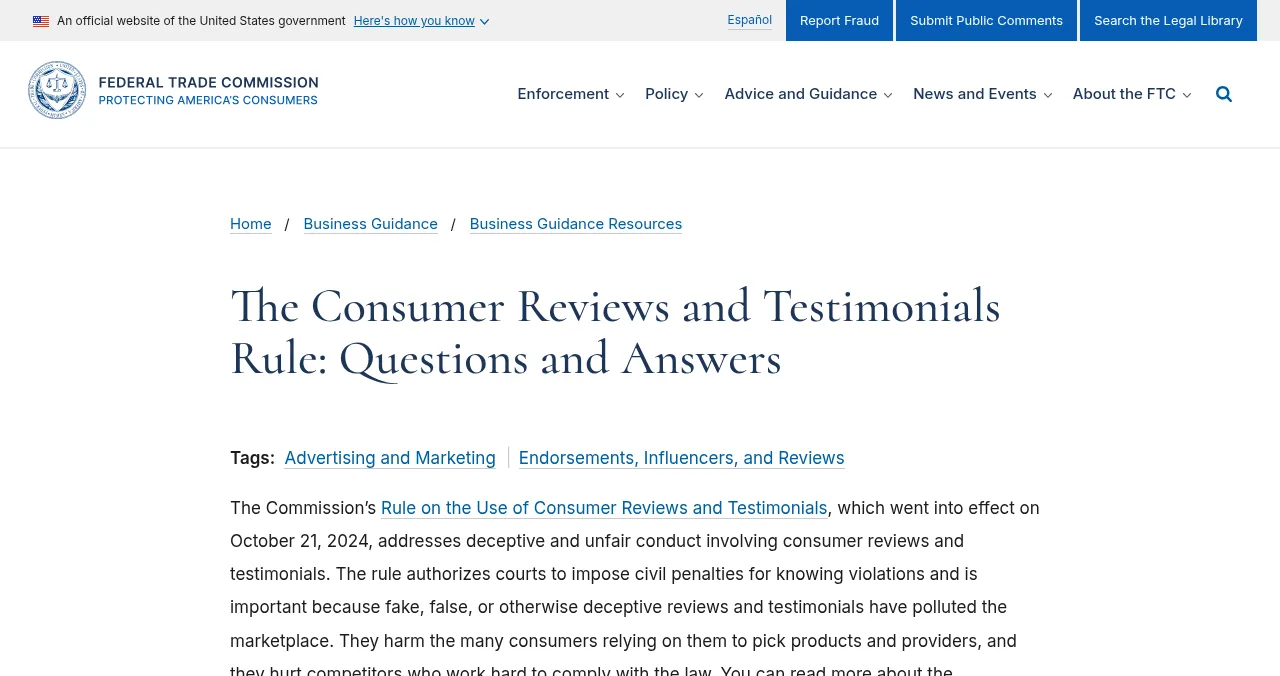
The FTC's Rule on the Use of Consumer Reviews and Testimonials took effect on 21 October 2024 and lets courts impose civil penalties for knowing violations. Its sections cover:

- Fake or false reviews and testimonials — including ones from people who didn't use the product
- Buying positive or negative reviews — incentives conditioned on what the review says
- Insider reviews — from employees or relatives without disclosure
- Company-controlled review sites — presented as independent
- Review suppression — threats or tricks to stop negative reviews
- Fake social media indicators — bought followers or views
The rule applies to US consumers; other countries have their own consumer-protection laws. The honest default works everywhere: real users, real words, clear permission and disclosed incentives. See social proof for why honest proof works better anyway.
Where to put testimonials

Next to the sign-up button
The moment of doubt; one short quote about how easy it was.
On pricing
A quote about value: what the product paid back.
On feature pages
A quote from someone who uses that feature.
On your listings
Launch sites and directories where vouches and reviews are verifiable.
Mistakes

- Asking in a bulk email months later — ask at the moment of success
- Generic praise — ask what changed, not whether they like it
- No permission on record — keep the written OK
- Using a logo without permission — ask separately for logos
- Only showing perfect five-star quotes — real, specific beats perfect
Ready to collect them?
How we know
The rule's scope, sections and effective date come from the US FTC's questions-and-answers guidance; badge requirements from the Science of Apps badges page; both read on 17 November 2026. The scripts and examples are our editorial templates; names and numbers in examples are illustrative. This isn't legal advice.
Key terms, defined
- Testimonial: an endorsement reflecting a customer's experience, used in marketing.
- Consumer review: an evaluation posted on a site that collects reviews.
- Incentivised review: a review given in exchange for a reward.
- Vouch: a one-click endorsement from a trusted Launchpad member.
- Social proof: people's tendency to follow what others like them do.
Frequently asked questions
How do I ask users for testimonials?
Ask right after they get a result, in the channel you already use with them (chat, email, WhatsApp). Ask one question about what changed, offer to draft a short quote from their reply, and ask for permission to use their name, role and company.
When is the best time to ask for a testimonial?
Right after a moment of success: they finish a task, hit a milestone, renew, or thank you unprompted. That's when the result is fresh and goodwill is highest.
Can I write a testimonial for a customer?
You can draft one from their own words and send it for approval, as long as it reflects their real experience and they agree to it. Inventing quotes or putting words in their mouth is deceptive, and the FTC's 2024 rule bans fake testimonials.
Can I pay or reward users for reviews?
Under the FTC's rule, you can't offer incentives that are conditioned on the review being positive or negative. Where incentives are allowed, disclose them clearly. Check the rules of each review platform too; many ban incentives entirely.
How do I get app reviews from early users?
Use the platform's built-in prompts (Apple's and Google's in-app review APIs) at a moment of success, rather than after an error or on first launch. Never ask only happy users to rate while steering unhappy ones elsewhere.
What makes a good testimonial?
A real name and role, a specific before-and-after (time saved, money earned, a problem gone), and the user's own words. Short is fine; specific is essential.
Sources
- US FTC — The Consumer Reviews and Testimonials Rule: Questions and Answers (rule effective 21 Oct 2024; checked 17 Nov 2026)
- Science of Apps — Launchpad badges (checked 17 Nov 2026)
- Apple — Requesting App Store reviews
- Android Developers — Google Play In-App Review API
- Checked November 17, 2026. Figures that change — fees, salaries, prices — are reviewed every six months; if something is out of date, tell us.
Where to go from here
- Social proof — why testimonials work
- Social proof for new startups — before you have customers
- Get your first 100 users — who to ask
- Science of Apps - LaunchpadCold outreach for startups: who to contact, emails that get replies, follow-ups, and the CAN-SPAM and Gmail rules that keep you out of spamCold outreach for startups: who to email, a short template that gets replies, follow-ups, and the CAN-SPAM and Gmail sender rules to follow.
- Science of Apps - LaunchpadA product launch email template you can copy: the launch-day email, the heads-up, the follow-up, and the rules that keep a Product Hunt launch safeA product launch email template to copy: heads-up, launch-day and follow-up emails, subject lines, and the Product Hunt rules on asking for upvotes.
- Science of Apps - LaunchpadA customer interview script for startups: the questions that get honest answers, the ones that get polite lies, and how to turn interviews into decisionsA customer interview script for startups: questions about past behaviour that get honest answers, the ones to avoid, and a note-taking template.
- Science of Apps - LaunchpadWhat to do after a Product Hunt launch: a 30-day plan to turn one day of attention into users, reviews and a better productWhat to do after a Product Hunt launch: keep replying, follow up, measure, ship feedback, collect reviews, launch elsewhere and plan your relaunch.
- App marketing & ASOHow to get app reviews and ratings legitimately — timing, prompts and repliesHow to get more app reviews legitimately: ask at the right moment with the official in-app prompts, reply to reviews, fix what users report.
- How to make an appHow to write an app requirements document developers can actually build fromWrite an app requirements document that gets accurate quotes: goals, users, user stories, acceptance criteria, scope and a free copy-paste template.




Get the ideas, not the noise.
Sign up with Google and we’ll send you short UX psychology tips by email — why people tap, stall and leave, and what to do about it. Unsubscribe anytime. Prefer something to keep? Get the free Laws of UX guide as a PDF.
Launch day ends. Your listing shouldn't.
On a free Launchpad listing, trusted members can vouch for your product; 25 vouches earn a verifiable Community favourite badge, and badges can't be bought.