 By
Quick answer: Are GetApp, Capterra and Software Advice the same company?
- Same owner: G2 agreed to buy Capterra, Software Advice and GetApp from Gartner on 29 Jan 2026.
- One listing: a G2 vendor account manages your profile on G2, Capterra, Software Advice and GetApp.
- One click budget: G2 Clicks campaigns run across all four sites under a shared budget by default.
- Software Advice sells advisor-qualified leads on a pay-per-lead basis.
- Before reviews: list free on the Science of Apps Launchpad.
Key takeaways
- Three brands, one vendor account: you don't need three sign-ups.
- The free route is a basic profile plus reviews; reach is bought per click or per lead.
- A review site without reviews has little to show buyers; collect them first.
- Pay-per-click bills monthly for clicks received, so set a spend limit.
- A permanent, free listing elsewhere gives buyers somewhere to land before reviews exist.
You built B2B software and every "list your software" guide tells you to get on Capterra, GetApp and Software Advice, as if they were three separate jobs. They aren't. The three sites have always shared an owner, and in 2026 that owner changed: G2 agreed to buy all three from Gartner. Today one vendor account manages your listing on all of them, and one pay-per-click budget can run across them. This guide explains who owns what, what a free listing gets you, what you pay for, and where a free permanent listing fits before you have reviews. Facts come from each company's own pages, checked on 18 November 2026. Jump to the side-by-side table, what's free and what's paid or the plan.
- Brands sold by Gartner to G2
- 3
- Sites one G2 vendor account covers
- 4
- Shared click budget by default
- 1
- A basic listing
- $0
Are GetApp, Capterra and Software Advice the same company?
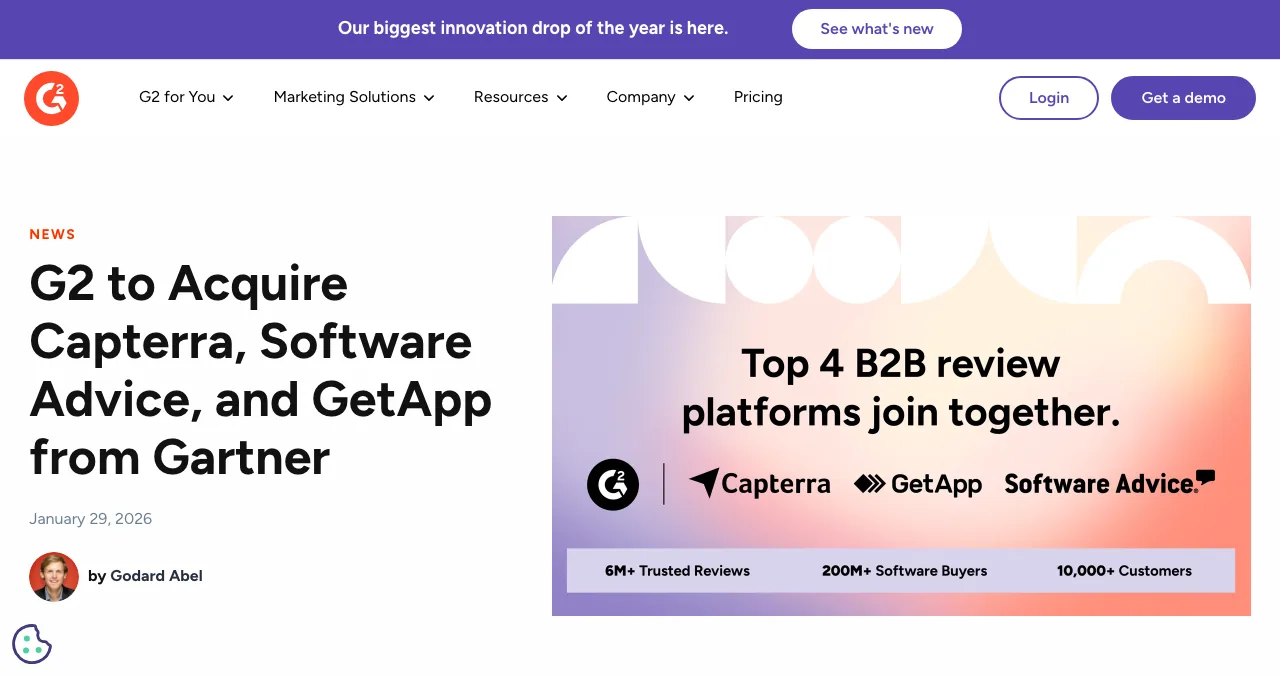
Yes. Capterra, Software Advice and GetApp were Gartner's software discovery sites, run as Gartner Digital Markets. On 29 January 2026, G2 announced that it "has formally agreed to acquire" all three from Gartner. G2 says the combined network will reach 200+ million software buyers a year and holds nearly 6 million verified reviews; those are G2's own figures.
What you see as a vendor today confirms it:
- Capterra's vendor page is headed "Capterra, part of the G2 ecosystem".
- Software Advice's vendor page says it "is part of the G2 ecosystem".
- Both sites' "Get Your Product Listed" buttons open G2's add-product form, and both vendor logins go to app.g2digitalmarkets.com.
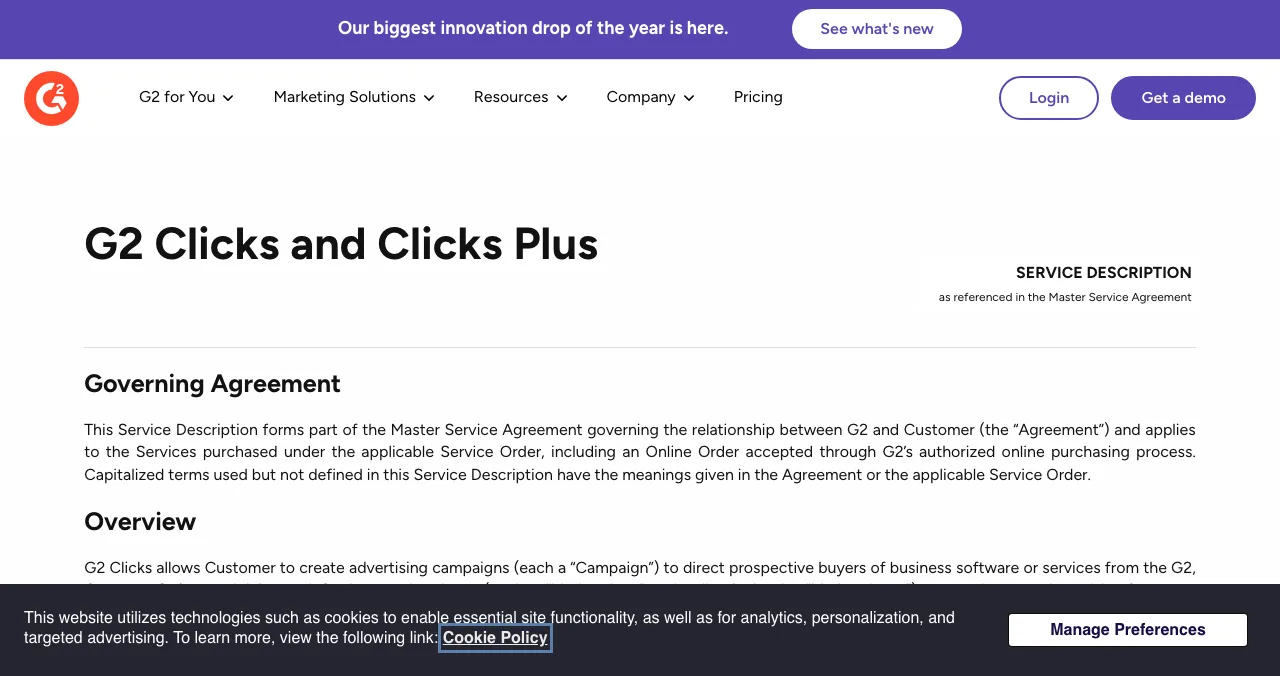
- GetApp's old pay-per-click terms URL now redirects to G2's "G2 Clicks and Clicks Plus" service description.
GetApp vs Capterra vs Software Advice, side by side
| Capterra | Software Advice | GetApp | |
|---|---|---|---|
| Owner | G2 (formerly Gartner) | G2 (formerly Gartner) | G2 (formerly Gartner) |
| How buyers use it | Browse a directory with verified reviews | Browse, or talk to an advisor who recommends software | Compare software in the same network |
| How to get listed | G2 add-product form | G2 add-product form | Through the same G2 vendor account |
| Free | Basic listing and review collection | Basic listing | Basic listing |
| Paid reach | Pay-per-click (G2 Clicks) and lead generation | Pay-per-lead: advisor-qualified, BANT-verified leads | Pay-per-click (G2 Clicks) |
| Vendor login | app.g2digitalmarkets.com | app.g2digitalmarkets.com | app.g2digitalmarkets.com |
Table: GetApp vs Capterra vs Software Advice (vendor pages and G2's terms, checked 18 Nov 2026). GetApp's own vendor pages were not readable; its column comes from G2's pages.
Capterra: the directory with reviews
- Owner
- G2 ecosystem
- Listing
- Free basic profile via G2
- Reviews
- Verified reviews; G2 research reports
- Paid
- Clicks and lead generation
- Catch
- Little to show without reviews
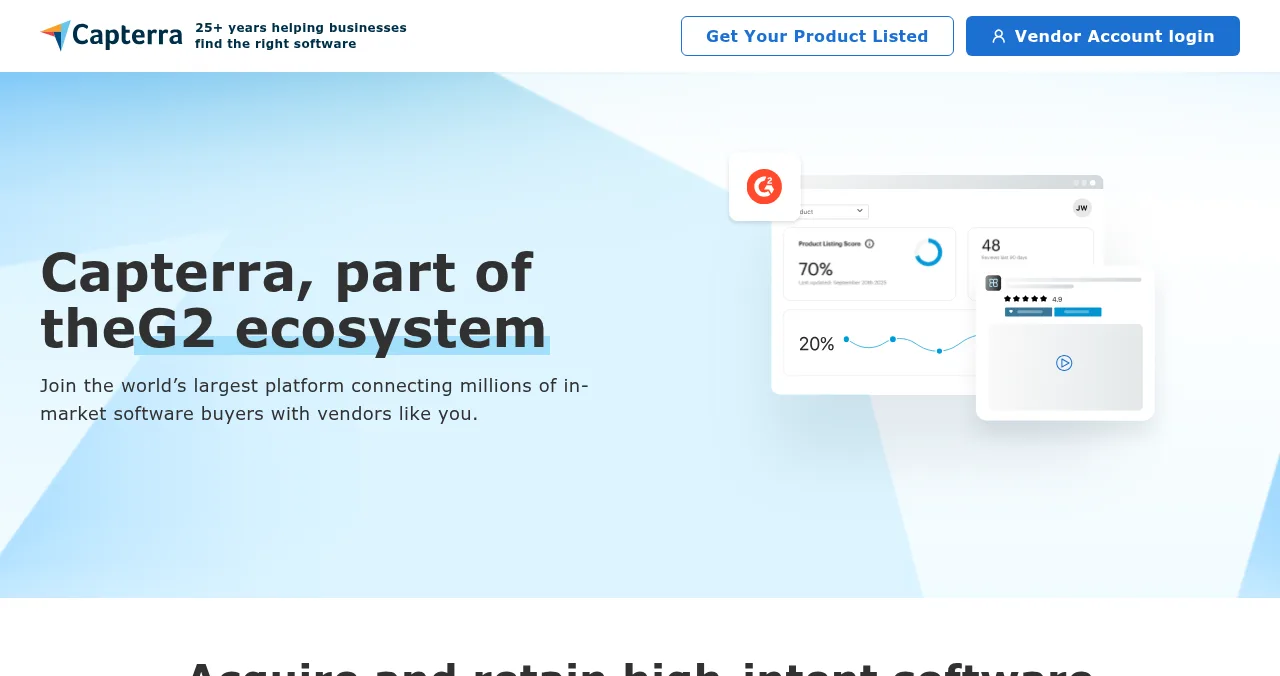
Capterra's vendor page offers three things: build your brand with "a customized product listing" and verified reviews (and qualify for G2 research reports), capture demand through "our flexible lead generation program", and market insights. Getting listed starts at G2's add-product form; the step-by-step is in our G2 vs Capterra free listing guide.
Best for: B2B software with a handful of happy customers ready to write reviews.
Software Advice: advisors and pay-per-lead
- Owner
- G2 ecosystem
- Listing
- Via G2's add-product form
- Model
- Advisor-powered connections
- Paid
- Pay-per-lead (PPL), BANT-verified
- Catch
- Built for software with a sales team
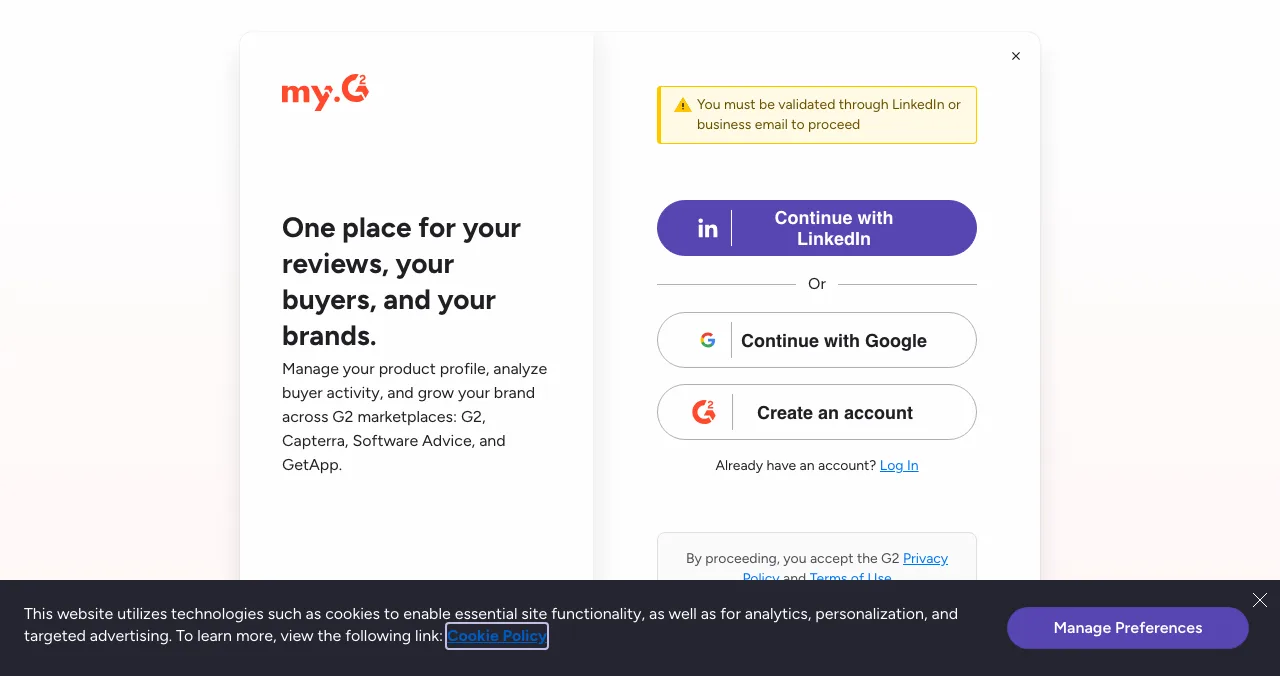
Software Advice's selling point is people. Its vendor page says its "trusted qualification team" personally engages buyers, and that its "PPL program" delivers "Qualified Leads, all BANT verified" (budget, authority, need and timing) to your sales team, with enriched prospecting data. You get listed through the same G2 form.
Software Advice's own site blocks automated screenshots, so the figure shows the G2 page its listing button opens.
Best for: software sold by a sales team that can call a lead the same day.
GetApp: the comparison site in the same network
- Owner
- G2 (formerly Gartner)
- Listing
- Through the G2 vendor account
- Paid
- G2 Clicks, shared with the other sites
- Vendor page
- Returned not found on 18 Nov 2026
- Catch
- No separate sign-up needed
Searches for "getapp listing" are mostly vendors looking for a GetApp sign-up page. There isn't a separate one to find: GetApp's /vendors/ URL returned a not-found page when we checked, and GetApp's pay-per-click terms URL redirects to G2's. G2's add-product page says one account manages your product profile "across G2 marketplaces: G2, Capterra, Software Advice, and GetApp".
GetApp's site blocks automated reading and screenshots, so we describe it only from G2's pages; the G2 announcement above shows the GetApp brand.
Best for: being where comparison shoppers look, at no extra effort once your G2 profile exists.
What's free and what's paid?
| What | Cost | Covers |
|---|---|---|
| Basic profile and review collection | Free (G2's "Free" brand package) | Your listing on the G2 network |
| G2 Starter plan | $299/month, or $2,999/year, new vendors only (checked 17 Nov 2026) | Upgraded profile features on G2 |
| G2 Clicks (pay-per-click) | Per click, billed monthly in arrears; you set the budget | Sponsored placements across G2, Capterra, Software Advice and GetApp |
| Prepaid Clicks | Paid upfront; Professional or Enterprise package required; expires after 12 months | Same, from a prepaid balance |
| Software Advice PPL | Per qualified lead (price not published) | Advisor-qualified, BANT-verified leads |
Table: What GetApp, Capterra and Software Advice charge for (G2 terms and plans, Software Advice vendor page)
The key details from G2's Clicks terms:
- One budget, four sites: "new Campaigns run across all four Marketplaces under one shared Campaign budget", and you can't split it by site unless agreed.
- Where ads appear: category, competitor, alternatives and some profile pages, linking to the landing page you choose.
- Billing: fees are per click; budget cuts and pauses take effect the following month, increases immediately. You can cap monthly spend.
- No guarantee: the service "does not guarantee any particular number of Clicks, leads, conversions or sales".
- Housekeeping: a campaign paused for 90 days is cancelled automatically; prepaid balances expire after 12 months.
G2 doesn't publish a cost per click in these terms, and we don't repeat third-party estimates.
Where a free Launchpad listing fits
- Cost
- Free, forever
- Needs reviews?
- No
- Visible for
- Permanent
- Ranking
- Relevance, never payment
- Included
- A product test and report

Review networks reward software that already has customers. A profile with no reviews and no click budget sits at the bottom of a category. The Launchpad works earlier:
- Free, forever: six short steps, automated checks and a human moderator.
- No pay-to-rank: ranked by relevance, editorial picks and community interest; "0 paid placements".
- Earned badges: Featured on going live, Verified with a work email on your domain, Community favourite, Editor's pick and more.
- Built for software: SaaS, mobile apps, AI products, developer tools, browser extensions and more.
And it tests your product. Buyers who click a G2 ad land on your site and sign up; the Launchpad checks exactly that path. A free baseline check of your landing page, discoverability and speed runs as you go live, and a full investigation goes through the whole journey, in a real browser on desktop and mobile, analyst-reviewed and private to your team.
Arrive
First impression
Discoverability on Google, AI and social; landing page, pricing, trust and speed.
Join
The first minutes
Sign-up, sign-in, recovery and onboarding.
Use
The everyday job
Home, core flow, dashboards, search, microcopy and error states.
Pay
Value into revenue
Paywall, upgrade, checkout and payments.
Stay
Coming back
Notifications, account, settings and help.
Every screen
Throughout
Accessibility, visual design and consistency.
Fix the page your clicks land on
List free, then order the report that fits your stage.

 Economy
See what new customers see
- Store listing and homepage, screen by screen
- Scorecard against 60 Laws of UX
- Customers, competitors and the fixes worth most
PremiumThe full diagnosis and the plan
- Every screen, every finding, every flow
- All 60 laws with evidence and fixes
- 8 strategy chapters and a 90-day roadmap
Researched from your live product and fact-checked against the evidence.
Which should you use first?
| Your stage | Start with |
|---|---|
| Pre-launch or no customers yet | Science of Apps Launchpad and free directories |
| First 5–20 customers | Free G2 profile (covers Capterra, Software Advice and GetApp); ask customers for reviews |
| Steady reviews, self-serve product | A small, capped G2 Clicks budget to a page you've tested |
| Sales-led product with an SDR team | Software Advice pay-per-lead |
| Category leader | G2 paid plans and research reports |
Table: GetApp, Capterra, Software Advice or something else, by stage
A plan from zero reviews to paid reach

- List free on the Launchpad — a permanent page and a product check before anyone pays to send you traffic.
- Fix the landing page and sign-up — the page every review-site click will land on.
- Create one G2 vendor account — validated via LinkedIn or a business email; it covers all four sites.
- Collect reviews from real customers — reviews are what buyers on these sites read; social proof only works when it's real.
- Test paid reach small — a capped G2 Clicks budget, measured with conversion tracking, before any prepaid commitment.
Mistakes to avoid

- Signing up three times — one G2 vendor account manages all four sites
- Buying clicks with no reviews — buyers compare star ratings; build social proof first
- No spend cap — clicks bill monthly in arrears; set a monthly limit
- Sending clicks to an untested page — fix the landing page and sign-up before paying per click
- Prepaying too early — prepaid balances expire after 12 months
Ready to list?
How we know
Ownership comes from G2's announcement of 29 January 2026 and the Capterra and Software Advice vendor pages; the listing route from G2's add-product page; pay-per-click terms from G2's "G2 Clicks and Clicks Plus" service description (where GetApp's PPC terms URL redirects); G2's plan prices from its plans page, checked on 17 November 2026; everything else on 18 November 2026. GetApp's own pages blocked automated reading and its vendor URL returned not found, so its column relies on G2's pages. Science of Apps runs the Launchpad and has no relationship with G2 or its sites.
Key terms, defined
- Gartner Digital Markets: Gartner's former business running Capterra, GetApp and Software Advice.
- G2 ecosystem: G2 plus Capterra, Software Advice and GetApp, managed from one vendor account.
- Pay-per-click (PPC): you pay each time a buyer clicks your sponsored listing; G2 calls it G2 Clicks.
- Pay-per-lead (PPL): you pay for each qualified lead; Software Advice's model.
- BANT: budget, authority, need and timing, a standard test of a sales lead.
- Permanent listing: a profile that stays live and findable, with or without reviews or ad spend.
Frequently asked questions
Are GetApp, Capterra and Software Advice the same company?
Yes. All three were software discovery sites owned by Gartner, run as Gartner Digital Markets. On 29 January 2026 G2 announced it had agreed to acquire all three from Gartner. Capterra's and Software Advice's vendor pages now say they are part of the G2 ecosystem, and one G2 vendor account manages profiles on G2, Capterra, Software Advice and GetApp.
Who owns Capterra now?
G2. G2's announcement of 29 January 2026 says it agreed to acquire Capterra, Software Advice and GetApp from Gartner. Capterra's vendor page now reads 'Capterra, part of the G2 ecosystem', its Get Your Product Listed button opens G2's add-product form, and its vendor login is at app.g2digitalmarkets.com.
How do I get a GetApp listing?
Through G2. Capterra's and Software Advice's 'Get Your Product Listed' buttons both open G2's add-product form, which says you can manage your product profile across G2, Capterra, Software Advice and GetApp. You must be validated through LinkedIn or a business email. GetApp's own vendor URL returned a not-found page when we checked.
Is listing on Capterra, GetApp or Software Advice free?
A basic listing is. G2's terms refer to a Free brand package, and G2's plans page lists a free basic profile with review collection. What costs money is reach: pay-per-click campaigns (G2 Clicks) that run across all four sites, Software Advice's pay-per-lead programme, and G2's paid plans, which start at $299 a month.
What's the difference between Capterra, GetApp and Software Advice?
Mostly the audience and the paid product. Capterra is a large directory with verified reviews and lead generation. Software Advice adds advisors who talk to buyers and passes on qualified leads, priced per lead. GetApp is a comparison site in the same network. Your profile and click campaigns are now managed from one G2 account.
How does pay-per-click work on Capterra and GetApp?
G2's 'G2 Clicks' terms, which GetApp's old PPC page now redirects to, say campaigns send buyers from G2, Capterra, Software Advice and GetApp to your landing page, under one shared budget by default. You pay per click, billed monthly in arrears, can cap monthly spend, and no number of clicks or leads is guaranteed.
What is Gartner Digital Markets?
The name of Gartner's business that ran Capterra, GetApp and Software Advice. After G2 agreed to buy the three sites in January 2026, their vendor tools moved under G2: the vendor login is now app.g2digitalmarkets.com and the sites describe themselves as part of the G2 ecosystem.
Sources
- G2 — G2 to acquire Capterra, Software Advice, and GetApp from Gartner (29 Jan 2026; checked 18 Nov 2026)
- Capterra — For Vendors (checked 18 Nov 2026)
- Software Advice — For Vendors (checked 18 Nov 2026)
- G2 Legal — G2 Clicks and Clicks Plus service description (redirected from GetApp's PPC service description; checked 18 Nov 2026)
- G2 — Add your product (checked 18 Nov 2026)
- G2 — Plans (checked 17 Nov 2026)
- Science of Apps — Launchpad: launch your product free (checked 18 Nov 2026)
- Science of Apps — Product investigation (checked 18 Nov 2026)
- Checked November 18, 2026. Figures that change — fees, salaries, prices — are reviewed every six months; if something is out of date, tell us.
Where to go from here
- G2 vs Capterra free listing — how to list, step by step
- Free startup directories — where to list before reviews
- Where to launch SaaS — launch sites for software
- Science of Apps - LaunchpadHow to list your product on G2, Capterra and GetApp for free: one G2 seller account now manages all of them, what the free plan includes and when paid plans are worth itHow to list on G2 and Capterra free: one G2 seller account covers G2, Capterra, Software Advice and GetApp. What's free and what Starter adds.
- Science of Apps - LaunchpadG2 vs Capterra vs the Science of Apps Launchpad: where a new SaaS with no reviews should list first, what each costs, and how to get from zero reviews to a profile buyers trustG2 and Capterra now share one seller account, and both need reviews to rank. Where a new SaaS should list first, what it costs and how to get first reviews.
- Science of Apps - LaunchpadHow to write a product directory listing: name, one-liner, description, categories, screenshots and the field rules of Product Hunt, SaaSHub and AlternativeToHow to write a directory listing that gets clicks: one-liner, description, categories, screenshots, and the rules of Product Hunt, SaaSHub and AlternativeTo.
- Science of Apps - LaunchpadWhich startup launch platforms let payment affect ranking or placement, which keep them separate, and how to spend launch money wiselyWhich startup launch platforms let money buy placement in 2027: DevHunt boosts, Uneed fast-track, featured slots, versus sites where payment never affects rank.
- Science of Apps - LaunchpadThe B2B software directory guide for 2027: where to launch B2B software free, from G2 and Capterra to SaaSHub and Product Hunt, with each one's terms checkedWhere to launch B2B software free: the Launchpad, G2's free plan, Capterra, SaaSHub and Product Hunt, plus what B2B buyers check first. Terms checked Nov 2026.
- Science of Apps - LaunchpadHow to market a startup with no money: the free channels that work, in the order to use them, and what each costs in time insteadHow to market a startup with no money: direct outreach, communities, free launch sites, directories, content and AI search, in order, with the time each costs.
Get the ideas, not the noise.
Sign up with Google and we’ll send you short UX psychology tips by email — why people tap, stall and leave, and what to do about it. Unsubscribe anytime. Prefer something to keep? Get the free Laws of UX guide as a PDF.
Launch day ends. Your listing shouldn't.
Review sites pay off once you have customers to review you. Before that, a free Science of Apps Launchpad listing gives your software a permanent page, and tests your product with a detailed report.