 By
Quick answer: How do I get my app listed on AlternativeTo?
- 1. Sign up and verify your email (required, to discourage spam).
- 2. Suggest new application from the user icon, top right.
- 3. Fill in platforms, licence, descriptions, tags.
- 4. Suggest as an alternative on each competitor's page.
- One entry per product: describe editions in the description.
- Licence: Free, Freemium, Free for personal use or Commercial.
Key takeaways
- AlternativeTo is crowdsourced: you add your own app.
- Discovery comes from competitor pages, so suggesting alternatives matters most.
- Pick the licence honestly; a time-limited trial is Commercial, not Freemium.
- Don't add separate free and pro entries.
- Mark it open source and link the code if it is.
"Alternatives to Notion", "alternatives to Canva", "alternatives to Jira": people search for these every day, and AlternativeTo is built around exactly that question. It's crowdsourced, which means nobody will add your app for you, but also that you can add it yourself in a few minutes. This how-to follows AlternativeTo's own FAQ, read on 17 November 2026, from creating the entry to appearing on the pages of the apps you compete with.
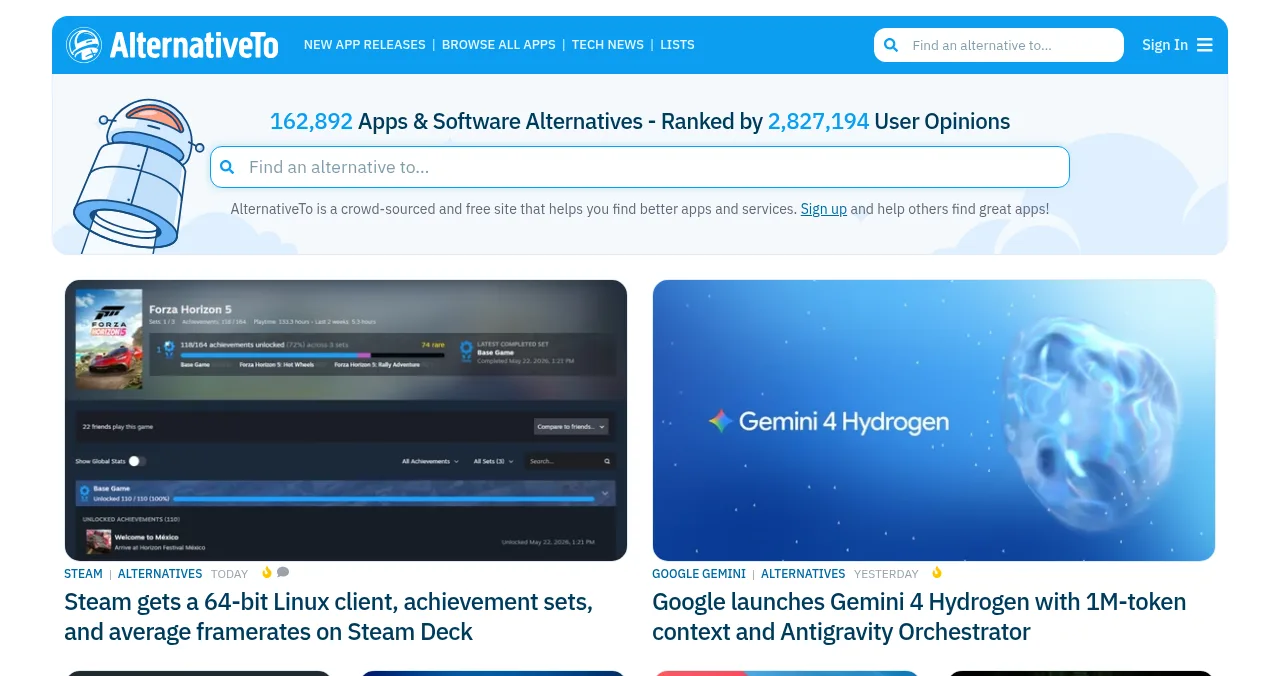
How to get listed, step by step

- Sign up — AlternativeTo calls it "super simple".
- Verify your email — required before you can submit a new app.
- Click the user icon, top right — choose "Suggest new application".
- Fill in the fields — platforms, licence, descriptions, tags.
- Submit the application.
- Suggest it as an alternative — on each competitor's page: "Contribute to this page", then "Suggest Alternatives".
Pick the right licence
| Licence | Choose it when |
|---|---|
| Free | It's free to use |
| Free with limited functionality (Freemium) | The free version is fully functional for the main purpose |
| Free for personal use | Businesses must pay |
| Commercial | It's paid, or the free version is only a trial |
| + Open Source | Tick it and link the source code, if it is |
Table: AlternativeTo licences (AlternativeTo FAQ, checked 17 Nov 2026)
The listing rules

- One entry per product — describe free and pro editions in the description
- Same name as another app? — add relevant extra detail to the name
- Honest licence — a trial isn't Freemium
- Verified email first — no submissions without it
Write a listing people choose

- A description that says what it replaces — and why it's better for whom
- Accurate platforms — web, Windows, Mac, iOS, Android, Linux
- Tags people use — the features they'd search for
- Alternatives to apps you genuinely replace — not every popular app
Then list where else buyers compare
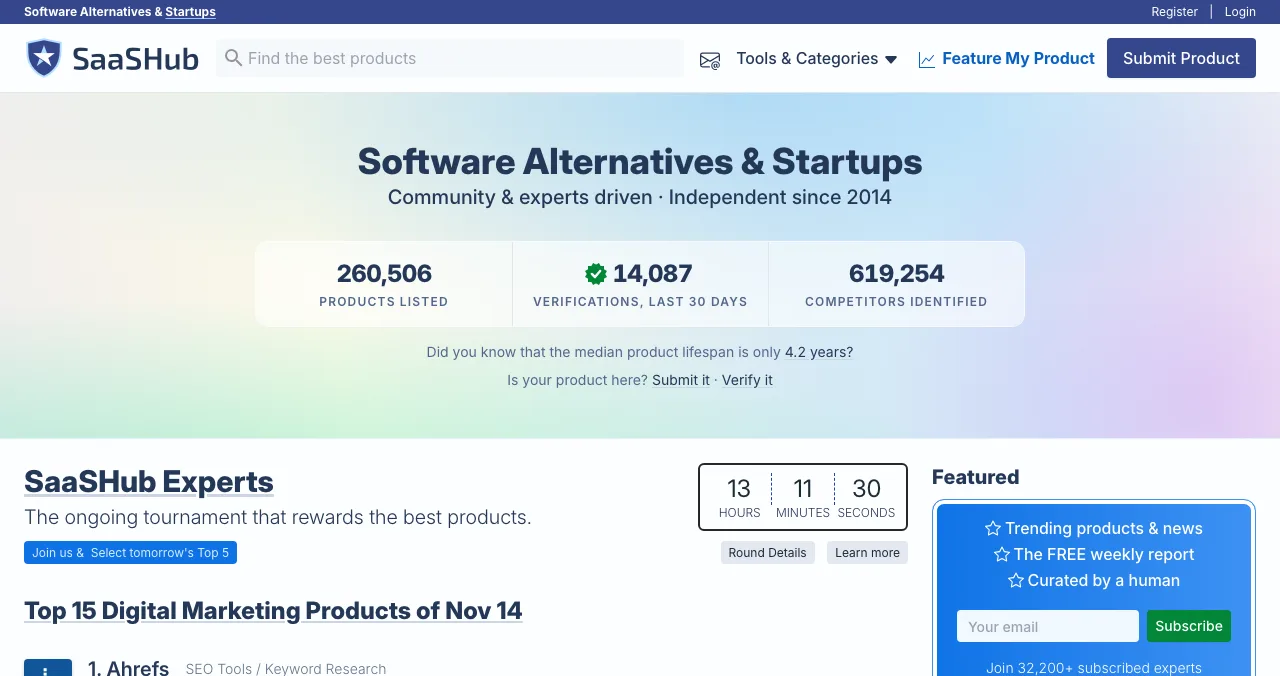
SaaSHub reviews every submission and wants competitors listed; see SaaSHub vs AlternativeTo.

Ready to list?
How we know
Every step and rule comes from AlternativeTo's FAQ, read on 17 November 2026; SaaSHub's from its Submit a Product page the same day. Science of Apps runs the Launchpad and has no relationship with AlternativeTo.
Key terms, defined
- Crowdsourced: built by users rather than editors.
- Alternative: an app that can replace another one.
- Freemium: free with limited functionality.
- Commercial: paid software, or software whose free version is only a trial.
- Tags: keywords describing features, used for browsing.
Frequently asked questions
Can I add my own software to AlternativeTo?
Yes. AlternativeTo's FAQ says you can add it yourself: sign up, verify your email, click the user icon and choose 'Suggest new application', then fill in the fields and submit.
How do I appear as an alternative to another app?
Open that app's page, click 'Contribute to this page' and choose 'Suggest Alternatives'. Search for your app if it's already listed, or add it as a new application from there.
Which licence should I choose on AlternativeTo?
Free if it's free; Free with limited functionality (Freemium) if a free version is fully functional for the main purpose; Free for personal use if businesses pay; Commercial if it's paid or the free version is only a trial. You can also mark it open source.
Can I list free and pro versions separately?
Generally no. AlternativeTo lists one entry per product with its generic name and asks you to describe editions in the description. The exception is when the versions compete with entirely different apps.
Why do I need to verify my email?
AlternativeTo says email verification is required before submitting a new app, to discourage spammers and bots.
What if another app has the same name as mine?
AlternativeTo recommends adding relevant extra detail to the name. It has no exact rule and asks you to use common sense.
Sources
- AlternativeTo — FAQ (checked 17 Nov 2026)
- AlternativeTo — homepage (checked 17 Nov 2026)
- SaaSHub — Submit a Product (checked 17 Nov 2026)
- Science of Apps — Launchpad: launch your product free
- Checked November 17, 2026. Figures that change — fees, salaries, prices — are reviewed every six months; if something is out of date, tell us.
Where to go from here
- SaaSHub vs AlternativeTo — list on both
- SaaS directories — more places buyers compare
- Free directory submission sites — which are worth it
- Science of Apps - LaunchpadSaaSHub vs AlternativeTo: how each lists software, what each accepts and rejects, and how to get listed on bothSaaSHub vs AlternativeTo compared: who each accepts, how submission and approval work, what gets rejected, and how to list your software on both.
- Science of Apps - LaunchpadHow to get your startup listed on Crunchbase: register, authenticate, create the profile and make it completeHow to add your company to Crunchbase in 2027: register free, connect a social account, create the profile, verify you work there and fill in every field.
- Science of Apps - LaunchpadHow to write a product directory listing: name, one-liner, description, categories, screenshots and the field rules of Product Hunt, SaaSHub and AlternativeToHow to write a directory listing that gets clicks: one-liner, description, categories, screenshots, and the rules of Product Hunt, SaaSHub and AlternativeTo.
- Science of Apps - LaunchpadHow to list your startup in India in 2027: DPIIT recognition, startup databases, media and launch platformsHow to list your startup in India in 2027: free DPIIT recognition via NSWS, Tracxn and Crunchbase profiles, YourStory, Google Business and launch platforms.
- Science of Apps - LaunchpadHow to get your first users for a new app: the store listing, launch sites, communities, direct outreach and a web page that keeps bringing people inHow to get users for a new app, free: fix the store listing, launch on Product Hunt and Peerlist, reach people directly, and add a permanent web page.
- Science of Apps - LaunchpadToolify review: what the $99 listing buys, how fast it goes live, how it compares with other AI directories, and the free alternativesA 2027 Toolify review: the $99 one-time listing, 48-hour go-live, how it compares with TAAFT, TopAI and AIxploria, and free places to list an AI tool.



Get the ideas, not the noise.
Sign up with Google and we’ll send you short UX psychology tips by email — why people tap, stall and leave, and what to do about it. Unsubscribe anytime. Prefer something to keep? Get the free Laws of UX guide as a PDF.
Launch day ends. Your listing shouldn't.
Add a free Launchpad profile next to your AlternativeTo listing: found by the problem you solve, ranked by relevance and never by payment, plus your product tested end to end with a detailed report.