 By
Quick answer: Can I start a tech company without coding?
- Yes, you can start a tech company without coding.
- Four ways to build: no-code, AI app builders, a technical co-founder, or hired developers.
- Your job: customers, the problem, sales, and judging quality.
- Write a tight brief before anyone builds anything.
- Get the product tested by outside eyes before you scale.
Key takeaways
- Customers don't care who wrote the code; they care whether it works.
- No-code and AI builders are best for proving demand, not for every product forever.
- A technical co-founder is a partner, not a contractor.
- Own the IP: contracts must assign the code to your company.
- You can't read the code, but you can test the product.
Plenty of founders have a sharp view of a problem and no idea how to write code. That's a common starting point, not a dead end. What you can't skip is the work only you can do: understanding customers, deciding what to build, selling it, and judging whether what got built is any good. This guide covers how to start a tech company without being technical: four ways to get the product built, how to choose between them, what to put in writing, and how to check quality when you can't read the code. Facts were checked on each source's own page on 18 November 2026. Jump to the four routes, your job or checking quality.
Can I start a tech company without coding? Four routes
| Route | Cost | Speed | Control | Best for |
|---|---|---|---|---|
| No-code tools | Low (subscriptions) | Days to weeks | You build it yourself | Web apps, marketplaces, internal tools, MVPs |
| AI app builders | Low (subscriptions) | Hours to weeks | You prompt and edit | Prototypes and simple apps |
| Technical co-founder | Equity | Weeks to find, then fast | Shared | Products where tech is the advantage |
| Freelancers or agency | Cash | Weeks to months | Via contract and brief | A well-scoped first version |
Table: Four ways to start a tech company without coding (Science of Apps editorial comparison)
Route 1: No-code tools
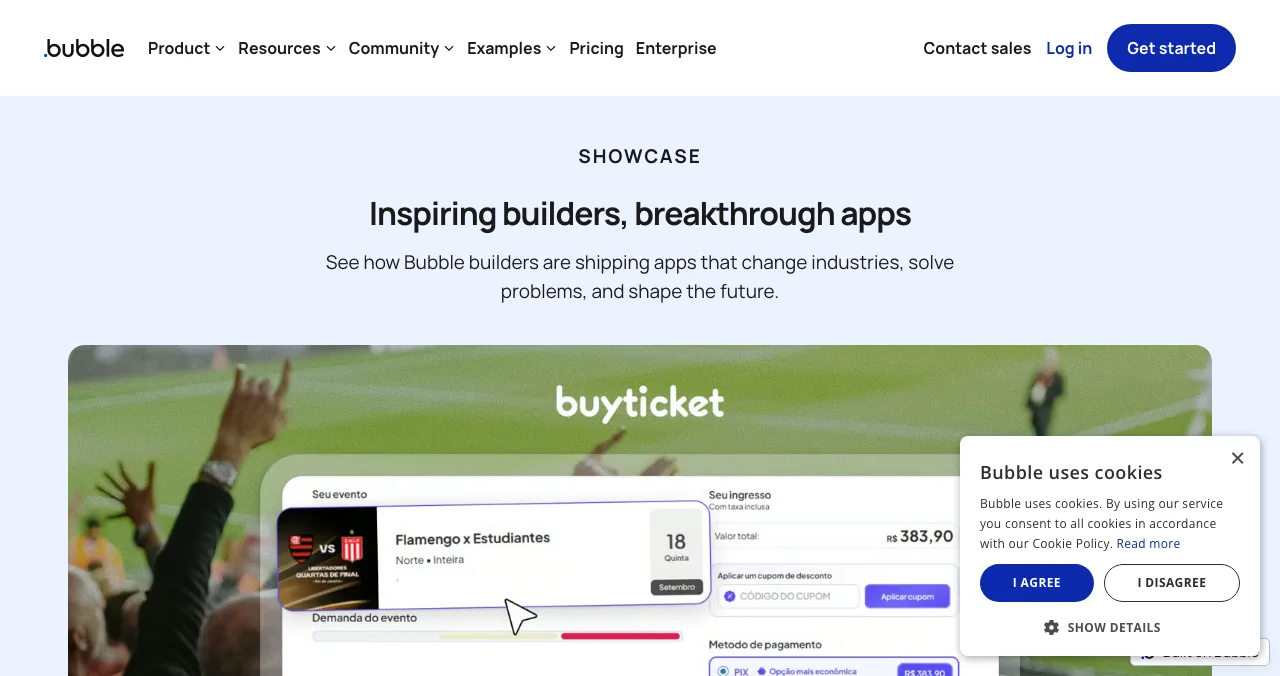
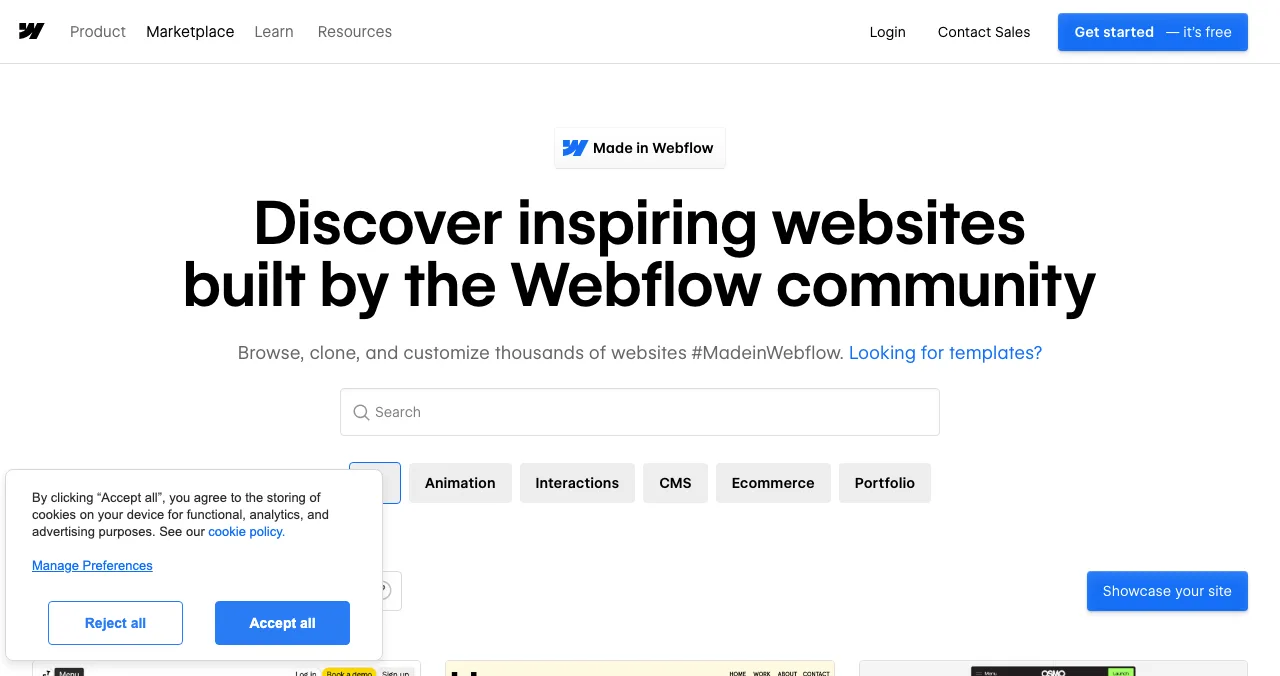
No-code platforms let you build by arranging components and logic visually. Bubble builds full web apps with databases and user accounts; Webflow builds marketing sites and content-driven sites. Both run public showcases of what people have built with them.
- What
- Visual web app builder
- Good for
- MVPs, marketplaces, dashboards, internal tools
- Learn
- Days to weeks to be productive
- Catch
- Check performance, export and pricing as you scale
Our best no-code app builders guide compares the options.
Best for: founders who'd rather spend weeks learning a tool than months finding a developer.
Route 2: AI app builders
AI app builders generate a working app from a written description, and you refine it by prompting. They're the fastest way to see your idea on screen, and good for prototypes you can put in front of users. Generated code still needs testing, security review and someone who can maintain it once real customers depend on it. Our guides to AI app builders and building an app with AI cover the tools and their limits.
Best for: testing an idea with real users this month.
Route 3: A technical co-founder
If technology is your advantage, you need someone who owns it for the long run. A co-founder shares risk and equity, makes architecture decisions and hires the team. Become worth joining first: bring customer evidence, a clear problem and early sales.
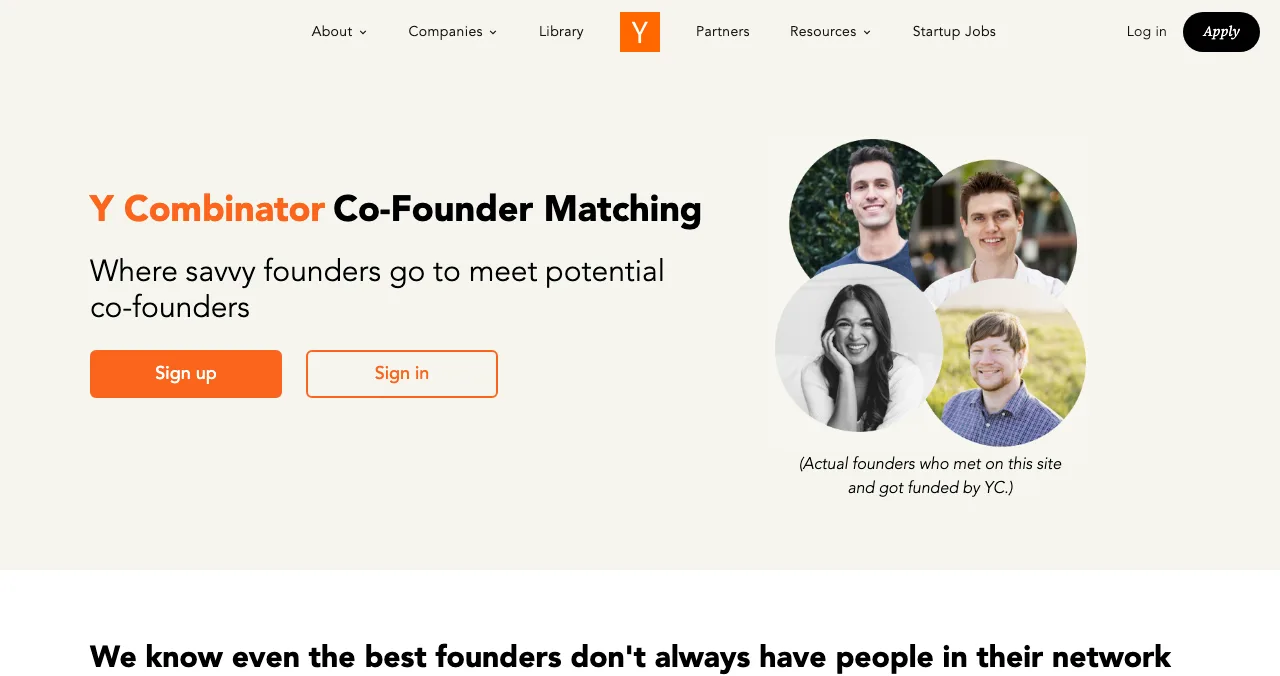
Y Combinator runs free Co-Founder Matching. Our technical co-founder guide covers where to look and how to test fit.
Best for: products where engineering quality is the moat.
Route 4: Freelancers or an agency
Hiring works when the first version is well defined and you have the budget. The brief is everything: write user stories, acceptance criteria and what's out of scope, using our PRD template. Agree milestones with working demos, and make sure the contract assigns all code and IP to your company. Our freelancer vs agency vs in-house guide and questions to ask a development company help you choose.
Best for: a scoped MVP when you'd rather pay cash than give equity.
What only you can do: the non-technical founder's job

Own the customer
Run the interviews, write down their words, and keep talking to them after launch.
Decide what to build
Turn problems into prioritised requirements. Say no to most features.
Sell
Get the first customers yourself. Nobody else will sell it as well yet.
Judge quality
Use the product every week as a new user, on a phone. Get outside reviews.
Own the accounts
The domain, code repository, app store accounts and cloud accounts belong to the company, with you as an admin.
How to check quality when you can't read the code
You can't review code, but you can review the product, which is what customers experience. Test each release as a stranger would: a new account, a phone, a slow connection. Watch five target users try the main task. Then get an outside test.

The Science of Apps Launchpad is a free, permanent place to list a startup, SaaS, app or AI product, ranked by relevance, editorial picks and community interest, never payment. As your listing goes live, a free baseline diagnosis checks your landing page, discoverability and speed. The product investigation then tests the whole product end to end and hands you a detailed report, so you can see what your developers or tools actually built, and what to ask them to fix.
- Areas tested, first visit to renewal
- 22
- Automatic measurements, desktop and mobile
- 39
- Expert checks behind the login
- 74
- Verdicts that set the fix order
- 5
Know what was built
List free, then order the report that fits your stage.

 Economy
See what new customers see
- Store listing and homepage, screen by screen
- Scorecard against 60 Laws of UX
- The fixes worth most
PremiumThe full diagnosis and the plan
- Every screen, every finding, every flow
- All 60 laws with evidence and fixes
- 8 strategy chapters and a 90-day roadmap
Fact-checked against the evidence. Private by default.
Which route fits you?
| Your situation | Start with |
|---|---|
| Idea only, little budget | No-code or AI builder for a prototype; customer interviews |
| Evidence of demand, little budget | Technical co-founder, with your evidence as the pitch |
| Evidence and a budget, simple product | Freelancers or an agency with a tight brief |
| Deep-tech or infrastructure product | Technical co-founder first |
| A working product built by others | An outside product test before scaling |
Table: Choosing a route to build a tech company without coding
A 12-week plan
- Weeks 1–3
Customers
Interview 10–20 people; write the problem statement in their words.
- Weeks 4–6
Prototype
Build a no-code or AI prototype; test it with five users.
- Weeks 7–8
Decide
Co-founder, hire, or keep building yourself; sign agreements that assign IP.
- Weeks 9–11
First version
Build in milestones with demos; test each one on a phone.
- Week 12
Launch and test
List on the Launchpad; read the baseline diagnosis; order a full report if you need one.
Mistakes non-technical founders make

- Hiring before validating — pay to learn what to build, not to build the wrong thing
- A vague brief — "an app like Uber, but for X" gets you a bill, not a product
- No IP assignment — make sure the company owns the code
- Developers own the accounts — the company should own the domain, repos and app store accounts
- Accepting releases without testing — use every release as a new user
- Giving away too much equity early — to contractors who aren't partners
Ready to launch your tech company?
How we know
Tool and programme descriptions come from Bubble's showcase, Made in Webflow and Y Combinator's Co-Founder Matching and Startup Library; Launchpad facts from launchpad.scienceofapps.com and /investigate. All were read on 18 November 2026. The route comparison is Science of Apps' editorial framework. This guide isn't legal advice; take advice on contracts and IP. Science of Apps runs the Launchpad.
Key terms, defined
- Non-technical founder: a founder who doesn't write the product's code and focuses on customers, sales and direction.
- No-code: building software with visual tools instead of writing code.
- AI app builder: a tool that generates a working app from a written description.
- Technical co-founder: a founding partner who owns the product's technology.
- IP assignment: a contract term that transfers ownership of code and designs to the company.
- PRD: a product requirements document describing what to build and how to judge it done.
Frequently asked questions
Can I start a tech company without coding?
Yes. Many tech companies are started by non-technical founders. You can build a first version with no-code tools or AI app builders, bring in a technical co-founder, or hire developers. Your job is to own the customer, the problem, sales and product quality. Learning the basics of how software is built helps you make better decisions.
How do I start a tech company with no experience?
Start with a problem you understand from work or life, and talk to 10–20 people who have it. Build the smallest version with a no-code tool, validate that people use it, then decide whether to find a technical co-founder or hire. Free resources such as Y Combinator's Startup Library cover each step.
Should I hire developers or find a technical co-founder?
Find a co-founder if technology is central to your advantage and you'll need constant technical decisions; they share risk and equity. Hire freelancers or an agency for a clearly scoped first version when you have budget and a precise brief. Many founders validate with no-code first, which makes both conversations easier.
Can I build an app with no-code or AI tools?
Often, yes, for a first version. No-code platforms such as Bubble build web apps visually; Webflow builds websites; AI app builders generate working apps from prompts. They're fast and cheap for proving demand. Check limits on performance, data export and pricing as you grow, and plan a path if you outgrow them.
How do I make sure my developers build the right thing?
Write a short requirements document with user stories and acceptance criteria, agree milestones with demos, and test each release yourself as a new user on a phone. Get an outside review of the product before launch. Make sure contracts assign all code and IP to your company and that you control the accounts and repositories.
What does a non-technical founder actually do?
Talk to customers, decide what to build and in what order, sell, raise money, hire, and judge quality. Non-technical founders also own positioning, pricing, the launch and support. The most valuable skill is turning customer problems into clear, prioritised requirements that a technical team can build.
Sources
- Bubble — Showcase (checked 18 Nov 2026)
- Webflow — Made in Webflow (checked 18 Nov 2026)
- Y Combinator — Co-Founder Matching (checked 18 Nov 2026)
- Y Combinator — Startup Library (checked 18 Nov 2026)
- Y Combinator — How to plan an MVP (checked 18 Nov 2026)
- Science of Apps — Product investigation (checked 18 Nov 2026)
- Science of Apps — Launchpad homepage (checked 18 Nov 2026)
- Checked November 18, 2026. Figures that change — fees, salaries, prices — are reviewed every six months; if something is out of date, tell us.
Where to go from here
- Find a technical co-founder — where to look, how to pitch
- Tech stack for startups — a practical default
- How to start a startup — the full nine steps
- How to make an appHow to make an app with zero coding experience (2027 guide)You can make an app without coding in 2027: validate the idea, design it, then build with no-code tools, AI app builders or a hired developer. Step by step.
- Science of Apps - LaunchpadHow to get your first 100 users without paid ads: a channel-by-channel plan founders can start todayHow to get your first 100 users without paid ads in 2027: your network, communities, launch sites, directories, content and one-to-one outreach, step by step.
- Science of Apps - LaunchpadWhere to launch a product built with no-code: platform showcases (Made in Webflow, Bubble's showcase), launch sites, founder communities and a permanent listingWhere to launch a product built with no-code: Made in Webflow, Bubble's showcase, Product Hunt, Indie Hackers and a free permanent listing.
- Science of Apps - LaunchpadHow to evaluate a startup: a 30-point startup evaluation framework covering problem, product, market, traction, team, UX and risk, with how investors weigh each part and how to get your own product evaluated freeA 30-point startup evaluation framework: problem, product, market, traction, team, UX and risk, how investors weigh them, and how to evaluate your own startup.
- Science of Apps - LaunchpadWhat is indie hacking? What the term means, where it came from, how indie hackers pick ideas, build, launch and grow without investors, and where they launch their productsIndie hacking means building a profitable internet business on your own terms, funded by customers, not VCs. What it means, how indie hackers launch and grow.
- Science of Apps - LaunchpadChatGPT SEO for startups: how to get your product recommended and cited by ChatGPT, from OpenAI's own rulesChatGPT SEO for startups in 2027: what OpenAI says makes a site eligible for ChatGPT search, and how to get your product recommended and cited.
Get the ideas, not the noise.
Sign up with Google and we’ll send you short UX psychology tips by email — why people tap, stall and leave, and what to do about it. Unsubscribe anytime. Prefer something to keep? Get the free Laws of UX guide as a PDF.
Launch day ends. Your listing shouldn't.
List free on the Science of Apps Launchpad for a permanent profile, and get your product tested end to end with a detailed report, so you can judge what was built without reading the code.