 By
Quick answer: What is the best link in bio tool?
- Free page of links: Campsite.bio, free forever with unlimited links.
- Sell with a free plan: Beacons (9% platform fee until $30/month).
- Designed page: Carrd, three free one-page sites.
- Sell with 0% fees: Stan, from $29/month after a 14-day trial.
- No tool at all: Instagram allows up to 5 links in your profile.
- For a product: a free Launchpad profile with screenshots, badges and vouches.
Key takeaways
- Choose a link in bio tool by the job: links, selling, design or explaining a product.
- Free plans differ on analytics history, branding and fees on sales.
- A fee per sale can cost more than a monthly plan once you sell steadily.
- Fewer, ordered links get more taps than a long list.
- Products convert better from a page that explains them than from a menu.
"Link in bio" is one of the most-searched phrases on the internet: about 90,500 searches a month, with "bio link" at 27,100 and "link in bio tools" at 9,900 (Google Keyword Planner, global 12-month average). The tools behind it all look alike at first: a photo, a name, a column of buttons. They differ in what they let you do (sell, collect emails, design freely) and in what they charge, especially per sale. This guide ranks the best link in bio tools by job, free and paid, with each plan, fee and limit read from the tool's own page on 20 November 2026, and ends with the bio link a product should use. Jump to the table, which to pick or the setup plan.
Best link in bio tools by job
 Get your page free
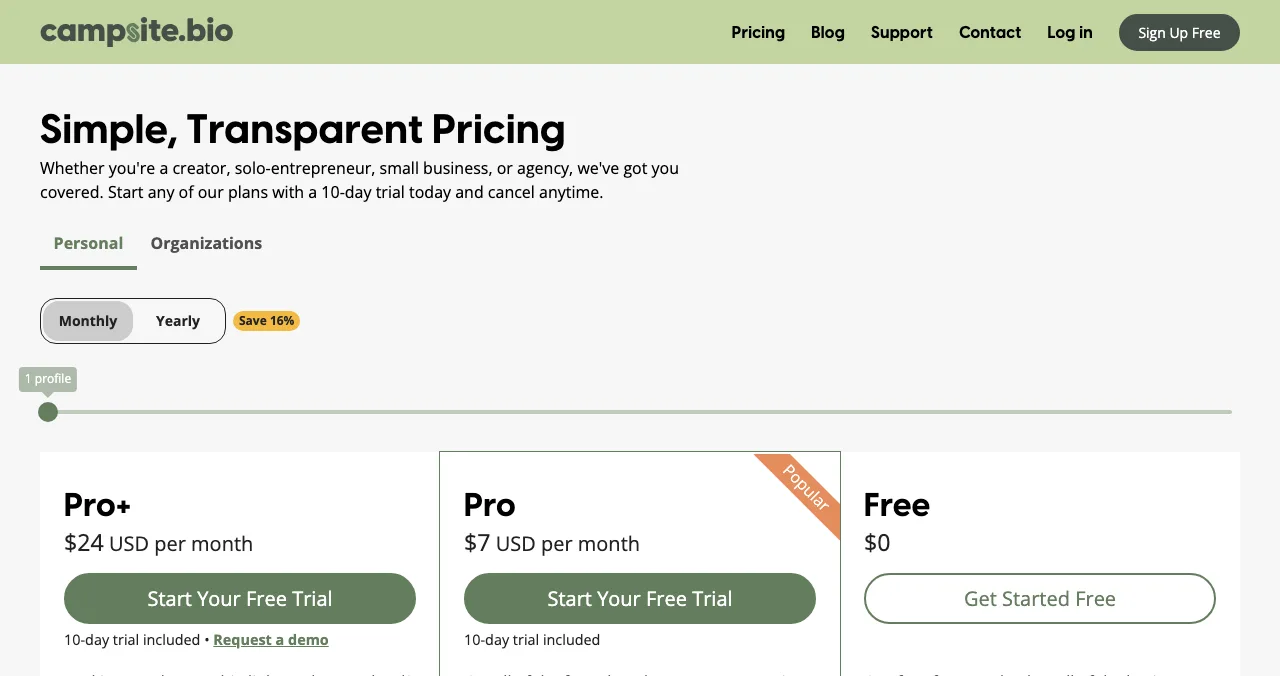
Campsite.bio Best free
The best free page of links.
Free foreverPro $7/mo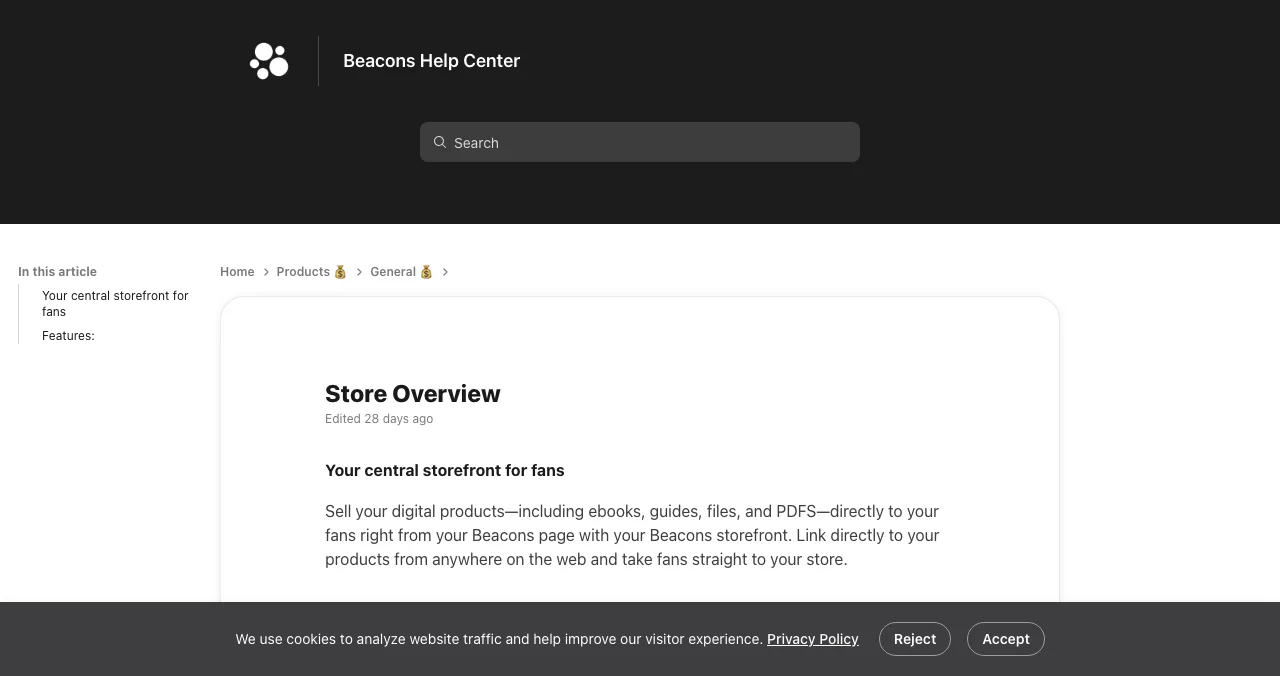
Beacons
Link in bio with a store, email and media kit.
Free plan9% fee on free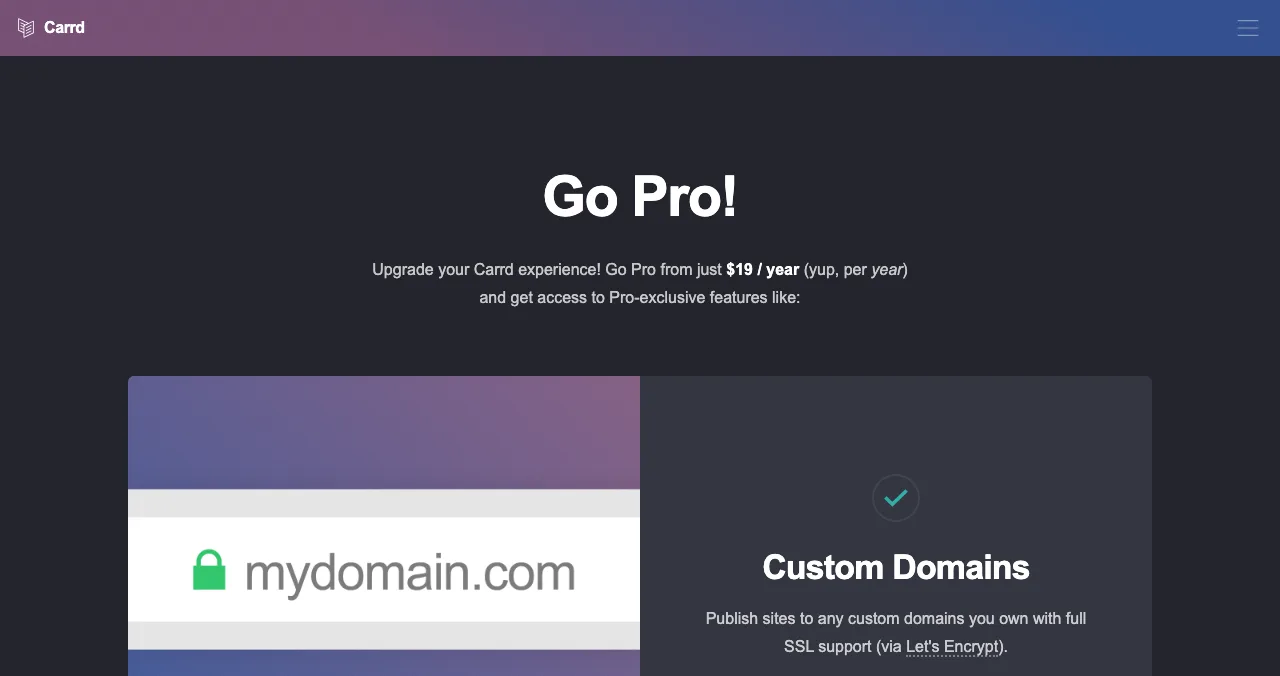
Carrd
A designed one-page bio link.
3 free sites$19/yr Pro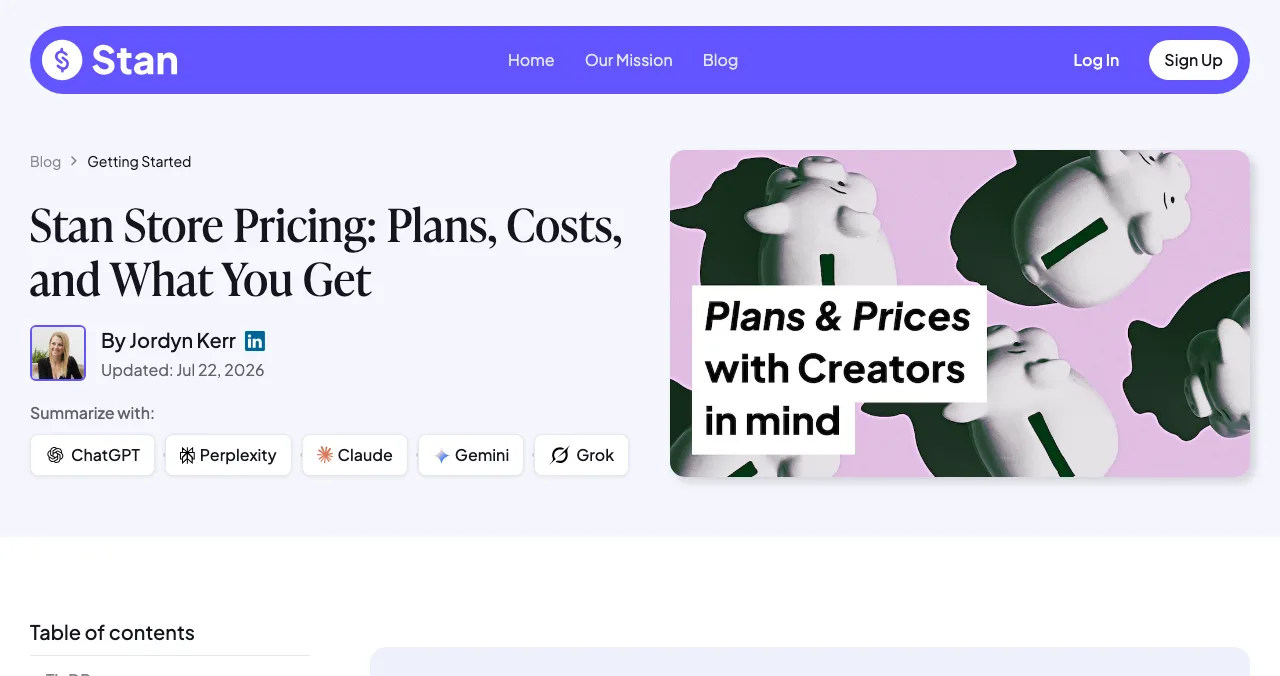
Stan
Selling from your bio with 0% transaction fees.
From $29/mo14-day trial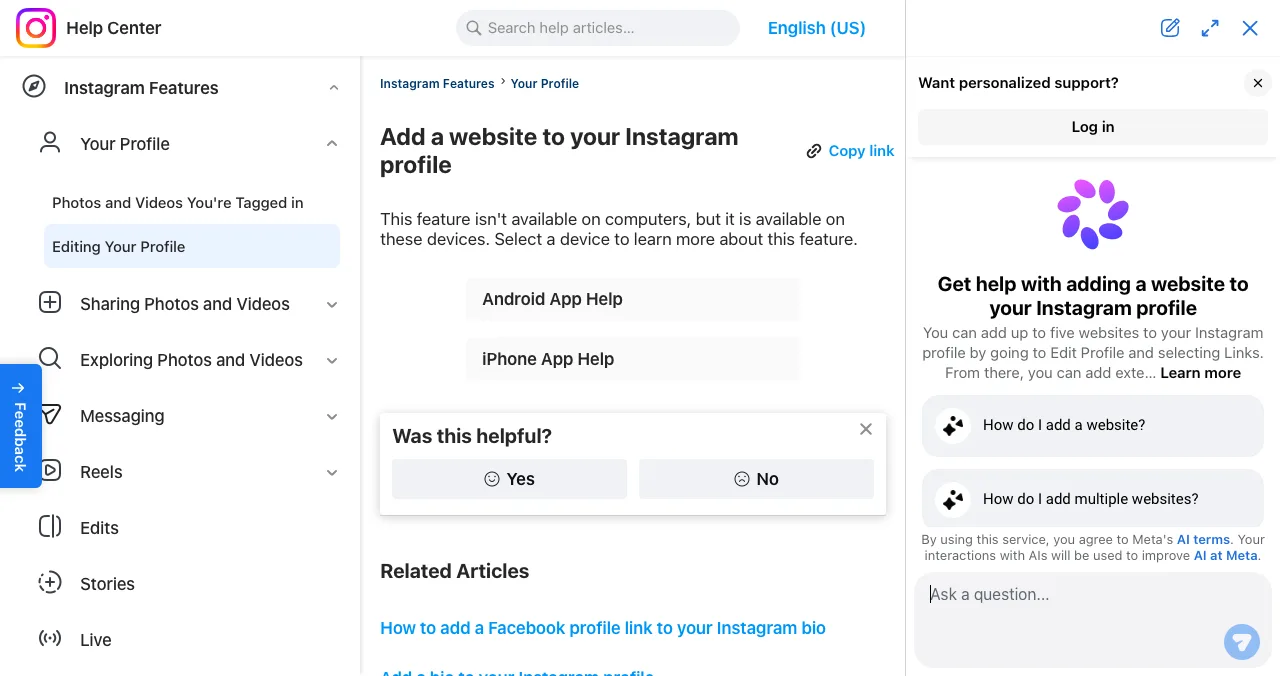
Instagram profile links
Up to five links, built in, free.
FreeInstagram only
Link in bio tools compared: free plans, fees and limits
| Tool | Link in bio free? | Fee on your sales | Paid from (as listed) | Strongest at | Weakest at |
|---|---|---|---|---|---|
| Campsite.bio | Yes, forever, unlimited links | 0% for a limited time | $7/mo | Clean free page | Selling tools |
| Beacons | Yes | 9% on Free and Creator; 0% from $30/mo | $10/mo | Store + email + media kit | Fees on lower tiers |
| Carrd | Yes, 3 sites | Payments via Pro embeds | $9/yr | Design freedom | You build it yourself |
| Stan | No; 14-day trial | 0% (processor fees apply) | $29/mo | Selling digital products | No free plan |
| Linktree | Yes, unlimited links; ads may show | Varies by plan | Priced by region | Familiarity, integrations | We couldn't verify current prices |
| Instagram links | Built in, up to 5 | n/a | Free | No extra tap | Instagram only, no analytics page |
| Launchpad profile | Free forever | n/a | Free | Explaining a product | Not for creators' link lists |
Table: Link in bio tools compared on each tool's own pages (checked 20 Nov 2026; Linktree's page unreachable from our network)
1. Campsite.bio: best free link in bio
- Free
- Forever, unlimited links
- Analytics
- 14 days plus totals on free
- Pro
- $7/mo; Pro+ $24/mo
- Trial
- 10 days on paid plans
- Catch
- Branding stays on free
If you want a link in bio free with no strings, Campsite.bio's free-forever plan is the most generous we verified: unlimited links, themes, social icons, an image grid, text blocks, contact details and 14 days of analytics. Pro ($7 a month) adds a custom domain and 60-day analytics; branding removal, forms and pixels are paid features.
Best for: a clean free page of links.
2. Beacons: best for selling on a free plan
- Free
- $0, store included, 9% fee
- Creator
- $10/mo, 9% fee
- Creator Plus
- $30/mo, 0% fee
- Creator Max
- $100/mo, 0% fee
- Catch
- Stripe fees on top
Beacons' link in bio comes with a storefront for digital products, email marketing and a media kit. Its pricing comparison (updated 6 November 2026) lists the plans above, and its help centre confirms the 9% fee on Free and the $10 plan, with none on the $30 and $100 plans. Compare it directly in Linktree vs Beacons.
Best for: creators who sell occasionally and want email in the same tool.
3. Carrd: best for a designed bio link
- Free
- 3 one-page sites
- Pro Lite
- $9/yr
- Pro Standard
- $19/yr, custom domain, forms
- Catch
- Design is up to you
Carrd builds one-page sites, which makes it a flexible bio link: any layout, any colours, a sign-up form on Pro. Three sites are free; Pro Standard at $19 a year adds your own domain. More options in Carrd alternatives.
Best for: a bio link that looks like your brand, not a template.
4. Stan: best for selling with no transaction fee
- Free plan
- None; 14-day trial
- Creator
- $29/mo ($300/yr)
- Creator Pro
- $99/mo ($948/yr)
- Fees
- 0% transaction fee
- Catch
- Monthly cost from day 15
Stan is a creator store that lives in your bio link. It's paid ($29 a month after a 14-day trial) but takes no transaction fee, so it beats a free tool's percentage once your sales are steady.
Best for: creators whose bio link is mainly a shop.
5. Instagram's own links: the free link in bio you already have
- Cost
- Free
- Links
- Up to 5 websites
- Order
- Reorderable
- Catch
- Only on Instagram
Instagram's help centre says you can add up to five websites to your profile and reorder them. If that's enough, you don't need a tool for Instagram. Our guide to what "link in bio" means covers TikTok and other platforms.
Best for: five links or fewer, on Instagram only.
Linktree and others we couldn't rank
Linktree is the most familiar link in bio tool, with a Free plan (unlimited links; Linktree's own pages say free Linktrees can show ads) and Starter, Pro and Premium plans priced by region. Its domain was blocked by our network provider on 20 November 2026, so we couldn't verify its current page or capture it; see how to make a Linktree for setup. Later's Link in Bio is free according to Later's page, but our browser timed out on it. Lnk.Bio and Bio.link blocked our automated checks. We don't rank what we couldn't verify.
The bio link for a product: a page, not a list
- Cost
- Free, forever
- Your link
- launchpad.scienceofapps.com/p/your-product
- Shows
- Description, screenshots, badges, vouches
- Found by
- The problem your product solves
- Included
- Product test and report
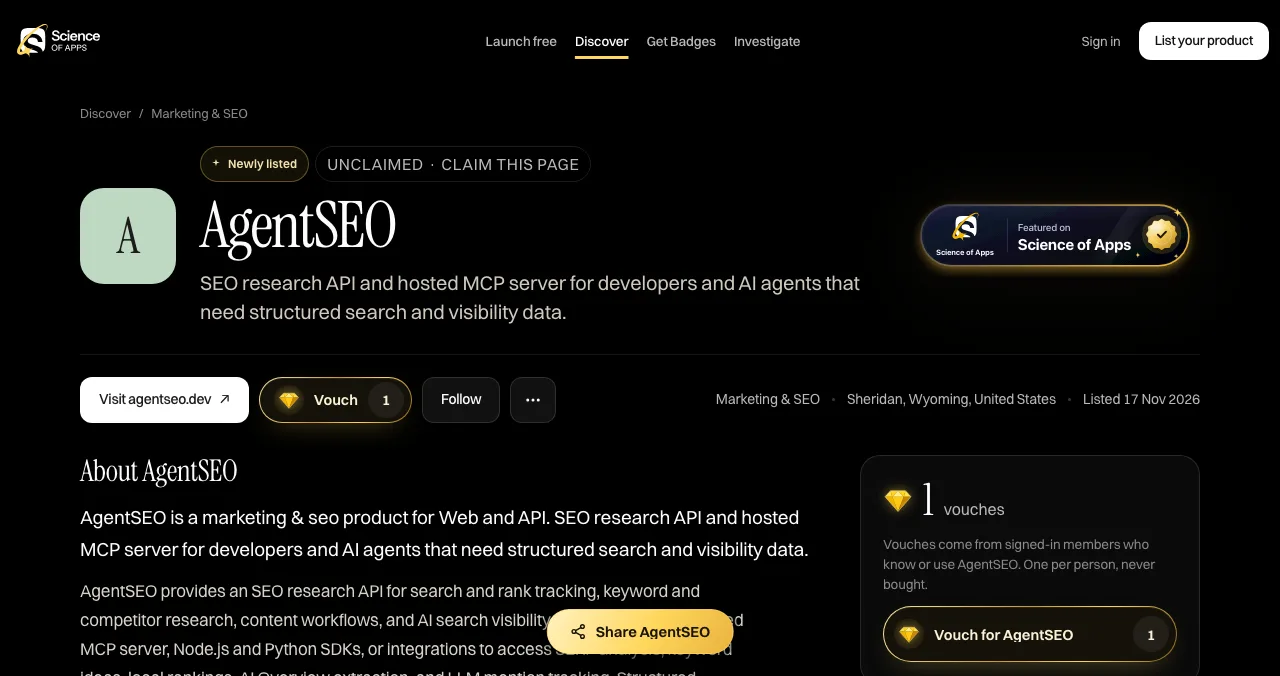
Link in bio tools are built for people with many destinations. A product has one destination and a lot to explain. For a product, one profile page with screenshots, badges and vouches beats a list of links:
- It explains what the product does before asking for a click.
- It proves it: a Featured badge when you go live, earned badges such as Verified (a work email on your domain), vouches from signed-in members and followers.
- It gets found by people searching for the problem, ranked by relevance, editorial picks and community interest, never payment.
- It tests the product: a free baseline diagnosis of your landing page, discoverability and speed as you go live.
- Areas of your product tested
- 22
- Automatic measurements, desktop and mobile
- 39
- Expert checks behind your login
- 74
- Verdicts that rank what to fix first
- 5
See what your bio-link visitors see
List free, then order the report that fits: the first impression, or the full diagnosis with a plan.

 Economy
See what new customers see
- Store listing and homepage, screen by screen
- Scorecard against 60 Laws of UX
- Customers, competitors and the fixes worth most
PremiumThe full diagnosis and the plan
- Every screen, every finding, every flow
- All 60 laws with evidence and fixes
- 8 strategy chapters and a 90-day roadmap
Researched from your live product and fact-checked against the evidence.
Which link in bio tool should you pick?
| Your bio link's job | Pick |
|---|---|
| Point to a few profiles, Instagram only | Instagram's own 5 links |
| A free page of many links | Campsite.bio |
| Sell now and then, free to start | Beacons |
| Sell a lot | Stan, or Beacons Creator Plus |
| Look exactly like your brand | Carrd |
| Explain and prove a product | Launchpad profile |
Table: Which link in bio tool to pick, by job
A 20-minute setup plan
- Minute 0–5
Decide the job
Links, selling, design or a product page.
- Minute 5–10
Pick the tool
Use the table above; start on the free plan.
- Minute 10–15
Add three to five links
Most important first; drop the rest.
- Minute 15–18
Add the link everywhere
Instagram, TikTok, YouTube, X, LinkedIn, email.
- Minute 18–20
Test on a phone
Tap every button on mobile data.
Mistakes to avoid

- Twelve buttons — the first few get the taps (serial position effect)
- Vague labels — "Shop" beats "Click here"; say where each link goes
- Ignoring per-sale fees — a free plan can be the expensive one
- Never pruning — check analytics monthly and remove dead links
- A menu for a product — products need a page that explains them
Ready to launch?
How we chose
We ranked tools by the job they do best and only included those whose plans, fees and limits we could read on their own pages and capture on 20 November 2026. Beacons' prices come from its own comparison page (updated 6 November 2026) and help centre; Stan's from its pricing article. Linktree, Later, Lnk.Bio and Bio.link are described but not ranked because we couldn't load or capture them that day. Search volumes are Google Keyword Planner's global 12-month averages. Science of Apps runs the Launchpad and has no relationship with any tool named.
Key terms, defined
- Link in bio: the clickable URL in a social profile.
- Bio link: another name for the same link, or the page it opens.
- Link in bio tool: a service hosting a page of links behind that URL.
- Platform fee: the tool's percentage of each sale.
- Product profile: a public page about one product with description, screenshots and proof.
Frequently asked questions
What is the best link in bio tool?
It depends on the job. Campsite.bio is the best free tool for a simple page of links; Beacons is best for selling on a free plan; Carrd is best when you want a designed page; Stan is best for selling with 0% transaction fees if you'll pay monthly; and Linktree is the most familiar default. Founders with a product should use a product page.
What is a link in bio?
A link in bio is the clickable website link in a social media profile, called that because platforms like Instagram and TikTok don't make links in posts clickable. People write 'link in bio' to send followers to it. A link in bio tool turns that one link into a page with many links, products or sign-ups.
Is there a free link in bio tool?
Yes. Campsite.bio has a free-forever plan with unlimited links, Beacons and Linktree have free plans, and Carrd lets you build three one-page sites free. Free plans keep the tool's branding and limit analytics or add fees on sales. Instagram itself also lets you add up to five links to your profile free.
What's the difference between a bio link and a link in bio?
Nothing much: 'bio link' and 'link in bio' both mean the single clickable URL in a social profile. 'Bio link' is also used for the page that link opens, such as a Linktree, and Bio.link is the name of one link in bio tool.
Which link in bio tool has no fees on sales?
Stan says it charges 0% transaction fees on every plan, though it has no free plan and starts at $29 a month. Beacons charges 0% on its $30 and $100 plans and 9% on its Free and $10 plans. Campsite.bio lists 0% fees for a limited time. Payment processor fees apply everywhere.
What's the best bio link for a startup or app?
A page that explains the product rather than a list of links. A free Science of Apps Launchpad profile shows the description, screenshots, a Featured badge, earned badges and vouches, with one button to your site, and gets found by people searching for the problem it solves. The product is tested with a report too.
Sources
- Campsite.bio — Pricing (checked 20 Nov 2026)
- Beacons — Beacons vs Linktree: pricing and fees, updated 6 Nov 2026 (checked 20 Nov 2026)
- Beacons Help Center — Store overview and transaction fees (checked 20 Nov 2026)
- Carrd — Homepage and Pro plans (checked 20 Nov 2026)
- Stan — Stan Store pricing (checked 20 Nov 2026)
- Instagram Help Center — Add a website to your Instagram profile (checked 20 Nov 2026)
- Later — Link in bio (checked 20 Nov 2026)
- Linktree — Pricing (listed in search results 20 Nov 2026; page unreachable from our network)
- Science of Apps — Launchpad: launch your product free (checked 18 Nov 2026)
- Science of Apps — Product investigation (checked 18 Nov 2026)
- Science of Apps — Pricing: free listing, Economy and Premium reports (checked 18 Nov 2026)
- Checked November 20, 2026. Figures that change — fees, salaries, prices — are reviewed every six months; if something is out of date, tell us.
Where to go from here
- Linktree alternatives — free tools in more detail
- What does link in bio mean? — the basics, per platform
- How to make a Linktree — setup, step by step
- Science of Apps - LaunchpadLinktree alternatives: the free link-in-bio tools worth using, from Beacons and Campsite.bio to Carrd, Instagram's own links and a product page on the LaunchpadThe best free Linktree alternatives: Campsite.bio, Beacons, Carrd and Instagram's own five links, with fees and limits checked, plus a richer page for products.
- Science of Apps - LaunchpadLinktree vs Beacons: plans, prices, fees on sales and features of the two biggest link-in-bio tools compared, and what a product founder should use insteadLinktree vs Beacons: Linktree wins on simple links and integrations, Beacons on selling, email and a media kit. Plans, fees and who should use each.
- Science of Apps - LaunchpadHow to make a Linktree for Instagram, step by step: sign up, choose your username, add links, put it in your bio, and the better options when you're promoting a productHow to make a Linktree in five steps and add it to Instagram, plus when you don't need one: Instagram's five links, free alternatives and a product page.
- Science of Apps - LaunchpadWix alternatives in 2027: ten free and cheaper website builders and sites like Wix, with each one's free plan, cheapest paid plan and catch, checked on its own pricing pageThe best Wix alternatives and Wix competitors, free and paid: WordPress.com, Squarespace, Webflow, Framer, Carrd and more, with prices checked 20 Nov 2026.
- Science of Apps - LaunchpadFramer alternatives for startup websites: Webflow, Wix, WordPress.com, Squarespace, Carrd, Hostinger, Durable and Tilda compared on free plans, prices and limitsThe best Framer alternative depends on your site: Webflow for CMS, WordPress.com for content, Carrd for one page. Free plans, prices and limits, checked.
- Science of Apps - LaunchpadThe best link building tools for startups, free and paid: what you need to find opportunities, find contacts, pitch, monitor mentions and earn links from launch sites, with prices checked on each tool's own pageThe best link building tools for startups: Search Console, Ahrefs, Semrush, Moz, Hunter, Qwoted, Google Alerts and the Launchpad. Free tiers and prices checked.
Get the ideas, not the noise.
Sign up with Google and we’ll send you short UX psychology tips by email — why people tap, stall and leave, and what to do about it. Unsubscribe anytime. Prefer something to keep? Get the free Laws of UX guide as a PDF.
Launch day ends. Your listing shouldn't.
For a product, the best bio link is one page that explains it: the Science of Apps Launchpad gives you a free profile with screenshots, badges and vouches, and tests the product with a detailed report.