 By
Quick answer: How do you launch a mobile app successfully?
- Before (weeks −8 to −1): beta test, fix onboarding, submit early, open pre-orders or pre-registration, build a web page.
- Launch day: release on both stores, tell your own audience first, launch where your users already are.
- After (days 1–30): measure activation and retention, reply to reviews, ship weekly fixes.
- Store timing: Apple reviews 90% of submissions within 48 hours; new personal Play accounts need a 14-day closed test.
- Web page: list free on the Launchpad, with a product report on store listing and onboarding.
Key takeaways
- Most of a mobile app launch happens before launch day.
- Launch marketing can't fix an onboarding that loses people in the first minute.
- Pre-orders and pre-registration turn early interest into automatic installs.
- One web page linking both stores is what every post, launch site and press mention should point to.
- Measure activation and retention, not downloads.
"App launch", "mobile app launch" and "launch mobile app" are each searched about 4,400 times a month worldwide (Google Keyword Planner, global 12-month average), and most of the people searching have the same worry: the app is nearly ready, and they don't know what has to happen when. This plan splits a mobile app launch into three phases, before, on and after launch day, with the store rules that set the timing, checked on Apple's and Google's own pages on 18 November 2026. Jump to the eight weeks before, launch day, the 30 days after or the full timeline.
- A realistic run-up for a first launch
- 8 weeks
- Apple reviews 90% of submissions within
- 48h
- Closed test for new personal Play accounts
- 14 days
- Longest Google Play pre-registration campaign
- 90 days
The mobile app launch plan at a glance
| Phase | When | Goal | Key tasks |
|---|---|---|---|
| Before | Weeks −8 to −1 | A product that works and an audience waiting | Beta test, fix onboarding, submit early, pre-orders or pre-registration, web page, launch assets |
| Launch day | Day 0 | Installs from the right people | Release on both stores, own audience first, launch sites, reply to everyone |
| After | Days 1–30 | Users who stay | Activation and retention, reviews, weekly fixes, second wave |
Table: A mobile app launch plan in three phases (Science of Apps editorial framework; store rules from Apple and Google, checked 18 Nov 2026)
Before launch: the eight weeks that decide it
Most of a new app launch is decided before release. Launch traffic is impatient: if onboarding loses people in the first minute, no amount of marketing brings them back.

- Beta test with strangers — TestFlight allows up to 100 internal and 10,000 external testers (the first external build needs App Review); Google Play has internal, closed and open tracks
- Start the Play closed test early — new personal accounts created after 13 November 2023 need 12 testers opted in for 14 continuous days before production
- Fix the first minute — sign-up, permissions and the first moment of value on a mid-range phone
- Submit to Apple early — Apple reviews 90% of submissions within 48 hours, but a rejection adds days
- Open pre-orders or pre-registration — collect installs before release
- Build one web page — linking both stores, for every post and press mention to point at
- Prepare launch assets — a one-line pitch, screenshots of the real app, a 30-second video
- Line up your audience and launch sites — waitlist, communities, Product Hunt date
Pre-orders (Apple) and pre-registration (Google Play)
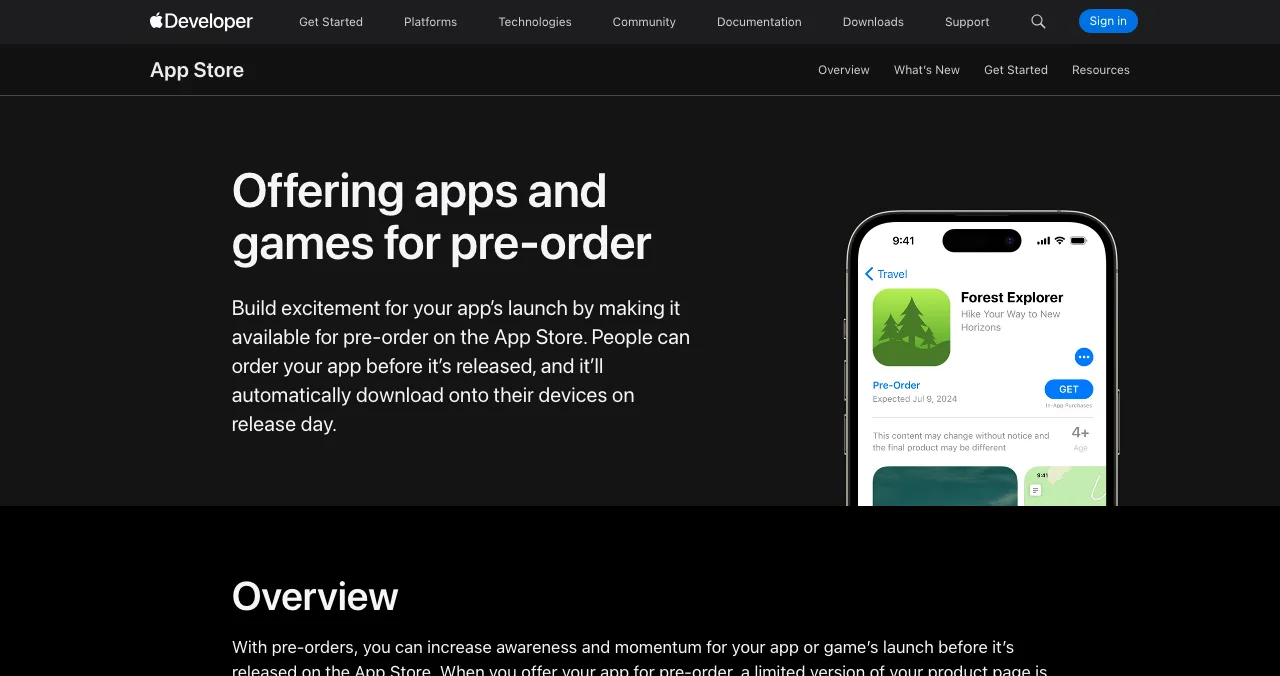
- Apple: a brand-new app can be offered for pre-order with a release date 2 to 180 days after the pre-order is published; it must be reviewed first. Apple doesn't tell customers if the date changes, so don't promise a date you might miss.
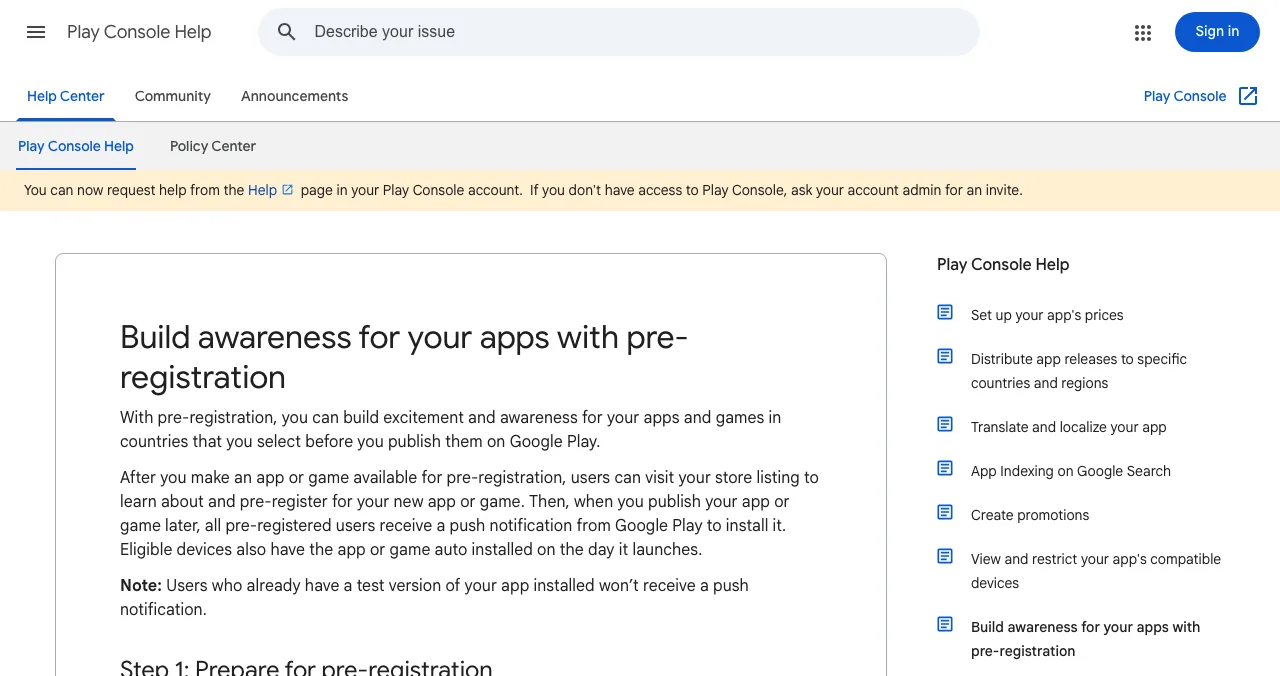
- Google Play: pre-registration campaigns last at most 90 days in each country, after which you must launch to production. At launch, all pre-registered users get a Play notification, and eligible devices can install automatically.
Store submission itself, with every fee and form, is covered in how to submit an app to the App Store and Google Play.
Give the app a web page, and test it before launch
App store pages are hard to find from an ordinary Google search, and they can't tell you why someone didn't install. The Science of Apps Launchpad gives your app a free, permanent web page with links to both stores, found by the problem it solves, and tests the app before your launch crowd arrives.

The investigation is re-cut per category (for games, it looks at first-time play and the store page) and covers the whole journey.
Arrive
First impression
The store listing, your web page, discoverability on Google and AI assistants, and speed.
Join
The first minutes
Sign-up, permissions and onboarding to the first moment of value.
Use
The everyday job
The core flow, navigation, empty, loading and error states.
Pay
Value into revenue
The paywall, upgrade and purchase.
Stay
Coming back
Notifications, account, settings and help.
Every screen
Throughout
Accessibility to WCAG 2.2, visual design and consistency.
See your app the way a new user will
List free, then order the report that fits: the store listing and first screens, or the full diagnosis with a 90-day plan.

 Economy
See what new customers see
- Store listing and homepage, screen by screen
- Scorecard against 60 Laws of UX
- Customers, competitors and the fixes worth most
PremiumThe full diagnosis and the plan
- Every screen, every finding, every flow
- All 60 laws with evidence and fixes
- 8 strategy chapters and a 90-day roadmap
Researched from your live app and fact-checked against the evidence. Private to your team.
Launch day: how do you launch a mobile app?

- Release on the stores — Apple's manual or scheduled release and Google's managed publishing let you go live on the day you choose. Check both store pages load in every country you target.
- Tell your own audience first — your waitlist, pre-registered users, beta testers and friends who'd genuinely use it.
- Post where your users already are — the communities, groups and forums for your category, written as a story, not an advert.
- Launch on the sites that fit — Product Hunt if your users are a broad tech audience; your permanent web page for everyone else.
- Reply to everything — comments, emails, store reviews and bug reports, all day.
- Watch crashes and sign-ups live — fix anything blocking the first minute the same day.
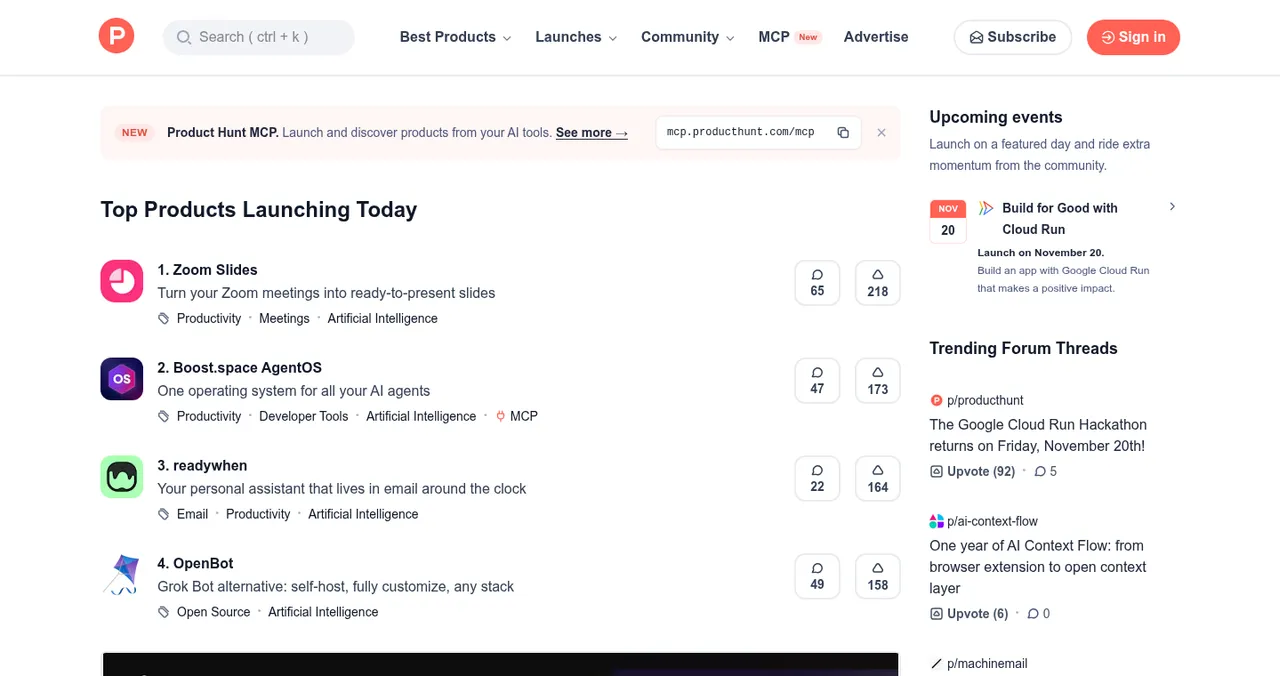
On Product Hunt, launches go live at 12:01 AM Pacific Time on the date you schedule, up to 30 days ahead, and its help centre is blunt: never ask for upvotes. Ask people to try the app instead. Our where to launch a mobile app guide compares the free launch sites for apps.
After launch: the 30 days that make it stick
The launch spike fades within days. What matters next is whether the people who installed reach value and come back.
| Metric | What it tells you | Where to look |
|---|---|---|
| Store page conversion | Whether your listing persuades | App Store Connect and Play Console analytics |
| Activation | Whether onboarding works | Your analytics: installs reaching the first key action |
| Day-1 and day-7 retention | Whether the app is worth coming back to | Cohorts in your analytics |
| Crash-free sessions | Whether quality holds on real devices | Crash reporting |
| Review themes | What users love and what breaks | Store reviews, replied to |
| Source of users who stay | Which channels to repeat | UTM-tagged links |
Table: What to measure in the 30 days after a mobile app launch
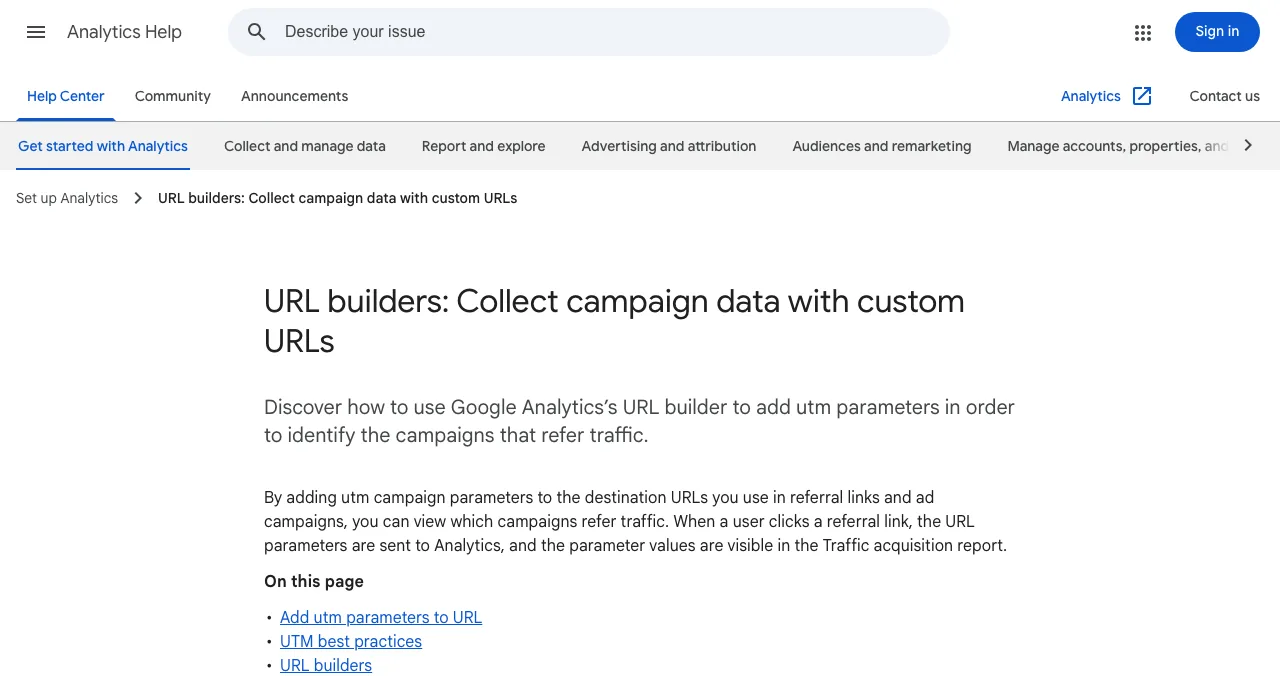
Google's own advice is to always use utm_source, utm_medium and utm_campaign when you tag a link. Give each launch channel its own source so you know which ones brought users who stayed. For growth beyond launch week, see how to get your first 1,000 app downloads.
The full timeline: a 12-week mobile app launch plan
- Week −8
Beta and accounts
Developer accounts, first builds to TestFlight and a Play closed track; recruit testers.
- Week −6
Web page and test
List on the Launchpad; read the baseline check; start fixing onboarding.
- Week −5
Closed test running
Keep at least 12 Play testers opted in for 14 days (new personal accounts).
- Week −4
Store listings
Screenshots of the real app, descriptions, privacy declarations.
- Week −3
Submit and pre-launch
Submit to Apple; open pre-orders or pre-registration; book launch sites.
- Week −1
Assets and audience
Pitch, video, posts drafted; tell your waitlist the date.
- Day 0
Launch
Release both stores; own audience, communities, launch sites; reply all day.
- Weeks 1–4
Learn and fix
Activation, retention and reviews weekly; ship fixes; plan a second wave.
Mistakes to avoid

- Treating approval as launch — approval starts the launch; plan the 30 days after
- Measuring downloads only — installs that churn are an onboarding problem
- Announcing a date before review — a rejection can cost days
- No web page — store links alone are hard to find and hard to share
- Launching everywhere at once — you can't reply properly on five sites in one day
- Asking for ratings in the first minute — ask after a success moment
People remember an experience by its best moment and its end, the peak-end rule: design the first session to end on a result, and ask for a rating there.
Ready to launch?
How we built this plan
Store timings, testing rules, pre-order and pre-registration limits come from Apple's Developer pages and Google's Play Console Help, read on 18 November 2026. Product Hunt's rules come from its help centre, and UTM guidance from Google Analytics Help, read the same day. The three-phase framework and metrics are Science of Apps editorial guidance, not platform rules. Search volumes are Google Keyword Planner's global 12-month averages. Science of Apps runs the Launchpad.
Key terms, defined
- Mobile app launch: releasing an app to the stores and getting the right people to install and keep using it.
- Pre-registration: Google Play's way to collect sign-ups before release, for up to 90 days.
- Pre-order: Apple's way to let people order an app before release; it downloads automatically on release day.
- Activation: a new user reaching the app's first moment of value.
- Day-7 retention: the share of new users still active seven days after installing.
- UTM link: a URL tagged with source, medium and campaign so analytics can attribute visits.
Frequently asked questions
How do you launch a mobile app successfully?
Plan three phases. Before launch, beta test with real users, fix onboarding, submit to the stores early and collect demand with pre-orders or pre-registration. On launch day, release on both stores and tell your own audience first. Afterwards, measure activation and retention, reply to every review and ship fixes weekly.
How far in advance should I plan a mobile app launch?
About eight weeks for a first launch. That leaves time for beta testing, a 14-day closed test if you have a new personal Google Play account, App Review (90% of submissions within 48 hours, but rejections add time), store listings, a web page and lining up launch sites and your audience.
Should I launch on iOS and Android at the same time?
If your users are split across both, yes, and you can schedule both releases for the same day. If your budget is tight, start where your audience is: check your analytics, your waitlist and your market. Launching one platform first lets you fix onboarding before the second launch.
What is app launch marketing?
Everything that gets the right people to install on launch day and keep using the app: a web page, a waitlist or pre-registration, posts to your own audience and communities, launch sites such as Product Hunt, press or newsletters that cover your space, and a store listing that converts. Each channel should send people to one page with tracking.
Do pre-orders and pre-registration help a new app launch?
They help you collect demand before release and install automatically on launch day. Apple lets a new app take pre-orders 2 to 180 days before release, after review. Google Play pre-registration campaigns last up to 90 days, and pre-registered users get a notification at launch, with automatic install on eligible devices.
What metrics should I track after an app launch?
Store page conversion (visits to installs), activation (installs that reach the first moment of value), day-1 and day-7 retention, crash-free sessions, and ratings and review themes. Downloads alone mislead: a spike of installs that churn tells you onboarding, not marketing, needs work.
Where should I launch a new mobile app?
Your own audience first, then communities your users belong to, then launch sites that fit: Product Hunt for a broad tech audience, the Science of Apps Launchpad for a permanent web page and a product report, and niche communities for your category. Our guide to where to launch a mobile app compares them.
Sources
- Apple Developer — App Review: review times (checked 18 Nov 2026)
- Apple Developer — Offering apps and games for pre-order (checked 18 Nov 2026)
- Apple Developer — TestFlight (checked 18 Nov 2026)
- Play Console Help — Build awareness for your apps with pre-registration (checked 18 Nov 2026)
- Play Console Help — App testing requirements for new personal developer accounts (checked 18 Nov 2026)
- Product Hunt Help Center — Launch FAQ and myths (checked 18 Nov 2026)
- Google Analytics Help — URL builders: collect campaign data with custom URLs (checked 18 Nov 2026)
- Science of Apps — Launchpad: launch your product free (checked 18 Nov 2026)
- Science of Apps — Product investigation (checked 18 Nov 2026)
- Checked November 18, 2026. Figures that change — fees, salaries, prices — are reviewed every six months; if something is out of date, tell us.
Where to go from here
- Where to launch a mobile app — free launch sites for apps
- App launch checklist — every item, by phase
- Your first 1,000 downloads — founder-led growth
- Templates & toolsThe ultimate app launch checklist: every task from eight weeks out to the first month after launchAn app launch checklist covering product readiness, store listings, compliance, analytics, marketing, launch week and the first 30 days after release.
- Science of Apps - LaunchpadPre-launch marketing for startups: a six-week plan from waitlist to launch day, with the channels, assets and rules that matterPre-launch marketing for startups: a 6-week plan with a waitlist, building in public, early adopters, launch assets and a scheduled launch date.
- Science of Apps - LaunchpadThe startup launch checklist for 2027: everything to do before, during and after launch, in orderA startup launch checklist for 2027: product, page, visibility, assets, launch-day and follow-up items, in order, with the platform rules that matter.
- Science of Apps - LaunchpadProduct launch marketing that works for startups: the launch strategy, the seven channels, a six-week calendar from three weeks before launch to three weeks after, and how to measure each channelLaunch marketing in one plan: a launch strategy, seven channels ranked for startups, a six-week calendar and one permanent page every channel points to.
- Science of Apps - LaunchpadLaunch planning made simple: a product launch plan template with a 12-week roadmap, the steps of the product launch process, owners, deadlines and the metrics that tell you it workedA launch planning template you can copy: the eight parts of a product launch plan, a 12-week roadmap, owners, deadlines and metrics, from goal to follow-up.
- Science of Apps - LaunchpadA go-to-market strategy for startups on one page: the eight boxes of a GTM canvas, a worked example, the B2B and self-serve motions, and a 90-day launch planA go-to-market strategy template for startups: an eight-box GTM canvas covering customer, problem, promise, price, channels and motion, plus a 90-day plan.
Get the ideas, not the noise.
Sign up with Google and we’ll send you short UX psychology tips by email — why people tap, stall and leave, and what to do about it. Unsubscribe anytime. Prefer something to keep? Get the free Laws of UX guide as a PDF.
Launch day ends. Your listing shouldn't.
The Science of Apps Launchpad gives your app a free, permanent web page linking both stores, found by the problem it solves, and tests your store listing and onboarding with a detailed report before launch day.