 By
Quick answer: How do I submit my website to Google?
- Search Console is the only official way to submit a site to Google, and it's free.
- Verify first: a DNS record (Domain property) or an HTML file, meta tag, Analytics or Tag Manager (URL-prefix).
- Sitemap for many URLs; URL Inspection → Request indexing for a few.
- Timing: crawling can take a few days to a few weeks, per Google.
- The ping endpoint is gone: Google retired sitemap pings in 2023.
- Links help discovery: Google says sites are often missed when no other sites link to them.
Key takeaways
- Submitting is a hint. Google decides what to crawl and index.
- A Domain property, verified by DNS, covers every subdomain and protocol.
- Requesting the same URL again doesn't speed anything up.
- Most 'not indexed' problems are noindex tags, robots.txt blocks, login walls or thin pages.
- A public page that links to your site gives Google another path to it.
You've shipped the site, typed your company name into Google and found nothing. That's normal for a new domain, and it's fixable for free. People search "submit website to google" about 2,400 times a month and "submit site url to google" about 1,900 (Google Keyword Planner, global 12-month average), and much of what ranks for those terms sells a service you don't need. This guide follows Google's own documentation, read on 20 November 2026: verify your site in Search Console, submit your sitemap, request indexing for the pages that matter, and give Google links to follow. Jump to the methods compared, the steps or why a page isn't indexed.
- Official ways to tell Google about pages: Search Console, its API, robots.txt
- 3
- URLs per sitemap file (or 50 MB uncompressed)
- 50,000
- Cost of submitting a site to Google
- $0
- How long Google says crawling can take
- Days–weeks
The ways to submit a site to Google, compared
Google offers a few routes, and each fits a different job. None of them costs money and none guarantees indexing.
| Method | Best for | Limit | What Google says |
|---|---|---|---|
| Search Console Sitemaps report | A whole site, or many URLs | 50,000 URLs or 50 MB per file; use an index file for more | A hint about which URLs matter, not a guarantee |
Sitemap: line in robots.txt | Every crawler that reads robots.txt | Same sitemap limits | Supported alongside Search Console |
| URL Inspection, Request indexing | A handful of new or changed pages | Daily per-property quota | Usually about a day, sometimes longer |
| Search Console API | Sites that publish sitemaps programmatically | API quotas | Same effect as the Sitemaps report |
| Links from other crawled pages | Discovery of a brand-new site | None | Sites are often missed when nothing links to them |
| Sitemap ping URL | Nothing now | Retired in 2023 | Returns 404 |
Table: Ways to submit a website to Google for indexing (Google Search Central and Search Console Help, checked 20 Nov 2026)
How do I submit my website to Google? The five steps

- Make the site crawlable — public pages, no
noindextag, nothing important blocked in robots.txt, and a working sitemap (most site builders and CMSs create one at /sitemap.xml). - Add your site to Search Console — choose a Domain property (whole domain) or a URL-prefix property (one exact address).
- Verify you own it — a DNS TXT record for a Domain property; an HTML file, meta tag, Google Analytics or Tag Manager for a URL-prefix property.
- Submit your sitemap — Indexing → Sitemaps, enter the sitemap URL, Submit.
- Request indexing for key pages — inspect your homepage and two or three core pages with URL Inspection and click Request indexing.
Then wait. Google's "get on Google" guide says it "can take a few weeks for Google to notice a new site," and its recrawl page says crawling "can take anywhere from a few days to a few weeks." Check progress in the Page indexing report rather than resubmitting.
Step 1: add and verify your site in Search Console
- Cost
- Free
- Domain property
- DNS record only; covers all subdomains and http/https
- URL-prefix property
- File, meta tag, Analytics, Tag Manager or DNS
- Who can request indexing
- Owners and full users
- Catch
- Verification files and tags must stay in place
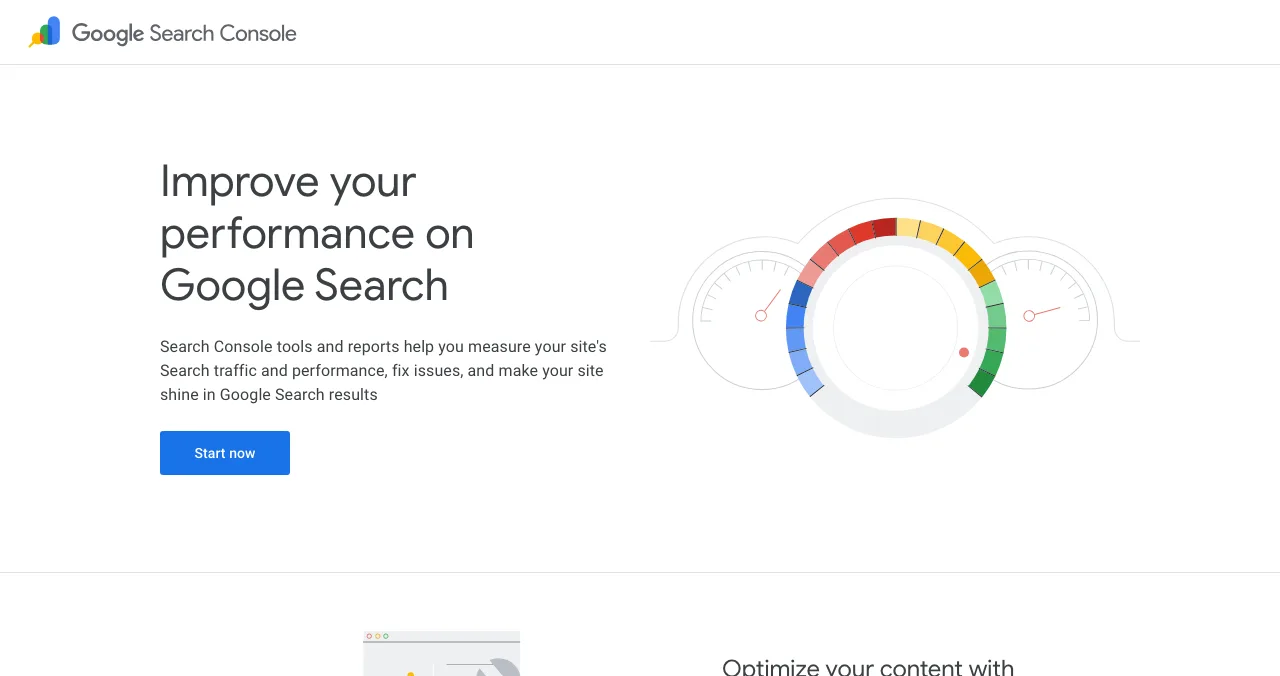
Search Console is the only Google tool built for this, so every route starts here. The property type decides what you're submitting.
| Verification method | Property type | What you do |
|---|---|---|
| Domain name provider (DNS) | Domain or URL-prefix | Add a TXT or CNAME record at your DNS host |
| HTML file upload | URL-prefix | Upload Google's file to your site's root |
| HTML tag | URL-prefix | Paste a meta tag into the <head> of your homepage |
| Google Analytics | URL-prefix | Use an Analytics tag you have edit rights to |
| Google Tag Manager | URL-prefix | Use a container snippet you can publish |
| Google Sites or Blogger | URL-prefix | Verified automatically with the same account |
Table: Search Console verification methods (Search Console Help, checked 20 Nov 2026)
- Pick a Domain property if you can edit DNS. It covers
www,app.,blog.and both protocols in one place. - Use a URL-prefix property if you're on a host where you can't add DNS records but can paste a meta tag, which most website builders allow.
- Don't remove the token later. Search Console periodically re-checks; if the file or tag disappears, you lose access.
Best for: everyone, on day one.
Step 2: submit your website sitemap to Google
- Size
- 50,000 URLs or 50 MB uncompressed per file
- Formats
- XML, RSS 2.0, mRSS, Atom 1.0, plain text
- Submit via
- Search Console, its API, or robots.txt
- Ignored
- priority and changefreq
- Catch
- lastmod is used only if it's accurate
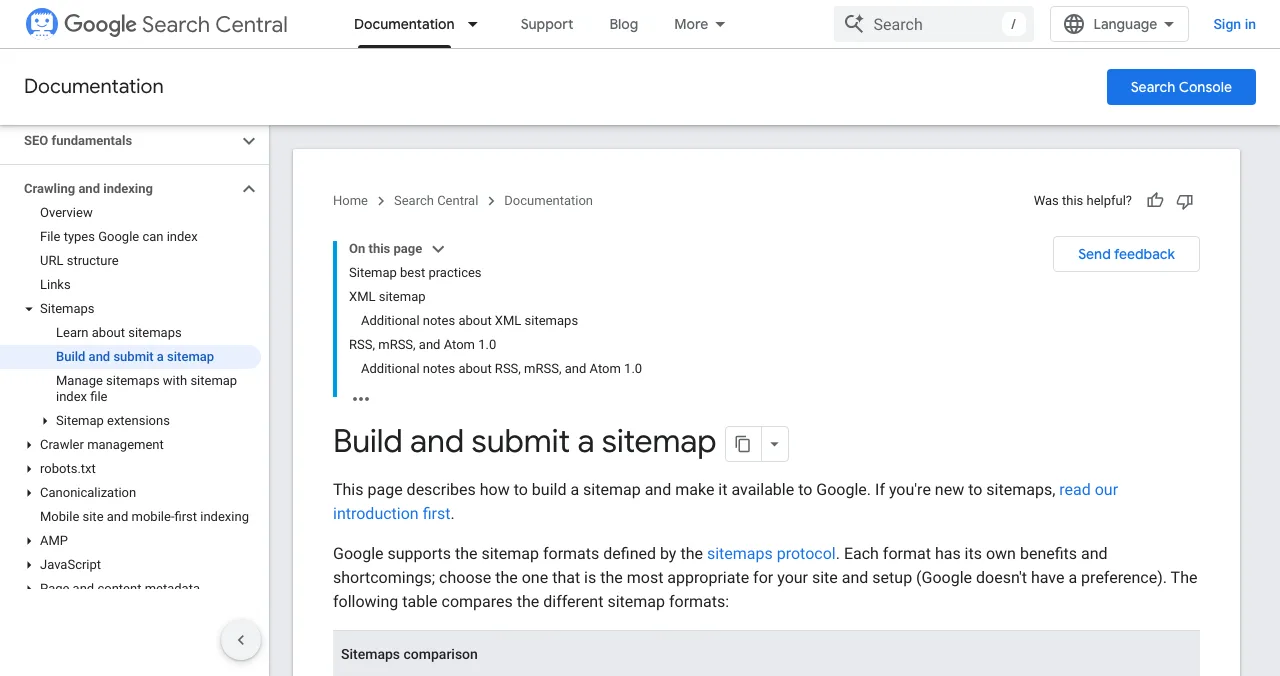
A sitemap is the efficient way to submit a site to Google: one file that lists every URL you want found. Google says it's most useful for "large numbers of URLs" and after a launch or site move.
- Use absolute URLs. Google crawls them exactly as listed, so
https://www.example.com/pricing, not/pricing. - List only canonical, indexable pages. No redirects, no noindex pages, no staging URLs.
- Keep lastmod honest. Google uses it only when it's "consistently and verifiably accurate"; a changed copyright year isn't an update.
- Skip priority and changefreq. Google ignores both.
- Add it to robots.txt too:
Sitemap: https://www.example.com/sitemap.xmllets Bing and other crawlers find it.
Best for: any site with more than a few pages, and every site after a launch.
Step 3: submit a site URL to Google with URL Inspection
- Use for
- A few important URLs
- Steps
- Inspect → Test live URL → Request indexing
- Typical time
- About a day, sometimes longer
- Limit
- Daily per-property quota
- Catch
- Can't request indexing if the live test fails
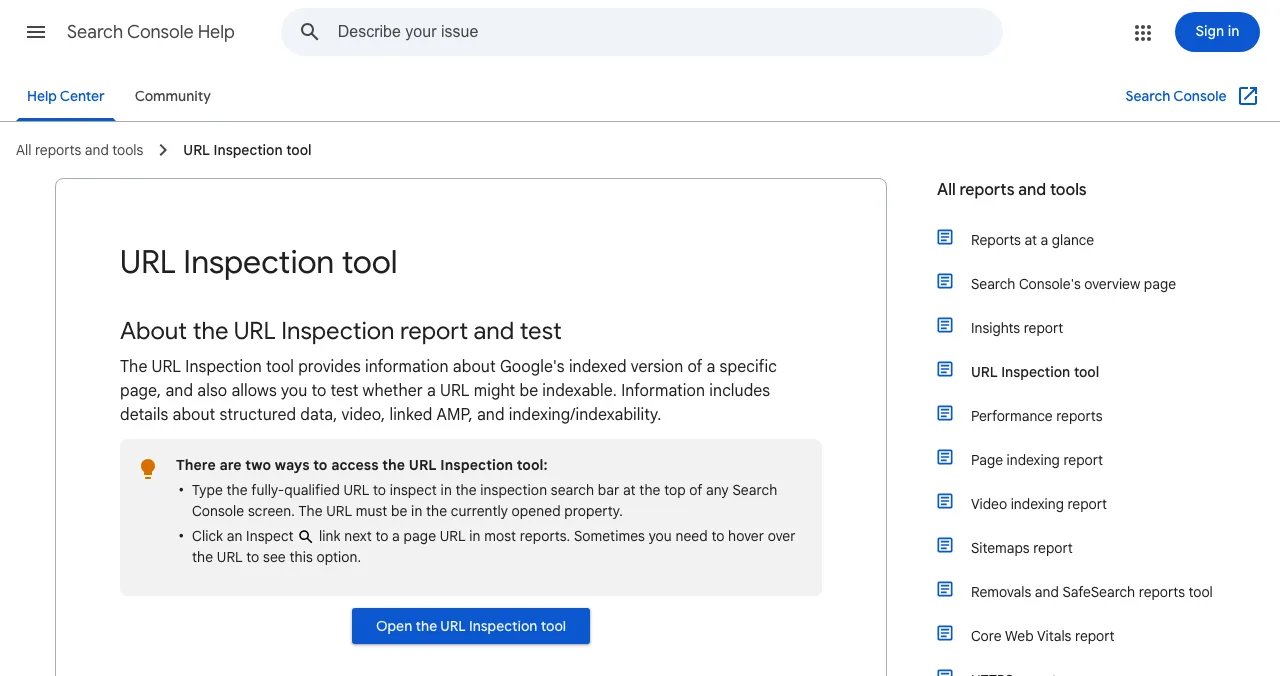
URL Inspection is the "submit this page now" button. Paste the full URL into the bar at the top of Search Console; it must belong to the property you have open.
- Run Test live URL first. It shows whether Googlebot can reach and parse the page, with a screenshot and the rendered HTML. The page must be reachable without a login.
- Then Request indexing. If the page passes a quick check, it joins the crawl queue.
- Quota: Google confirms a daily limit per property on both inspections and index requests, without publishing the number. Spend it on your homepage, pricing page and launch post.
- Don't repeat it. Google's recrawl page says asking for the same URL again doesn't get it crawled faster.
Best for: your homepage at launch, and any key page you've just fixed or published.
How long does Google take to index a new site?
| What you did | What Google says about timing |
|---|---|
| Launched a new site | It can take a few weeks for Google to notice it |
| Submitted a sitemap or recrawl | A few days to a few weeks |
| Requested indexing for one URL | Usually about a day, can be longer |
| Requested the same URL again | No faster |
Table: Google's own timing statements for indexing (Google Search Central and Search Console Help, checked 20 Nov 2026)
Hosted platforms often notify Google for you: Google's recrawl page tells Blogger and WordPress users to check their platform's own support articles first. Either way, measure with the Page indexing report, not by refreshing a site: search, which Google says "doesn't necessarily return all the URLs that are indexed."
Why isn't my page indexed after submitting?

- A noindex tag or header — often left on from staging; URL Inspection shows it
- Blocked in robots.txt — Google can't crawl what it's told not to
- Behind a login — Google's guide names login pages as a common reason sites are missed
- Canonical points elsewhere — Google indexes the page you declared as the original
- No links from anywhere — Google says sites are often missed when no other sites link to them
- Thin or duplicate content — crawled, then left out; improve the page before resubmitting
- Hard-to-crawl design — key content only appears after scripts or clicks
The fix for most of these is in your own site. The fix for the fifth is outside it: Google discovers pages mostly by following links, so a new site with no inbound links is waiting to be found. That's where a few honest listings help, as covered in backlinks for startups and promote your website free.
Give Google a link to follow: the Launchpad
- Cost
- Free, forever
- Live in
- About 5 minutes, six short steps
- Link
- Your profile links to your site
- Ranking
- Relevance, never payment
- Included
- A product test and detailed report

Search Console tells Google your site exists. A link from a public, crawlable page gives it a path to follow. The Science of Apps Launchpad gives your product a free, permanent public page at its own launchpad.scienceofapps.com address, found by the problem it solves, with a link to your site. When we checked on 18 November 2026, the outbound link on Launchpad profiles carried rel="noopener" only, which means a followed link; that's a dated observation, not a promise of rankings or authority.
- Cost: free to list, forever; six short steps, automated checks and a human review.
- Accepts: startups, SaaS, mobile apps, AI products, developer tools, browser extensions, games and open source.
- Earned proof: a Featured badge on going live, then Verified, Community favourite, Editor's pick and more, plus vouches and followers.
- The difference: a free baseline diagnosis of your landing page, discoverability and speed runs as you go live, and a full investigation is available.
- Areas of your product tested
- 22
- Automatic measurements, desktop and mobile
- 39
- Expert checks behind your login
- 74
- Verdicts that rank what to fix first
- 5
Getting indexed only matters if the page people land on works. The investigation runs your product in a real browser, desktop and mobile, and an analyst reviews every finding.
See what searchers see when they land
List free, then order the report that fits: the first impression, or the full diagnosis with a plan.

 Economy
See what new customers see
- Store listing and homepage, screen by screen
- Scorecard against 60 Laws of UX
- Customers, competitors and the fixes worth most
PremiumThe full diagnosis and the plan
- Every screen, every finding, every flow
- All 60 laws with evidence and fixes
- 8 strategy chapters and a 90-day roadmap
Researched from your live product and fact-checked against the evidence.
Best for: a new product site with no inbound links yet. For a full multi-page site you still need your own domain and host; the Launchpad is a product page, not a website builder.
Which method should you use?
| Your situation | Do this first | Then |
|---|---|---|
| Brand-new site, nothing indexed | Search Console + sitemap | Request indexing for the homepage; get a few honest links |
| One new or fixed page | URL Inspection → Request indexing | Check the Page indexing report in a few days |
| Large site, frequent updates | Sitemap index with accurate lastmod | Automate with the Search Console API |
| Site on WordPress, Blogger or a builder | Check what the platform submits for you | Add Search Console anyway for reports |
| Indexed but invisible | Fix content and links, not submission | See SEO for startups |
Table: Which way to submit a site to Google, by situation
A two-week indexing plan
- Day 1
Verify and submit
Add a Domain property, verify by DNS, submit the sitemap, request indexing for the homepage.
- Day 1
Get linked
List on the Launchpad and update your social profiles with your URL.
- Day 2
Fix what Search Console flags
Read the URL Inspection result for each key page.
- Day 3
Other engines
Submit to Bing Webmaster Tools and turn on IndexNow.
- Days 4–14
Watch, don't resubmit
Check the Page indexing report; fix causes, not symptoms.
Mistakes to avoid

- Paying a 'Google submission' service — it's free and takes minutes in Search Console
- Resubmitting daily — Google says it doesn't speed anything up
- Submitting a sitemap full of redirects and noindex pages — list only canonical URLs
- Leaving staging noindex tags on at launch — the most common self-inflicted block
- Pinging the old sitemap URL — it has returned 404 since Google retired it
- Judging by
site:alone — use the Page indexing report
Ready to be found?
How we know
Every rule, limit and timing in this guide comes from Google Search Central documentation, Search Console Help and the Search Central blog, read on 20 November 2026. Google doesn't publish the URL Inspection quota number, so we don't give one. The Launchpad details come from its homepage, investigation and pricing pages, read on 18 November 2026, and the link observation is from that date. Search volumes are Google Keyword Planner's global 12-month averages. Science of Apps runs the Launchpad and has no relationship with Google.
Key terms, defined
- Indexing: Google storing a page so it can appear in results; crawling comes first and doesn't guarantee it.
- Search Console: Google's free tool for site owners to submit sitemaps, request indexing and see search data.
- Domain property: a Search Console property covering a whole domain, all subdomains and both protocols, verified by DNS.
- Sitemap: a file listing the URLs you want search engines to find, up to 50,000 per file for Google.
- URL Inspection: the Search Console tool that tests a single URL and lets you request indexing.
- lastmod: the sitemap date of a page's last significant change, used by Google only if accurate.
Frequently asked questions
How do I submit my website to Google?
Open Google Search Console, add a property for your site and verify ownership. Then submit your sitemap URL in the Sitemaps report and inspect your homepage and key pages with the URL Inspection tool, choosing Request indexing. It's free. Google's documentation says you often don't need to submit at all if other sites link to you, but submitting tells Google where to start.
Is it free to submit a site to Google?
Yes. Search Console, sitemap submission and URL Inspection are free, and Google doesn't sell faster indexing. Anyone charging to 'submit your site to Google' is doing what you can do yourself in about ten minutes. Paid Google Ads appear in ad slots and don't change how your pages are crawled or ranked in organic results.
How do I submit my website sitemap to Google?
In Search Console, open Indexing, then Sitemaps, enter your sitemap's URL (often /sitemap.xml) and press Submit. You can also add a line such as 'Sitemap: https://example.com/sitemap.xml' to robots.txt. A sitemap can hold up to 50,000 URLs or 50 MB uncompressed; larger sites split it and use a sitemap index file.
How do I submit a site URL to Google for indexing?
Inspect the full URL in Search Console's URL Inspection tool. If the live test shows the page can be indexed, click Request indexing and it joins Google's crawl queue. There's a daily per-property limit on requests, so use it for a handful of important pages; for many URLs, Google recommends a sitemap with accurate lastmod dates.
How long does Google take to index a new website?
Google says crawling can take anywhere from a few days to a few weeks, and that it can take a few weeks to notice a new site. An individual indexing request usually takes about a day but can take longer. Requesting the same URL repeatedly doesn't make it faster, and indexing is never guaranteed.
Why is my site still not on Google after submitting?
Check the URL Inspection result first. Common causes are a noindex tag, a robots.txt block, pages behind a login, a canonical pointing elsewhere, duplicate or thin content, and no links from other sites. Fix the cause, then request indexing once. Searching site:yourdomain.com is a quick check, though Google says it doesn't always show every indexed URL.
Can I still ping Google with my sitemap?
No. Google deprecated the sitemaps ping endpoint in June 2023 and it stopped working about six months later; it now returns a 404. Submit sitemaps through Search Console, the Search Console API or a Sitemap line in robots.txt instead. Old code that still pings does no harm, but does nothing.
Sources
- Google Search Central — Ask Google to recrawl your URLs (checked 20 Nov 2026)
- Google Search Central — Build and submit a sitemap (checked 20 Nov 2026)
- Search Console Help — URL Inspection tool (checked 20 Nov 2026)
- Search Console Help — Verify your site ownership (checked 20 Nov 2026)
- Google Search Central — How to get your website on Google (checked 20 Nov 2026)
- Google Search Central Blog — Sitemaps ping endpoint is going away (checked 20 Nov 2026)
- Google — Search Console (checked 20 Nov 2026)
- Science of Apps — Launchpad: launch your product free (checked 18 Nov 2026)
- Science of Apps — Product investigation (checked 18 Nov 2026)
- Checked November 20, 2026. Figures that change — fees, salaries, prices — are reviewed every six months; if something is out of date, tell us.
Where to go from here
- How Google Search works — crawling, indexing and ranking
- SEO for startups — what to do after indexing
- Backlinks for startups — the links that help Google find you
- Science of Apps - LaunchpadWhere to submit your startup in 2027: 11 startup submission sites checked on their own pages, what each costs, how long review takes and which links they giveWhere to submit your startup free: 11 startup submission sites checked 18 Nov 2026, with cost, review time, link type and which to submit to first.
- Science of Apps - LaunchpadThe best free backlink checkers for startups in 2027: six tools compared on their own pages, what each free version shows, its limits, and how to check my backlinks in ten minutesThe best free backlink checker depends on whose links you check: Search Console and Ahrefs Free for yours, Semrush, Moz and Bing for any site. Limits compared.
- Science of Apps - LaunchpadSEO checker: free website SEO checker tools compared, from Google's own SEO checker in Search Console to Seobility, Ahrefs, Screaming Frog and HubSpot, with limits verifiedThe best free SEO checker is Google Search Console, then a website SEO checker online such as Seobility, Ahrefs Free or Screaming Frog. Free limits compared.
- Science of Apps - LaunchpadHow to submit your website to search engines for free: Google Search Console, Bing Webmaster Tools, IndexNow for Bing, Yandex, Naver, Seznam and Yep, and why DuckDuckGo needs no submissionSubmit your website to search engines free: Google Search Console, Bing Webmaster Tools and one IndexNow ping for Bing, Yandex, Naver, Seznam and Yep.
- Science of Apps - LaunchpadThe best link building tools for startups, free and paid: what you need to find opportunities, find contacts, pitch, monitor mentions and earn links from launch sites, with prices checked on each tool's own pageThe best link building tools for startups: Search Console, Ahrefs, Semrush, Moz, Hunter, Qwoted, Google Alerts and the Launchpad. Free tiers and prices checked.
- Science of Apps - LaunchpadDo you need a backlink indexer? How backlink indexing really works, why you can't make Google index backlinks on sites you don't own, what Google's Indexing API and IndexNow allow, and why a moderated, crawled profile mattersDo you need a backlink indexer? No. Why you can't force Google to index backlinks on sites you don't own, what the Indexing API and IndexNow allow.






Get the ideas, not the noise.
Sign up with Google and we’ll send you short UX psychology tips by email — why people tap, stall and leave, and what to do about it. Unsubscribe anytime. Prefer something to keep? Get the free Laws of UX guide as a PDF.
Launch day ends. Your listing shouldn't.
Search Console tells Google your site exists; links tell it where to look. A free Science of Apps Launchpad page links to your product, and the product is tested with a detailed report.