 By
Quick answer: Where can I launch e-commerce tools for free?
- Science of Apps Launchpad: free forever; a listing plus a test of pricing, onboarding, checkout and payment trust.
- Shopify App Store: $19 one-time registration; keep 100% of your first $1M lifetime app revenue, then 85%.
- WooCommerce Marketplace: apply as a partner; reviewed for functionality, security, compatibility and UX; 70% of sales to you.
- Wix App Market: automated AI review when you publish; results typically within minutes.
- BigCommerce App Marketplace: $99 review and listing fee; tested in a store by the Marketplace team.
Key takeaways
- Merchants find tools inside their platform's app store, so the platform store is usually your main launch, not a launch site.
- Fees vary a lot: Wix's review is automated, Shopify charges $19 once, BigCommerce charges $99 per review.
- Every platform reviews apps; test in a development store before submitting to avoid rejections and repeat fees.
- Merchants are cautious about anything near checkout; trust signals and clear pricing decide installs.
- A permanent page outside any one platform lets merchants on every platform find you by the problem you solve.
Merchants don't browse launch sites looking for a new upsell app or shipping tool. They open their store's admin, click "Apps" and search. That makes the platform app stores the real launch for most e-commerce tools, and each one has its own fee, review and rules. It also means a merchant on another platform will never see you unless you have a home outside the stores. We read every platform's developer docs on 18 November 2026, so the fees below are current and sourced. Jump to the fee table, which store to start with or the launch plan.
Where to launch an e-commerce tool
 Launch free
Science of Apps Launchpad Top pick
A permanent listing, plus your checkout and payment trust tested.
Free foreverAny platform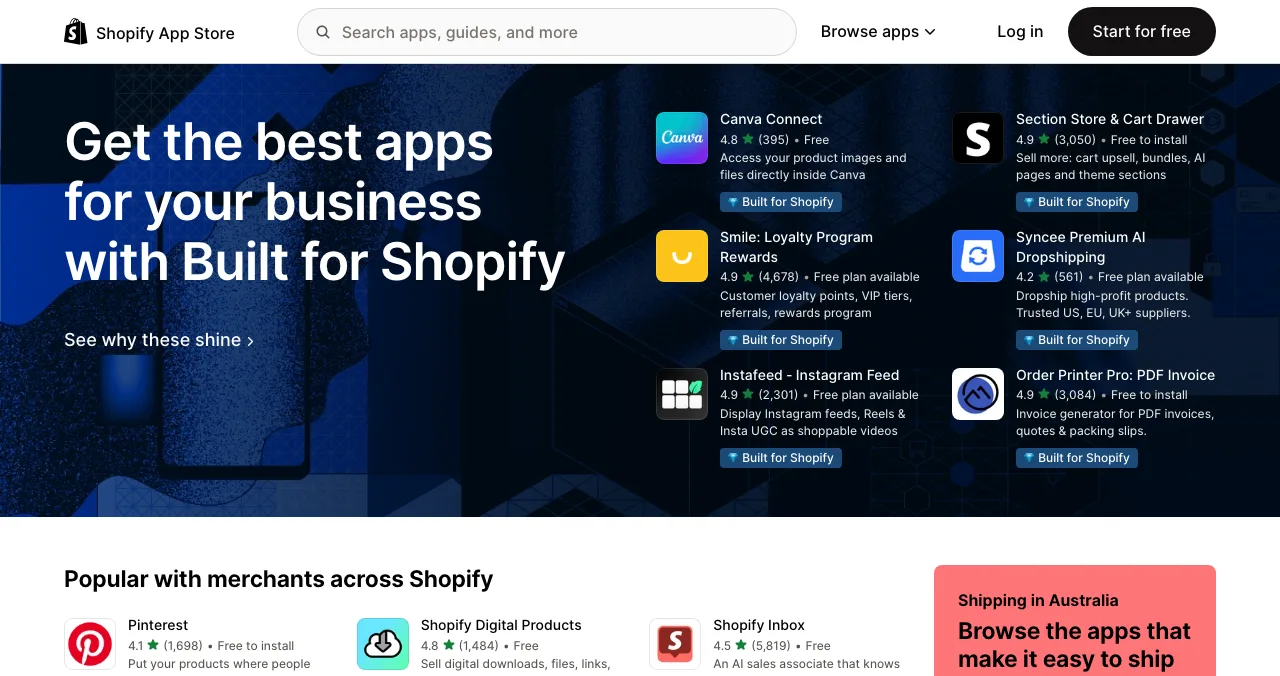
Shopify App Store
The biggest app store for merchants.
$19 once0% on first $1M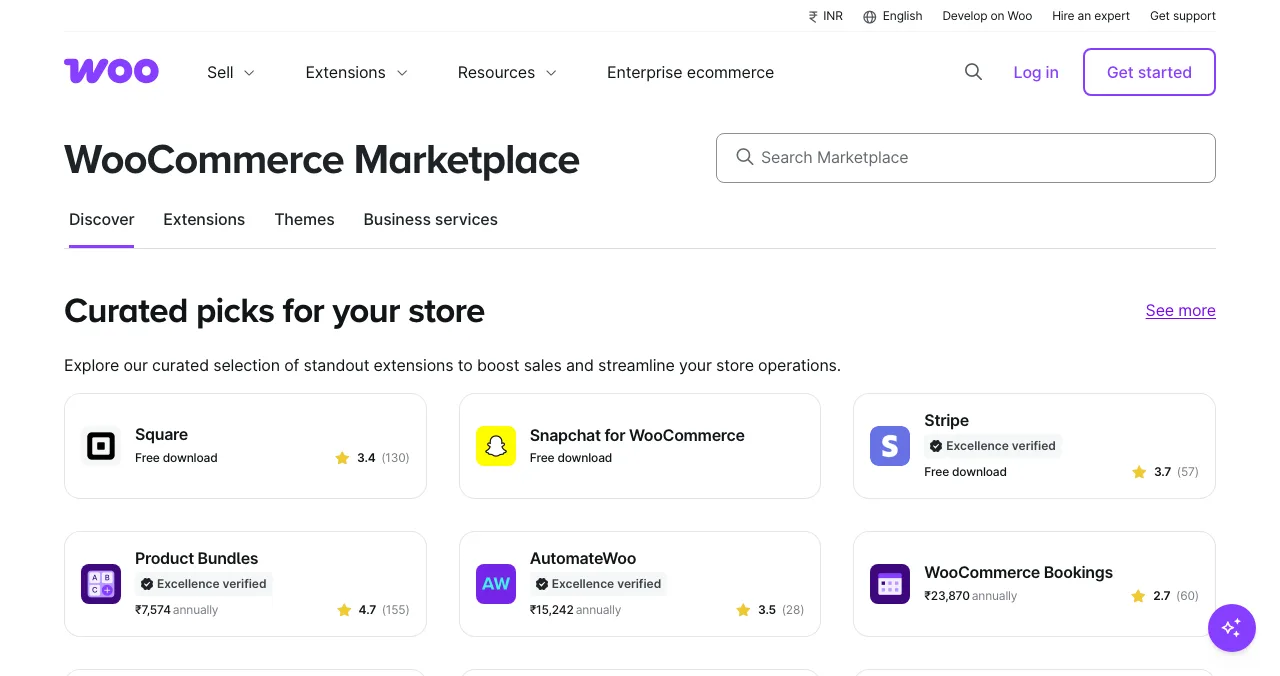
WooCommerce Marketplace
Extensions for WordPress stores.
Partner application70% to you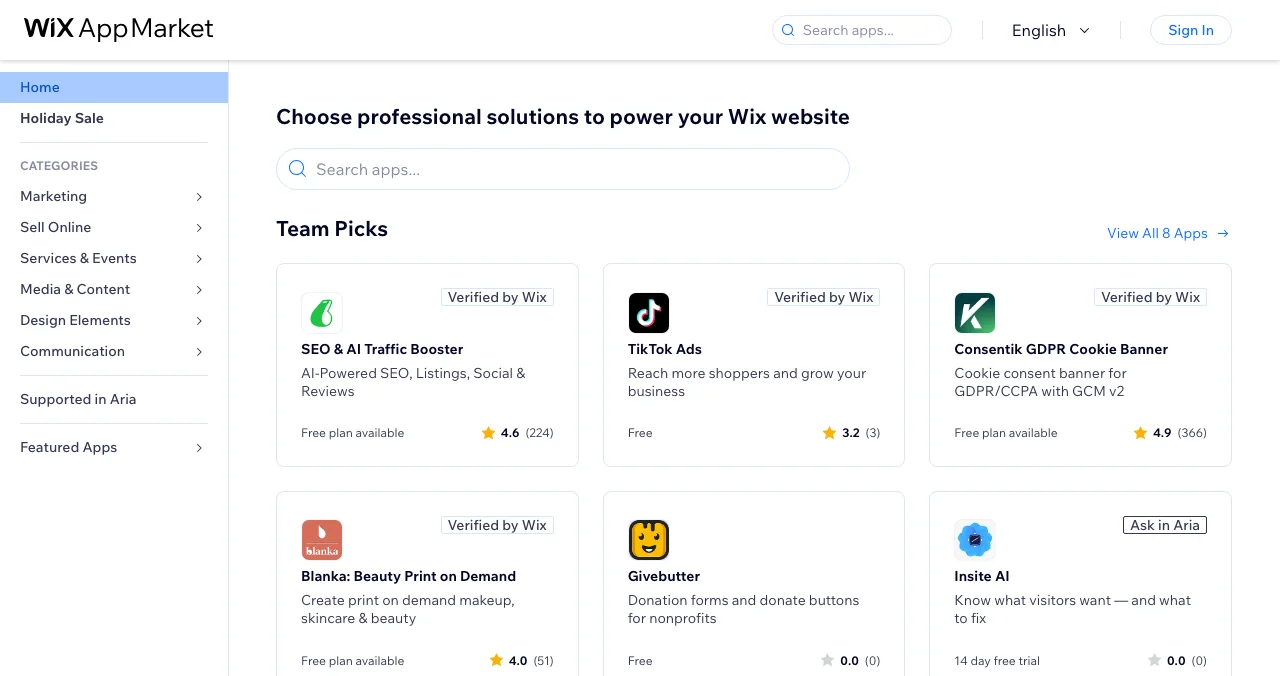
Wix App Market
Apps for Wix sites and stores.
Automated reviewMinutes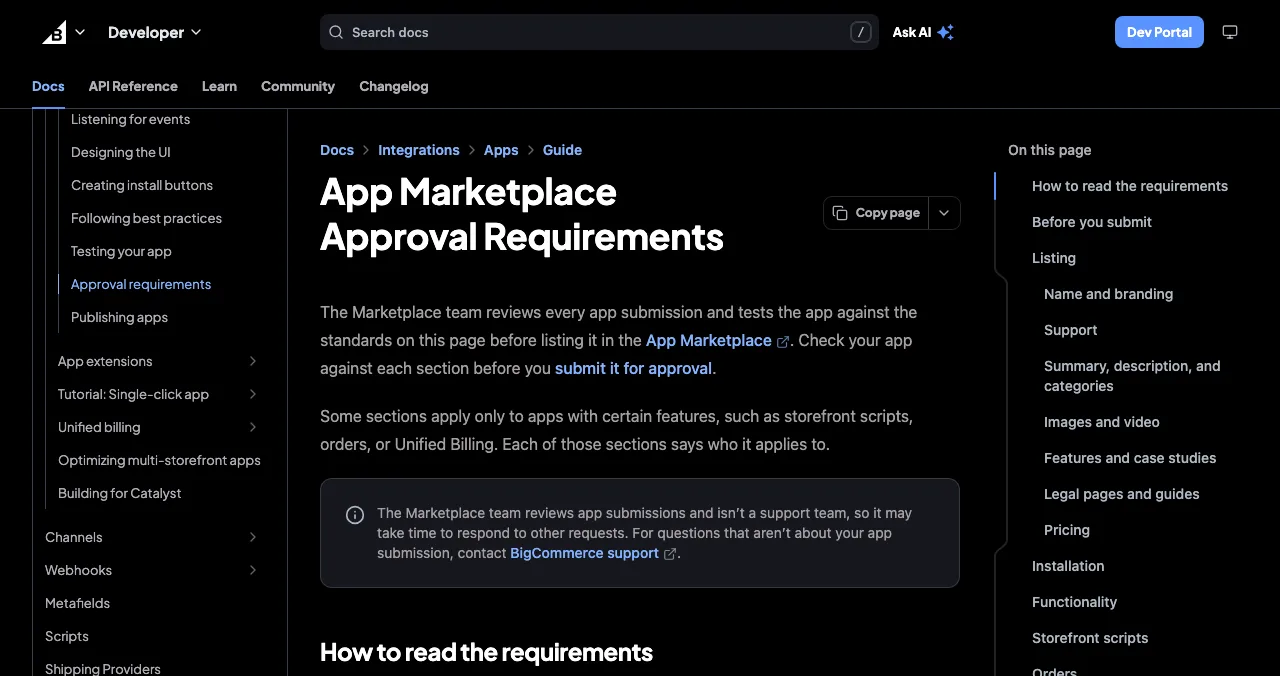
BigCommerce App Marketplace
Apps for BigCommerce merchants.
$99 review feeTested in a store
The ecommerce software directory options: fees and reviews
| Store | Cost to list | Revenue share | Review | Catch |
|---|---|---|---|---|
| Science of Apps Launchpad | Free, forever | None | Automatic checks plus a person | Reports beyond the free check are paid |
| Shopify App Store | $19 one-time | 0% on first $1M lifetime, then 15% (standard rates) | Draft, submitted, reviewed, published | 2.9% processing fee; larger developers pay 15% on all |
| WooCommerce Marketplace | Partner application | Vendor gets 70% of sales | Functionality, security, compatibility, UX | Must be approved as a partner first |
| Wix App Market | No fee on its docs page | See Wix's partner terms | Automated AI review, typically minutes | Payout account needed for paid apps |
| BigCommerce App Marketplace | $99 review and listing fee | See BigCommerce's partner agreement | Tested in a store; PDF report | New fee if you don't respond within 30 days |
Table: Ecommerce software directory options, fees and reviews (each platform's developer docs, checked 18 Nov 2026)
1. Science of Apps Launchpad: a listing, plus your payment trust tested
- Cost
- Free, forever
- Time to list
- About 2 minutes, six steps
- Ranking
- Relevance, never payment
- Tested
- Pricing, onboarding, checkout, trust
- Visible for
- Permanent
The Launchpad gives your tool a permanent, free profile found by the problem it solves ("recover abandoned carts", "print shipping labels in bulk"), whichever platform the merchant uses. It's ranked by relevance, editorial picks and community interest, never payment ("0 paid placements"). Listing takes about two minutes in six steps; each listing is checked automatically and reviewed by a person. You get a Featured badge on going live, and merchants can vouch for and follow your tool.
Best for: multi-platform e-commerce tools, and as the website link inside every app-store listing.
Your e-commerce tool, tested where merchants hesitate
Merchants install cautiously: anything that touches checkout, payments or customer data feels risky. Once your listing is live, Science of Apps can investigate the product in a real browser, on desktop and mobile, across 22 areas, with experts reviewing the screens behind your login.
- Areas tested, from search result to settings
- 22
- Automatic measurements, desktop and mobile
- 39
- Expert checks behind the login
- 74
- Verdicts, from Good to Critical
- 5
For e-commerce tools, the areas among the 22 that decide installs and upgrades are:
Arrive
Can I trust this with my store?
Landing page, pricing and plans, trust, privacy and security signals, and speed and stability.
Join
How fast does it work on my store?
Sign up and onboarding to the first visible result on the merchant's store.
Use
Does it do the job?
The core task flow, dashboards and insights, and error states.
Pay
Is billing clear and safe?
Paywall and upgrade, and checkout and payments.
Stay
Will I get help?
Notifications, settings, and help and support.
Science of Apps says the areas are re-cut for your category, and "anything unique to your product, we add". Every finding has evidence, a verdict and a next step, approved by an analyst and private to your team.
Make installing feel safe
List free, and once you're live, order the report that fits your stage.

 Economy
See what new customers see
- Store listing and homepage, screen by screen
- Scorecard against 60 Laws of UX
- Customers, competitors and the fixes worth most
PremiumThe full diagnosis and the plan
- Every screen, every finding, every flow
- All 60 laws with evidence and fixes
- 8 strategy chapters and a 90-day roadmap
Fact-checked against the evidence. Private by default.
2. Shopify App Store: the biggest merchant app store
- Registration
- $19 one-time, per Partner account
- Revenue share
- 0% on first $1M lifetime; 15% after
- Processing
- 2.9% fee, charged separately
- Review
- Draft, Submitted, Reviewed, Published
For most e-commerce tools, the Shopify App Store is the main event. It's not free (a one-time $19 registration fee), but the revenue terms are generous for new developers.
- Revenue share: "You keep 100% of your first $1,000,000 USD in lifetime gross app revenue, and 85% of earnings above that." The $1M threshold is lifetime, counts revenue from 1 January 2025, and applies if you earned under $20M through the App Store last year and your company's gross revenue is under $100M; otherwise it's 15% on all revenue.
- Other fees: a 2.9% processing fee and applicable sales tax, charged separately; revenue share is calculated on gross sales.
- Review: your app moves from Draft to Submitted; it can be Paused if core requirements aren't met, then Reviewed and Published. Test on a development store and fix issues flagged on the review page first.
Best for: any tool for Shopify merchants. Your listing copy is reviewed too, so write it carefully.
3. WooCommerce Marketplace: extensions for WordPress stores
- Entry
- Apply for a partner account
- Review
- Functionality, security, compatibility, UX
- Revenue
- 70% of sales to the vendor
- Expect
- High-quality merchant support
WooCommerce runs on WordPress, and its official Marketplace sells extensions directly to store owners. It's a two-step process:
- Apply: first apply for a Woo Marketplace partner account. "Once your application is approved, you can submit your product to be listed in the Marketplace."
- Review: "Our team reviews your submission for functionality, security, compatibility, and UX", and may send feedback or revision requests.
- Revenue: a revenue share "with 70% of sales going to the vendor".
- What they want: products that "solve real merchant problems", are secure, documented and maintained, and backed by high-quality merchant support.
Best for: established WooCommerce extensions that can commit to support. Many developers also distribute free versions elsewhere in the WordPress ecosystem.
4. Wix App Market: the fastest review
- Review
- Automated AI review on publish
- Timing
- Results typically within minutes
- If it fails
- Blockers to fix; appeal via support
- Paid apps
- Payout account first
Wix's App Market review is unusual: it's automated. "When you submit your app and publish it, Wix runs an automated AI review that checks your app against the App Market requirements. Results are typically available within minutes."
- If it fails: blockers appear in your dashboard; fix them and resubmit. If you disagree with a blocker, contact Wix support to appeal.
- After launch: later versions are released without review, though Wix "may audit changes to apps retroactively".
- Paid apps: set up your payout account before you can publish.
Best for: tools for Wix stores and sites that want to iterate quickly.
5. BigCommerce App Marketplace: a paid, hands-on review
- Fee
- $99 review and listing fee
- Need
- Technology Partner account, Partner ID
- Review
- Installed and tested in a store
- Respond
- Within 30 days or pay again
BigCommerce's Marketplace is the one store here with a clear upfront fee: "A $99 review and listing fee" is due when you submit, and the app isn't submitted until you pay.
- Before you submit: an active Technology Partner account and a Partner ID; request only the OAuth scopes you need (apps with all scopes can't be approved); apps that change checkout must use the Checkout SDK.
- Review: the Marketplace team installs your app in a test store and checks it against the approval requirements; changes come back as a PDF report.
- Timing: respond within 30 days, or the submission is rejected and a new one needs a new fee. Once approved, the listing can take up to 24 hours to appear.
- Revenue share: check BigCommerce's current partner agreement; the publishing guide doesn't state it.
Best for: tools for mid-market and B2B merchants on BigCommerce. Test thoroughly first; resubmissions after 30 days cost another fee.
More places for e-commerce tools

Product Hunt
Standalone e-commerce tools (analytics, AI product photos, storefront builders) can launch on Product Hunt for free; see the Product Hunt launch guide.
SaaS directories and review sites
Merchants compare software on review sites; see SaaS directories and our G2 and Capterra guide.
Choosing platforms
Not sure which platform to build for first? See Shopify vs WooCommerce and Wix vs Squarespace vs Shopify.
Free startup directories
For links and AI-search visibility, see free startup directories.
Which e-commerce app store should you start with?
| If your tool is… | Start with | Then add |
|---|---|---|
| A Shopify app | Shopify App Store | Launchpad listing, Product Hunt |
| A WordPress or WooCommerce extension | WooCommerce Marketplace (apply) | Launchpad listing |
| A tool for small Wix stores | Wix App Market | Launchpad listing |
| A B2B or mid-market tool | BigCommerce Marketplace | Launchpad listing, review sites |
| Standalone software for any platform | Launchpad listing | Product Hunt, review sites, then platform apps |
Table: Which e-commerce app store to start with, by tool type
An e-commerce tool launch plan
- Before submitting
Test on a development store
Install, run and uninstall your app cleanly; fix anything the store's review page flags.
- Week 1
Publish your permanent page
List on the Launchpad; read the free baseline diagnosis of landing page, discoverability and speed.
- Week 1
Fix what the report flags
Pricing clarity, onboarding to a first visible result, billing and support signals.
- Week 2
Submit to your main store
Shopify, Woo, Wix or BigCommerce; respond to review feedback fast.
- On approval
Recruit first merchants
Offer early merchants hands-on setup in return for honest reviews in the store.
- Ongoing
Expand platforms
Add a second platform once the first is stable; link every listing to your permanent page.
Mistakes e-commerce tools make at launch

- Submitting untested apps — rejections cost time, and on BigCommerce, another $99
- Requesting every permission — BigCommerce rejects apps with all scopes; merchants distrust them everywhere
- Unclear billing — merchants need to see exactly what they'll pay and when
- No visible support — a store owner with a broken checkout needs help now
- Slowing the storefront — merchants will uninstall anything that hurts page speed
- Buying reviews — app stores remove them, and merchants can tell
Merchants trust tools other merchants use, so store reviews and install counts are your strongest social proof; and the fear of breaking a working store is real loss aversion, so make uninstalling clean and say so.
Ready to launch?
How we chose these places
We looked at the app stores where merchants on the largest e-commerce platforms find tools, and read each one's developer docs on 18 November 2026: Shopify's revenue-share and review-process pages, WooCommerce's marketplace guide, Wix's app-distribution guide and BigCommerce's publishing and approval-requirements pages. Where a page didn't state a fee or revenue share (Wix, BigCommerce's share), we say so. Science of Apps runs the Launchpad and has no relationship with the other platforms.
Key terms, defined
- Ecommerce software directory: a listing of tools for online stores, most often a platform's own app store.
- Revenue share: the percentage of your app's sales a platform keeps.
- Development store: a free test store for building and testing apps before submission.
- OAuth scopes: the permissions an app requests to read or change store data.
- Checkout SDK: BigCommerce's toolkit that apps must use to change the checkout experience.
Frequently asked questions
Where can I launch e-commerce tools for free?
List free on the Science of Apps Launchpad for a permanent page and a test of your checkout and payment trust. Then launch in the app store of each platform you support: the Shopify App Store ($19 once), the WooCommerce Marketplace (revenue share), the Wix App Market (automated review) and BigCommerce ($99 review fee). Product Hunt suits standalone tools.
What is the best ecommerce software directory?
For apps that plug into a store, the platform's own app store is the directory that matters, because merchants search there first. For standalone e-commerce software (analytics, shipping, marketing), review sites and a permanent Launchpad listing ranked by relevance help merchants on any platform find you.
How much does it cost to list on the Shopify App Store?
Shopify charges a one-time $19 registration fee per Partner account. Under standard rates you keep 100% of your first $1,000,000 in lifetime gross app revenue (counted from 1 January 2025) and 85% above that, plus a 2.9% processing fee. Larger developers pay 15% on all revenue.
How do I submit an e-commerce tool to the WooCommerce Marketplace?
Apply for a Woo Marketplace partner account first. Once approved, submit your product; WooCommerce reviews it for functionality, security, compatibility and UX and may ask for revisions. Its developer docs say 70% of sales go to the vendor, and it expects high-quality merchant support.
How do e-commerce tools get users?
By ranking in the platform app stores merchants already search, and by earning reviews from early merchants. A clear listing, a free plan or trial, fast onboarding that shows value on the merchant's own store, and visible support make the difference. Merchants also trust tools other merchants recommend.
Is the Wix App Market free to list on?
Wix's distribution docs describe an automated AI review that runs when you submit and publish, with results typically within minutes; failing apps get blockers to fix. The page doesn't mention a listing fee. Paid apps need a payout account set up before publishing.
Does the Launchpad test e-commerce tools?
It tests any live product across 22 areas, including pricing and plans, trust and security signals, onboarding, the paywall and upgrade, and checkout and payments, which matter most to merchants. Science of Apps re-cuts the areas per category and says it adds anything unique to your product.
Sources
- Science of Apps — Launchpad: launch your product free (checked 18 Nov 2026)
- Science of Apps — Product investigation: 22 areas (checked 18 Nov 2026)
- Shopify Dev — Revenue share (checked 18 Nov 2026)
- Shopify Dev — App Store review process (checked 18 Nov 2026)
- WooCommerce Developer — Woo Marketplace: getting started (checked 18 Nov 2026)
- Wix Developers — About app distribution (checked 18 Nov 2026)
- BigCommerce Docs — Publishing apps (checked 18 Nov 2026)
- BigCommerce Docs — App Marketplace approval requirements (checked 18 Nov 2026)
- Checked November 18, 2026. Figures that change — fees, salaries, prices — are reviewed every six months; if something is out of date, tell us.
Where to go from here
- Top 5 websites to launch a startup free — the general shortlist
- Shopify vs WooCommerce — the two biggest platforms compared
- Free startup directories — where to list once you're live
- Science of Apps - LaunchpadThe creator tools directory guide for 2027: where to launch a creator tool free, from the Kit App Store and Canva Apps to Zapier and Product HuntWhere to launch creator tools free: the Launchpad, Kit App Store, Canva Apps Marketplace, Zapier's App Directory and Product Hunt, with review rules checked.
- Science of Apps - LaunchpadThe design tools directory guide for 2027: where to launch a design tool free, from Figma Community and the Framer Marketplace to Webflow Apps and Toools.designWhere to launch design tools free: the Launchpad, Figma Community, Framer Marketplace, Webflow Apps, Toools.design and Product Hunt, with every rule checked.
- Science of Apps - LaunchpadThe productivity apps directory guide for 2027: where to launch a productivity app free, from Setapp and the Raycast Store to Zapier, Notion and Product HuntWhere to launch productivity apps free: the Launchpad, Setapp, the Raycast Store, Zapier's App Directory, Notion's Marketplace and Product Hunt, rules checked.
- Science of Apps - LaunchpadThe marketing tools directory guide for 2027: where to launch a marketing tool free, from HubSpot's App Marketplace and G2 to Zapier and Product HuntWhere to launch marketing tools free: the Launchpad, HubSpot App Marketplace, G2's free plan, Zapier's App Directory and Product Hunt, with rules checked.
- Science of Apps - LaunchpadThe web app directory guide for 2027: where to launch a web app free, from Product Hunt and Show HN to the Microsoft Store, PWA directories and SaaSHubWhere to launch web apps free: the Launchpad, Product Hunt, Show HN, the Microsoft Store via PWABuilder, PWAStore.io and SaaSHub, with each one's rules checked.
- Science of Apps - LaunchpadThe B2B software directory guide for 2027: where to launch B2B software free, from G2 and Capterra to SaaSHub and Product Hunt, with each one's terms checkedWhere to launch B2B software free: the Launchpad, G2's free plan, Capterra, SaaSHub and Product Hunt, plus what B2B buyers check first. Terms checked Nov 2026.



Get the ideas, not the noise.
Sign up with Google and we’ll send you short UX psychology tips by email — why people tap, stall and leave, and what to do about it. Unsubscribe anytime. Prefer something to keep? Get the free Laws of UX guide as a PDF.
Launch day ends. Your listing shouldn't.
A permanent, free page for your e-commerce tool, found by the problem it solves, plus a test of your pricing, onboarding, checkout and payment trust signals, with a detailed report on what to fix.