 By
Quick answer: Where can I launch web apps for free?
- Science of Apps Launchpad: free forever; a listing plus a test of sign-up, first run and speed, on desktop and mobile.
- Product Hunt: free launch day at 12:01 AM Pacific, scheduled up to 30 days ahead.
- Show HN: free, for things people can try; no sign-up pages or landing pages.
- Microsoft Store: no registration fee for new developers; package your PWA with PWABuilder; reviewed in about 24–48 hours.
- PWAStore.io and SaaSHub: a PWA directory with 978 apps, and free, reviewed alternatives listings.
Key takeaways
- A web app's advantage is zero install: every launch should let people try it in one click.
- If your web app is a PWA, app stores are open to you; the Microsoft Store now has no registration fee for new developers.
- Show HN rejects sign-up walls; a demo or guest mode makes a web app eligible and more likely to be tried.
- Launch days bring a spike; a permanent directory listing and alternatives pages keep bringing searchers.
- The first run, from landing page to first result, decides whether launch visitors become users.
A web app has one superpower at launch: nobody has to install anything. Click a link, and you're using it. The best launch places are the ones that reward that, where people try things straight from the post, and the best long-term directories are the ones that turn a web app into something people find again: a permanent listing by problem, an alternatives page, or an app-store entry for a progressive web app. We read each platform's own pages on 18 November 2026, so every rule below is current. Jump to the comparison table, which place to use first or the launch-week plan.
Where to launch a web app for free
 Launch free
Science of Apps Launchpad Top pick
A permanent listing, plus your sign-up and first run tested on desktop and mobile.
Free foreverDetailed report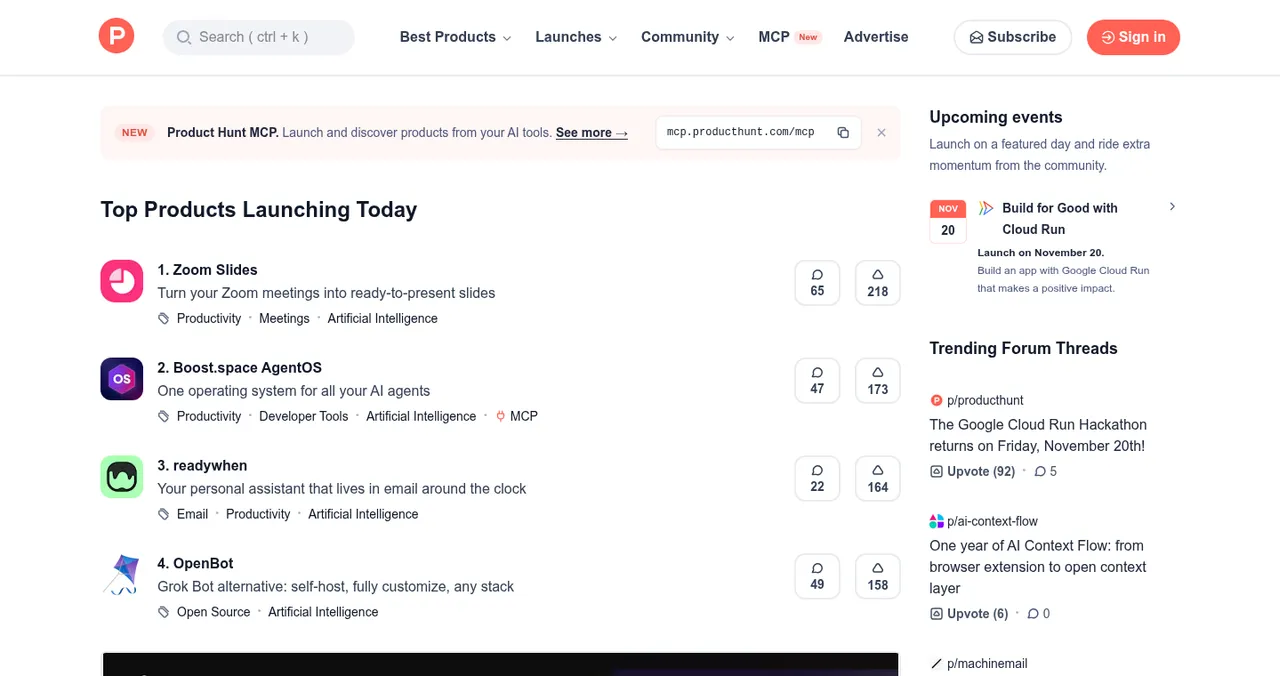
Product Hunt
The biggest single launch day for web apps.
Free12:01 AM PT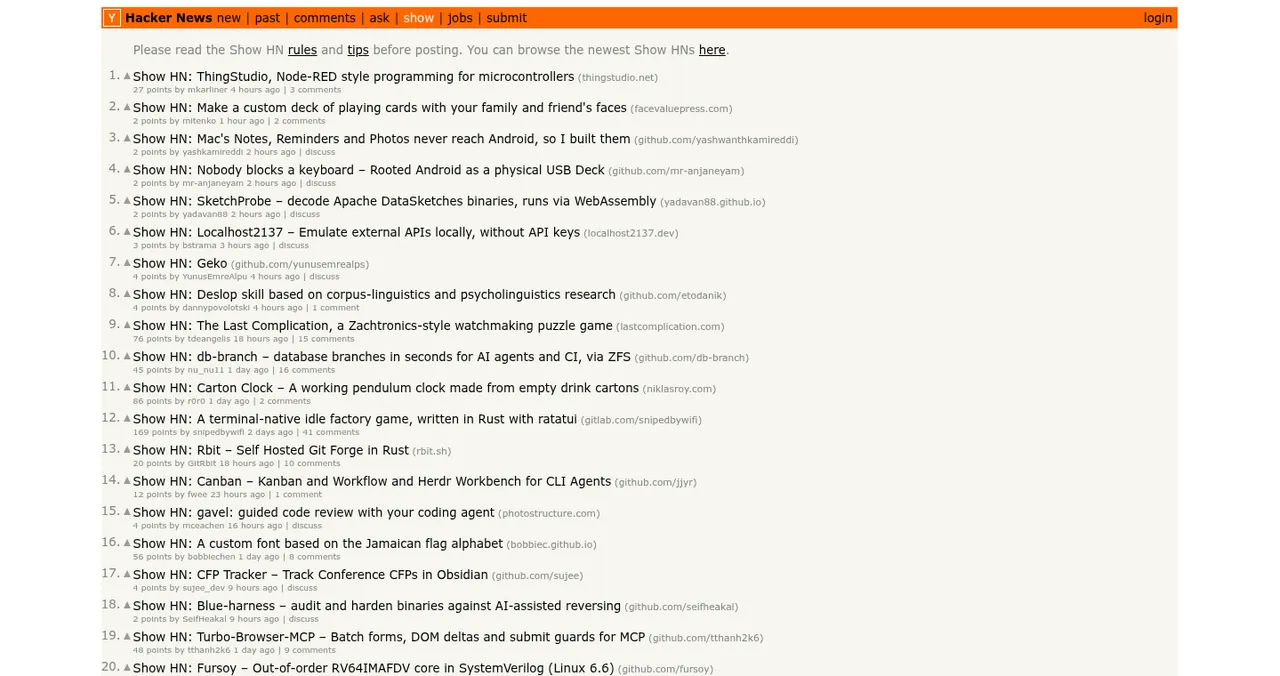
Hacker News (Show HN)
For web apps people can try right now.
FreeNo sign-up walls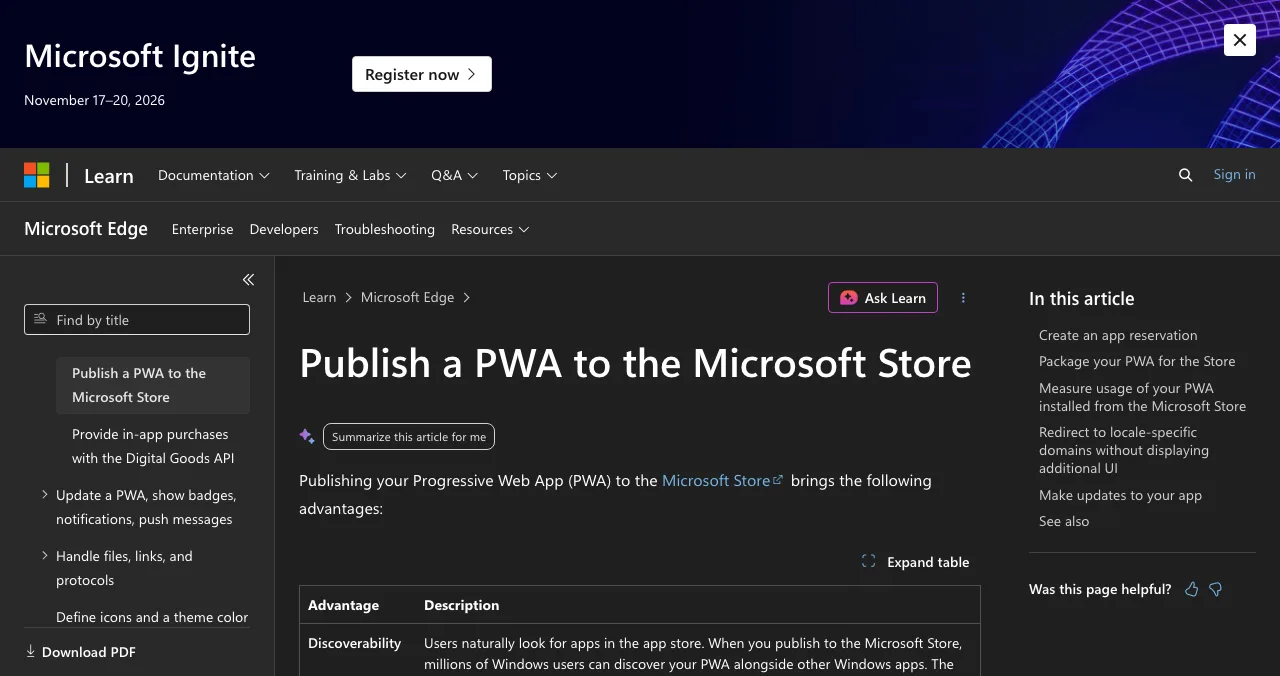
Microsoft Store (PWABuilder)
Put your PWA in a real app store.
No registration fee~24–48h review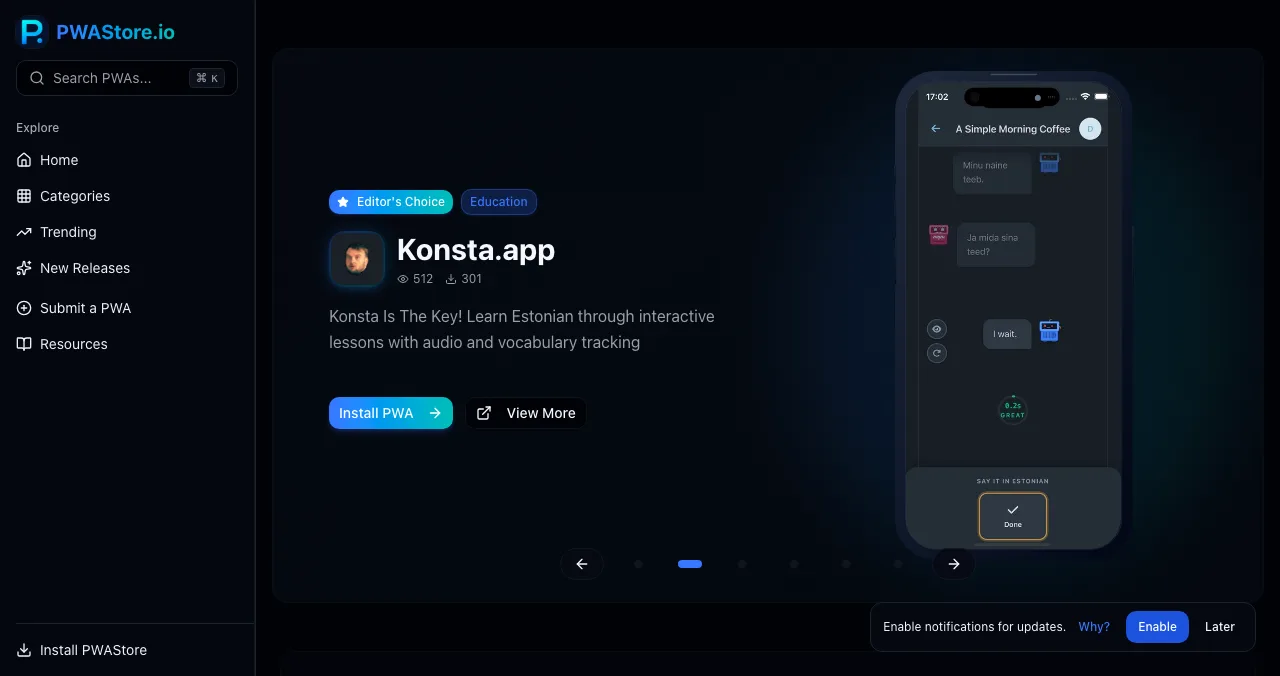
PWAStore.io
A directory of installable web apps.
978 PWAsSubmit a PWA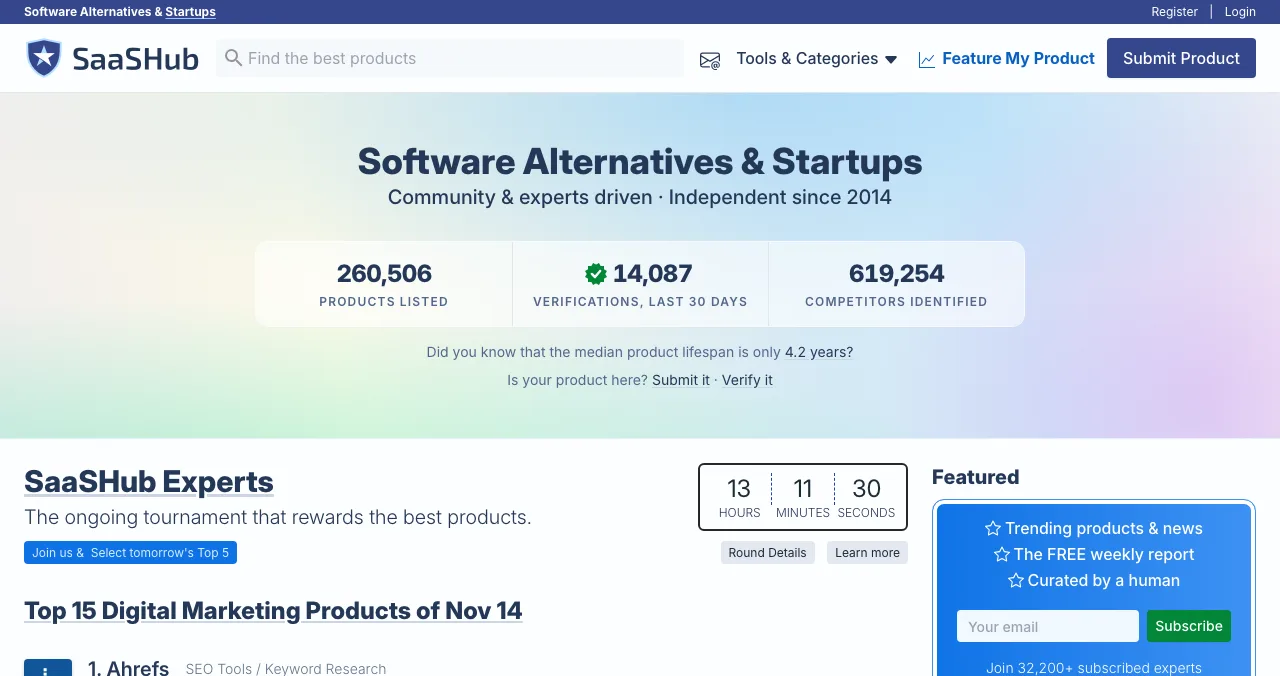
SaaSHub
Alternatives pages for released software.
FreeManual approval
The web app directory options, compared
| Place | Cost | What it needs | How long you're visible | Catch |
|---|---|---|---|---|
| Science of Apps Launchpad | Free, forever | A live web app | Permanent | Reports beyond the free check are paid |
| Product Hunt | Free | A personal account; a product to try | One day, then a product page | Never ask for upvotes |
| Show HN | Free | Something people can try now | Hours | No sign-up or landing pages |
| Microsoft Store | No registration fee (new accounts) | A PWA, PWABuilder package, ID verification | Permanent store listing | Manifest changes need a new package |
| PWAStore.io | Not stated | An installable PWA | Directory listing | Submission terms not on its homepage |
| SaaSHub | Free | A released product and its competitors | Permanent | No waitlists or free subdomains |
Table: Web app directory options compared (each site's own pages, checked 18 Nov 2026)
1. Science of Apps Launchpad: a listing, plus your first run tested
- Cost
- Free, forever
- Time to list
- About 2 minutes, six steps
- Ranking
- Relevance, never payment
- Tested
- Sign-up, first run, speed, mobile
- Visible for
- Permanent
The Launchpad gives your web app a permanent, free profile found by the problem it solves, ranked by relevance, editorial picks and community interest, never payment ("0 paid placements"). Listing takes about two minutes in six steps; each listing is checked automatically and reviewed by a person. A free baseline diagnosis of your landing page, discoverability and speed runs as you go live, and you get a Featured badge.
Best for: every web app, as the canonical link for every launch post and directory.
Your web app, tested from the first click
Web apps lose launch visitors in the first minute: a slow first load on mobile, a sign-up form that asks too much, an empty screen after sign-in. Once your listing is live, Science of Apps can investigate the product in a real browser on desktop and mobile, with 39 automatic measurements and expert review of the screens behind your login, across 22 areas.
- Areas tested, from search result to settings
- 22
- Automatic measurements, desktop and mobile
- 39
- Expert checks behind the login
- 74
- Verdicts, from Good to Critical
- 5
For web apps, the areas among the 22 that decide the first minute are:
Arrive
The first load
Speed and stability, the landing page and entry point, discoverability, and trust signals.
Join
The first minute
Sign up, sign in and account recovery, and onboarding to the first result.
Use
The first session
The home screen, the core task flow, search and navigation, and empty, loading and error states.
Stay
The return visit
Notifications, account and profile, settings, and help.
Every screen
Every device
Accessibility to WCAG 2.2, and visual design and consistency.
Science of Apps says the areas are re-cut for your category, and "anything unique to your product, we add". Every finding comes with evidence, a verdict (Good, Needs improvement, Needs to be fixed, Critical or Recommendation) and a next step, approved by an analyst and kept private.
Win the first minute
List free, and once you're live, order the report that fits your stage.

 Economy
See what new customers see
- Store listing and homepage, screen by screen
- Scorecard against 60 Laws of UX
- Customers, competitors and the fixes worth most
PremiumThe full diagnosis and the plan
- Every screen, every finding, every flow
- All 60 laws with evidence and fixes
- 8 strategy chapters and a 90-day roadmap
Fact-checked against the evidence. Private by default.
2. Product Hunt: the biggest launch day
- Cost
- Free
- Goes live
- 12:01 AM Pacific
- Book ahead
- Tomorrow to 30 days out
- Accounts
- Personal, not company
Product Hunt's help center confirms that submitting a launch, commenting and reaching Product of the Day are free. Launches go live at 12:01 AM Pacific on the date you schedule, from tomorrow up to 30 days ahead, and must come from personal accounts; you can hunt your own product.
Web apps have an edge here: visitors click and try. Make the first screen after the click do something, ideally before sign-up, and put the result, not the dashboard, in your first gallery image.
Best for: polished web apps with a broad audience. See the Product Hunt launch guide.
3. Hacker News (Show HN): for web apps people can try
- Cost
- Free
- For
- "Something you've made that other people can play with"
- Off topic
- Sign-up pages, blog posts, newsletters
- Visible for
- Hours
Show HN's guidelines say it's "for something you've made that other people can play with". Blog posts, sign-up pages, newsletters and other reading material are off topic, because they can't be tried. That's a perfect fit for a web app, as long as people can use it without a gate.
- How: submit a post whose title starts "Show HN", explain what you built and why, and stay in the thread to answer questions.
- What helps: a demo or guest mode, no email required to try, and a fast first load.
Best for: developer tools and technical web apps. See what Hacker News is for the culture.
4. Microsoft Store: put your PWA in an app store
- Registration
- No fee for new accounts (new flow)
- Steps
- Reserve name, package with PWABuilder, submit
- Review
- Typically 24 to 48 hours
- Code changes
- None required
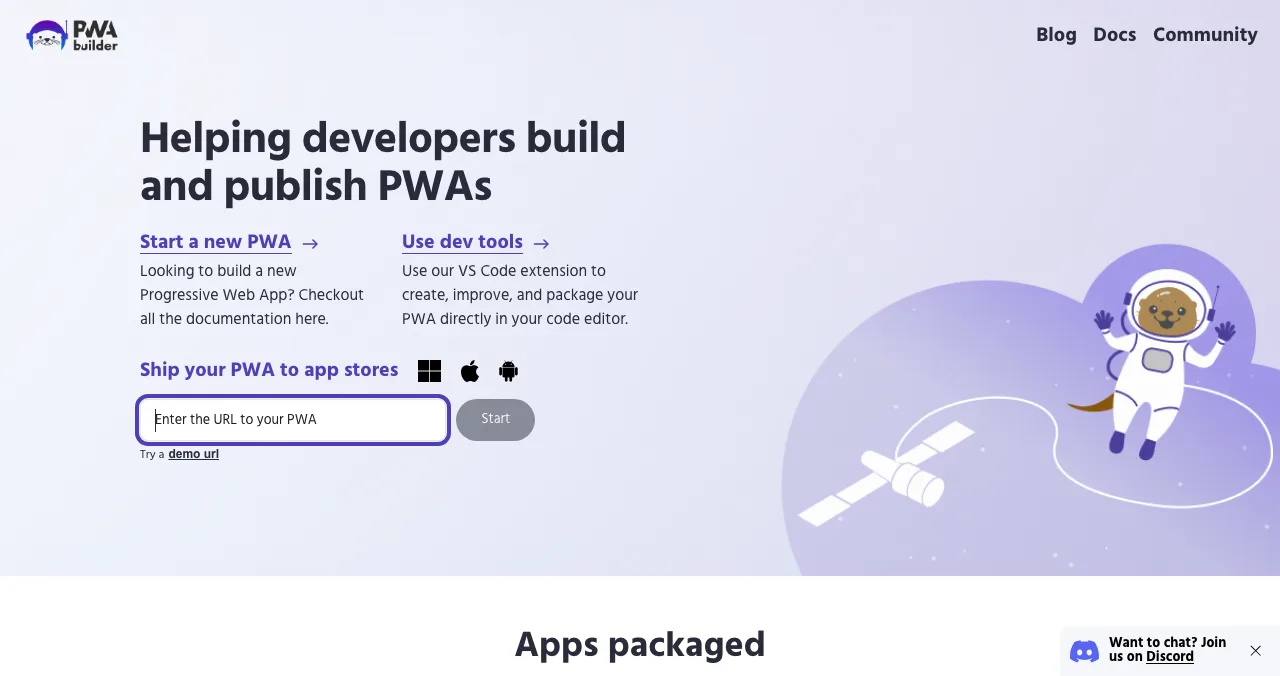
If your web app is a Progressive Web App (a web app manifest and service worker), you can list it in a real app store. Microsoft's docs say "no code changes are required": you reserve a name in Partner Center, package the PWA with PWABuilder, and submit the package.
- Account: with the new onboarding flow (started at storedeveloper.microsoft.com), "there are no registration fees" for individual or company developer accounts. Individuals verify identity with a government ID and selfie; companies verify the business.
- Package: enter your PWA's URL in PWABuilder, fix any action items on its report card, then generate a Windows package with your Package ID and Publisher details from Partner Center.
- Review: "the app is reviewed, typically within 24 to 48 hours."
- Updates: front-end changes ship from your server as usual; manifest changes (icon, name, handlers) need a new package.
Best for: web apps people use daily on Windows: productivity, notes, chat, dashboards.
5. PWAStore.io: a directory of installable web apps
- Size
- 978 PWAs, 18 categories
- Activity
- 89 new this week (when we checked)
- Submit
- "Submit a PWA" link
- Cost
- Not stated on the homepage
PWAStore.io describes itself as a place to "discover and install free progressive web apps". When we checked, its homepage listed 978 PWAs across 18 categories, with 89 new that week, and a "Submit a PWA" link.
- Fit: it lists free PWAs, so it suits web apps with a free tier that installs cleanly.
- Unknowns: the homepage doesn't explain the submission process or say whether submitting costs anything; check the submit page first.
Best for: installable PWAs with a free tier.
6. SaaSHub: alternatives pages for released web apps
- Cost
- Free submission tool
- Review
- Manual approval
- Priority
- Competitors listed; domain email verified
- Not accepted
- Waitlists, unreleased, free subdomains
Once your web app is released, SaaSHub's free submission tool puts it on the alternatives pages of the tools you compete with. Every product goes through manual approval; list your competitors (or your submission goes to the back of the queue) and verify with an email on your domain for priority. Note the rule that trips up many web apps: SaaSHub doesn't accept products on free subdomains, so launch on your own domain.
Best for: web apps that replace a well-known tool.
More places for web apps

Uneed and Peerlist
More free launch days for web apps; see websites to launch a startup free for their rules.
App directories
For mobile and desktop versions of your web app, see our app directories guide and where to launch a mobile app.
SaaS directories
Business web apps belong in software directories; see SaaS directories.
Free startup directories
For links and AI-search visibility, see free startup directories and launch sites by country.
Which web app directory should you use first?
| If your web app is… | Start with | Then add |
|---|---|---|
| A consumer web app anyone can try | Launchpad listing | Product Hunt, PWAStore.io if installable |
| A developer or technical tool | Show HN | Launchpad listing, Product Hunt |
| A PWA people use daily | Launchpad listing | Microsoft Store via PWABuilder, PWAStore.io |
| A business web app | Launchpad listing | SaaSHub, SaaS directories |
| Not yet usable without a waitlist | A demo or guest mode first | Then everything above |
Table: Which web app directory to start with, by app type
A web app launch week
- Two weeks before
Remove the gate
Add a demo, guest mode or sample data so people can try the app without signing up.
- Two weeks before
Publish your permanent page
List on the Launchpad; read the free baseline diagnosis of landing page, discoverability and speed.
- One week before
Fix the first minute
Act on the report: first load on mobile, sign-up fields, onboarding, empty states.
- Launch day
Product Hunt
Go live at 12:01 AM Pacific; reply to every comment.
- Launch week
Show HN
Post when the app is easy to try; stay in the thread.
- After
Make it permanent
Submit to SaaSHub; package your PWA for the Microsoft Store; submit to PWAStore.io.
Mistakes web apps make at launch

- A sign-up wall before any value — Show HN rejects it and launch visitors bounce
- A slow first load on mobile — many launch visitors arrive on phones
- An empty dashboard after sign-in — show sample data or a first task
- Launching on a free subdomain — SaaSHub won't accept it and it looks temporary
- Asking for upvotes — Product Hunt and Hacker News both ban it
- No reason to return — make it installable, send a useful email, save progress
Every extra field on a sign-up form is a reason to leave (Hick's law), and responses under about 400 milliseconds keep people in flow (Doherty threshold).
Ready to launch?
How we chose these places
We looked for places where people try or find web apps, and kept those whose rules we could read on their own pages on 18 November 2026: Product Hunt's help center, the Show HN guidelines, Microsoft's PWA publishing and developer-account docs, PWAStore.io's homepage and SaaSHub's submission page. PWAStore.io's homepage doesn't state submission terms, so we say so. Science of Apps runs the Launchpad and has no relationship with the other sites.
Key terms, defined
- Web app directory: a listing of applications that run in the browser, found by category or problem.
- PWA (Progressive Web App): a web app with a manifest and service worker that can be installed like a native app.
- PWABuilder: a tool that checks whether a PWA is store-ready and packages it for app stores.
- First run: a new user's first session, from landing to first result.
- Guest mode: a way to use an app without creating an account.
Frequently asked questions
Where can I launch web apps for free?
List free on the Science of Apps Launchpad for a permanent page and a test of your sign-up and first run. Launch on Product Hunt and, if people can try it without signing up, Show HN. If it's a PWA, publish to the Microsoft Store with PWABuilder and submit to PWA directories. Add SaaSHub once it's released.
What is the best web app directory?
For launches, Product Hunt and Show HN reach the most early adopters. For lasting discovery, a permanent listing ranked by relevance, such as the Launchpad, and alternatives directories like SaaSHub work better. For installable PWAs, the Microsoft Store and PWA directories like PWAStore.io put your web app where people browse for apps.
Can I publish a web app to the Microsoft Store?
Yes, if it's a Progressive Web App. Microsoft's docs say no code changes are needed: reserve an app name in Partner Center, package the PWA with PWABuilder, and submit the package. Review typically takes 24 to 48 hours. New individual and company developer accounts have no registration fee via storedeveloper.microsoft.com.
Can I post my web app on Show HN?
Yes, if people can try it. Show HN is for something you've made that other people can play with; blog posts, sign-up pages, newsletters and other reading material are off topic. A web app with a demo, a guest mode or a quick sign-in-free path is a good fit; a waitlist is not.
How do web apps get users?
By removing every step between the link and the first result. A clear landing page, a demo or guest mode, fast loading on mobile, and an onboarding that reaches value in a minute. Then be findable: a permanent listing by problem, alternatives pages for the tools you replace, and an installable PWA for repeat use.
How do I submit a web app free to SaaSHub?
Use SaaSHub's free submission tool. Products are approved manually; list your competitors to avoid the back of the queue, and verify with an email on your domain for priority. SaaSHub doesn't accept waitlists, unreleased products, products on free subdomains or non-English products.
Does the Launchpad test web apps?
Yes. It loads your live product in a real browser on desktop and mobile, runs 39 automatic measurements including speed and stability, and experts review the screens behind your login across 22 areas, including sign-up, onboarding, the home screen and error states. Science of Apps says it adds anything unique to your product.
Sources
- Science of Apps — Launchpad: launch your product free (checked 18 Nov 2026)
- Science of Apps — Product investigation: 22 areas (checked 18 Nov 2026)
- Product Hunt Help Center — Launch FAQ and myths (checked 18 Nov 2026)
- Hacker News — Show HN guidelines (checked 18 Nov 2026)
- Microsoft Learn — Publish a PWA to the Microsoft Store (checked 18 Nov 2026)
- Microsoft Learn — Open a Microsoft Store developer account (checked 18 Nov 2026)
- PWAStore.io — Home (checked 18 Nov 2026)
- SaaSHub — Submit a product (checked 18 Nov 2026)
- Checked November 18, 2026. Figures that change — fees, salaries, prices — are reviewed every six months; if something is out of date, tell us.
Where to go from here
- Top 5 websites to launch a startup free — the general shortlist
- App directories — for mobile and desktop apps
- Free startup directories — where to list once you're live
- Science of Apps - LaunchpadThe B2B software directory guide for 2027: where to launch B2B software free, from G2 and Capterra to SaaSHub and Product Hunt, with each one's terms checkedWhere to launch B2B software free: the Launchpad, G2's free plan, Capterra, SaaSHub and Product Hunt, plus what B2B buyers check first. Terms checked Nov 2026.
- Science of Apps - LaunchpadThe productivity apps directory guide for 2027: where to launch a productivity app free, from Setapp and the Raycast Store to Zapier, Notion and Product HuntWhere to launch productivity apps free: the Launchpad, Setapp, the Raycast Store, Zapier's App Directory, Notion's Marketplace and Product Hunt, rules checked.
- Science of Apps - LaunchpadThe creator tools directory guide for 2027: where to launch a creator tool free, from the Kit App Store and Canva Apps to Zapier and Product HuntWhere to launch creator tools free: the Launchpad, Kit App Store, Canva Apps Marketplace, Zapier's App Directory and Product Hunt, with review rules checked.
- Science of Apps - LaunchpadClimate tech startup directories for 2027: where to launch a climate tech startup free, from Climatebase and Work on Climate to CTVCClimate tech startup directories and free launch places: the Launchpad, Climatebase, Work on Climate, CTVC and Product Hunt, with each one's terms checked.
- Science of Apps - LaunchpadHealthtech startup directories for 2027: where to launch a digital health startup free, from the NHS Innovation Service to app libraries and regulator sandboxesHealthtech startup directories and free launch routes: the Launchpad, NHS Innovation Service, MHRA's AI Airlock, ORCHA and Product Hunt, rules checked.
- Science of Apps - LaunchpadFintech startup directories and launch sites for 2027: where to launch a fintech startup free, from regulator sandboxes to fintech newsletters, with every rule checkedFintech startup directories and free launch sites: the Launchpad, the FCA sandbox, Fintech Sandbox, Product Hunt and fintech newsletters, rules checked.
Get the ideas, not the noise.
Sign up with Google and we’ll send you short UX psychology tips by email — why people tap, stall and leave, and what to do about it. Unsubscribe anytime. Prefer something to keep? Get the free Laws of UX guide as a PDF.
Launch day ends. Your listing shouldn't.
A permanent, free page for your web app, found by the problem it solves, plus a test of your sign-up, first-run experience and speed on desktop and mobile, with a detailed report on what to fix.