 By
Quick answer: Where can I launch productivity apps for free?
- Science of Apps Launchpad: free forever; a listing plus a test of onboarding, the core task and notifications.
- Setapp: a Mac app subscription; 70% of membership revenue goes to developers by usage, after a quality and technical review.
- Raycast Store: publish an extension by pull request; reviewed, then live; no fee mentioned.
- Zapier App Directory: free to build and publish an integration; 90-day beta, then public.
- Notion Marketplace: public integrations can apply to be listed, subject to review.
Key takeaways
- Productivity apps live or die on the second week, not launch day; pick channels that bring people who already have the habit.
- The best productivity directories are inside the tools people already use: Raycast, Notion, Zapier and the Mac via Setapp.
- Each of those has a review; build to its guidelines and submit before launch week.
- Onboarding that reaches one finished task, and a reminder that brings people back, matter more than feature count.
- A permanent, searchable page catches people who search for a better way to do one specific job.
Productivity is the most crowded app category there is, and launch day is the least of your problems. A to-do list, note-taker or focus timer can top a leaderboard and still be uninstalled by Friday, because productivity apps are judged on habit, not first impressions. So the best places to launch are the ones that bring people who already have the habit: the launcher they open fifty times a day, the notes app their team lives in, the automations they run, the Mac app bundle they already pay for. We read each platform's developer docs on 18 November 2026, so the terms below are current. Jump to the comparison table, which place to use first or the launch plan.
Where to launch a productivity app for free
 Launch free
Science of Apps Launchpad Top pick
A permanent listing, plus your onboarding and habit loop tested.
Free foreverDetailed report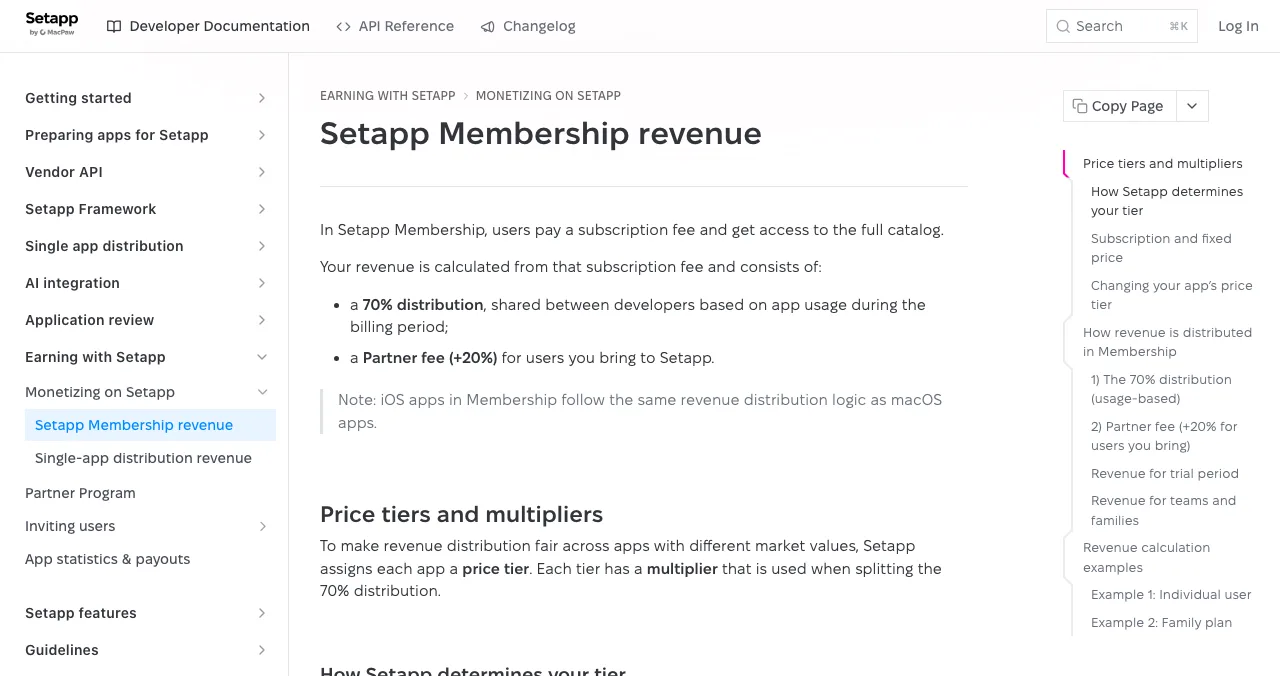
Setapp
A Mac app subscription that shares revenue by usage.
70% sharedReviewed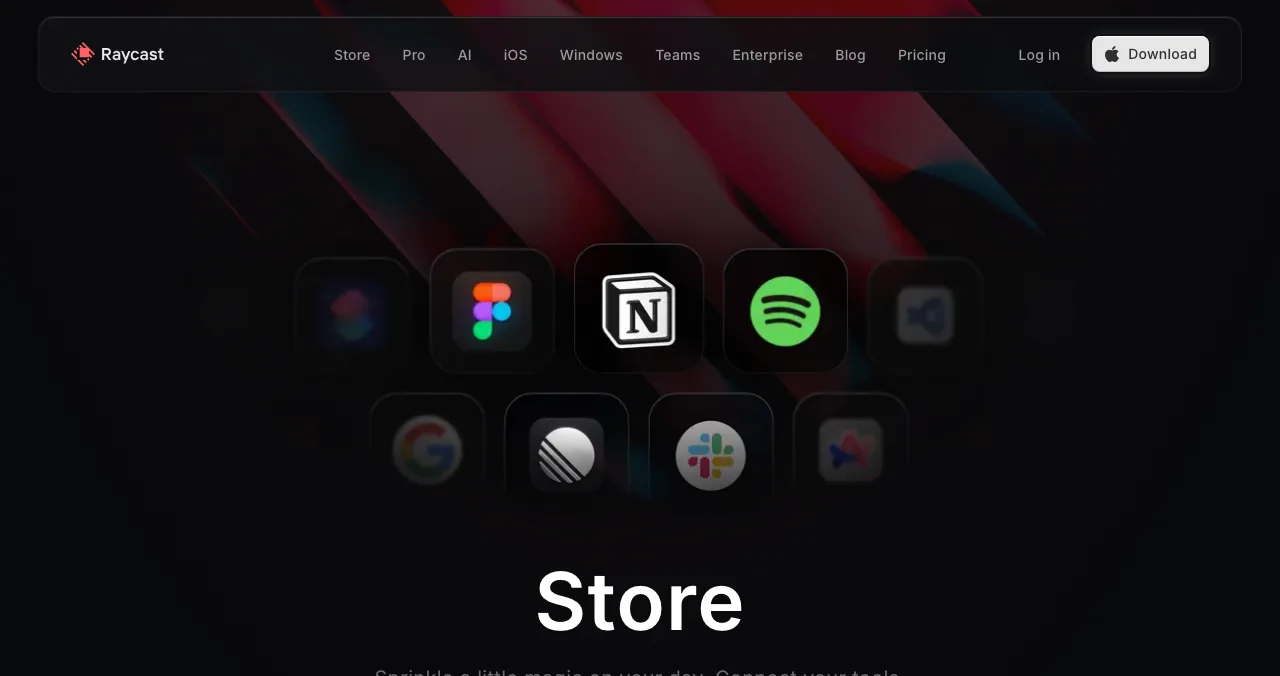
Raycast Store
Extensions for the launcher power users open all day.
Pull requestReviewed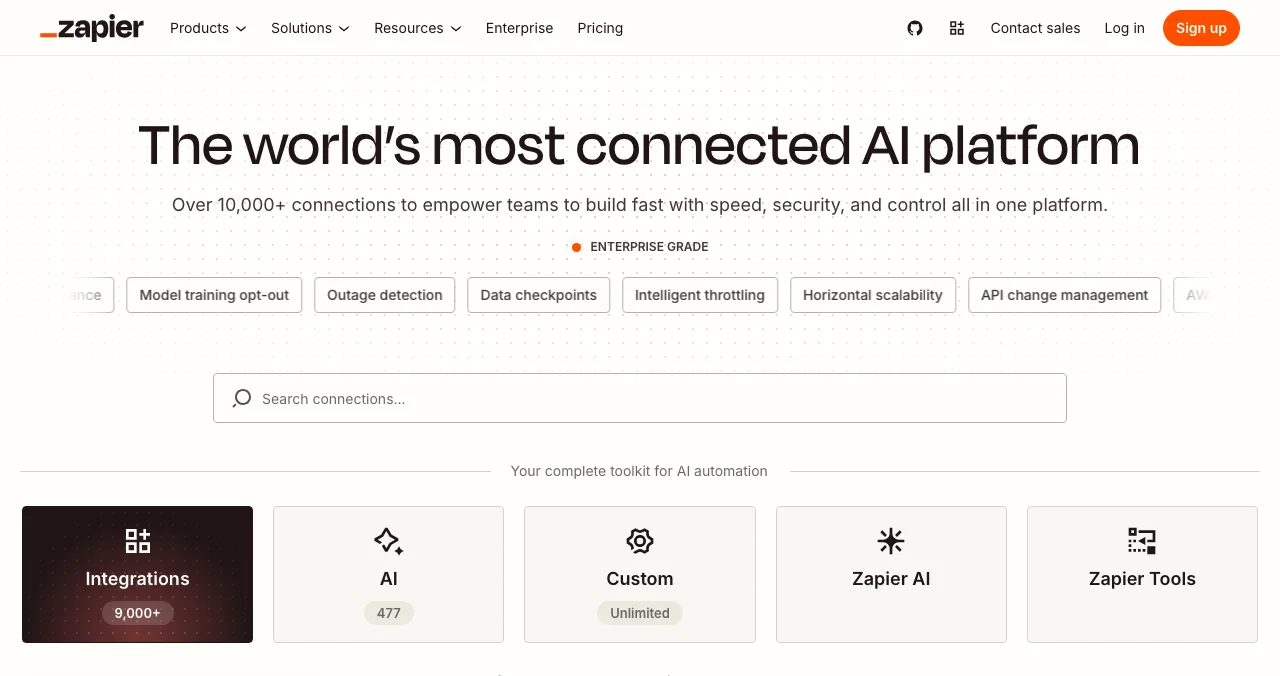
Zapier App Directory
Put your app inside 9,000+ app automations.
Free to publish90-day beta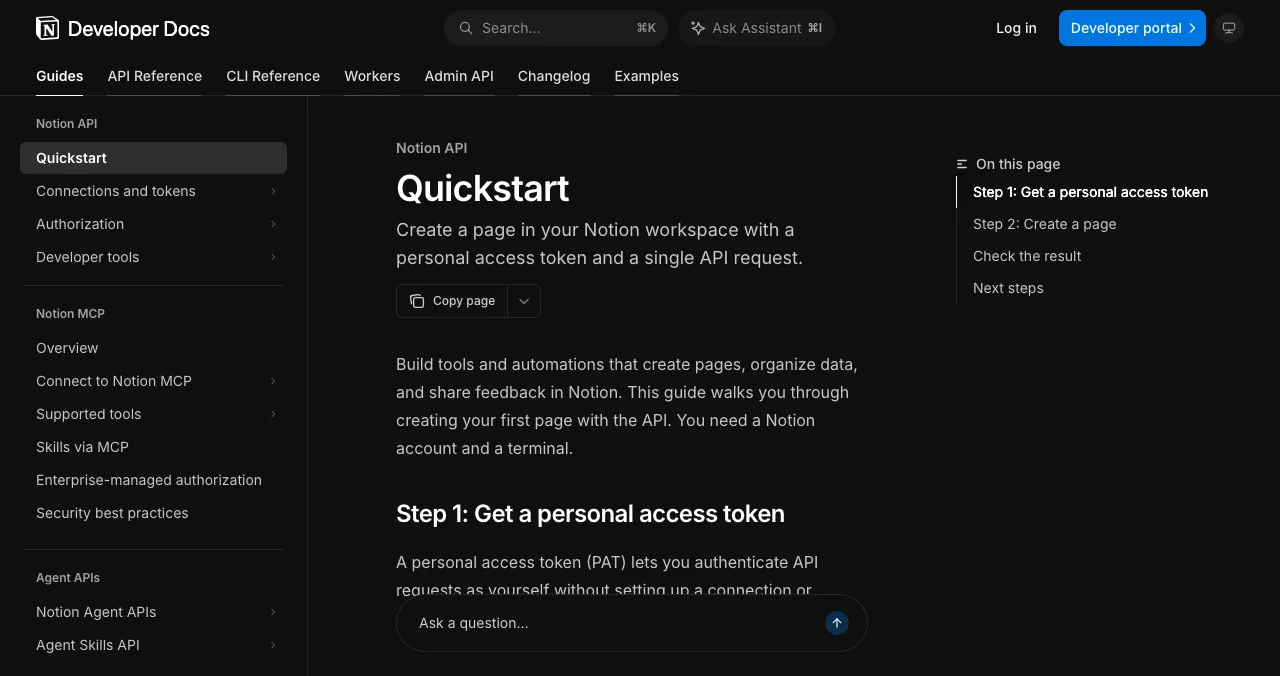
Notion Marketplace
Where Notion users find integrations and templates.
By applicationReviewed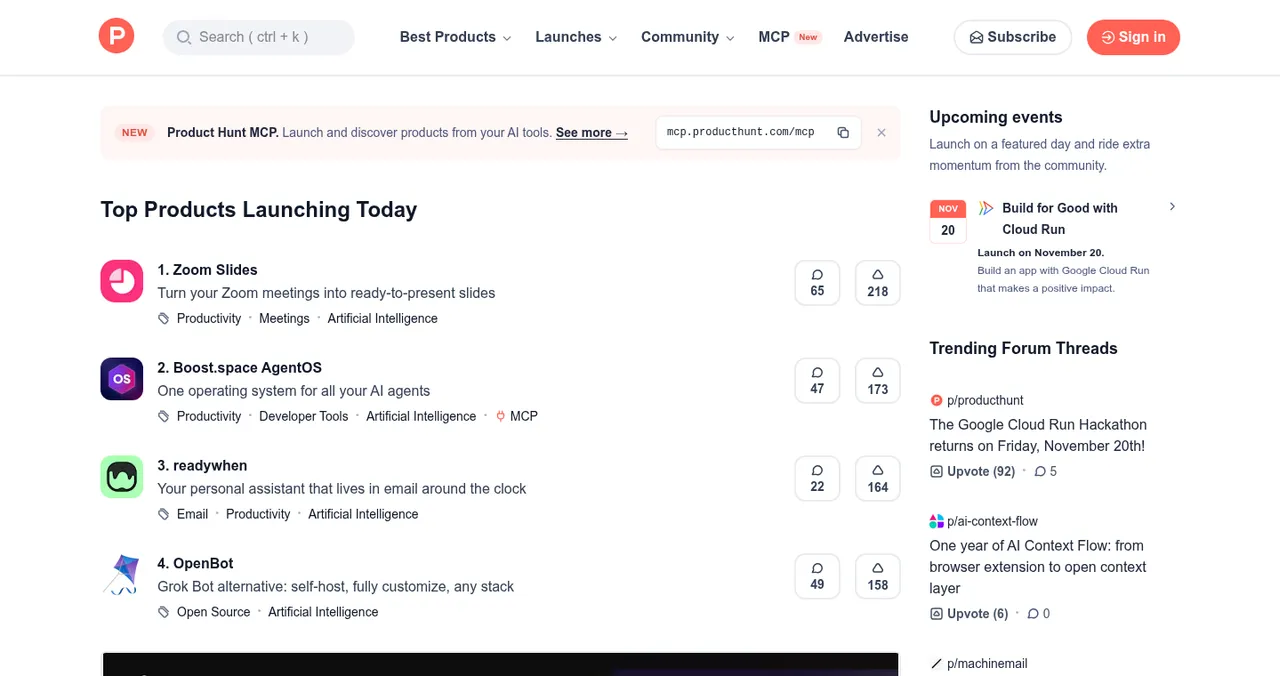
Product Hunt
The biggest launch day for new productivity tools.
Free12:01 AM PT
Productivity apps directories, compared
| Place | Cost to list | What you need | Money | Who finds you |
|---|---|---|---|---|
| Science of Apps Launchpad | Free, forever | A live product | You keep your own pricing | Anyone searching by problem |
| Setapp | Apply; quality review | A Mac app plus Setapp's SDK | 70% of membership revenue, by usage | Setapp subscribers |
| Raycast Store | No fee mentioned | A Raycast extension | Your own | Raycast users |
| Zapier App Directory | Free | A public API you own | Your own | Zapier users |
| Notion Marketplace | Apply; reviewed | A public Notion integration | Your own | Notion users |
| Product Hunt | Free | Something people can try | Your own | Early adopters |
Table: Productivity apps directories compared (each platform's own docs, checked 18 Nov 2026)
1. Science of Apps Launchpad: a listing, plus your habit loop tested
- Cost
- Free, forever
- Time to list
- About 2 minutes, six steps
- Ranking
- Relevance, never payment
- Tested
- Onboarding, core task, notifications
- Visible for
- Permanent
The Launchpad gives your app a permanent, free profile found by the problem it solves ("time-block my calendar", "turn meeting notes into tasks"), ranked by relevance, editorial picks and community interest, never payment ("0 paid placements"). Listing takes about two minutes in six steps; listings are checked automatically and reviewed by a person. You get a Featured badge on going live; users can vouch for and follow you.
Best for: every productivity app, as the canonical page every store listing links back to.
Your productivity app, tested for the second week
A productivity app's real launch is the eighth day: does the user open it again? Once your listing is live, Science of Apps can investigate the product in a real browser, on desktop and mobile, across 22 areas, with experts reviewing the screens behind your login.
- Areas tested, from search result to settings
- 22
- Automatic measurements, desktop and mobile
- 39
- Expert checks behind the login
- 74
- Verdicts, from Good to Critical
- 5
For productivity apps, the areas among the 22 that make up the habit loop are:
Join
The first finished task
Sign up and onboarding to one completed task, not a tour of features.
Use
The daily return
The home screen, the core task flow end to end, search and navigation, and empty, loading and error states.
Stay
The reason to come back
Notifications and messaging, settings and preferences, account and help.
Arrive
The first impression
Discoverability, landing page, pricing and speed.
Every screen
Fast and consistent
Accessibility to WCAG 2.2, and visual design and consistency.
Science of Apps says the areas are re-cut for your category, and "anything unique to your product, we add". Every finding comes with evidence, a verdict (Good, Needs improvement, Needs to be fixed, Critical or Recommendation) and a next step, approved by an analyst and kept private.
Find what stops the habit forming
List free, and once you're live, order the report that fits your stage.

 Economy
See what new customers see
- Store listing and homepage, screen by screen
- Scorecard against 60 Laws of UX
- Customers, competitors and the fixes worth most
PremiumThe full diagnosis and the plan
- Every screen, every finding, every flow
- All 60 laws with evidence and fixes
- 8 strategy chapters and a 90-day roadmap
Fact-checked against the evidence. Private by default.
2. Setapp: a Mac subscription that pays by usage
- Revenue
- 70% of membership revenue, by usage
- Partner fee
- +20% on users you bring
- Entry
- Apply; quality and technical review
- Integration
- Setapp SDK
Setapp, from MacPaw, bundles curated Mac apps into one subscription. Its developer page describes "hundreds of high-quality macOS and AI apps" and reach in 110+ countries. It isn't free in the sense of "anyone can list": you apply, and Setapp's technical team has the "final say on whether it's ready for the release on Setapp".
- How money works: developers share 70% of membership revenue, split by which apps each subscriber opens in the billing period and each app's price-tier multiplier (tiers 1 to 17, set from your price outside Setapp). Bring users to Setapp, for example via a Setapp badge, and you get an extra 20% partner fee on their subscriptions.
- Process: express interest, pass the quality review, integrate the Setapp SDK, then technical review. Setapp advises applying only "if you're confident in the quality of your app".
- Check: Setapp's developer page also describes a single-app model with different commission labels; confirm the split for your model with Setapp.
Best for: polished, native Mac productivity apps that people open often.
3. Raycast Store: extensions for power users
- Cost
- No fee mentioned
- How
- npm run publish opens a pull request
- Review
- Raycast reviews; merged means live
- Need
- Clean build, store guidelines met
Raycast is a launcher for Mac (and now more platforms) that power users open all day. A Raycast extension for your app puts your core action one keystroke away, which is exactly the habit a productivity app wants.
- Publish: run
npm run publishfrom your extension directory; it authenticates with GitHub and opens a pull request in theraycast/extensionsrepository. - Review: Raycast reviews the pull request and requests changes when needed. Once merged, the extension is published to the Store automatically.
- Prepare: follow Raycast's "prepare an extension for store" guidelines;
npm run buildmust complete without errors.
Best for: apps with a quick, repeatable action (create a task, search notes, start a timer).
4. Zapier App Directory: be part of the automation
- Cost
- Free to build and publish
- Status
- Beta for 90 days, then public
- Need
- API ownership; admin on your domain
- Rule
- App fully launched, not invite-only
Productivity users automate. A Zapier integration lets your app create tasks from emails, log time from calendars or post summaries to chat, and it lists you in Zapier's public App Directory. Zapier says building a public integration is free and "there are no fees for publishing an integration".
- Requirements: you own or have permission to use the APIs; an admin has an email on your app's top-level domain; your app is fully launched, not invite-only or beta; every test Zap has a successful run.
- Beta: approved integrations carry a Beta tag for 90 days, then become public and join Zapier's Partner Program.
Best for: any productivity app with an API.
5. Notion Marketplace: integrations for Notion users
- Who
- Public integrations
- Listing
- "Optional, subject to review"
- Not eligible
- Internal connections, personal tokens
- Cost
- Not stated in the docs we read
Notion is where many teams plan their work, and its Marketplace is where they look for integrations and templates. Notion's getting-started docs say that once you build a public integration you can "apply to list it on the Marketplace", and mark Marketplace listing as "optional, subject to review"; internal connections and personal access tokens aren't eligible.
- How: build a public integration with the Notion API, then apply through Notion's developer docs. The page we read doesn't describe the steps or any fee.
- Tip: a template that uses your integration is often the fastest way for Notion users to see the value.
Best for: apps that sync tasks, calendars, notes or data with Notion.
6. Product Hunt: the launch day
- Cost
- Free
- Goes live
- 12:01 AM Pacific
- Book ahead
- Up to 30 days
- Accounts
- Personal, not company
Product Hunt is free; launches go live at 12:01 AM Pacific on the date you schedule (up to 30 days ahead), from personal accounts, and you can hunt your own product. Productivity is one of its busiest categories, so lead with the one job you do better ("turns Slack threads into tasks") rather than "all-in-one workspace".
Best for: a burst of early users and feedback. See the Product Hunt launch guide.
More places for productivity apps

App directories
Mobile and desktop productivity apps belong in app stores and app directories; see our app directories guide.
Chrome extensions
Many productivity tools ship as extensions; see where to launch a Chrome extension.
SaaS directories
Team productivity tools are bought like SaaS; see SaaS directories and where to launch a SaaS.
Free startup directories
For links and AI-search visibility, see free startup directories.
Which productivity apps directory should you use first?
| If your app is… | Start with | Then add |
|---|---|---|
| A native Mac app | Launchpad listing | Setapp (apply), Raycast extension, Product Hunt |
| A web app with an API | Launchpad listing | Zapier, Notion integration, Product Hunt |
| A Notion companion | Notion integration and template | Launchpad listing, Product Hunt |
| A mobile habit or focus app | Launchpad listing | App stores, Product Hunt |
| A team productivity tool | Launchpad listing | SaaS directories, Zapier |
Table: Which productivity apps directory to start with, by app type
A productivity app launch plan
- Weeks before
Submit to the reviewed stores
Open your Raycast pull request; submit your Zapier integration; apply to Notion's Marketplace and Setapp if they fit.
- Two weeks before
Publish your permanent page
List on the Launchpad; read the free baseline diagnosis of landing page, discoverability and speed.
- One week before
Fix the habit loop
Act on the report: onboarding to a finished task, home screen, the reminder that brings people back.
- Launch day
Product Hunt
Go live at 12:01 AM Pacific; lead with one job; answer every comment.
- Week 2
Measure the return
Track day-7 return by source, not launch-day sign-ups.
- Each release
Relaunch where it counts
Update store listings and your profile; relaunch on major releases.
Mistakes that kill productivity launches

- Positioning as "all-in-one" — nobody searches for it; name the job
- A feature tour instead of a first task — finish something real in the first session
- No reason to come back — a useful reminder or digest beats a blank dashboard
- Notification spam — the fastest way to an uninstall
- Judging by launch-day sign-ups — measure who returns in week two
- Submitting integrations late — reviews take time; start early
Habits form when a cue, a small action and a reward line up (Fogg behaviour model); unfinished tasks pull people back (Zeigarnik effect), so show progress, not an empty list.
Ready to launch?
How we chose these places
We looked for the stores and directories where productivity users find new tools inside software they already use, and kept those whose developer terms we could read on their own pages on 18 November 2026: Setapp's developer page and membership-revenue docs, Raycast's publishing guide, Zapier's publishing docs, Notion's getting-started docs and Product Hunt's help center. Notion's page didn't list Marketplace steps or fees and Setapp's page showed inconsistent single-app labels, so we say so. Science of Apps runs the Launchpad and has no relationship with the other platforms.
Key terms, defined
- Productivity apps directory: a listing of tools for getting work done, such as task managers, note-takers, calendars and automations.
- Habit loop: the cue, action and reward cycle that brings users back without prompting.
- Activation: the moment a new user completes the action that predicts they'll stay, such as finishing a first task.
- Extension: a small add-on that runs inside another app, such as a Raycast extension.
- Usage-based revenue share: payouts split by how much subscribers use each app, as on Setapp.
Frequently asked questions
Where can I launch productivity apps for free?
List free on the Science of Apps Launchpad for a permanent page and a test of your onboarding and habit loop. Then publish where productivity users already work: the Raycast Store (free, by pull request), Zapier's App Directory (free to publish), Notion's Marketplace (by application) and Product Hunt for a launch day. Mac apps can also apply to Setapp.
What is the best productivity apps directory?
For being found by people mid-task, the in-product stores are best: Raycast's Store for launcher extensions, Notion's Marketplace and Zapier's App Directory for integrations, Setapp for Mac apps. For being found by search and AI assistants, a permanent Launchpad listing ranked by relevance, plus alternatives sites such as AlternativeTo.
How much does Setapp pay developers?
Setapp's documentation says developers share 70% of membership revenue, split by which apps each subscriber opens in the billing period and each app's price-tier multiplier. Developers who bring users to Setapp, for example through a Setapp badge, receive an extra 20% partner fee on those users' subscriptions.
How do I submit a productivity app free to the Raycast Store?
Follow Raycast's preparation guidelines, make sure 'npm run build' completes without errors, then run 'npm run publish', which opens a pull request in the raycast/extensions repository. Raycast reviews the pull request; once merged, the extension is published to the Store automatically. Its docs don't mention a fee.
How do productivity apps get users?
By meeting people inside their existing workflow (a launcher, a notes app, an automation) and then earning a habit: one finished task in the first session, a useful reminder, and a home screen that shows progress. Launch days bring triers; integrations and search bring users who stay.
Can I list a Notion integration in the Marketplace?
Notion's developer docs say public integrations can apply to be listed in the Marketplace, marked 'optional, subject to review'. Internal connections, personal access tokens and OAuth-only integrations aren't eligible as listed in its comparison table. Check Notion's developer docs for the current application steps.
Does the Launchpad test productivity apps?
It tests any live product across 22 areas, including onboarding, the home screen, the core task flow, notifications and settings, which together make up a productivity app's habit loop. Science of Apps re-cuts the areas per category and says it adds anything unique to your product. Findings come with evidence and a verdict.
Sources
- Science of Apps — Launchpad: launch your product free (checked 18 Nov 2026)
- Science of Apps — Product investigation: 22 areas (checked 18 Nov 2026)
- Setapp Docs — Setapp Membership revenue (checked 18 Nov 2026)
- Setapp — For developers (checked 18 Nov 2026)
- Raycast Developers — Publish an extension (checked 18 Nov 2026)
- Zapier Docs — Benefits of a public integration (checked 18 Nov 2026)
- Notion Developers — Getting started (checked 18 Nov 2026)
- Product Hunt Help Center — Launch FAQ and myths (checked 18 Nov 2026)
- Checked November 18, 2026. Figures that change — fees, salaries, prices — are reviewed every six months; if something is out of date, tell us.
Where to go from here
- Top 5 websites to launch a startup free — the general shortlist
- Free startup directories — where to list once you're live
- App directories — for mobile and desktop apps
- Science of Apps - LaunchpadThe creator tools directory guide for 2027: where to launch a creator tool free, from the Kit App Store and Canva Apps to Zapier and Product HuntWhere to launch creator tools free: the Launchpad, Kit App Store, Canva Apps Marketplace, Zapier's App Directory and Product Hunt, with review rules checked.
- Science of Apps - LaunchpadThe marketing tools directory guide for 2027: where to launch a marketing tool free, from HubSpot's App Marketplace and G2 to Zapier and Product HuntWhere to launch marketing tools free: the Launchpad, HubSpot App Marketplace, G2's free plan, Zapier's App Directory and Product Hunt, with rules checked.
- Science of Apps - LaunchpadThe web app directory guide for 2027: where to launch a web app free, from Product Hunt and Show HN to the Microsoft Store, PWA directories and SaaSHubWhere to launch web apps free: the Launchpad, Product Hunt, Show HN, the Microsoft Store via PWABuilder, PWAStore.io and SaaSHub, with each one's rules checked.
- Science of Apps - LaunchpadThe design tools directory guide for 2027: where to launch a design tool free, from Figma Community and the Framer Marketplace to Webflow Apps and Toools.designWhere to launch design tools free: the Launchpad, Figma Community, Framer Marketplace, Webflow Apps, Toools.design and Product Hunt, with every rule checked.
- Science of Apps - LaunchpadThe ecommerce software directory guide for 2027: where to launch an e-commerce tool, from the Shopify App Store and WooCommerce Marketplace to Wix and BigCommerce, with every fee checkedWhere to launch e-commerce tools: the Launchpad, Shopify App Store, WooCommerce Marketplace, Wix App Market and BigCommerce, with fees and reviews checked.
- Science of Apps - LaunchpadFintech startup directories and launch sites for 2027: where to launch a fintech startup free, from regulator sandboxes to fintech newsletters, with every rule checkedFintech startup directories and free launch sites: the Launchpad, the FCA sandbox, Fintech Sandbox, Product Hunt and fintech newsletters, rules checked.
Get the ideas, not the noise.
Sign up with Google and we’ll send you short UX psychology tips by email — why people tap, stall and leave, and what to do about it. Unsubscribe anytime. Prefer something to keep? Get the free Laws of UX guide as a PDF.
Launch day ends. Your listing shouldn't.
A permanent, free page for your productivity app, found by the problem it solves, plus a test of onboarding, the home screen, the core task and notifications, the habit loop that decides whether people come back.