 By
Quick answer: Where can I launch design tools for free?
- Science of Apps Launchpad: free forever; a listing plus a test of visual consistency, onboarding and accessibility.
- Figma Community: publish plugins from the desktop app with 2FA on; reviewed before listing; review times vary.
- Framer Marketplace: plugins publish immediately with no review, and you keep 100% of plugin revenue.
- Webflow App Marketplace: submit with a published testing site; Webflow aims to decide within 10 business days.
- Toools.design: a curated directory of 2,501 tools; suggest yours (fewer than 4% of submissions get in).
Key takeaways
- Designers find new tools inside the tools they already use, so a plugin or app listing often beats a launch day.
- Each design platform has its own gate: Figma reviews, Framer doesn't, Webflow aims for 10 business days.
- Curated design directories are selective; a polished product and clear category make the difference.
- Designers judge your product's own design first: inconsistency or clumsy onboarding loses them in seconds.
- A permanent page found by the problem you solve keeps working after the plugin feed moves on.
Designers are the hardest audience to impress and the easiest to lose. They judge a tool's interface before its features, they discover new tools inside the canvas they already have open, and they trust curators more than ads. So a design tool's launch looks different from a SaaS launch: plugin and app stores first, a few selective directories and newsletters second, and a permanent page that's found when someone searches for exactly the problem you solve. We read each platform's own docs on 18 November 2026, so the rules below are current and sourced. Jump to the comparison table, which place to use first or the launch plan.
Where to launch a design tool for free
 Launch free
Science of Apps Launchpad Top pick
A permanent listing, plus your visual consistency and onboarding tested.
Free foreverDetailed report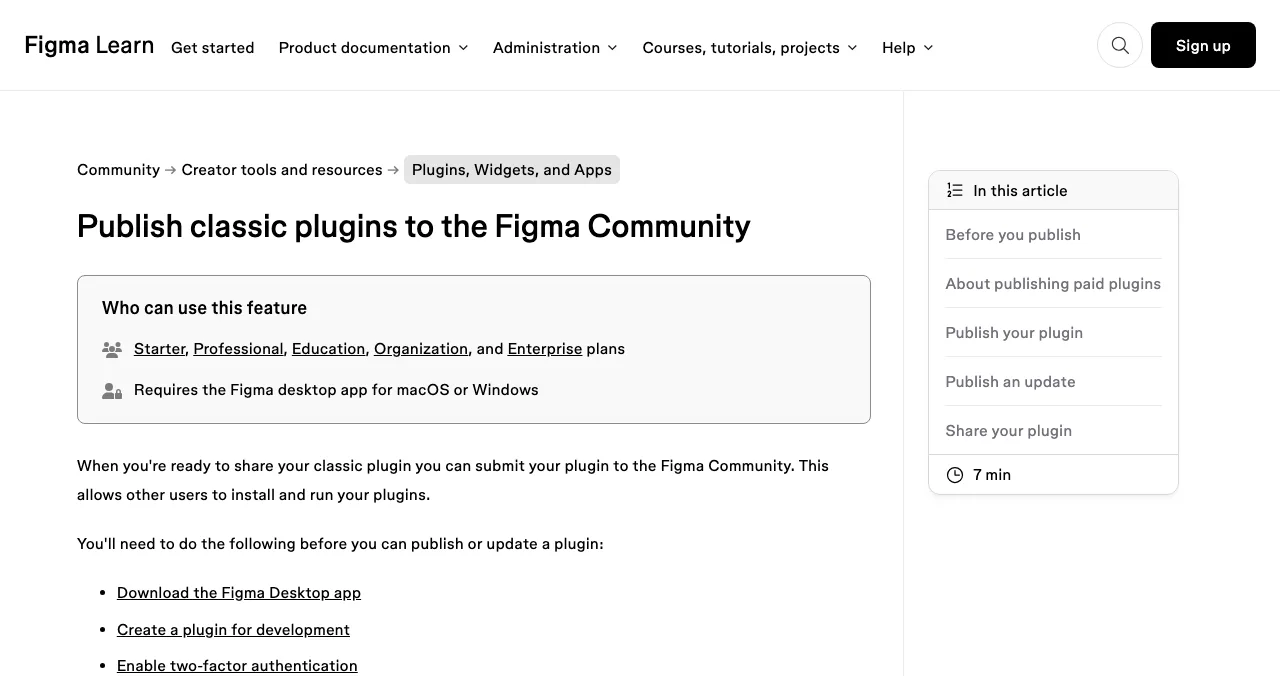
Figma Community
Plugins and widgets inside the canvas designers use most.
ReviewedDesktop app + 2FA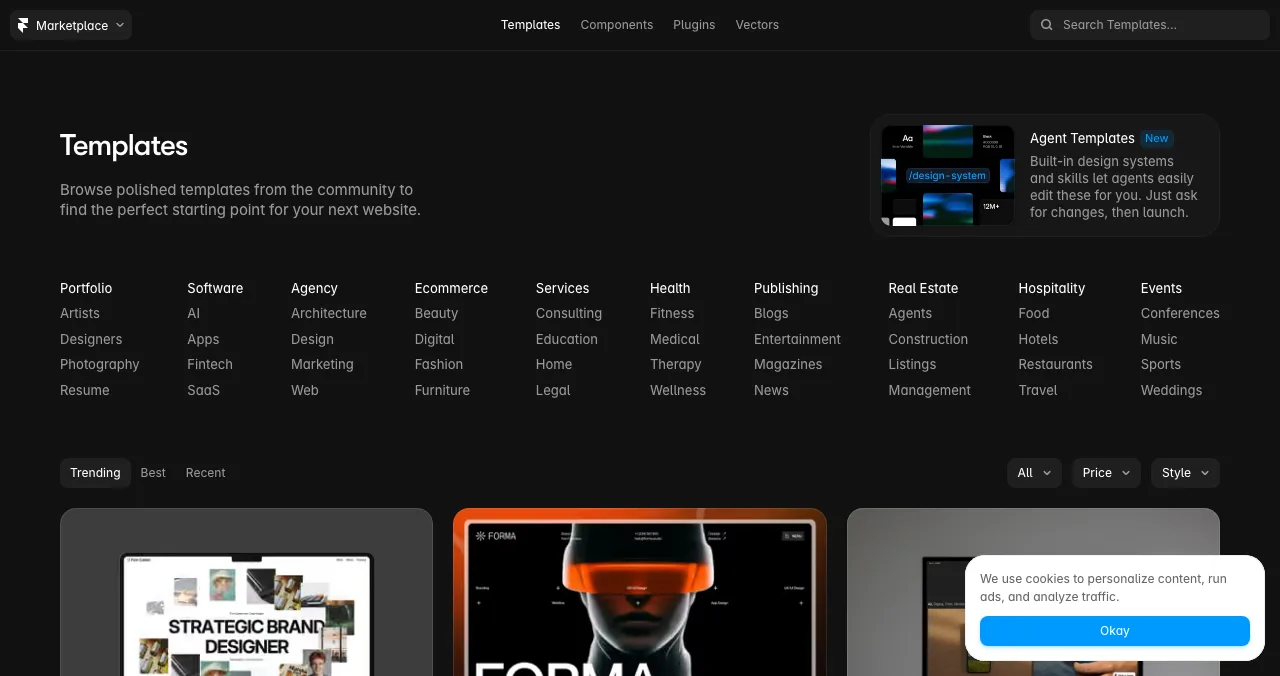
Framer Marketplace
Plugins, templates and components for Framer sites.
Plugins live instantlyKeep 100%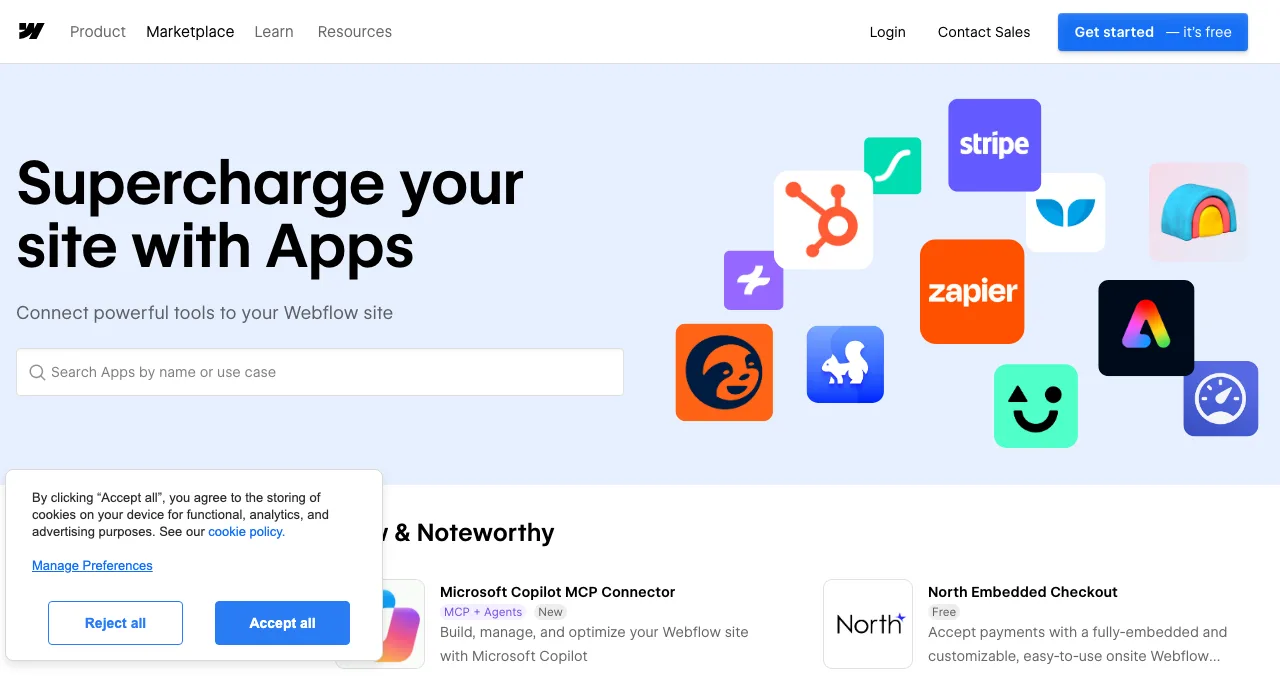
Webflow App Marketplace
Apps that extend Webflow sites and the Designer.
Reviewed~10 business days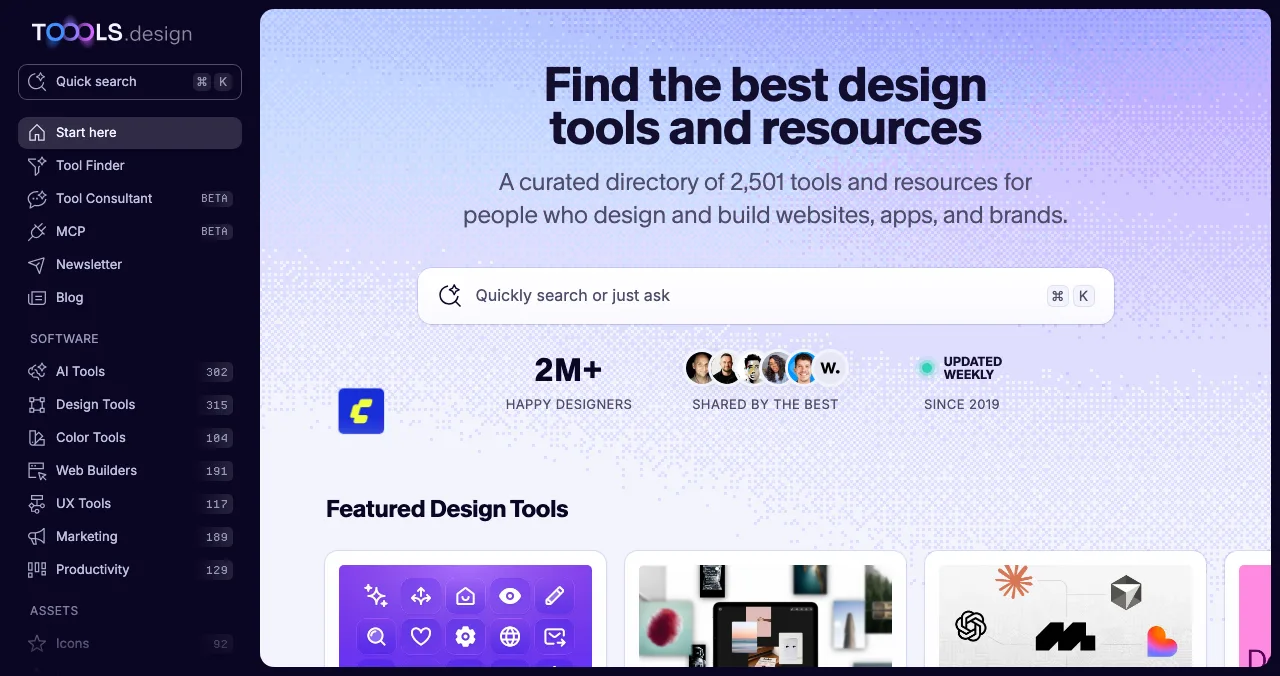
Toools.design
A curated directory of 2,501 design tools since 2019.
Suggest freeUnder 4% get in
Product Hunt
A launch day for standalone design tools.
Free12:01 AM PT
The design tools directory options, compared
| Place | Cost to list | Review | Money | Best for |
|---|---|---|---|---|
| Science of Apps Launchpad | Free, forever | Automatic checks plus a person | Your own pricing | Every design tool |
| Figma Community | No fee mentioned | Reviewed; times vary | Paid plugins via approved creators and Stripe | Figma plugins and widgets |
| Framer Marketplace | No fee mentioned | None for plugins | Keep 100% of plugin revenue | Framer plugins and templates |
| Webflow App Marketplace | No fee mentioned | Decision aimed within 10 business days | Your own | Webflow apps and Designer Extensions |
| Toools.design | No fee mentioned to suggest | Editorial; under 4% accepted | Sponsorships sold separately | Standalone design tools |
| Product Hunt | Free | None to launch; featuring is editorial | Your own | Standalone tools with a visual result |
Table: Design tools directory options compared (each platform's own pages, checked 18 Nov 2026)
1. Science of Apps Launchpad: a listing, plus your design reviewed
- Cost
- Free, forever
- Time to list
- About 2 minutes, six steps
- Ranking
- Relevance, never payment
- Tested
- Visual consistency, onboarding, accessibility
- Visible for
- Permanent
The Launchpad gives your tool a permanent, free profile found by the problem it solves ("generate a colour palette from a photo", "export Figma frames to code"), ranked by relevance, editorial picks and community interest, never payment ("0 paid placements"). Listing takes about two minutes in six steps, with automated checks and a human review. You get a Featured badge on going live; Editor's pick and Community favourite badges are earned.
Best for: the canonical page your plugin listings, Dribbble shots and launch posts all point to.
Your design tool, reviewed by people who notice
A designer will spot inconsistent spacing, a mismatched icon set or a confusing first screen before they read your tagline. Once your listing is live, Science of Apps can investigate the product in a real browser, on desktop and mobile, across 22 areas, with experts reviewing the screens behind your login.
- Areas tested, from search result to settings
- 22
- Automatic measurements, desktop and mobile
- 39
- Expert checks behind the login
- 74
- Verdicts, from Good to Critical
- 5
For design tools, the areas among the 22 that designers judge first are:
Every screen
The craft
Visual design and consistency, and accessibility to WCAG 2.2: contrast, focus states, keyboard use.
Arrive
The shot
Landing page, pricing, speed, and how you appear on Google and AI assistants.
Join
The first minute
Sign up and onboarding to the first export, palette or component.
Use
The workflow
The core task flow, search and navigation, microcopy, and empty, loading and error states.
Pay
The upgrade
Paywall and upgrade, and checkout.
Science of Apps says the areas are re-cut for your category, and "anything unique to your product, we add". Findings come with evidence, a verdict and a next step, citing principles from the 60 Laws of UX, approved by an analyst and kept private.
See your product the way designers will
List free, and once you're live, order the report that fits your stage.

 Economy
See what new customers see
- Store listing and homepage, screen by screen
- Scorecard against 60 Laws of UX
- Customers, competitors and the fixes worth most
PremiumThe full diagnosis and the plan
- Every screen, every finding, every flow
- All 60 laws with evidence and fixes
- 8 strategy chapters and a 90-day roadmap
Fact-checked against the evidence. Private by default.
2. Figma Community: plugins inside the canvas
- Plans
- Starter, Professional, Education, Organization, Enterprise
- Need
- Desktop app and 2FA
- Review
- Yes; times vary with volume
- Paid
- Approved creators with Stripe; $2 minimum subscription
If your tool can run inside Figma, Figma Community is where designers will find it, in the middle of their work. Publishing is open on every plan from Starter up, but it has requirements:
- Before you publish: the Figma desktop app (macOS or Windows), a plugin set up for development and two-factor authentication on. Submit from the desktop app.
- Review: plugins published to Community are reviewed before listing and show an "In review" badge; approval times "vary depending on current volume and the team's availability". The optional data security disclosure can take up to two weeks to review.
- Paid plugins: you must be an approved creator with an active Stripe account; choose one-time or subscription (subscriptions from $2, with a 7-day free trial by default). A paid plugin can't later become free.
- The rule: attempts to exploit the Plugin API mean immediate removal and a ban.
Best for: any tool that speeds up work in Figma: content, icons, accessibility checks, handoff, AI generation.
3. Framer Marketplace: live the moment you submit
- Review
- None for plugins
- Revenue
- Keep 100% of plugin revenue
- Upload
- A .zip, byline, images, tags
- Catch
- Instant means bugs go live too
Framer's Marketplace sells templates, components, plugins and vector sets to people building sites in Framer. For plugins, it's the fastest store on this list: "Plugins are published immediately after you submit them". There's no review or waiting period, and "You keep 100% of your plugin revenue".
- What to upload: the plugin as a
.zip, a byline and description, images and tags, and pricing if it has paid features. - Because it's instant: test in a fresh Framer project and fix bugs first; check screenshots and categories before you submit.
- Templates: go through a separate review process; check Framer's template requirements before you build one.
Best for: plugins that help people build or manage Framer sites.
4. Webflow App Marketplace: apps for site builders
- Submit
- App submission form
- Need
- Published .webflow.io testing site
- Designer Extensions
- Review ZIP with source maps
- Decision
- Aimed within 10 business days
Webflow's App Marketplace lists apps and Designer Extensions that extend Webflow sites. Its submission guide is clear about what reviewers need:
- How: submit through the App submission form; "Submissions are evaluated against the Marketplace Guidelines."
- Testing site: a published
.webflow.ioURL with your app installed and every feature available to reviewers. - Review ZIP: new Designer Extension and Hybrid apps (and updates that change the Designer Extension bundle) need a ZIP with source maps,
package.jsonand the lockfile, uploaded in the form. Reviewers keep these private. - Timing: Webflow sends a confirmation email and aims "to send a decision within 10 business days". If changes are requested, fix every item, retest and resubmit.
Best for: tools for Webflow designers and agencies: forms, animation, SEO, localisation, analytics.
5. Toools.design: a selective directory designers browse
- Size
- 2,501 tools, 18 categories
- Since
- 2019, updated weekly
- Submit
- "Suggest a tool"
- Odds
- "Less than 4% of submissions make it in"
Toools.design is a curated directory of "2,501 design tools and resources, hand-picked and updated weekly since 2019", organised into 18 categories. It's selective by design.
- How tools get in: the editor reviews launches, social media and reader submissions each week, features the best in a Tuesday newsletter and adds other worthwhile tools to the directory. "Less than 4% of submissions make it in."
- Submitting: use "Suggest a tool". The About page says "every submission gets a fair look" but doesn't promise a reply, and doesn't mention a fee.
- Money: the site sells sponsor placements and uses affiliate links, and says "Neither one decides what gets listed."
Best for: polished standalone design tools that fit a clear category.
6. Product Hunt: a launch day for standalone tools
- Cost
- Free
- Goes live
- 12:01 AM Pacific
- Book ahead
- Up to 30 days
- Accounts
- Personal, not company
Product Hunt is free; launches go live at 12:01 AM Pacific on the date you schedule (up to 30 days ahead), from personal accounts. Design tools have a natural advantage here: the gallery is visual. Show the output (the palette, the mock-up, the animation) in the first image.
Best for: standalone design apps and AI design tools. See the Product Hunt launch guide.
More places for design-tool makers

Sidebar
A design link digest: "the five best design links, every weekday", with a "Submit a Link" option. Selective, but read by designers daily.
Canva Apps
If your tool fits inside Canva's editor, see our creator tools launch guide for Canva's review process.
Browser extensions
Colour pickers, font finders and inspectors often ship as extensions; see where to launch a Chrome extension.
Free startup directories
For links and AI-search visibility, see free startup directories.
Which design tools directory should you use first?
| If your tool is… | Start with | Then add |
|---|---|---|
| A Figma plugin or widget | Figma Community | Launchpad listing, Product Hunt |
| A Framer plugin or template | Framer Marketplace | Launchpad listing |
| A Webflow app | Webflow App Marketplace | Launchpad listing, Product Hunt |
| A standalone web or desktop app | Launchpad listing | Product Hunt, Toools.design |
| An AI design generator | Launchpad listing | Product Hunt, Figma plugin version |
Table: Which design tools directory to start with, by tool type
A design-tool launch plan
- Weeks before
Submit to reviewed stores
Submit your Figma plugin (reviews vary) and your Webflow app (about 10 business days).
- Two weeks before
Publish your permanent page
List on the Launchpad; read the free baseline diagnosis of landing page, discoverability and speed.
- One week before
Polish
Act on the report: visual consistency, onboarding, accessibility. Designers will notice.
- Launch day
Product Hunt and Framer
Go live on Product Hunt at 12:01 AM Pacific; publish a Framer plugin the same day if you have one.
- Launch week
Tell the curators
Suggest your tool to Toools.design and submit a link to Sidebar.
- Ongoing
Ship and update
Update listings with each release; designers revisit tools that keep improving.
Mistakes design tools make at launch

- An inconsistent interface — designers judge craft before features
- Screenshots of settings — show the output in the first image
- Publishing an untested Framer plugin — it goes live instantly
- Skipping 2FA or the desktop app — Figma requires both to publish
- Poor contrast and no focus states — accessibility is part of good design
- Pitching every curator the same week you launch — curators like products with some traction
Designers forgive a missing feature faster than an ugly one (aesthetic-usability effect), and they expect your tool to behave like the ones they already use (Jakob's law).
Ready to launch?
How we chose these places
We looked for the stores, directories and curators where designers discover tools, and kept those whose terms we could read on their own pages on 18 November 2026: Figma's plugin publishing guide, Framer's plugin guide, Webflow's app submission guide, Toools.design's homepage and About page, and Product Hunt's help center. Figma's article doesn't state its commission on paid plugins, so we don't quote one. Science of Apps runs the Launchpad and has no relationship with the other platforms.
Key terms, defined
- Design tools directory: a listing of software and resources for designers, such as plugins, colour, type, prototyping and AI tools.
- Plugin: an add-on that runs inside a design tool, such as a Figma or Framer plugin.
- Designer Extension: a Webflow app that runs inside the Webflow Designer.
- Curated directory: a directory where an editor decides what's listed, such as Toools.design.
- Visual consistency: using the same spacing, type, colour and components across every screen.
Frequently asked questions
Where can I launch design tools for free?
List free on the Science of Apps Launchpad for a permanent page and a test of your product's design and onboarding. If your tool works inside a design platform, publish to Figma Community, the Framer Marketplace or Webflow's App Marketplace. Suggest it to Toools.design, and add Product Hunt for a launch day.
What is the best design tools directory?
For tools that live inside a platform, the platform's own store is best: Figma Community for Figma plugins, the Framer Marketplace and Webflow Apps for site builders. For standalone tools, Toools.design is a respected curated directory with 2,501 tools, and a permanent Launchpad listing ranks you by relevance for the problem you solve.
How do I publish a plugin to Figma Community?
Use the Figma desktop app on macOS or Windows, set up your plugin for development, turn on two-factor authentication and submit. Plugins published to Community are reviewed first; Figma says approval times vary with volume. Paid plugins need approval as a creator and a connected Stripe account; subscriptions start at $2.
Is the Framer Marketplace free for plugin makers?
Framer's help center says plugins are published immediately after you submit them, with no review or waiting period, and that you keep 100% of your plugin revenue. Upload a .zip, add a byline, description, images and tags, and test in a fresh project first, since publishing is instant.
How do design tools get users?
By meeting designers in their canvas (a plugin or app), by looking excellent in screenshots and demos, and by getting picked by curators and newsletters designers trust. Once they try it, a first result within a minute and a consistent, accessible interface keep them.
How long does Webflow take to review apps?
Webflow's submission guide says it sends a confirmation email when it receives your app and aims to send a decision within 10 business days. You need a published .webflow.io testing site with the app installed, and new Designer Extension or Hybrid apps also need a review ZIP with source maps.
Does the Launchpad test design tools?
It tests any live product across 22 areas, including visual design and consistency, accessibility to WCAG 2.2, onboarding and the core task flow. Science of Apps re-cuts the areas per category and says it adds anything unique to your product. Every finding has evidence, a verdict and a next step.
Sources
- Science of Apps — Launchpad: launch your product free (checked 18 Nov 2026)
- Science of Apps — Product investigation: 22 areas (checked 18 Nov 2026)
- Figma Help Center — Publish plugins to the Figma Community (checked 18 Nov 2026)
- Framer Help — How to publish a plugin (checked 18 Nov 2026)
- Webflow Developers — Submitting your app (checked 18 Nov 2026)
- Toools.design — Home (checked 18 Nov 2026)
- Toools.design — About: how tools get in (checked 18 Nov 2026)
- Product Hunt Help Center — Launch FAQ and myths (checked 18 Nov 2026)
- Checked November 18, 2026. Figures that change — fees, salaries, prices — are reviewed every six months; if something is out of date, tell us.
Where to go from here
- Top 5 websites to launch a startup free — the general shortlist
- Free startup directories — where to list once you're live
- Figma alternatives — the design tools landscape
- Science of Apps - LaunchpadThe marketing tools directory guide for 2027: where to launch a marketing tool free, from HubSpot's App Marketplace and G2 to Zapier and Product HuntWhere to launch marketing tools free: the Launchpad, HubSpot App Marketplace, G2's free plan, Zapier's App Directory and Product Hunt, with rules checked.
- Science of Apps - LaunchpadThe creator tools directory guide for 2027: where to launch a creator tool free, from the Kit App Store and Canva Apps to Zapier and Product HuntWhere to launch creator tools free: the Launchpad, Kit App Store, Canva Apps Marketplace, Zapier's App Directory and Product Hunt, with review rules checked.
- Science of Apps - LaunchpadThe productivity apps directory guide for 2027: where to launch a productivity app free, from Setapp and the Raycast Store to Zapier, Notion and Product HuntWhere to launch productivity apps free: the Launchpad, Setapp, the Raycast Store, Zapier's App Directory, Notion's Marketplace and Product Hunt, rules checked.
- Science of Apps - LaunchpadThe ecommerce software directory guide for 2027: where to launch an e-commerce tool, from the Shopify App Store and WooCommerce Marketplace to Wix and BigCommerce, with every fee checkedWhere to launch e-commerce tools: the Launchpad, Shopify App Store, WooCommerce Marketplace, Wix App Market and BigCommerce, with fees and reviews checked.
- Science of Apps - LaunchpadThe web app directory guide for 2027: where to launch a web app free, from Product Hunt and Show HN to the Microsoft Store, PWA directories and SaaSHubWhere to launch web apps free: the Launchpad, Product Hunt, Show HN, the Microsoft Store via PWABuilder, PWAStore.io and SaaSHub, with each one's rules checked.
- Science of Apps - LaunchpadFintech startup directories and launch sites for 2027: where to launch a fintech startup free, from regulator sandboxes to fintech newsletters, with every rule checkedFintech startup directories and free launch sites: the Launchpad, the FCA sandbox, Fintech Sandbox, Product Hunt and fintech newsletters, rules checked.


Get the ideas, not the noise.
Sign up with Google and we’ll send you short UX psychology tips by email — why people tap, stall and leave, and what to do about it. Unsubscribe anytime. Prefer something to keep? Get the free Laws of UX guide as a PDF.
Launch day ends. Your listing shouldn't.
A permanent, free page for your design tool, found by the problem it solves, plus a test of your visual design and consistency, onboarding and accessibility, the things designers notice in seconds, with a detailed report.