 By
Quick answer: What is a one page website, and when should you use one?
- What it is: a single page website where every section sits on one scrolling page.
- Use it for: a product launch, portfolio, event, waitlist or small local business.
- Skip it for: blogs, shops, docs or anything that needs many search-friendly pages.
- Best free one page website builder: Carrd (three free sites); also Google Sites, Framer, Mixo and Wix.
- For a product: a free Launchpad page is a ready-made one-page profile that's also listed and tested.
Key takeaways
- One page websites convert well when there's one main action and a short story.
- One URL means one main search topic; add pages when you need to rank for several.
- Sticky navigation that jumps to sections keeps long single pages usable.
- Order matters: what it is, proof, how it works, objections, then the action again.
- A one-page site still needs links from places people look.
"One page website" is searched about 4,400 times a month, "single page website" about 1,900 and "one page website builder" about 1,000 (Google Keyword Planner, global 12-month average). A single scrolling page is often the best first website: one story, one action, nothing to get lost in. It's also the wrong choice for plenty of sites. This guide explains when a one page website works, compares free one page website builders (limits checked on each builder's own pages on 20 November 2026), shows real examples and lays out the best-practice structure section by section. Jump to when to use one, the builders or the structure.
Free one page website builders
 Get a free product page
Science of Apps Launchpad Top pick for products
A ready-made one-page profile for your product, listed and tested.
Free foreverProduct page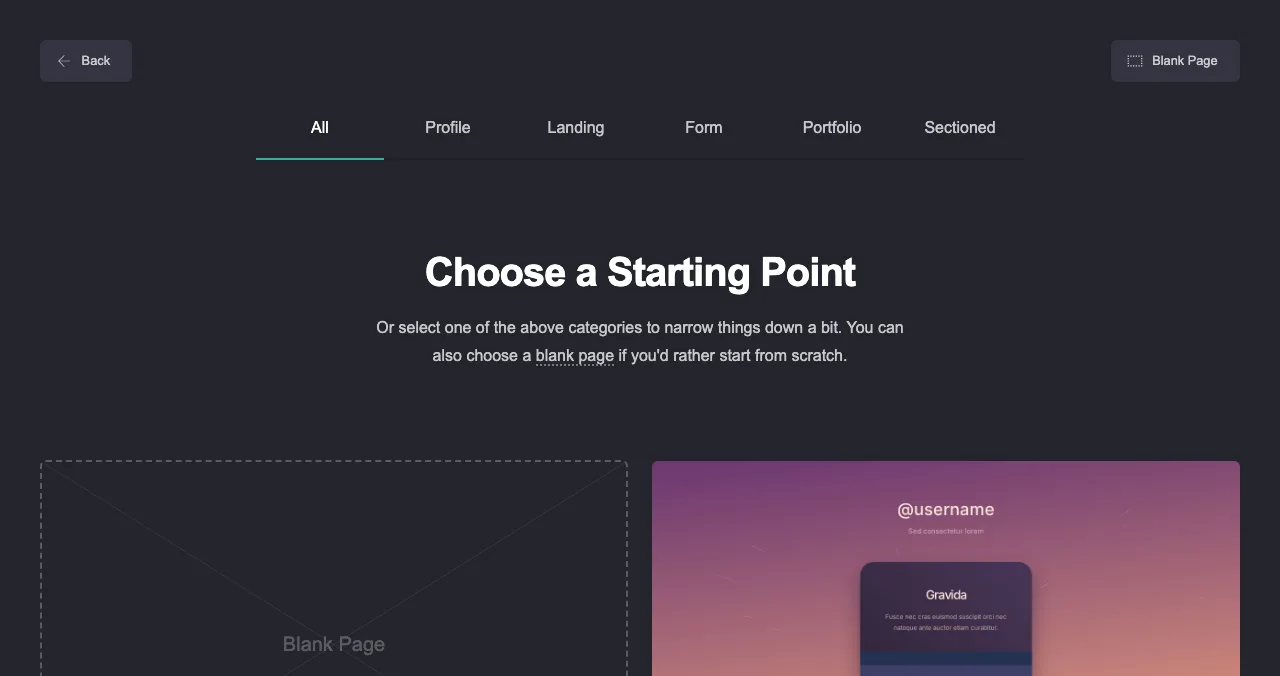
Carrd
Built only for one-page sites.
3 free sitesDomain $19/yr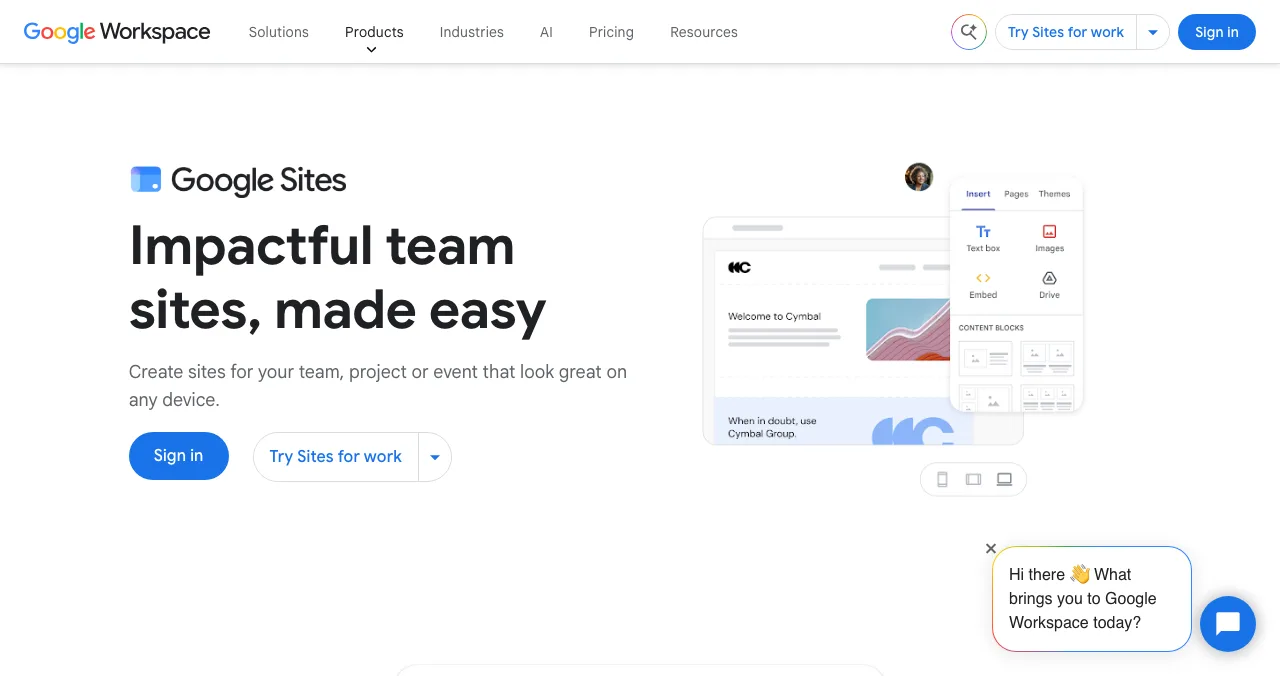
Google Sites
A quick page with no ads and your own domain.
No adsOwn domain OK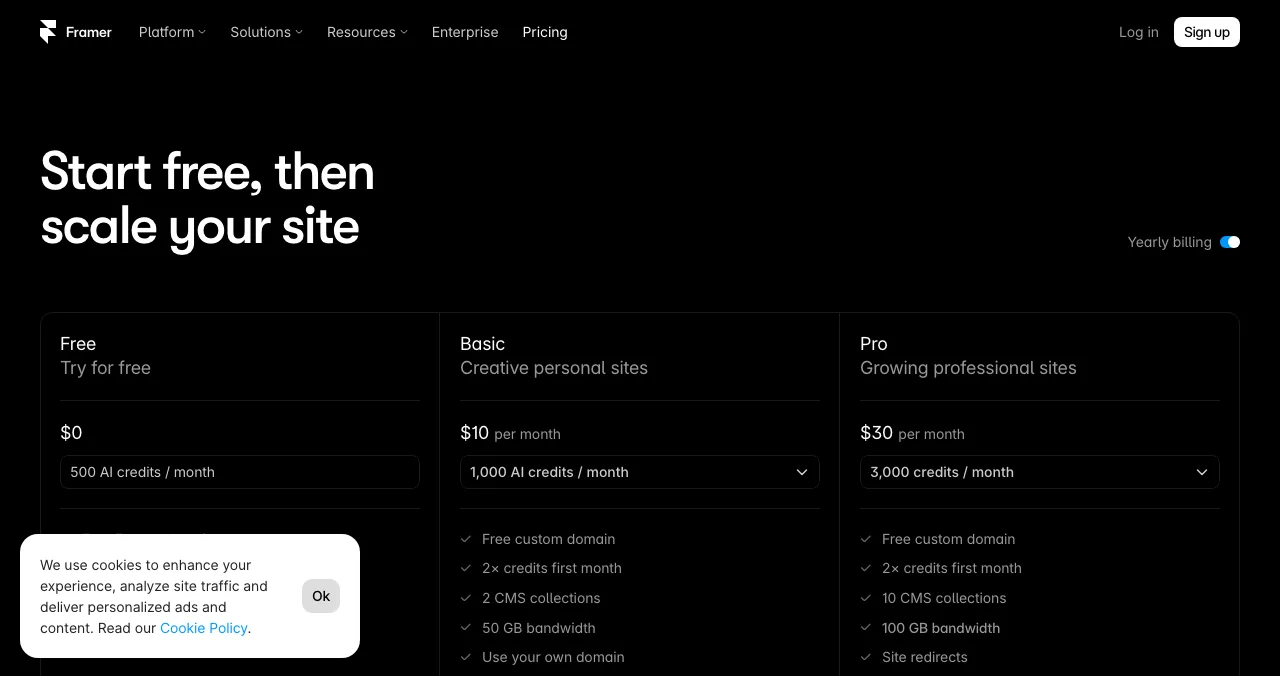
Framer
Design-led single pages with AI.
FreeNon-commercial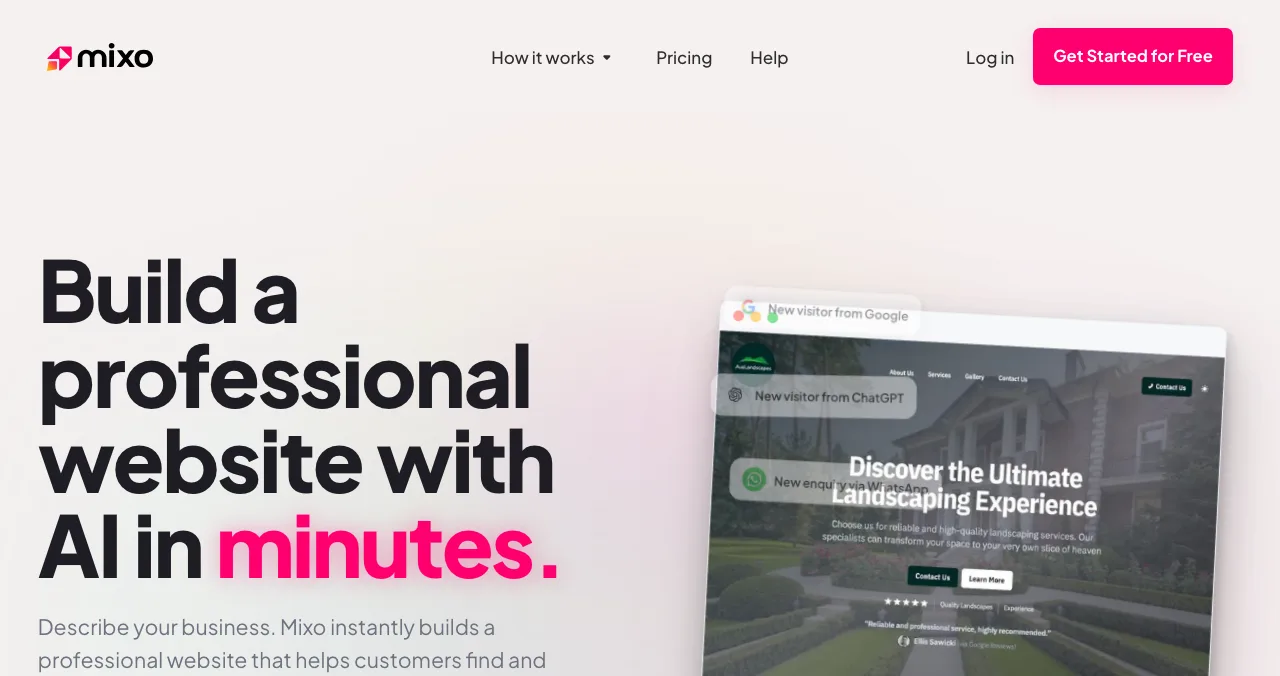
Mixo
An AI-generated one-page site, free.
Freemixo.io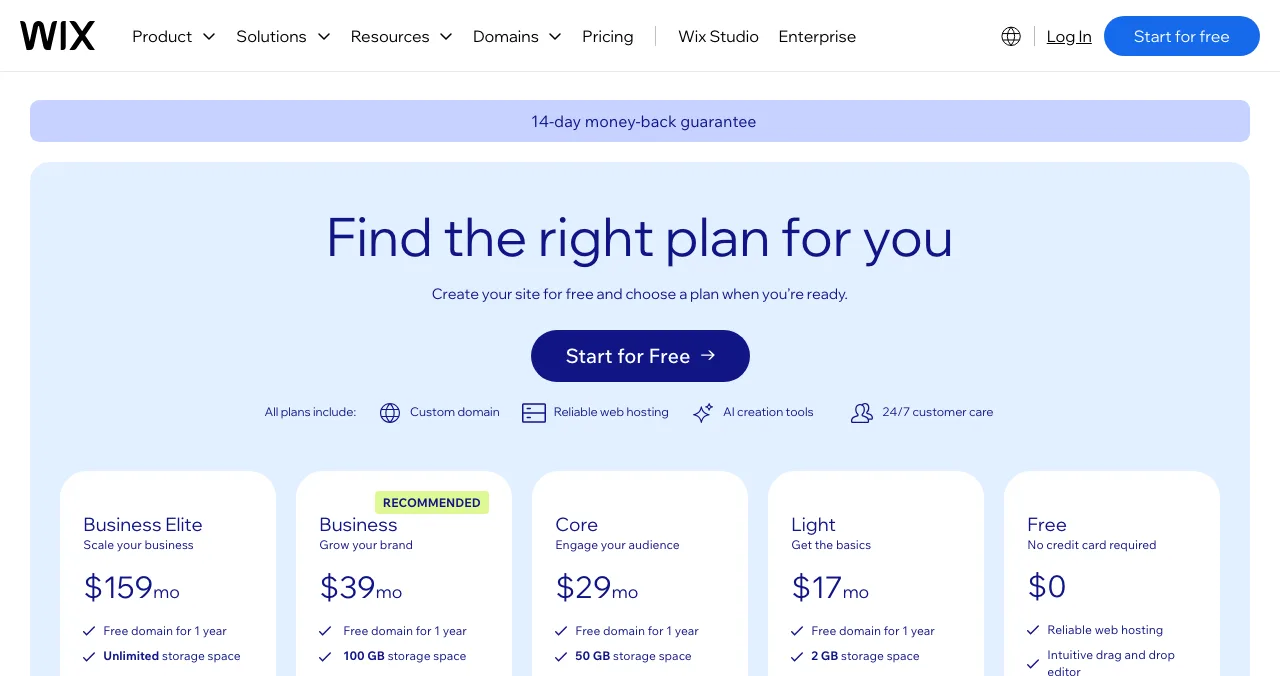
Wix
Full editor, single-page layouts.
FreeWix ads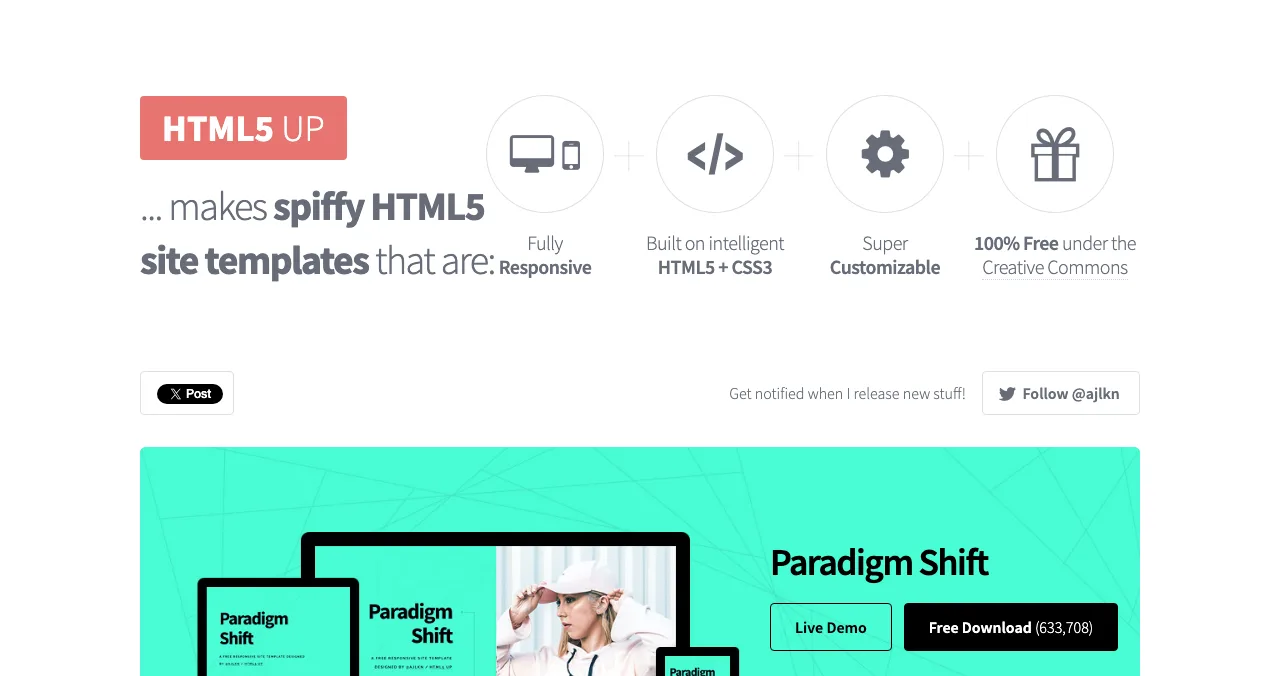
HTML5 UP on GitHub Pages
Free code template on free hosting.
CC BY 3.0Static
When is a one page website the right choice?
A single page website works when a visitor needs to understand one thing and do one thing. It struggles when visitors arrive with different questions and need to browse.
| Use a one page website for | Use a multi-page site for |
|---|---|
| A product launch or waitlist | An online shop with many products |
| A portfolio or personal page | A blog or content site |
| An event, wedding or conference | Documentation and help centres |
| A local business with one service | A business with many services or locations |
| An app's marketing page | A SaaS that needs pages for features, comparisons and pricing |
Table: When a one page website works, and when it doesn't
The SEO trade-off is simple: one page has one URL, one title and one description, so it can rank well for one main topic but struggles to rank for many. Plenty of startups launch with one page and add more as they learn what people search for.
The best free one page website builders
| Builder | Built for one page? | Free address | Branding on free | Own domain |
|---|---|---|---|---|
| Launchpad | Yes, a product profile | launchpad.scienceofapps.com/p/… | Launchpad page | No (links to your site) |
| Carrd | Yes, only one-page sites | .carrd.co | 'Made with Carrd' | Pro Standard, $19 a year |
| Google Sites | Single or multi-page | Google Sites address | No ads | Free, if you own the domain |
| Framer | Single or multi-page | Framer domain | 'Made in Framer' | Basic, $10 a month |
| Mixo | Yes, one page on free | yoursite.mixo.io | Mixo branding | Paid plans |
| Wix | Single or multi-page | username.wixsite.com/sitename | Wix ads | Premium plans |
| HTML5 UP + GitHub Pages | Many templates are one page | username.github.io | HTML5 UP credit | Free on GitHub Pages |
Table: Free one page website builders compared (each builder's own pages, checked 20 Nov 2026)
1. Science of Apps Launchpad: a one-page profile for a product
- Cost
- Free, forever
- Live in
- About 5 minutes, six short steps
- Includes
- Tagline, screenshots, links, vouches, badges
- Found by
- The problem you solve
- Catch
- Fixed layout; not a site you design
For a product, the structure of a good one page website (what it is, proof, links, the next step) already exists as a Launchpad profile. You fill it in, and it's live in about five minutes at launchpad.scienceofapps.com/p/your-product, free and permanent. Unlike a page on a builder's subdomain, it's listed by the problem it solves and ranked by relevance, editorial picks and community interest, never payment, with a Featured badge on going live and earned badges such as Verified, Community favourite and Editor's pick.
Best for: a startup, app or SaaS that needs one page and its first visitors.
2. Carrd: the best one page website builder
- Cost
- Free: three sites per account
- Templates
- Profile, Landing, Form, Portfolio, Sectioned
- Forms
- Pro Standard and up
- Domain
- Pro Standard, $19 a year
- Catch
- No forms on free
Carrd only makes one-page sites, which is why it's so good at them. The free plan lets you build up to three sites with all core features; Pro Lite ($9 a year) removes branding, and Pro Standard ($19 a year) adds forms and your own domain.
Best for: almost any free one page website.
3. Google Sites: one page, no ads
Google Sites shows no ads and lets you connect up to five custom domains you own to a site, as long as the address includes a subdomain such as www. Designs are simple, which suits an event or info page.
Best for: an ad-free page on your own domain at no cost.
4. Framer: a designed single page
Framer's free plan includes 500 AI credits a month and plenty of free one-page templates; it shows a 'Made in Framer' banner, is described as ideal for non-commercial use, and needs Basic ($10 a month) for your domain.
Best for: portfolios and design-led launch pages.
5. Mixo: a free one page website from AI
Mixo's free plan lets you create, edit and publish a site at no cost on a Mixo subdomain, with Mixo branding; multiple pages and a custom domain are paid. That makes its free plan a one-page website by design.
Best for: testing an idea with an AI-written page.
6. Wix: single-page layouts in a full editor
Wix's editor and AI builder can make a single page website on the free plan, with Wix ads, a wixsite.com address, 500 MB of storage and 1 GB of bandwidth. Choose Wix if you expect to grow into more pages or bookings later.
Best for: a one-page site that may become a full site.
7. HTML5 UP on GitHub Pages: free and code-based
If you can edit HTML, take a free HTML5 UP template (CC BY 3.0, credit required, commercial use allowed) and host it on GitHub Pages, which is free with your own domain for sites up to 1 GB (but not for running an online business or e-commerce, per GitHub's limits page).
Best for: a fast, ad-free page you fully control.
One page website examples
Rather than invent examples, here are real ones you can open today:
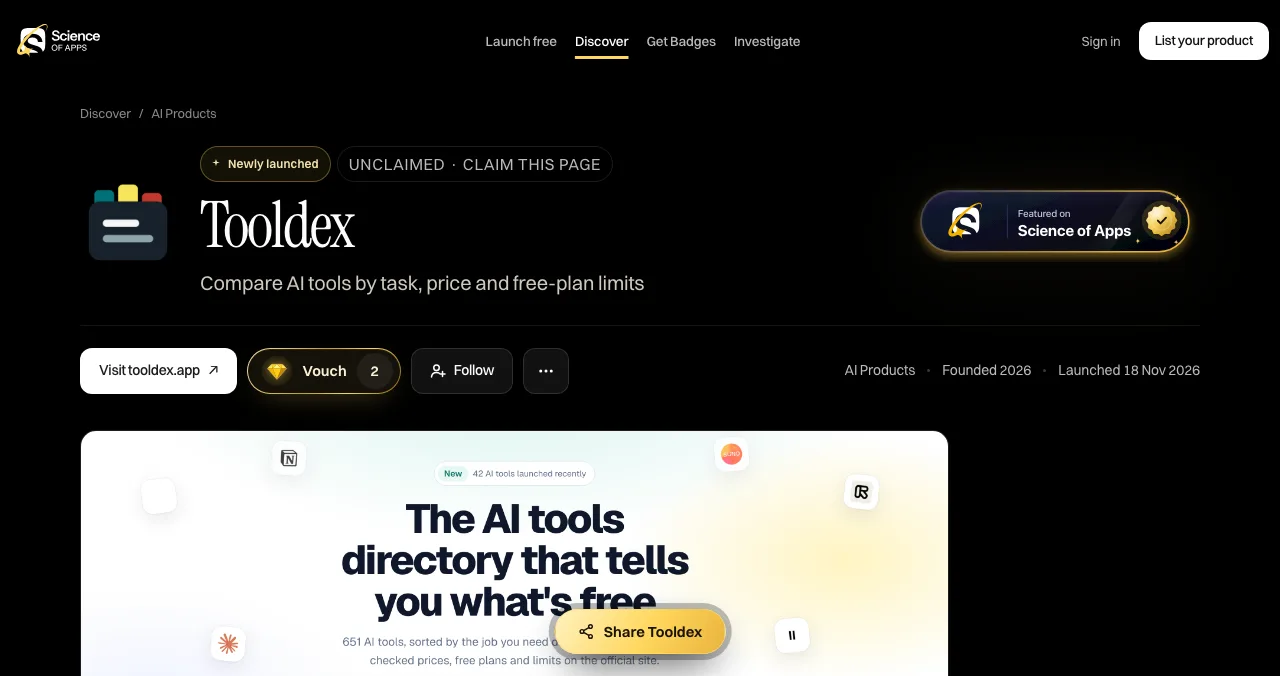
- A product profile: the Tooldex page on the Launchpad (shown above): tagline, visit button, vouches, follows and badges on one page.
- Template galleries: Carrd's Landing and Profile categories and HTML5 UP's homepage show dozens of single-page designs you can open and inspect.
- Free one-page landing templates: compared, with licences, in free landing page templates.
The best-practice structure for a single page website
Visitors remember the start and end of a page best (the serial position effect), so the most important message goes first and the action is repeated last.
Hero
What and for whom
One headline, one sentence, one primary button visible on a phone.
Proof
Why believe it
Real customers, numbers, logos or vouches; nothing made up.
How it works
Three steps
The shortest honest explanation of what happens.
Details
Features or services
Only what helps someone decide.
Questions
Objections
Price, privacy, time, what's included.
Action
The ask, again
Repeat the call to action, then contact details.

- Sticky navigation — menu links that jump to each section, so long pages stay usable
- One primary action — one button style for the main action; secondary links look secondary (Von Restorff effect)
- Section anchors — give each section an ID so you can link straight to it
- Mobile first — most visitors scroll on a phone; check every section there
- Keep it fast — compress images; a long single page loads everything at once
- One title, one description — write them around the one search you most want to win
Is your one page website working?
A one-page site has nowhere to hide: if the first screen doesn't land, there's no second page. When you list a product on the Launchpad, a free baseline diagnosis checks your landing page, discoverability and speed. The full investigation covers 22 areas of the product, including 8 automatic measurements of the landing page alone, among 39 in total, plus 74 expert heuristics and five verdicts, reviewed by an analyst and private to your team.

See what visitors see on your single page
List free, then order the report that fits: the first impression, or the full diagnosis with a plan.

 Economy
See what new customers see
- Store listing and homepage, screen by screen
- Scorecard against 60 Laws of UX
- Customers, competitors and the fixes worth most
PremiumThe full diagnosis and the plan
- Every screen, every finding, every flow
- All 60 laws with evidence and fixes
- 8 strategy chapters and a 90-day roadmap
Researched from your live product and fact-checked against the evidence.
Build a one page website in an afternoon

- Write the six sections first — in a document, using the structure above.
- Pick a builder — Carrd for most people; the Launchpad if it's a product.
- Choose a one-page template — and delete every section you can't fill truthfully.
- Publish and check on a phone — then run PageSpeed Insights.
- List it — create a free Launchpad page for the product and link it to the site.
Mistakes to avoid

- Cramming a multi-page site into one page — if visitors need to browse, give them pages
- A hero with no action — the first screen should say what it is and show the button
- Navigation that leaves the page — on a single page website, menu links should jump to sections
- Template filler left in — placeholder testimonials and logos damage trust
- Never adding pages — when you need to rank for several searches, add pages for them
Ready to launch?
How we know
Builder limits come from each builder's own pricing and help pages, read on 20 November 2026. The landing-page measurement count comes from the Launchpad's investigation page, read the same day. The section structure is our recommendation, based on the Laws of UX linked above; the examples are real pages you can open, not invented case studies. Search volumes are Google Keyword Planner's global 12-month averages. Science of Apps runs the Launchpad, which ranks first only for product pages.
Key terms, defined
- One page website: a website whose content sits on a single scrolling page.
- Single page website: another name for a one page website.
- Anchor link: a link that jumps to a section of the same page.
- Sticky navigation: a menu that stays visible as you scroll.
- Hero: the first screen of a page, before scrolling.
- Product profile: a one-page listing for a product, such as a Launchpad page.
Frequently asked questions
What is a one page website?
A one page website is a site whose content all sits on a single, scrolling page. Its menu links jump to sections of that page, such as features, pricing and contact, instead of loading new pages. It's common for product launches, portfolios, events and small businesses with one main action, like signing up or booking.
How do I make a free one page website?
Pick a free one page website builder, such as Carrd, Google Sites, Framer or Mixo, choose a single-page template, and replace every section with your own content: headline, proof, how it works, answers to questions and a call to action. Publish on the free subdomain, check it on a phone, and connect your own domain when you're ready.
What is the best one page website builder?
Carrd is the best one page website builder for most people: it's built only for single pages, the free plan allows three sites, and Pro Standard adds forms and your own domain for $19 a year. Framer suits design-led pages, Google Sites suits a quick page with no ads, and Mixo generates a one-page site with AI.
Is a single page website good for SEO?
It can rank for one main topic, because the whole site is one URL with one title and description. It's weaker when you want to rank for many different searches, since each topic usually needs its own page. Many startups begin with a single page website, then add pages for features, comparisons and a blog.
When should I not use a one page website?
Avoid it when you have a lot to say to different audiences: an online shop with many products, documentation, a blog, or a business with several services that each need explaining. Very long single pages get slow and hard to navigate. If people need to compare or browse, use a multi-page site.
Is a Launchpad page a one page website?
It works like one for a product. A Science of Apps Launchpad page is a free, permanent single page with your tagline, description, screenshots, links to your site or app store, vouches and badges, listed by the problem you solve. You don't design its layout or host your own content on it, so it complements your site.
Sources
- Carrd — Pro plans (checked 20 Nov 2026)
- Carrd — Templates (checked 20 Nov 2026)
- Google — Sites Help: use a custom domain (checked 20 Nov 2026)
- Framer — Pricing (checked 20 Nov 2026)
- Mixo — Does Mixo have a free plan? (checked 20 Nov 2026)
- Wix — About storage and bandwidth (checked 20 Nov 2026)
- HTML5 UP — Licence (checked 20 Nov 2026)
- GitHub Docs — GitHub Pages limits (checked 20 Nov 2026)
- Science of Apps — Launchpad (checked 18 Nov 2026)
- Science of Apps — Product investigation (checked 20 Nov 2026)
- Checked November 20, 2026. Figures that change — fees, salaries, prices — are reviewed every six months; if something is out of date, tell us.
Where to go from here
- Free landing page builders — nine free plans for startups
- Free landing page templates — 12 verified sources
- Best free website builders — when one page isn't enough
- Science of Apps - LaunchpadFramer alternatives for startup websites: Webflow, Wix, WordPress.com, Squarespace, Carrd, Hostinger, Durable and Tilda compared on free plans, prices and limitsThe best Framer alternative depends on your site: Webflow for CMS, WordPress.com for content, Carrd for one page. Free plans, prices and limits, checked.
- Science of Apps - LaunchpadCarrd alternatives for one-page websites: Google Sites, Strikingly, Tilda, Framer, Wix and Webflow compared on free plans, custom domains and priceCarrd is free for three one-page sites. The best Carrd alternatives, from Google Sites to Framer, compared on free plans, domains and price.
- Science of Apps - LaunchpadWhat's inside a startup analysis report: the sections a good report covers, a one-page startup analysis canvas to start with, and the Economy and Premium product reports from the Science of Apps Launchpad comparedWhat a startup analysis report includes: the core sections, a one-page startup analysis canvas, and how the Economy and Premium product reports compare.
- Science of Apps - LaunchpadThe best free AI website builders for 2027: 10 free plans that publish a real site, their AI credits, subdomains and badges, and the AI builders that only look freeThe best free AI website builder publishes a live site without paying. 10 free plans compared by AI credits, subdomain and badge, checked 20 Nov 2026.
- Science of Apps - LaunchpadThe best AI website generator for your project: nine AI website makers compared on free plans, verified prices and what they build, plus how a generated site gets its first visitorsThe best AI website generator by job: 9 AI website makers, from Durable and Wix to Framer and v0, with free plans, verified prices and how to get visitors.
- Science of Apps - LaunchpadHow to make a coming soon page that collects sign-ups: what to put on it, a coming soon page template, free builders and waitlist page tools compared, and what to do on launch dayHow to make a coming soon page that collects sign-ups: a coming soon page template, free builders and waitlist page tools, and what to do on launch day.



Get the ideas, not the noise.
Sign up with Google and we’ll send you short UX psychology tips by email — why people tap, stall and leave, and what to do about it. Unsubscribe anytime. Prefer something to keep? Get the free Laws of UX guide as a PDF.
Launch day ends. Your listing shouldn't.
For a product, the Science of Apps Launchpad is a ready-made one page website: a free, permanent profile with your tagline, screenshots, links and proof, listed by the problem it solves and tested with a detailed report.