 By
Quick answer: What are online proctored exam rules?
- ID check — government photo ID.
- Room scan — clear desk, closed door, alone.
- No devices — phone out of reach, one monitor.
- Stay in view — no talking, no looking away for long.
- Tech check — run the system test beforehand.
Key takeaways
- Online proctoring combines live or recorded human proctors with AI flagging.
- Run the provider's system test on the same computer and network you'll use.
- Clear your desk and room; remove phones, notes and extra screens.
- Talking, leaving the camera view or someone entering can end the exam.
- Cheating risks revoked certifications and bans; it's not worth it.
How online proctoring works

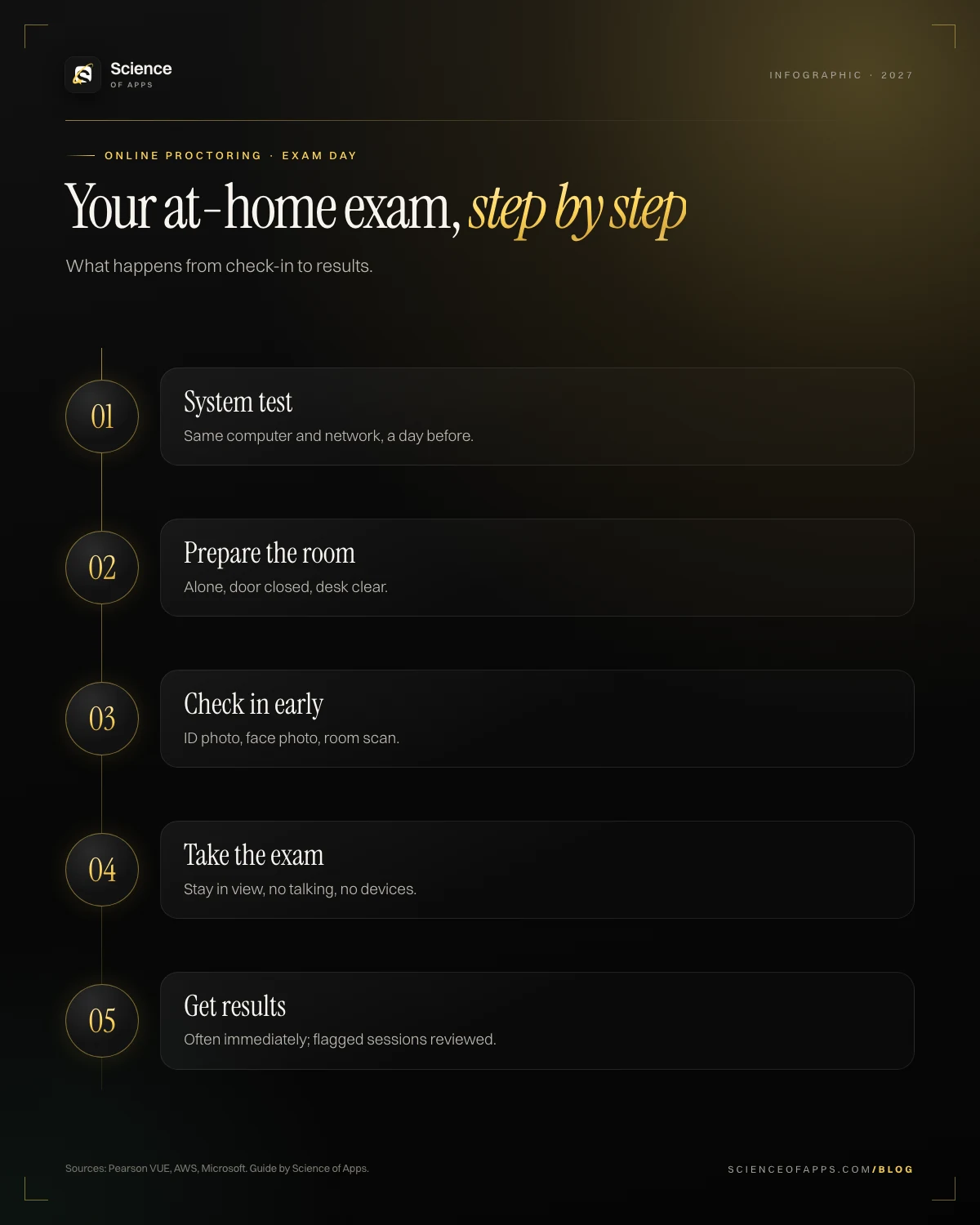
- Check-in: photograph your ID and face, then photograph or video your room.
- Proctor review: a proctor confirms your identity and environment.
- Exam: webcam, microphone and screen are monitored; AI may flag events (another face, looking away, noise) for human review.
- Review: flagged sessions can be investigated after the exam.
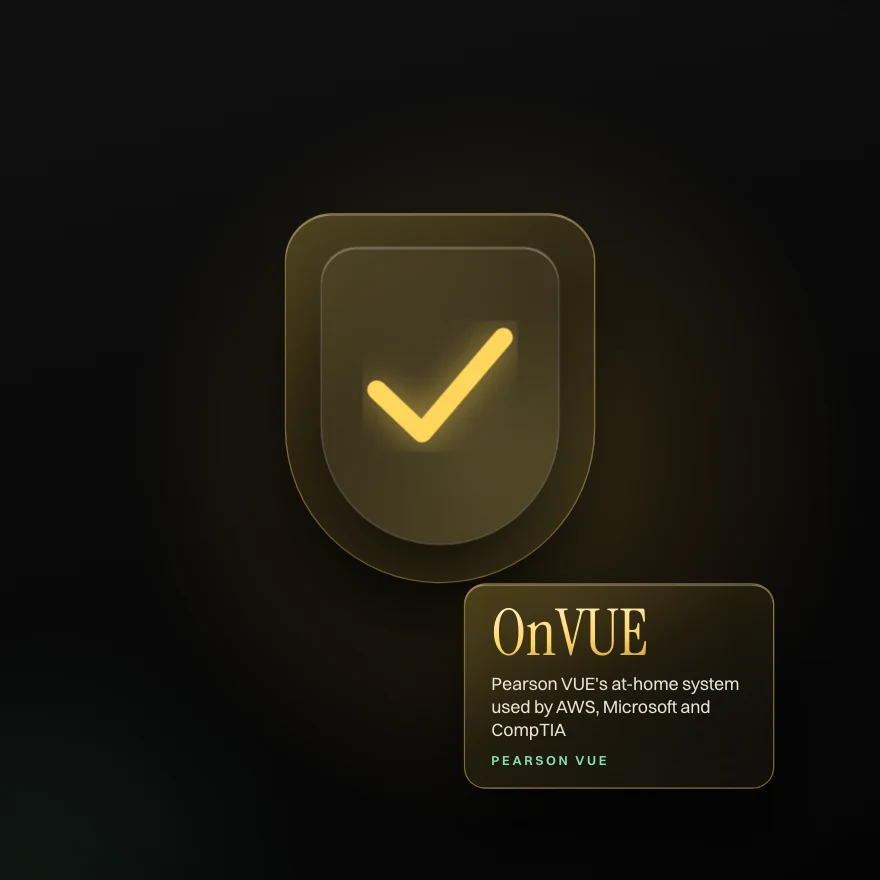
Pearson VUE's OnVUE is used for at-home exams by AWS, Microsoft, CompTIA and many others123.
Proctored exam rules and requirements
| Rule | What it means |
|---|---|
| ID | Valid government-issued photo ID matching your registration |
| Room | Private, quiet room; door closed; no one else present |
| Desk | Clear of papers, books, devices (rules vary on water) |
| Devices | Phone out of reach; one monitor; no smartwatch or headphones |
| Behaviour | Stay in camera view; don't read questions aloud; no talking |
| Breaks | Usually not allowed unless the exam has scheduled breaks |
| Tech | Stable internet, webcam, microphone; pass the system test |
Tips for a smooth at-home exam
- Run the system test a day before and again 30 minutes before.
- Use a wired connection if possible; close VPNs and background apps.
- Use a personal computer (work laptops often block the software).
- Tell household members; put a sign on the door.
- Check in 30 minutes early.
Can you cheat on an online proctored exam?
Don't try. Sessions are recorded and reviewed, AI flags patterns, and candidate agreements allow vendors to revoke certifications and ban candidates. Beyond the risk, a certification earned by cheating leaves you unable to do the job it promises.
Prove it free: the tests that match this guide
Practise timed questions before your proctored exam. (Disclosure: Science of Apps publishes these tests.)
Online vs test-centre exams
Results are equivalent. Choose online for convenience; choose a test centre if your home is noisy, your internet is unreliable, or you'd like fewer technical risks.
What about non-proctored certifications?
Science of Apps certifications are intentionally not proctored: they're quick, free skills checks with verifiable credential IDs. For high-stakes credentials, proctored exams remain the standard. See how SOA verification works.
Frequently asked questions
What is an online proctored exam?
An exam taken at home or work while a proctor monitors you via webcam, microphone and screen, often supported by AI flagging.
What are the rules for online proctored exams?
Valid photo ID, a private room, a clear desk, no phones or extra screens, no talking, and staying in view of the camera.
Can you cheat on an online proctored exam?
Sessions are recorded and reviewed, and cheating can lead to revoked certifications and bans; it's not worth the risk.
Is an online proctored exam the same as a test-centre exam?
Yes, results and certifications are equivalent; the delivery method differs.
What about non-proctored certifications?
Science of Apps certifications are intentionally not proctored: they're quick, free skills checks with verifiable credential IDs. For high-stakes credentials, proctored exams remain the standard. See how SOA verification works.
Sources
- Pearson VUE: OnVUE online proctored exams
- AWS: online proctored exams
- Microsoft Learn: online exams with Pearson VUE
- Science of Apps: free online certifications
- Checked November 11, 2026. Figures that change — fees, salaries, prices — are reviewed every six months; if something is out of date, tell us.
Where to go from here
- AI in education — how ai is transforming education and online certification, from ai tutors to ada
- Micro-credentials vs degrees — what micro-credentials are, how they compare to degrees and whether they'll repl
- Stackable credentials — what stackable credentials are, how they build toward degrees and real examples
- Career guides by Science of Apps for 2027Top 10 certifications and courses you can complete entirely online in 2027, with direct linksThe top 10 certifications and courses you can finish entirely online in 2027, from AI and cloud to data, UX and CRM, with costs and direct enrol links.
- Career guides by Science of Apps for 2027Are machine learning certifications worth it in 2027? An honest answer, and the ones that areAre machine learning certifications worth it in 2027? Proctored platform exams usually are; courses help you learn. 5 that are worth it.
- Making moneyPassive income for developers: 12 ideas that hold up — and the work behind them12 passive income ideas for developers — micro-SaaS, templates, plugins, courses, APIs, open-source sponsorships — with honest effort and income expectations.
- CertificationsBuild a portfolio with certification projectsTurn your certifications into a job-winning portfolio: project ideas, examples and free tools to showcase your work.
- CertificationsBuild an upskilling programHow to build an employee upskilling and reskilling programme with certifications: skills gaps, learning paths, protected time and measuring impact.
- How to make an appHow to add "Login with Google" to your appAdd Sign in with Google to Android, iOS or web: Google Cloud setup, Credential Manager or Identity Services, ID-token checks and Apple's login rule.

Get the ideas, not the noise.
Sign up with Google and we’ll send you short UX psychology tips by email — why people tap, stall and leave, and what to do about it. Unsubscribe anytime. Prefer something to keep? Get the free Laws of UX guide as a PDF.
Prove the skill before you pay for the exam.
1,200+ free, test-based certifications graded on our server. Pass and get a founder-signed certificate with a credential ID employers can verify.