 By
Quick answer: How do I use AI to study for exams?
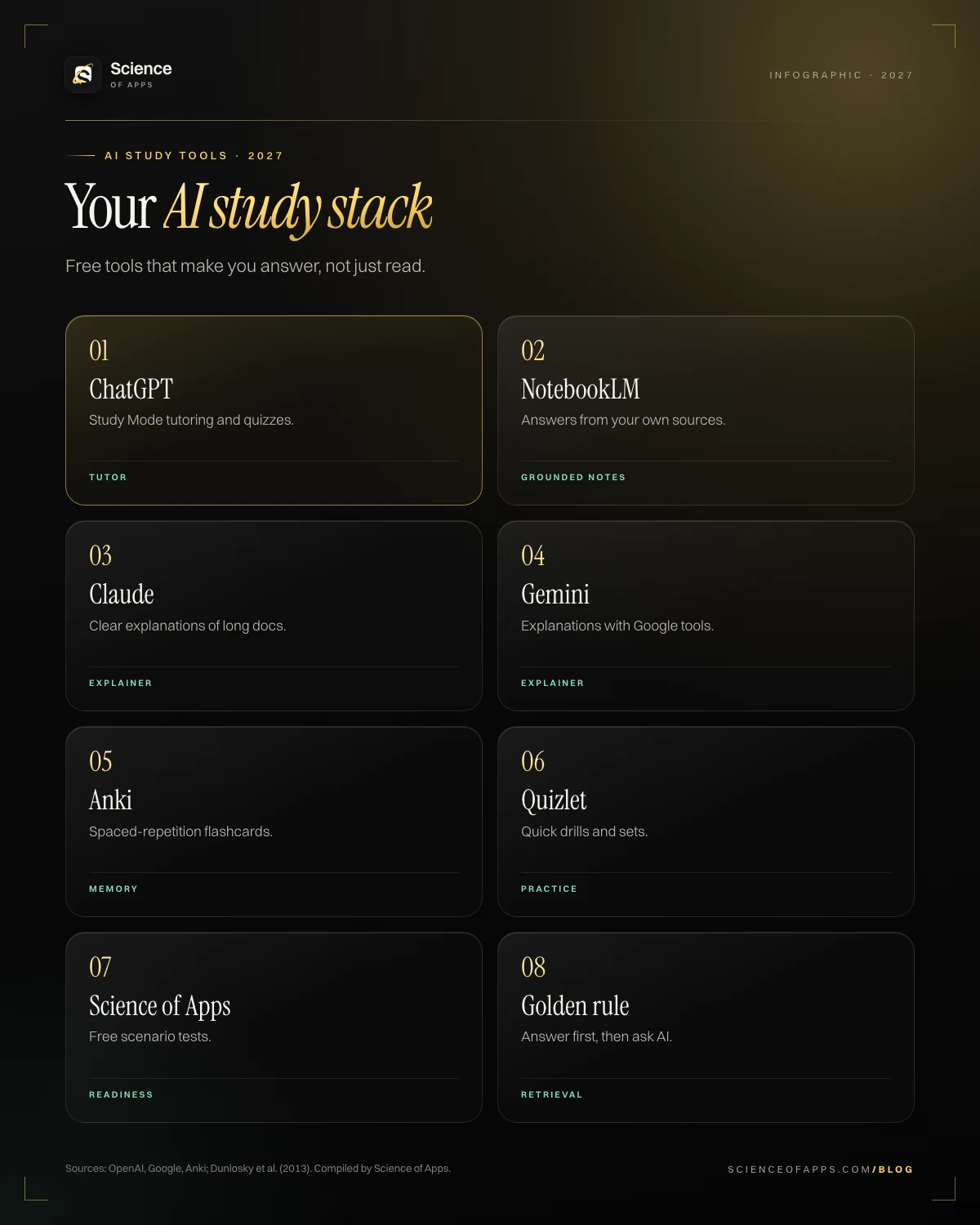
- Tutor — ChatGPT Study Mode, Claude, Gemini.
- Grounded notes — NotebookLM on your exam guide.
- Flashcards — Anki, Quizlet.
- Best use — generate quizzes and explain mistakes.
- Caution — verify against official docs.
Key takeaways
- Use AI to quiz you and explain mistakes; retrieval is what builds memory.
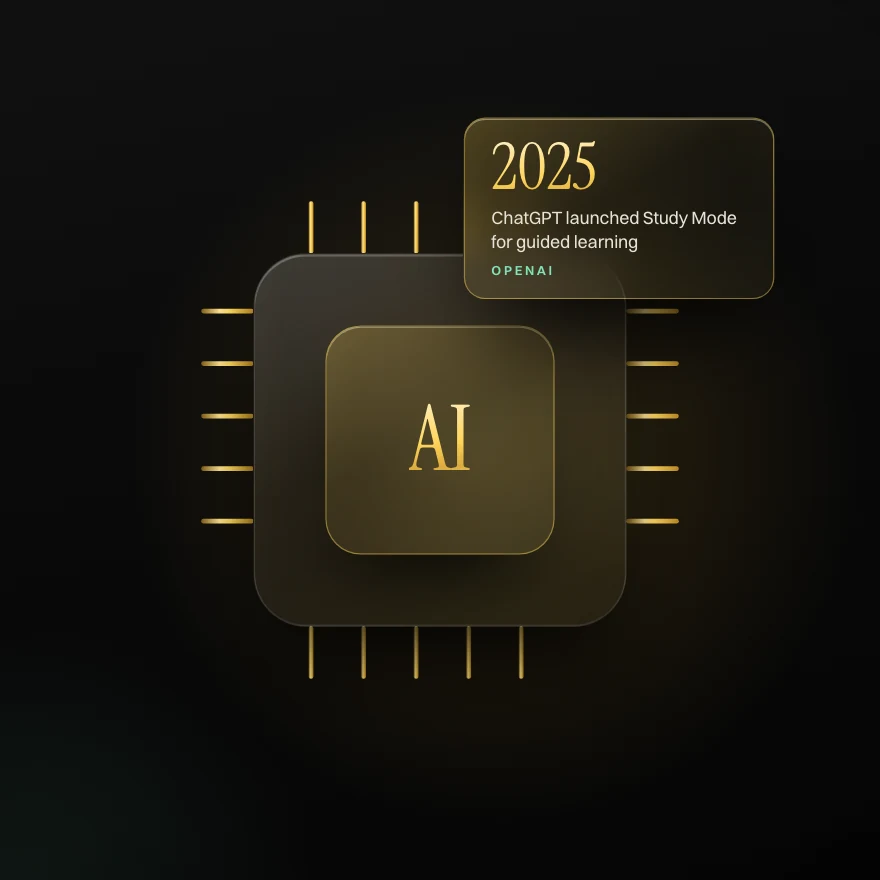
- ChatGPT's Study Mode (2025) guides you step by step instead of giving answers.
- NotebookLM answers from sources you upload, which reduces made-up answers.
- Anki and Quizlet handle spaced repetition and quick drills.
- AI can be wrong about exam details: verify with official guides.
The best AI study tools compared

| Tool | Best for | Cost |
|---|---|---|
| ChatGPT (Study Mode) | Step-by-step tutoring, quizzes1 | Free tier; paid plans |
| Google NotebookLM | Answers grounded in your uploaded sources; audio overviews2 | Free tier |
| Claude | Clear explanations, long documents | Free tier; paid plans |
| Gemini | Explanations, Google integration | Free tier; paid plans |
| Anki | Spaced-repetition flashcards3 | Free (desktop/Android) |
| Quizlet | Quick flashcard sets and games | Free tier; paid plans |
| Science of Apps | Free scenario tests to check readiness | Free |
How to use ChatGPT to study for exams
OpenAI introduced Study Mode in 2025 to guide learners through problems step by step with questions rather than handing over answers1. Prompts that work well:
- "Quiz me with 10 scenario questions on [exam domain]. Ask one at a time and explain my mistakes."
- "Explain [concept] like I'm new to it, then give me a harder example."
- "Compare [service A] and [service B] in a table for the [exam] exam."
- "Turn these notes into 20 Anki flashcards (question;answer)."
How to use AI effectively (and avoid traps)
- Retrieval first: answer before you ask AI; then use it to check and explain.
- Ground it: paste or upload the official exam guide so answers stay on syllabus.
- Verify: AI can invent limits, prices or features; check official docs.
- Don't outsource thinking: summaries you didn't build are easy to forget.
Learning research is clear that active retrieval builds memory more than passive review4, so the best AI workflow makes you answer questions.
Prove it free: the tests that match this guide
Learn to use AI tools well, and safely, for study. (Disclosure: Science of Apps publishes these tests.)
AI study tools for college students
Students use NotebookLM for lecture notes, ChatGPT or Claude for explanations and practice problems, Anki for memorization-heavy courses, and AI-powered writing feedback for essays. Check your institution's academic integrity rules on AI use.
A weekly AI study workflow
- Upload the exam guide and your notes to NotebookLM.
- Learn a domain with your main course.
- Ask ChatGPT or Claude to quiz you on it.
- Turn mistakes into Anki cards.
- Check readiness with a free SOA scenario test.
Frequently asked questions
What are the best AI study tools?
ChatGPT (Study Mode), Google NotebookLM, Claude, Gemini, Anki and Quizlet; use them to quiz yourself and explain mistakes.
How do I use ChatGPT to study for exams?
Ask it to quiz you one question at a time on an exam domain, explain your mistakes, and turn notes into flashcards; verify facts against official guides.
Are AI study tools free?
Most have free tiers: ChatGPT, NotebookLM, Claude, Gemini and Quizlet; Anki is free on desktop and Android.
Can AI help me pass a certification exam?
Yes, as a tutor and quiz generator, but you still need practice tests and official materials; AI can be wrong about details.
Which AI study tools suit college students?
Students use NotebookLM for lecture notes, ChatGPT or Claude for explanations and practice problems, Anki for memorization-heavy courses, and AI-powered writing feedback for essays. Check your institution's academic integrity rules on AI use.
Sources
- OpenAI: Introducing study mode in ChatGPT
- Google NotebookLM
- Anki spaced repetition software
- Dunlosky et al. (2013): Improving students' learning with effective learning techniques
- Quizlet
- Science of Apps: free online certifications
- Checked November 11, 2026. Figures that change — fees, salaries, prices — are reviewed every six months; if something is out of date, tell us.
Where to go from here
- The 7 best note-taking methods — Cornell, mind maps, charting and more
- How many practice tests? — how many practice tests should you take before a certification exam? a data-back
- Study while working full-time — how to study for a certification while working full-time
- CertificationsAI in educationHow AI is transforming education and online certification, from AI tutors to adaptive exams and skills verification.
- Career guides by Science of Apps for 2027Free AI certifications in 2027: seven that cost nothing and still teach you something real7 free AI certifications for 2027: Elements of AI, Harvard CS50 AI, Kaggle, Anthropic, OpenAI Academy, Microsoft Learn and AI For Everyone, with what's free.
- CertificationsThe science of learningWhat the science of learning says about memory: retrieval practice, spacing, feedback and small chunks, and how Science of Apps builds them into its tests.
- Career guides by Science of Apps for 2027The best AI courses of 2027: ten online courses that actually teach you AI, free and paidThe 10 best AI courses of 2027 to learn online: Andrew Ng's Machine Learning, Harvard CS50 AI, Google AI Essentials, Kaggle and more, with time and cost.
- How to make an appHow to build an app with AI in one weekendA Friday-to-Sunday plan to build a working app with AI tools — pick the tool, write the brief, prompt in small steps, test with users and check security.
- AI & vibe coding18 copy-paste AI skills for marketers, for ChatGPT, Claude and Gemini18 free copy-paste AI skills for marketers — ad variant generator and SEO content brief and more — each with an output preview and the exact text to paste.





Get the ideas, not the noise.
Sign up with Google and we’ll send you short UX psychology tips by email — why people tap, stall and leave, and what to do about it. Unsubscribe anytime. Prefer something to keep? Get the free Laws of UX guide as a PDF.
Prove the skill before you pay for the exam.
1,200+ free, test-based certifications graded on our server. Pass and get a founder-signed certificate with a credential ID employers can verify.