 By
Quick answer: How do I make a free startup landing page?
- What it is: one page that says what you do, for whom, and the next step.
- Template: headline, problem, product shots, how it works, proof, one call to action, founder.
- Free in minutes: a Science of Apps Launchpad listing, six steps, free forever.
- Own domain or email capture: Carrd, Framer or Webflow, free on their subdomains.
- Do both: the listing gets found; your page captures sign-ups.
Key takeaways
- A landing page is judged in seconds; the headline does most of the work.
- One call to action converts better than three.
- Product screenshots beat illustrations for an unknown startup.
- A free subdomain is fine to start; a domain can come later.
- Discovery is a separate problem from conversion; solve both.
Every startup needs a page before it needs a website: one link that explains the product to an investor, a first user or a journalist. The good news is that a startup landing page can be free and live today, with no code. This guide gives you the startup landing page template that works, then two free routes: a Science of Apps Launchpad listing that's live in minutes and found by the problem you solve, or your own page on a free builder plan. Plans and steps were checked on each provider's own page on 20 November 2026. Jump to the template, the five-minute route or build your own.
Four free ways to get a startup landing page
 Start free
Science of Apps Launchpad Fastest
A structured startup page in six steps, with discovery and badges built in.
Free foreverCustom link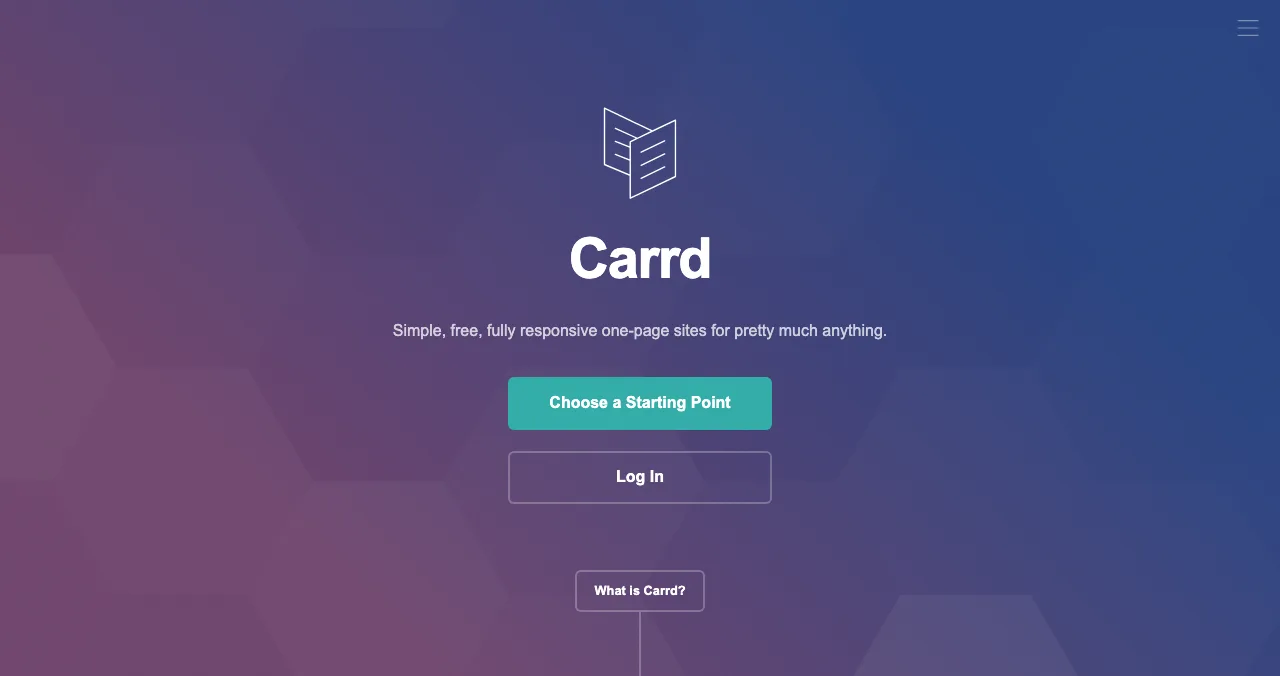
Carrd
The simplest one-page builder.
Free on carrd.coDomain from $19/yr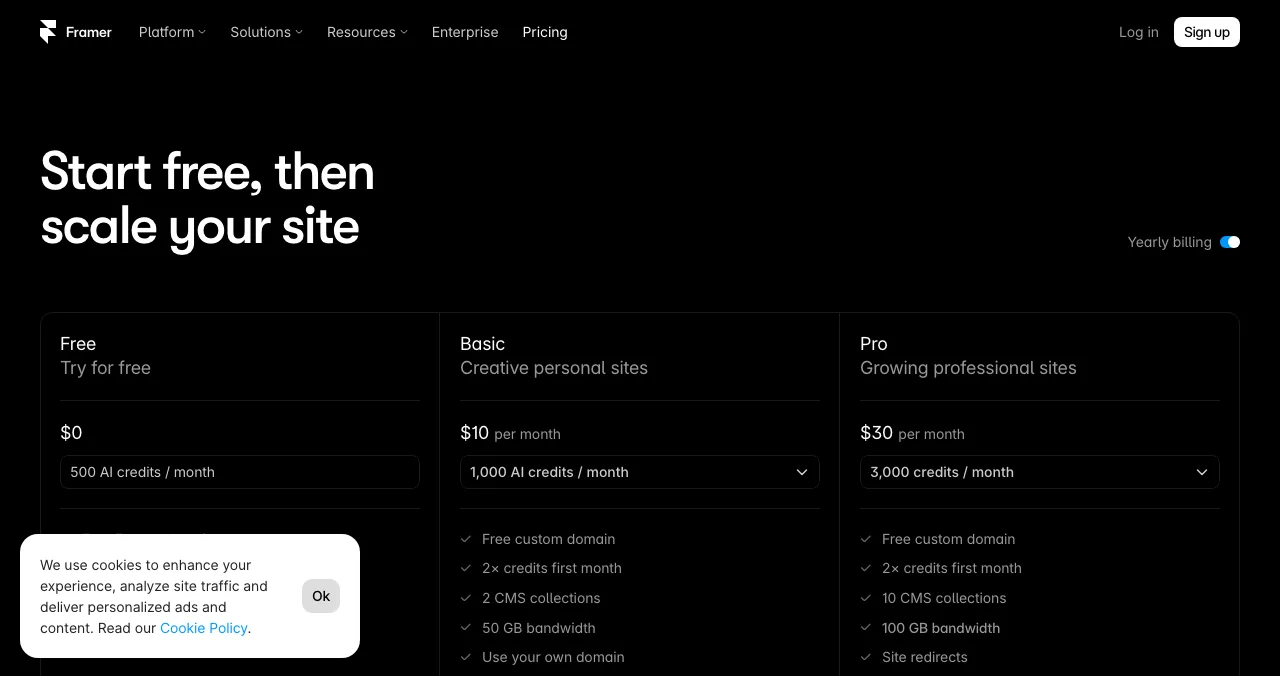
Framer
Design-led pages with AI help.
Free on a Framer domain1 GB bandwidth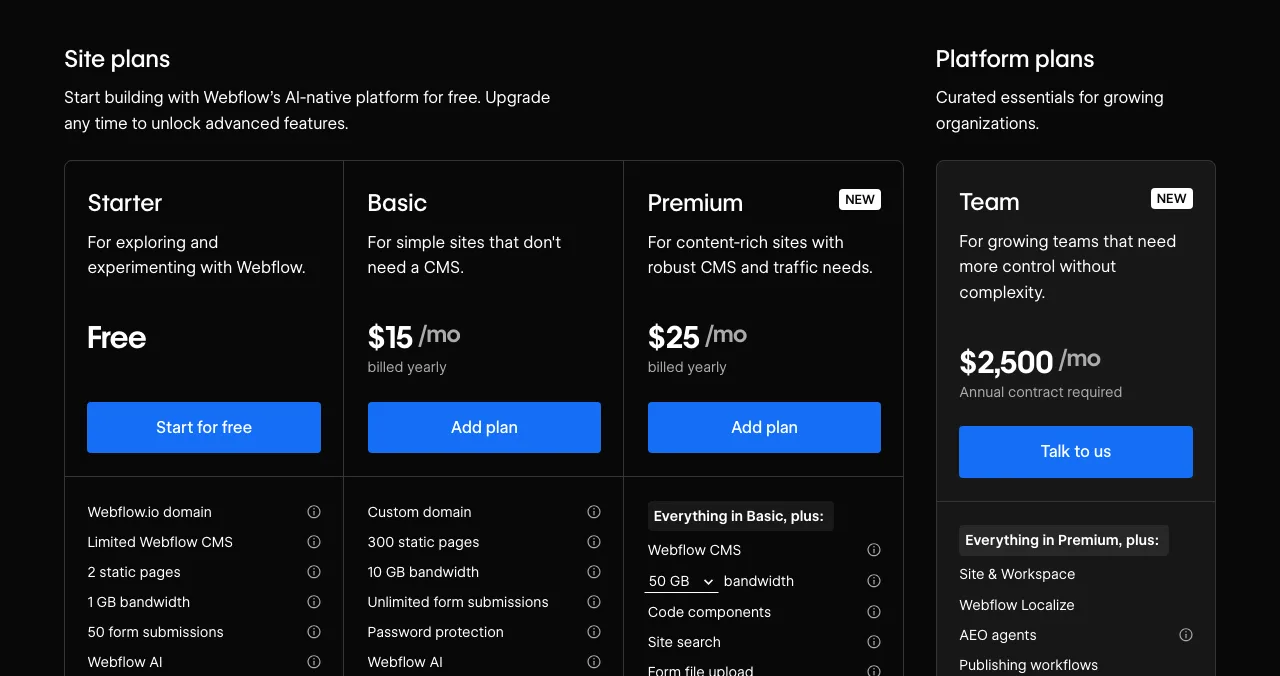
Webflow
Full design control, room to grow.
Free Starter2 static pages
What a startup landing page needs: the template
A visitor decides in seconds whether to stay. Everything on the page serves one question: is this for me, and what do I do next?
| Section | What it says | Launchpad field that covers it |
|---|---|---|
| Headline | The outcome you deliver, in plain words | Name and tagline |
| Problem | The pain, in your buyer's words | The problem it solves |
| Audience | Who it's for | Who it's for |
| Product shots | The real product, not illustrations | Media |
| How it works | Three steps or a short video | Story and media |
| Proof | Early users, quotes, numbers you can show | Vouches, followers, badges |
| One call to action | Sign up, download, book a demo, join the waitlist | Links |
| Founder | The person behind it | Founder card |
Table: Startup landing page template, mapped to the Launchpad listing fields (Science of Apps editorial framework)
The five-minute route: a free Launchpad page
- Cost
- Free, forever
- Time
- Five minutes to launch, per the Launchpad
- Review
- Automated checks plus a person; usually a day or less
- Address
- A custom link on launchpad.scienceofapps.com
- Catch
- One structured page, not a full site or domain
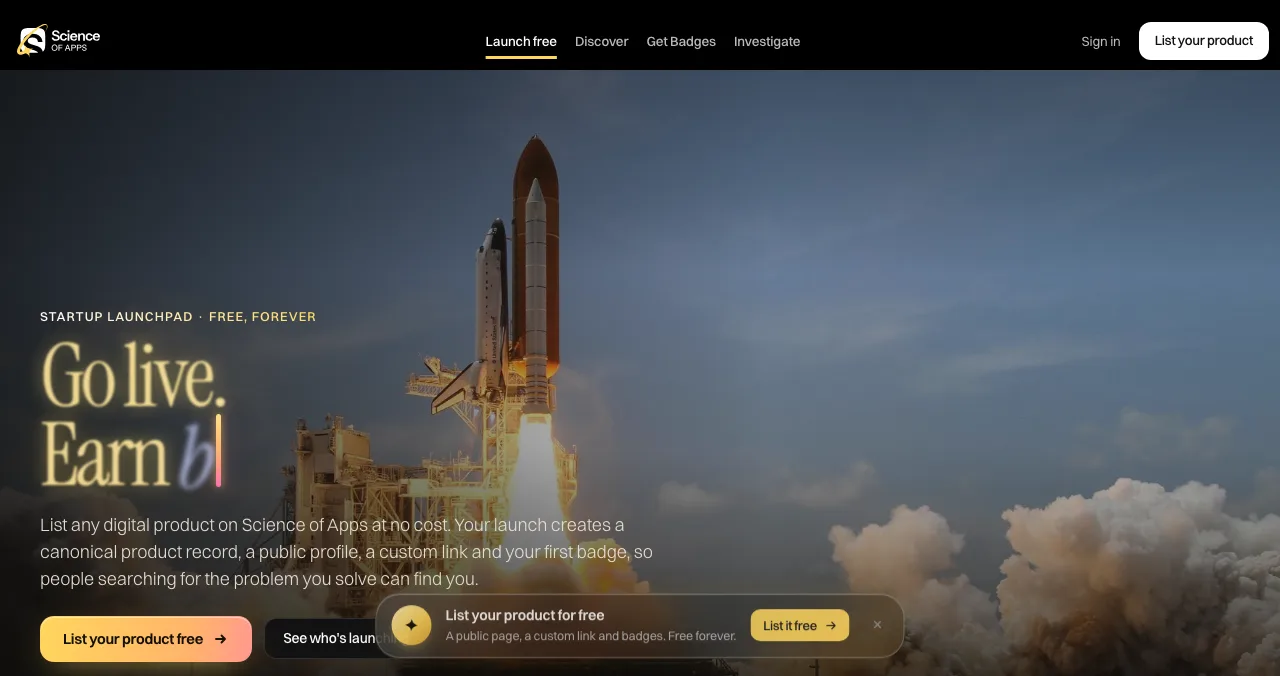
Here is the route as the public pages describe it:

- Create a free founder account — the sign-up page has two stages, "About you" and "Secure your account": Google, or your name, work email and a password of at least 10 characters.
- Fill in six short steps — name, story, details, media and links, and the founder behind it. Save as a draft any time.
- Submit for review — automated checks confirm your link works and nothing breaks the content policy; a person reviews every listing.
- Verify and publish — your profile, custom link and Featured badge go live and become discoverable.
- Claim Verified — confirm a work email on your domain.
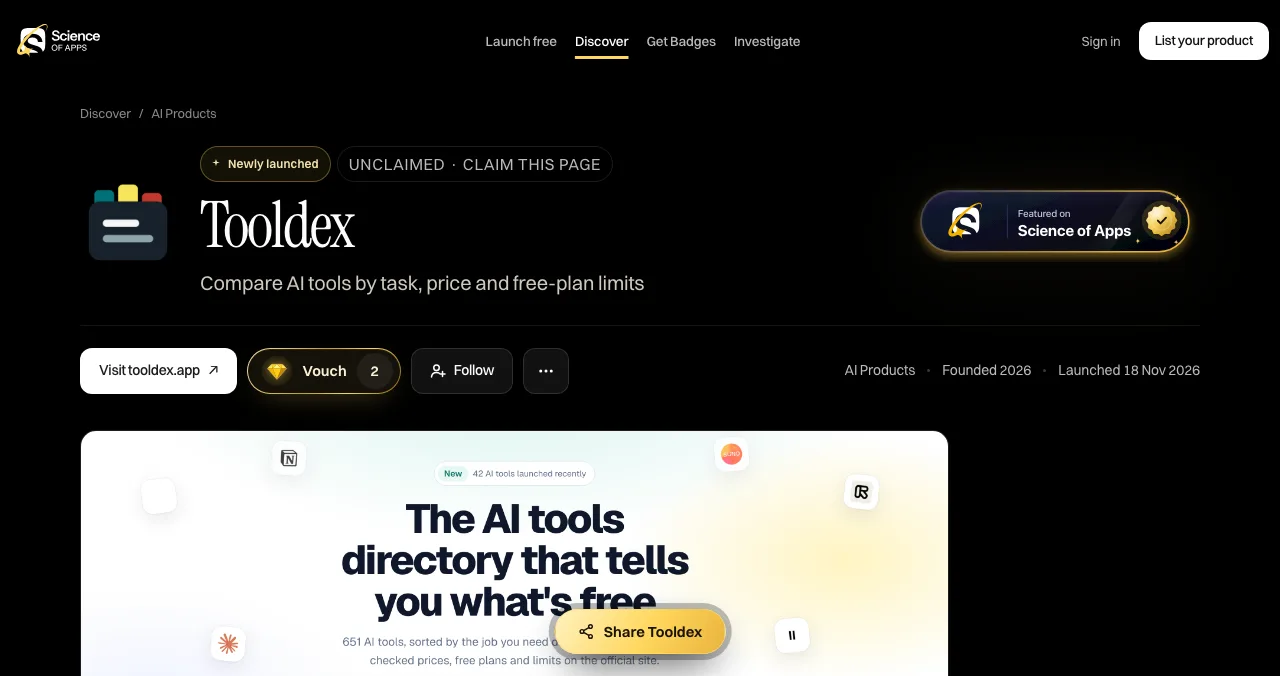
What you get that a builder doesn't: people find you by the problem they have, ranking is by relevance, editorial picks and community interest (the homepage counts "0 paid placements"), and you earn badges and vouches over time. What you don't get: your own domain, your own design or a form. For the full walkthrough of each field, see our free product page guide.
Build your own: free landing page builders
Carrd: the simplest one-pager
- Free
- Up to three sites on carrd.co, with branding
- Pro Lite
- $9/year: premium URLs, no branding
- Pro Standard
- $19/year: custom domain, forms, embeds
- Catch
- Forms and domains are paid
- Cost: free for up to three sites; Pro plans are priced per year, from $9 (Pro Lite) and $19 (Pro Standard, custom domains).
- Forms: contact and signup forms connect to tools like Mailchimp, Kit and Loops, on Pro Standard and above.
Best for: a one-page startup landing page on a tiny budget.
Framer: design-led pages
- Free
- Framer domain, 1 GB bandwidth, 500 AI credits/month
- Paid
- From $10/month billed yearly (Basic)
- Domain
- Custom domain on paid plans; complimentary domain on yearly
- Catch
- Prices shown in your local currency
Framer's free plan publishes to a Framer domain with 1 GB of bandwidth. The paid Basic plan is $10 a month billed yearly, and Pro $30, on Framer's pricing page in US dollars (archived by the Wayback Machine on 16 November 2026); Framer may show prices in your local currency.
Best for: founders who care about design and want animation without code.
Webflow: room to grow
- Free
- Starter: webflow.io domain, 2 static pages, 1 GB bandwidth
- Basic
- $15/month billed yearly: custom domain, 300 static pages
- Premium
- $25/month billed yearly: adds the CMS
- Catch
- Steeper learning curve
Best for: a startup that will grow its landing page into a full marketing site.
Which should you use first?
| Your situation | Start with | Then |
|---|---|---|
| Need a link today, no domain | Launchpad page | A builder page when you buy a domain |
| Pre-launch, collecting emails | Carrd Pro Standard or a waitlist tool | Launchpad listing linking to it |
| Design is your edge | Framer | Launchpad listing linking to it |
| Planning a full marketing site | Webflow | Launchpad listing linking to it |
Table: Which free startup landing page route to start with
Then: check the page actually works
Once your listing is live, a free baseline diagnosis covers your landing page, discoverability and speed. A full investigation goes through the product behind it.
- Areas of your product tested
- 22
- Automatic measurements, desktop and mobile
- 39
- Expert checks behind your login
- 74
- Verdicts that rank what to fix first
- 5
See what visitors meet after they click
List free, then order the report that fits your stage.

 Economy
See what new customers see
- Store listing and homepage, screen by screen
- Scorecard against 60 Laws of UX
- Customers, competitors and the fixes worth most
PremiumThe full diagnosis and the plan
- Every screen, every finding, every flow
- All 60 laws with evidence and fixes
- 8 strategy chapters and a 90-day roadmap
Fact-checked against the evidence. Private to your team, and never affects ranking.
Mistakes

- Three calls to action — more choices slow people down (Hick's law); pick one
- A vague headline — "Reimagining work" says nothing; say the outcome
- Illustrations instead of the product — show real screens
- Slow on mobile — test with PageSpeed Insights before you share the link
- No proof — even three vouches beat none
Ready to launch?
How we know
Launchpad details come from its homepage, sign-up, launch and investigation pages, read on 20 November 2026; we didn't create an account or submit a listing. Carrd, Framer and Webflow plans come from their own pricing pages, read the same day; Framer localised prices for our location, so its US-dollar prices come from its pricing page as archived by the Wayback Machine on 16 November 2026. The template is Science of Apps' editorial framework. Science of Apps runs the Launchpad.
Key terms, defined
- Startup landing page: one page that explains a startup and asks for one action.
- Call to action (CTA): the single next step you want a visitor to take.
- Subdomain: an address on a provider's domain, such as yoursite.carrd.co.
- Custom domain: your own address, such as yourstartup.com, usually on a paid plan.
- Landing page template: a ready-made set of sections you fill in.
Frequently asked questions
How do I make a free startup landing page?
The quickest free route is a Science of Apps Launchpad listing: create a free founder account, fill in six short steps (name, story, details, media, links, founder), pass review and publish to your own custom link. To build your own page instead, use a free plan on Carrd, Framer or Webflow, which publish to their subdomains.
What should a startup landing page include?
A clear headline that states the outcome, the problem in your buyer's words, real product screenshots, how it works in three steps, proof such as early users or vouches, one call to action, and the founder behind it. Add pricing or 'free to try' if you have it, and keep it fast on a phone.
Is there a free startup landing page template?
Yes. Carrd, Framer and Webflow all offer free templates on their free plans, and the section list in this guide works as a template in any of them. A Launchpad listing applies the same template for you: its fields map to the headline, problem, audience, media, links and founder sections.
Do I need a custom domain for a startup landing page?
Not on day one. Free plans publish to the builder's own address, such as a carrd.co or webflow.io subdomain or a free Framer domain, and a Launchpad listing lives at its own link on launchpad.scienceofapps.com. Buy a domain when you're ready to send paid traffic or email from it; custom domains need a paid builder plan.
Can I collect emails on a free landing page?
Not on every free plan. Carrd puts forms on its Pro Standard plan and above, from $19 a year. Webflow's free Starter plan includes 50 form submissions per the pricing page. If email capture is the main goal before launch, a dedicated waitlist tool may suit you better.
Is a Launchpad listing a full website?
No. It's a single, structured product page with discovery, badges and vouches, at a custom link on the Launchpad. It isn't a website builder, host or domain registrar, so you can't add extra pages or your own design. Most founders use it alongside their own site and point it at that site.
Sources
- Science of Apps — Launchpad homepage: how listing works, FAQ (checked 20 Nov 2026)
- Science of Apps — Create your free founder account (checked 20 Nov 2026)
- Science of Apps — Launch page (checked 20 Nov 2026)
- Science of Apps — Product investigation (checked 20 Nov 2026)
- Carrd — Pro plans (checked 20 Nov 2026)
- Framer — Pricing, US-dollar view archived by the Wayback Machine on 16 Nov 2026 (checked 20 Nov 2026)
- Webflow — Pricing (checked 20 Nov 2026)
- Checked November 20, 2026. Figures that change — fees, salaries, prices — are reviewed every six months; if something is out of date, tell us.
Where to go from here
- Landing page conversion checklist — make it convert
- Roast my landing page — get honest feedback
- Waitlist tools — if you're pre-launch
- Science of Apps - LaunchpadWix alternatives in 2027: ten free and cheaper website builders and sites like Wix, with each one's free plan, cheapest paid plan and catch, checked on its own pricing pageThe best Wix alternatives and Wix competitors, free and paid: WordPress.com, Squarespace, Webflow, Framer, Carrd and more, with prices checked 20 Nov 2026.
- Science of Apps - LaunchpadFramer alternatives for startup websites: Webflow, Wix, WordPress.com, Squarespace, Carrd, Hostinger, Durable and Tilda compared on free plans, prices and limitsThe best Framer alternative depends on your site: Webflow for CMS, WordPress.com for content, Carrd for one page. Free plans, prices and limits, checked.
- Science of Apps - LaunchpadWordPress alternatives for 2027: easier website builders and sites like WordPress, including free WordPress alternatives and WordPress.com alternatives, with prices checked on each pricing pageThe best WordPress alternative by job: Wix, Squarespace, Webflow, Framer, Ghost, Carrd or a free product page. WordPress competitors, checked 20 Nov 2026.
- Science of Apps - LaunchpadFree landing page templates for 2027: 10 verified sources by use, from no-code builders to free HTML, startup and SaaS landing page templates, with their licences and the checks every template should passThe best free landing page templates by use: 10 verified sources for no-code, HTML, startup and SaaS pages, with licences, and the checks to run before launch.
- Science of Apps - LaunchpadCarrd alternatives for one-page websites: Google Sites, Strikingly, Tilda, Framer, Wix and Webflow compared on free plans, custom domains and priceCarrd is free for three one-page sites. The best Carrd alternatives, from Google Sites to Framer, compared on free plans, domains and price.
- Science of Apps - LaunchpadThe best free portfolio sites for founders, makers and builders: a free portfolio website on GitHub Pages, Carrd, Framer, Webflow, Wix, Google Sites, Strikingly, WordPress.com or Dribbble, compared on limits, plus a free page for the product you builtThe best free portfolio sites for founders and builders: GitHub Pages, Carrd, Framer, Webflow, Wix, Google Sites and more, compared on free limits.
Get the ideas, not the noise.
Sign up with Google and we’ll send you short UX psychology tips by email — why people tap, stall and leave, and what to do about it. Unsubscribe anytime. Prefer something to keep? Get the free Laws of UX guide as a PDF.
Launch day ends. Your listing shouldn't.
The Science of Apps Launchpad turns six short steps into a permanent startup page with its own link and discovery built in, and once it's live your landing page, discoverability and speed get a free baseline check.