 By
Quick answer: Where can I launch edtech startups for free?
- Science of Apps Launchpad: free forever; a listing plus a product test covering sign-up, onboarding, trust and accessibility.
- ISTE EdTech Index: free to register and update products; reviewed by ISTE's team; up to 45,000 monthly visitors (its figure).
- LearnPlatform by Instructure: claim and update your page in an 11k+ tool library, at no cost.
- Common Sense Privacy Program: privacy evaluations parents and teachers read; request one by email.
- 1EdTech TrustEd Apps: the data privacy certification districts look for; members only.
Key takeaways
- In edtech, the people who choose (districts, schools) are often not the people who use (teachers, students), so you need listings both trust.
- The directories schools use are free to join: ISTE's EdTech Index and LearnPlatform both say there's no cost.
- Student data privacy is part of the product, not paperwork: evaluations and certifications are what districts check first.
- Accessibility to WCAG 2.2 and a calm first-run experience decide whether a teacher keeps using your tool after the first lesson.
- General launch sites help with teachers and parents who buy directly; district buyers search the education directories.
Edtech is the rare market where the user, the buyer and the person who worries are three different people. A teacher tries your tool, a district approves it, and a parent reads your privacy policy. A Product Hunt spike reaches none of them reliably. What does: the education directories districts search, the privacy programmes they trust, and a page of your own that answers the questions all three ask. We read each directory's own pages on 18 November 2026, so the costs and rules below are current and sourced. Jump to the comparison table, which directory to use first or the edtech launch plan.
Where to launch an edtech startup for free
 Launch free
Science of Apps Launchpad Top pick
A permanent listing, plus your sign-up, onboarding, privacy signals and accessibility tested.
Free foreverDetailed report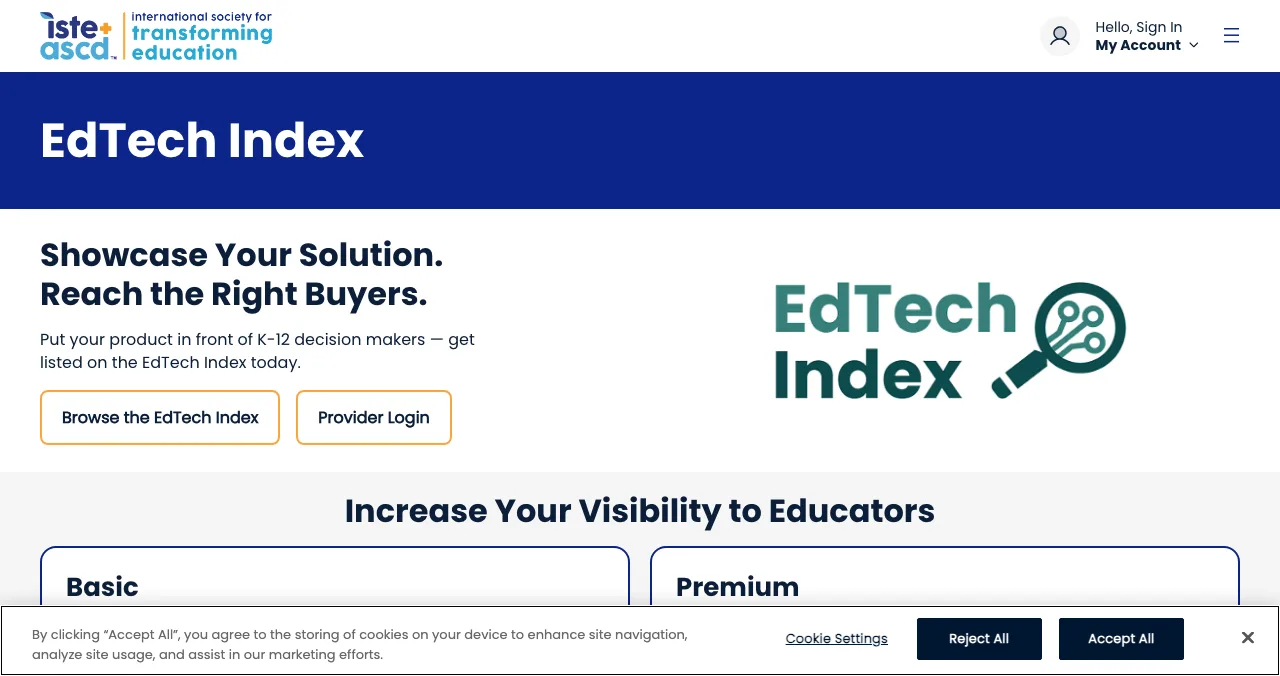
ISTE EdTech Index
The K-12 product directory decision-makers browse.
Free to registerReviewed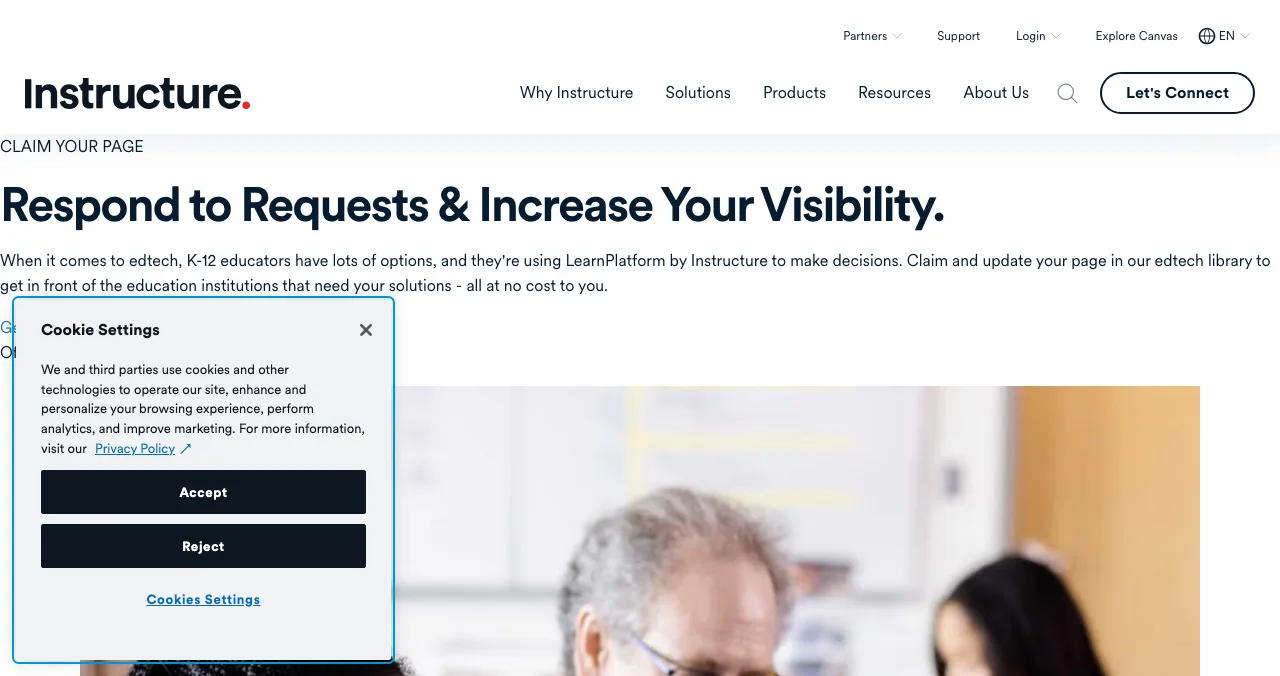
LearnPlatform by Instructure
Claim your page in an 11k+ tool library districts use.
FreeClaim and edit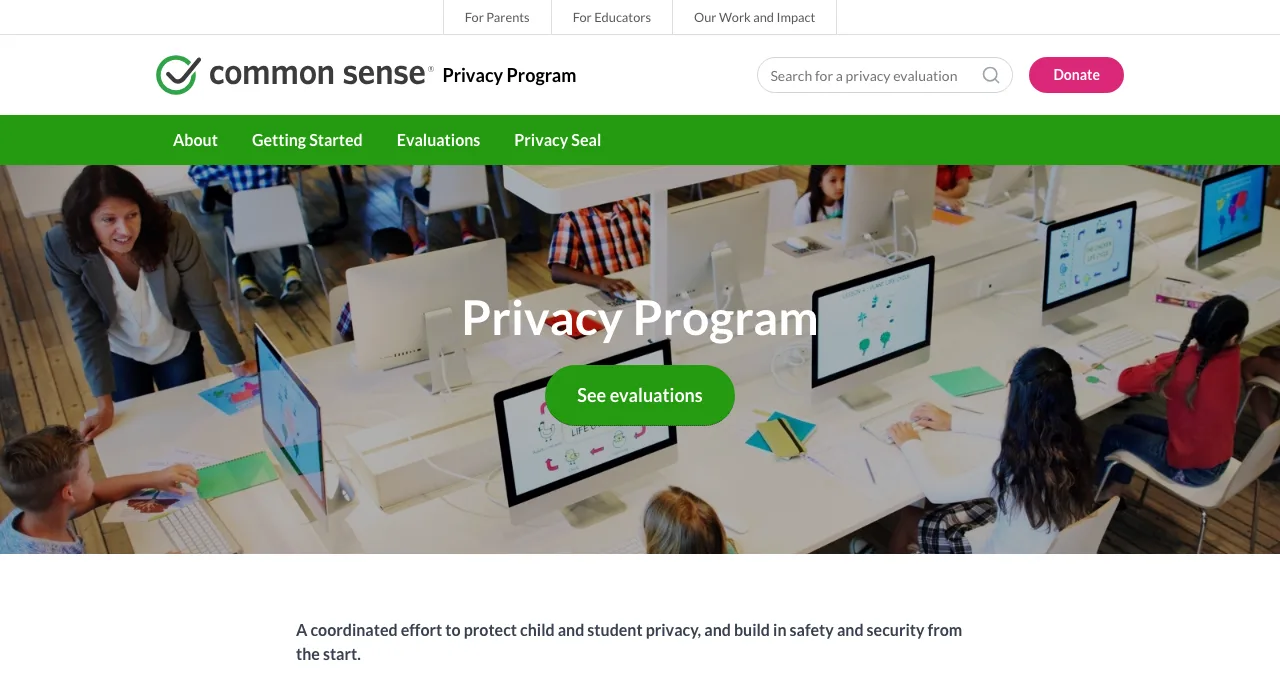
Common Sense Privacy Program
Privacy evaluations parents and teachers read.
Request by emailPublic ratings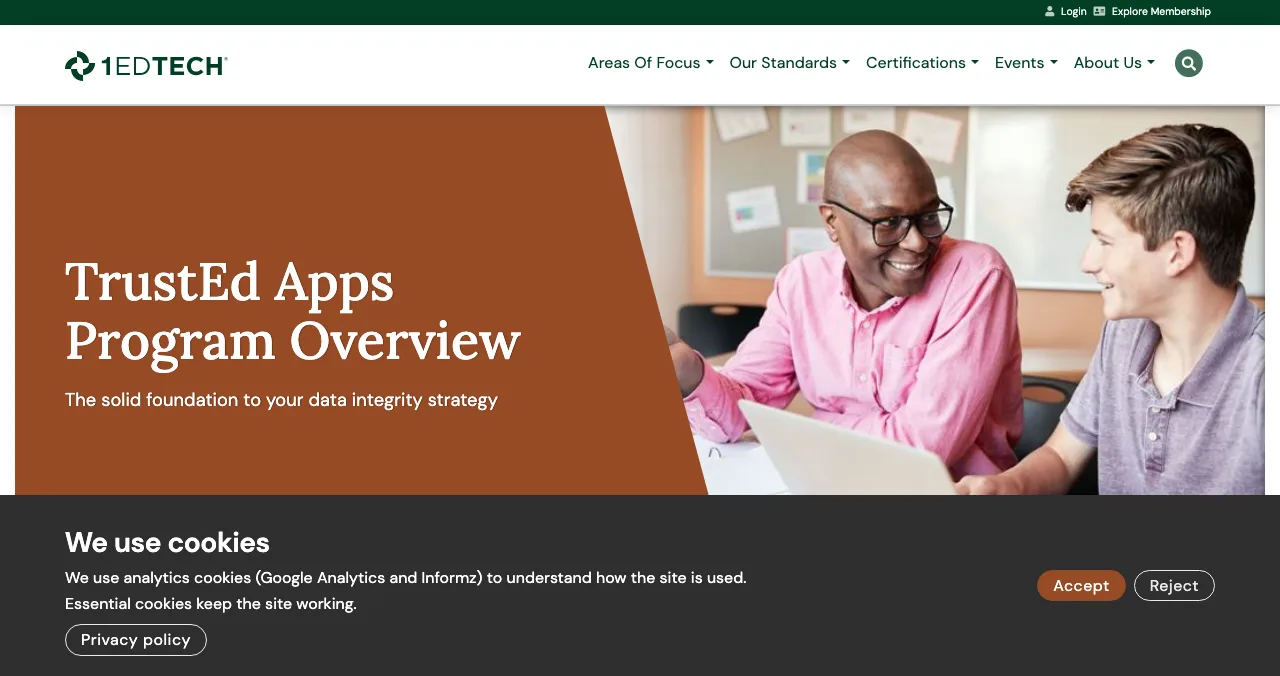
1EdTech TrustEd Apps
The data privacy certification districts look for.
Members onlySeal
Product Hunt
A launch day for tools teachers and learners can try now.
Free12:01 AM PT
Edtech startup directories, compared
Each place answers a different person's question: Can I find it? (directories), Is it safe? (privacy programmes) and Does it work? (your product, tested).
| Place | Cost | Who reads it | What it proves | Catch |
|---|---|---|---|---|
| Science of Apps Launchpad | Free, forever | Anyone searching by problem | It exists, and what to fix | Reports beyond the free check are paid |
| ISTE EdTech Index | Free to register | K-12 decision-makers | You're a reviewed K-12 product | Paid Premium for featured placement |
| LearnPlatform by Instructure | Free to claim | Districts and states | Your product information is accurate | Built for district workflows, not launch buzz |
| Common Sense Privacy Program | Request an evaluation | Parents and teachers | How your privacy policy rates | You can't buy a rating |
| 1EdTech TrustEd Apps | Membership required | District IT and privacy staff | Certified data privacy | Membership cost not listed in the FAQ |
| Product Hunt | Free | Tech-savvy early adopters | People want it | Rarely reaches district buyers |
Table: Edtech startup directories and launch places compared (each site's own pages, checked 18 Nov 2026)
1. Science of Apps Launchpad: a listing, plus the first lesson tested
- Cost
- Free, forever
- Time to list
- About 2 minutes, six steps
- Ranking
- Relevance, never payment
- Tested
- Sign-up, onboarding, trust, accessibility
- Visible for
- Permanent
The Launchpad gives your product a permanent, free profile, found by the problem it solves. It ranks by relevance, editorial picks and community interest, never payment, with "0 paid placements". You list in about two minutes in six steps; each listing is checked automatically and reviewed by a person. A Featured badge appears when you go live, and you can earn more, such as Verified, by confirming a work email on your domain.
Best for: the one page every directory listing, privacy evaluation and teacher email links back to.
Your edtech product, tested the way a teacher meets it
A teacher gives a new tool one lesson. If students can't sign in, or the first screen is empty, the tool doesn't get a second chance. Once your listing is live, Science of Apps can investigate the product in a real browser, on desktop and mobile, across 22 areas, and experts review the screens behind your login.
- Areas tested, from search result to settings
- 22
- Automatic measurements, desktop and mobile
- 39
- Expert checks behind the login
- 74
- Verdicts, from Good to Critical
- 5
For an edtech product, these are the areas among the 22 that usually matter most:
Arrive
Will the school trust it?
Landing page, pricing, and the trust, privacy and security signals a parent or IT lead looks for.
Join
Can a class get in?
Sign up, sign in and account recovery, and onboarding to the first useful lesson.
Use
Does the lesson work?
The core task flow, dashboards and insights for teachers, microcopy, and empty, loading and error states.
Stay
Will they come back?
Notifications and messaging, settings, and help and support.
Every screen
Can every student use it?
Accessibility to WCAG 2.2, and visual design and consistency.
Science of Apps says the areas are re-cut for your category, and "anything unique to your product, we add". Every finding comes with evidence, a verdict (Good, Needs improvement, Needs to be fixed, Critical or Recommendation) and a next step; an analyst signs it off, and the report stays private to your team.
Know what breaks before the first lesson
List free, and once you're live, order the report that fits your stage.

 Economy
See what new customers see
- Store listing and homepage, screen by screen
- Scorecard against 60 Laws of UX
- Customers, competitors and the fixes worth most
PremiumThe full diagnosis and the plan
- Every screen, every finding, every flow
- All 60 laws with evidence and fixes
- 8 strategy chapters and a 90-day roadmap
Fact-checked against the evidence. Private by default.
2. ISTE EdTech Index: the K-12 directory, free to join
- Cost
- No cost to register or update
- Route
- Via ISTE's Learning Technology Directory
- Review
- ISTE's team reviews submissions
- Audience
- Up to 45,000 a month (ISTE's figure)
- Paid tier
- Premium profile
The EdTech Index is ISTE+ASCD's product directory for K-12, and it's the closest thing edtech has to a sector-wide directory. ISTE is explicit: "There is no cost for companies to register or update their products on the EdTech Index."
- How: register and update your products through ISTE's Learning Technology Directory (LTD); then "our team will process your submission for review".
- Reach: ISTE cites "a monthly audience of up to 45,000 potential customers".
- Paid option: a Premium profile adds featured homepage placement, a "Buy Now" button and a lead generation form; ISTE sends details on request.
- Questions: ltd-info@iste.org.
Best for: any K-12 product. Complete the free profile before you approach a district; it's where many will look you up.
3. LearnPlatform by Instructure: claim your page for districts
- Cost
- "All at no cost to you"
- Library
- 11k+ edtech tools
- Steps
- Account, admins, products, applications
- Why
- Answer district requests faster
Many districts use LearnPlatform by Instructure to manage and approve the tools their teachers use. Your product may already have a page there, created by a district, with out-of-date information. Instructure invites vendors to "claim and update your page in our edtech library", "all at no cost to you".
- What you get: control over the product information districts see, a faster way to respond to state, district and educator requests, and a place to share privacy and policy documents.
- How: create an account, add company administrators, add or edit your products, then start completing education agency applications.
Best for: products already used by teachers in districts that run LearnPlatform. It's less a launch than a way to stop losing approvals to missing paperwork.
4. Common Sense Privacy Program: the rating parents read
- What
- Privacy policy evaluations
- Audience
- Parents and teachers
- How
- Email to request a new evaluation
- Catch
- You can't buy a rating
Common Sense describes its Privacy Program as "a coordinated effort to protect child and student privacy". It evaluates privacy policies so parents and teachers can choose learning tools, and publishes the results.
- Getting evaluated: the site invites visitors to email to request a new evaluation for a product that isn't listed. Its page doesn't state a fee for Privacy Program evaluations; confirm when you write.
- Before you ask: make sure your privacy policy says what data you collect from students, why, who you share it with and how families can delete it. A vague policy rates badly.
Best for: products used by children or in classrooms. A good public evaluation is something you can link from your own privacy page.
5. 1EdTech TrustEd Apps: certified data privacy
- Certification
- Members only
- Vetting
- Members, or on request by an institutional member
- Results
- Public status; details for members
- Contact
- appvetting@1edtech.org
1EdTech is the standards body behind LTI and other edtech interoperability standards, and its TrustEd Apps program vets and certifies apps for data privacy. It's not free in the way the directories above are, but it's what many district IT teams recognise.
- Certification: "1EdTech's Data Privacy Certification is only available to 1EdTech members." The FAQ doesn't list fees.
- Vetting: supplier members are vetted as a membership benefit; institutional members can request vetting of a non-member's publicly available policies, but detailed results are visible only to members.
Best for: edtech companies selling district-wide, once revenue justifies membership. Start with a clean privacy policy and the free directories first.
6. Product Hunt: a launch day for tools people can try
- Cost
- Free
- Goes live
- 12:01 AM Pacific
- Book ahead
- Up to 30 days
- Accounts
- Personal, not company
Product Hunt is free to launch on; launches go live at 12:01 AM Pacific on the day you schedule, up to 30 days ahead, from a personal account. It suits edtech that individuals can adopt on their own (study tools, language apps, course builders, teacher productivity tools), and less so products that need a district contract before anyone can log in.
Best for: self-serve learning tools for adults and teachers. Plan the day with our Product Hunt launch guide.
More places for edtech founders

Free startup directories
Not every listing has to be education-specific. Our free startup directories guide covers the general ones worth a profile.
Regional programmes
Education is local: curricula, languages and procurement differ by country. See launch sites by country.
App stores
If your edtech is a mobile app, the store listing is a launch. Our mobile app launch guide covers it.
Beta teachers
Before any launch, find teachers to try it. Our guide to finding beta testers has the channels.
Which edtech directory should you use first?
| If your product is… | Start with | Then add |
|---|---|---|
| A K-12 tool sold to districts | ISTE EdTech Index and LearnPlatform | Common Sense evaluation, 1EdTech when revenue allows |
| A tool teachers adopt on their own | Launchpad listing | Product Hunt, EdTech Index |
| A study or language app for adults | Launchpad listing | Product Hunt, app stores |
| A course or tutoring marketplace | Launchpad listing | Product Hunt, regional launch sites |
| Used by children under 13 | A clear privacy policy and Common Sense evaluation | EdTech Index, Launchpad listing |
Table: Which edtech directory to start with, by product type
An edtech launch plan, term by term
- Before term
Fix privacy and accessibility
Rewrite the privacy policy in plain language; check WCAG 2.2 basics: contrast, keyboard use, captions.
- Before term
Publish your permanent page
List on the Launchpad and read the free baseline diagnosis of your landing page, discoverability and speed.
- Week 1
Register in the directories
Register on the EdTech Index through ISTE's LTD; claim your LearnPlatform page.
- Week 2
Ask for a privacy evaluation
Email Common Sense to request one; consider 1EdTech if you sell district-wide.
- Week 3
Launch to self-serve users
Product Hunt for teacher and learner tools; share with teacher communities you already belong to.
- All term
Fix what you learn
Act on the report and teacher feedback before the next term, when adoption decisions are made.
Mistakes edtech founders make at launch

- A privacy policy written for lawyers — parents and IT leads need to see what you collect and why
- Sign-up that needs student emails — many schools can't give you them; offer class codes or SSO
- An empty first screen — teachers need a sample class or lesson to see value in minutes
- Ignoring accessibility — a tool that fails a screen reader can be ruled out
- Leaving a district-created LearnPlatform page unclaimed — outdated information costs approvals
- Launching mid-term — adoption decisions cluster before terms start
A first-run that asks for too many choices at once loses busy teachers (Hick's law); keep the first lesson to one path and reveal the rest later (progressive disclosure).
Ready to launch?
How we chose these places
We looked for places that K-12 decision-makers, teachers and parents actually use to find or vet learning tools, and kept those whose terms we could read on their own pages on 18 November 2026: ISTE's EdTech Index vendor page, Instructure's claim-your-page page, the Common Sense Privacy Program homepage, 1EdTech's TrustEd Apps and certification FAQ, and Product Hunt's help center. Where a page didn't state a fee (Common Sense evaluations, 1EdTech membership), we say so. Science of Apps runs the Launchpad and has no relationship with the other organisations here.
Key terms, defined
- Edtech startup directory: a listing of education technology products that schools, districts or families use to find and compare tools.
- EdTech Index: ISTE+ASCD's K-12 product directory, free for vendors to join.
- LearnPlatform: Instructure's edtech library and approval workflow used by districts and states.
- Privacy evaluation: an independent rating of a product's privacy policy, such as Common Sense's.
- Data privacy certification: a formal seal, such as 1EdTech's, showing a product met a privacy rubric.
- WCAG 2.2: the W3C's current web accessibility guidelines.
Frequently asked questions
Where can I launch edtech startups for free?
List free on the Science of Apps Launchpad for a permanent page and a test of your product, register free on ISTE's EdTech Index, and claim your free LearnPlatform page so districts see accurate information. Add Product Hunt for a launch day, and request a Common Sense privacy evaluation once your policies are ready.
What are the best edtech startup directories?
For K-12, the directories decision-makers actually use are ISTE's EdTech Index (which ISTE says reaches up to 45,000 potential customers a month) and LearnPlatform by Instructure (11k+ tools). For privacy, educators check the Common Sense Privacy Program and 1EdTech's TrustEd Apps directory. A permanent Launchpad listing covers everyone searching by the problem you solve.
How do I submit my edtech startup free to the EdTech Index?
ISTE says there is no cost to register or update products on the EdTech Index. You register and update products through ISTE's Learning Technology Directory, and ISTE's team reviews the submission. A paid Premium profile adds homepage placement, a Buy Now button and a lead form.
Is 1EdTech data privacy certification free?
1EdTech says its Data Privacy Certification is only available to 1EdTech members, and its FAQ doesn't list fees; ask 1EdTech directly. Non-members can still be vetted when an institutional member requests it, but detailed vetting results are visible only to members.
How do edtech startups get users?
Start with teachers who can adopt a tool themselves: a free tier, a quick sign-up that doesn't need IT, and a first lesson that works. Then make district approval easy: accurate listings on the EdTech Index and LearnPlatform, clear privacy policies, and an evaluation from Common Sense or 1EdTech.
What should edtech founders fix before launch?
The sign-up path for teachers and students, onboarding to a first useful lesson, the privacy page parents read, and accessibility. Schools must meet accessibility obligations, and a tool that fails a screen reader or keyboard test can be dropped regardless of how good the pedagogy is.
Does the Launchpad test edtech products?
It tests any live product across 22 areas, from discoverability and the landing page to sign-up, onboarding, the core flow and accessibility to WCAG 2.2. Science of Apps re-cuts the areas per category and says it adds anything unique to your product. Findings come with evidence, a verdict and a next step.
Sources
- Science of Apps — Launchpad: launch your product free (checked 18 Nov 2026)
- Science of Apps — Product investigation: 22 areas (checked 18 Nov 2026)
- ISTE+ASCD — EdTech Index: increase your visibility to educators (checked 18 Nov 2026)
- Instructure — Claim your page: LearnPlatform edtech library (checked 18 Nov 2026)
- Common Sense Media — Privacy Program (checked 18 Nov 2026)
- 1EdTech — Data Privacy Certification FAQ (checked 18 Nov 2026)
- 1EdTech — TrustEd Apps program (checked 18 Nov 2026)
- Product Hunt Help Center — Launch FAQ and myths (checked 18 Nov 2026)
- W3C — Web Content Accessibility Guidelines (WCAG) 2.2
- Checked November 18, 2026. Figures that change — fees, salaries, prices — are reviewed every six months; if something is out of date, tell us.
Where to go from here
- Top 5 websites to launch a startup free — the general shortlist
- Free startup directories — more places to list once you're live
- Launch sites by country — regional platforms and programmes
- Science of Apps - LaunchpadHealthtech startup directories for 2027: where to launch a digital health startup free, from the NHS Innovation Service to app libraries and regulator sandboxesHealthtech startup directories and free launch routes: the Launchpad, NHS Innovation Service, MHRA's AI Airlock, ORCHA and Product Hunt, rules checked.
- Science of Apps - LaunchpadThe web app directory guide for 2027: where to launch a web app free, from Product Hunt and Show HN to the Microsoft Store, PWA directories and SaaSHubWhere to launch web apps free: the Launchpad, Product Hunt, Show HN, the Microsoft Store via PWABuilder, PWAStore.io and SaaSHub, with each one's rules checked.
- Science of Apps - LaunchpadClimate tech startup directories for 2027: where to launch a climate tech startup free, from Climatebase and Work on Climate to CTVCClimate tech startup directories and free launch places: the Launchpad, Climatebase, Work on Climate, CTVC and Product Hunt, with each one's terms checked.
- Science of Apps - LaunchpadFintech startup directories and launch sites for 2027: where to launch a fintech startup free, from regulator sandboxes to fintech newsletters, with every rule checkedFintech startup directories and free launch sites: the Launchpad, the FCA sandbox, Fintech Sandbox, Product Hunt and fintech newsletters, rules checked.
- Science of Apps - LaunchpadThe marketing tools directory guide for 2027: where to launch a marketing tool free, from HubSpot's App Marketplace and G2 to Zapier and Product HuntWhere to launch marketing tools free: the Launchpad, HubSpot App Marketplace, G2's free plan, Zapier's App Directory and Product Hunt, with rules checked.
- Science of Apps - LaunchpadThe B2B software directory guide for 2027: where to launch B2B software free, from G2 and Capterra to SaaSHub and Product Hunt, with each one's terms checkedWhere to launch B2B software free: the Launchpad, G2's free plan, Capterra, SaaSHub and Product Hunt, plus what B2B buyers check first. Terms checked Nov 2026.
Get the ideas, not the noise.
Sign up with Google and we’ll send you short UX psychology tips by email — why people tap, stall and leave, and what to do about it. Unsubscribe anytime. Prefer something to keep? Get the free Laws of UX guide as a PDF.
Launch day ends. Your listing shouldn't.
A permanent, free page for your edtech product, found by the problem it solves, plus a test of the things schools and parents judge first: sign-up, onboarding, privacy signals and accessibility, with a detailed report on what to fix.