 By
Quick answer: How do I create a Google Business listing for my startup?
- Free: adding or claiming a Business Profile costs nothing.
- Eligible: a location customers visit, or a business that travels to customers.
- Not eligible: online-only businesses, virtual offices, P.O. boxes and remote mailboxes.
- Verification: phone or text, email, video recording, live video call or postcard; reviews take up to 5 business days.
- Online startup? List the product on free product listings such as the Launchpad instead.
Key takeaways
- A Google local business listing is about where customers meet you, not whether you're a company.
- Most SaaS, app and AI startups don't qualify, and that's fine.
- Verifying your website in Search Console can make Business Profile verification instant.
- Use your real-world business name; taglines and keywords in the name break the rules.
- Online products need listings built for products, not places.
Every startup checklist says "set up your Google Business Profile", and for many startups that's wrong advice. Google's own rules decide who can have a Google local business listing, and they turn on one question: do you meet customers in person? People search "google local business listing" about 880 times a month and "creating a google business listing" about 720 (Google Keyword Planner, global 12-month average). This guide answers both honestly from Google's help centre, read on 20 November 2026: who's eligible, the steps, verification, and what an online-only startup should list instead. Jump to the eligibility test, the steps or options for online startups.
- Cost to add or claim a Business Profile
- $0
- Verification methods Google may offer
- 5
- Typical upper limit for a verification review
- 5 days
- Profile per real-world location
- 1
Is your startup eligible for a free business listing on Google?
Google's guidelines say a business can have a profile if it "has a physical location that customers can visit, or travels to customers where they are." Its online-only article is blunter: "Only businesses that make face-to-face contact with customers are eligible."
| Your startup | Eligible? | Why |
|---|---|---|
| SaaS, app or AI product, customers online only | No | Online-only businesses are listed as ineligible |
| Agency or studio that meets clients at its office | Yes | A location customers visit, with signage and staffed hours |
| Service that travels to customers (installers, field services) | Yes, as a service-area business | Hide the address; one profile for the base |
| Hardware startup with a showroom or shop | Yes | Customers visit during stated hours |
| Startup at a virtual office | No | Virtual offices aren't eligible |
| Registered address is a P.O. box or remote mailbox | No | Not an acceptable address |
| Delivery-only food brand from a shared kitchen | Sometimes | Allowed under conditions such as distinct packaging and website |
Table: Google Business Profile eligibility for startups (Google Business Profile Help, checked 20 Nov 2026)
Creating a Google Business listing, step by step

- Search for yourself first — on Google Maps, search your name and city. If a profile exists, choose 'Claim this business' and 'Manage now' instead of creating a duplicate.
- Go to business.google.com/add — choose 'Add your business to Google'.
- Enter your real-world name — exactly as on your signage, website and invoices; no taglines or keywords.
- Pick a primary category — the one that describes what you are, not every service you offer.
- Add a location or service area — a precise street address customers can visit, or a service area for businesses that travel (Google says generally within about two hours' drive of your base).
- Add phone and website — the website should be your own domain.
- Verify — choose one of the methods Google shows you and follow its steps.
1. Google Business Profile: the listing itself
- Cost
- Free
- Shows on
- Google Search and Maps
- Eligible
- In-person contact with customers
- Verification
- Phone/text, email, video, live call or postcard
- Catch
- Online-only businesses can't have one
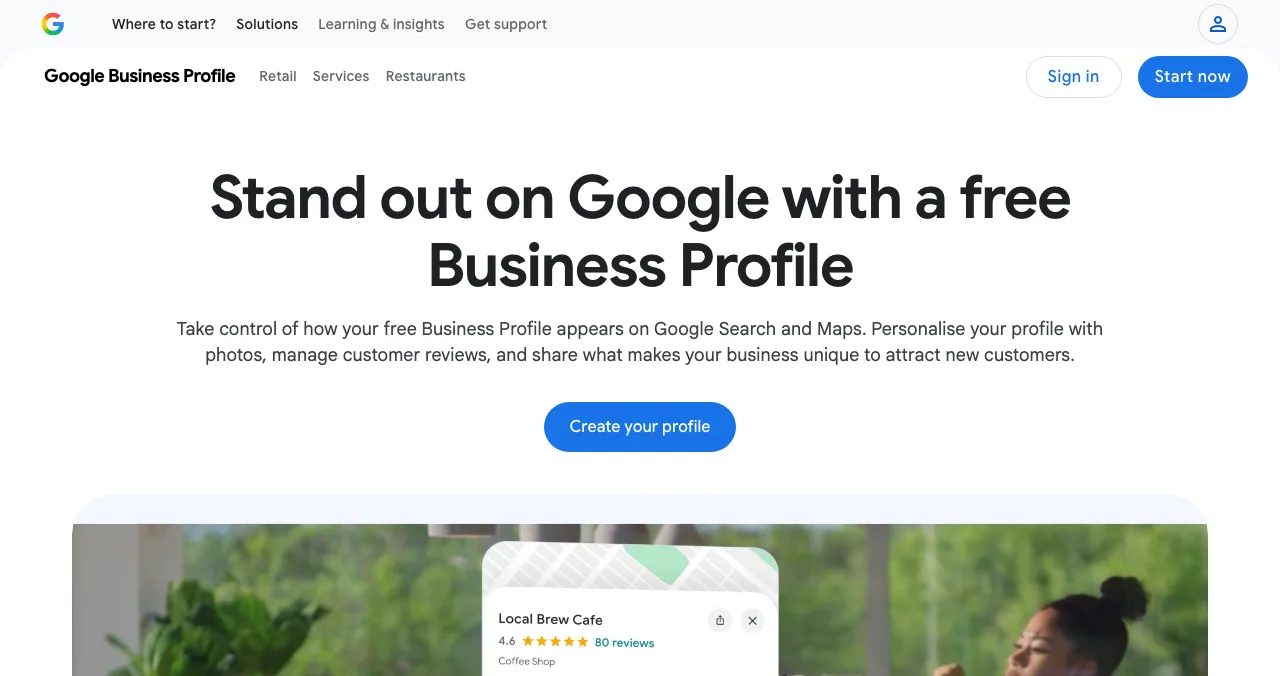
If you're eligible, this is the most valuable free business listing on Google there is: your hours, reviews, photos and directions on Search and Maps.
- Cost: Google says "you can add or claim your business at no charge."
- Name rules: no marketing taglines, hours, phone numbers, URLs or location details in the name; legal terms such as Ltd or Inc only if you can prove they're part of the real-world name.
- Address rules: precise and matching the real location; suite numbers allowed; no P.O. boxes or remote mailboxes; permanent signage where you show an address.
- One per location: each location may have only one profile across all accounts.
Best for: startups with a place customers visit or a service area they travel to.
How does Google Business Profile verification work?
| Method | How it works | Note |
|---|---|---|
| Phone or text | A code by call or SMS to your business number | Phone menus (IVR) can't receive it |
| Follow the steps in an email | To an address you can access | |
| Video recording | Record your location and proof you manage it | Google recommends it where eligible |
| Live video call | A support representative guides you | Only during your business hours |
| Postcard | A 5-digit code by mail | Enter it on your profile |
Table: Google Business Profile verification methods (Google Business Profile Help, checked 20 Nov 2026)
Google picks which methods you see, and they "can't be changed"; some businesses need more than one. Reviews take "up to 5 business days," sometimes longer. One shortcut is useful for startups: Google says verification can be instant if you've verified your website in Search Console, which you should do anyway (how to submit your website to Google).
2. Bing Places for Business: the Bing equivalent
- Cost
- Free, per Bing
- Shows on
- Bing search and maps
- Shortcut
- Import from Google Business Profile
- Catch
- Categories don't carry over on import (per Bing's help, 18 Nov)
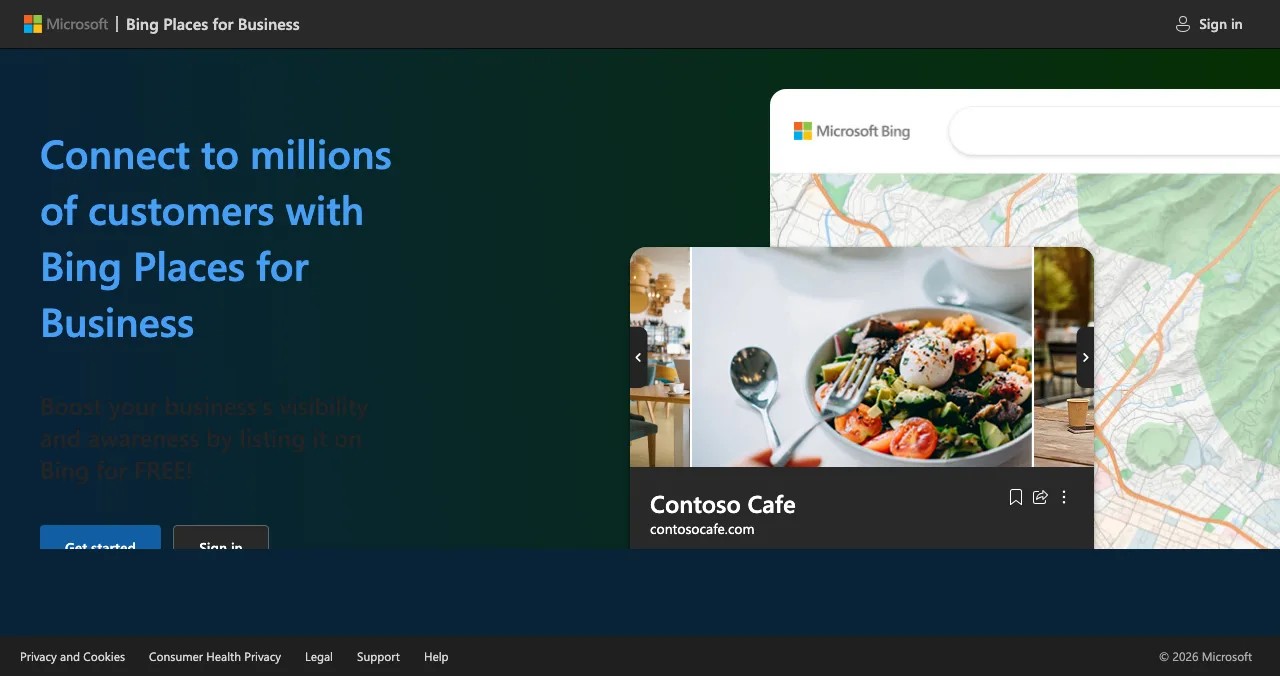
Bing Places invites businesses to list "on Bing for FREE!" Once your Google profile is verified, importing it is the quickest route; set your categories by hand afterwards.
Best for: any eligible local business, as a second listing.
3. Apple Business: your place on Apple Maps
- Maps
- Claim your business location
- Control
- Logo, hours, images and key details
- Catch
- Fees for the Maps listing not stated on the page
iPhone users searching Maps see Apple's data, not Google's. Claiming your location lets you control the logo, hours and details shown there. Like Google, it's built for places. The full comparison of local listings is in business listing sites.
Best for: eligible local businesses whose customers use iPhones.
No storefront? Options for online-only startups
If your customers never meet you, don't fake an address: an online-only business, a virtual office or a mailbox breaks Google's eligibility rules. What an online startup needs is a listing for the product, not the premises.
| What you want | Use instead of a Business Profile |
|---|---|
| A knowledge panel-style presence for the company | Organization structured data on your site, consistent profiles everywhere |
| To be found by the problem you solve | Product listings such as the Launchpad |
| Investor and press visibility | Crunchbase and a LinkedIn Page |
| Paid presence on Google | Google Ads, which Google's online-only article points to |
Table: What online-only startups should use instead of a Google local business listing
4. Science of Apps Launchpad: the listing for the product
- Cost
- Free, forever
- Address needed
- No
- Live in
- About 5 minutes, six short steps
- Ranking
- Relevance, never payment
- Included
- A product test and detailed report

Local listing for the company, Launchpad page for the product. The Launchpad gives your product a free, permanent public page at launchpad.scienceofapps.com, found by the problem it solves rather than by postcode, with a link to your site.
- Cost: free to list, forever; six short steps, automated checks and a human review.
- Accepts: startups, SaaS, mobile apps, AI products, developer tools, browser extensions, games and open source.
- Proof that builds: a Featured badge on going live, Verified with a work email on your domain, Community favourite, Editor's pick and more, plus vouches and followers.
- Tested: a free baseline diagnosis of your landing page, discoverability and speed runs as you go live.
- Areas of your product tested
- 22
- Automatic measurements, desktop and mobile
- 39
- Expert checks behind your login
- 74
- Verdicts that rank what to fix first
- 5
See what new customers see
List free, then order the report that fits: the first impression, or the full diagnosis with a plan.

 Economy
See what new customers see
- Store listing and homepage, screen by screen
- Scorecard against 60 Laws of UX
- Customers, competitors and the fixes worth most
PremiumThe full diagnosis and the plan
- Every screen, every finding, every flow
- All 60 laws with evidence and fixes
- 8 strategy chapters and a 90-day roadmap
Researched from your live product and fact-checked against the evidence.
Best for: any software, app or AI startup, with or without an office.
Which listing should your startup create?
| Startup type | Google Business Profile | Also |
|---|---|---|
| Online SaaS, app or AI tool | Not eligible | Launchpad, LinkedIn Page, Crunchbase |
| Agency with a client-facing office | Yes, at the office | Bing Places, Apple Business, Launchpad for any product |
| Field-service startup | Yes, as a service-area business | Bing Places |
| Hardware with a showroom | Yes | Apple Business, Launchpad for the product |
| Pre-launch, no customers yet | Wait | Launchpad accepts pre-launch products |
Table: Which listings a startup should create, by type
A one-week listing plan
- Day 1
Decide eligibility
Apply Google's test honestly: do customers meet you in person?
- Day 1
Search Console
Verify your website; it can make Business Profile verification instant.
- Day 2
Create or claim
If eligible, add the profile with your real-world name, category and address or service area.
- Day 2
List the product
Create your Launchpad listing, eligible or not.
- Days 3–7
Verify and copy
Finish verification, then import into Bing Places and claim Apple Business.
Mistakes to avoid

- Creating a profile for an online-only startup — Google lists online-only businesses as ineligible
- Using a virtual office or P.O. box — neither is an acceptable address
- Stuffing keywords into the name — use the real-world name only
- Creating a duplicate — claim the existing profile instead
- Showing a home address for a service-area business — hide it
- Expecting reviews to come by themselves — ask happy customers; social proof is the point of the listing
Ready to list?
How we know
Eligibility, steps and verification come from Google Business Profile Help (add or claim, representation guidelines, eligibility, online-only businesses and verification), read on 20 November 2026. Bing Places' free listing is from its homepage on 20 November; the category note is from its help page, read on 18 November. Apple Business is from its homepage, read on 18 November. The Launchpad details come from its own pages, read on 18 November 2026. Search volumes are Google Keyword Planner's global 12-month averages. Science of Apps runs the Launchpad and has no relationship with Google, Microsoft or Apple.
Key terms, defined
- Google Business Profile: Google's free listing for a business on Search and Maps, formerly Google My Business.
- Google local business listing: the common name for a Business Profile, tied to a location or service area.
- Service-area business: a business that travels to customers and hides its address on its profile.
- Online-only business: one with no in-person contact with customers; not eligible for a Business Profile.
- Verification: Google's check that you manage the business at that location, by phone, email, video or mail.
- Product listing: a page describing a product, its use and a link to try it, independent of any address.
Frequently asked questions
How do I create a Google Business listing?
Go to business.google.com/add, choose 'Add your business to Google' and follow the steps: business name, category, address or service area, phone and website. Then pick one of the verification options Google shows you. If a profile already exists, find it on Google Maps and choose 'Claim this business' instead of creating a duplicate.
Is a business listing on Google free?
Yes. Google's help centre says you can add or claim your business at no charge, and a Business Profile on Search and Maps has no fee. Google Ads are separate and paid. Be wary of anyone charging to 'verify' or 'register' you on Google; you can do it yourself.
Can an online-only startup get a Google Business Profile?
No. Google's guidelines say only businesses that make face-to-face contact with customers are eligible, and list online-only businesses among the ineligible. A SaaS, app or AI startup that never meets customers in person should not create one; Google points such businesses to Google Ads instead. List the product on free product directories.
Can I use my home or a coworking desk as the address?
A home address can work if customers visit it or you travel to them; service-area businesses should hide the address. Virtual offices aren't eligible, and P.O. boxes or remote mailboxes aren't acceptable. A coworking space qualifies only if it's genuinely staffed during your stated hours and customers can meet you there, with signage.
How long does Google Business Profile verification take?
Google says verification reviews can take up to 5 business days, occasionally longer. Methods include phone or text, email, video recording, a live video call during business hours and a mailed postcard with a 5-digit code. Google chooses which methods you see. Verification can be instant if you've verified your website in Search Console.
What's the difference between a Google local business listing and a product listing?
A Google local business listing describes a place or service area: address, hours, phone, reviews, on Search and Maps. A product listing describes what you built: the problem it solves, screenshots, platforms and a link to try it. Local listings suit agencies and shops; product listings suit software, apps and AI tools.
Sources
- Google Business Profile Help — Add or claim your Business Profile (checked 20 Nov 2026)
- Google Business Profile Help — Guidelines for representing your business (checked 20 Nov 2026)
- Google Business Profile Help — Business eligibility and ownership guidelines (checked 20 Nov 2026)
- Google Business Profile Help — Online-only businesses (checked 20 Nov 2026)
- Google Business Profile Help — Verify your business on Google (checked 20 Nov 2026)
- Bing Places for Business — Homepage (checked 20 Nov 2026)
- Apple — Apple Business (checked 18 Nov 2026)
- Science of Apps — Launchpad: launch your product free (checked 18 Nov 2026)
- Science of Apps — Product investigation (checked 18 Nov 2026)
- Checked November 20, 2026. Figures that change — fees, salaries, prices — are reviewed every six months; if something is out of date, tell us.
Where to go from here
- Business listing sites — the free ones that matter
- Free business listing sites by country — Australia, Canada, India, UK
- Submit website to Google — Search Console, which also speeds verification
- Science of Apps - LaunchpadFree business listing submission sites for startups in 2027: seven quality-checked places to list, which suit local businesses and which suit online startups, and what each one costsThe best free business listing sites: Google Business Profile and Bing Places for local, LinkedIn, Crunchbase and the Launchpad for online startups.
- Science of Apps - LaunchpadStartup India registration in 2027: who's eligible for DPIIT recognition, how to apply on NSWS, and what comes afterHow to register on Startup India in 2027: DPIIT recognition eligibility, applying on NSWS, PAN verification, the no-fee rule, and the 80-IAC tax exemption.
- Science of Apps - LaunchpadHow to get your startup listed on Crunchbase: register, authenticate, create the profile and make it completeHow to add your company to Crunchbase in 2027: register free, connect a social account, create the profile, verify you work there and fill in every field.
- Science of Apps - LaunchpadCrunchbase vs the Science of Apps Launchpad: a free company profile investors look up, or a free product listing customers find, with your product tested. What each does, what it costs and which to set up firstCrunchbase is where investors look you up; the Launchpad is where customers find your product. What each costs, what it does, and why most startups need both.
- Science of Apps - LaunchpadHow to list your startup in India in 2027: DPIIT recognition, startup databases, media and launch platformsHow to list your startup in India in 2027: free DPIIT recognition via NSWS, Tracxn and Crunchbase profiles, YourStory, Google Business and launch platforms.
- Science of Apps - LaunchpadHow to use launch traction in a startup pitch: which launch signals investors can verify, where they belong in the deck, and how to present them honestlyHow to use a launch profile and launch traction in your pitch: signals investors can verify, where they go in the deck and what not to overclaim.


Get the ideas, not the noise.
Sign up with Google and we’ll send you short UX psychology tips by email — why people tap, stall and leave, and what to do about it. Unsubscribe anytime. Prefer something to keep? Get the free Laws of UX guide as a PDF.
Launch day ends. Your listing shouldn't.
Google Business Profile is for the company's place; the Science of Apps Launchpad is for the product, online-only or not: a permanent free page, found by the problem it solves, with a detailed product report.