 By
Quick answer: How do I get organic visibility for my startup?
- Get indexed: verify your site in Google Search Console and Bing Webmaster Tools, and submit a sitemap.
- Let AI search in: allow OAI-SearchBot (ChatGPT search), Claude-SearchBot and PerplexityBot in robots.txt.
- Google's AI features need nothing extra: a page must be indexed and eligible for a snippet; no special files or schema.
- Build citations: consistent profiles on launch sites, directories and a permanent Launchpad page.
- Write pages engines can quote: one plain sentence saying what you do, for whom, and why it's different.
Key takeaways
- Organic visibility starts with being crawlable and indexed; many young startups block crawlers or never verify their site.
- Google says AI Overviews and AI Mode have no extra requirements beyond normal Search eligibility; good SEO is the AI strategy.
- ChatGPT, Claude and Perplexity each use a named search crawler; blocking it removes you from their search answers.
- Engines trust what many independent pages say consistently: the same name, tagline and links everywhere.
- Pages that answer one question clearly, with specifics and sources, are the ones search engines and AI assistants quote.
Most early startups aren't invisible because they're bad. They're invisible because search engines and AI assistants can't find them, can't read them, or can't tell what they do. The fix isn't a growth hack. It's five steps, in order: get indexed, let AI search in, build consistent profiles, write pages that can be quoted, and measure. This playbook walks through each, using what Google, Microsoft, OpenAI, Anthropic and Perplexity say in their own documentation, read on 17 November 2026. Jump to the checklist, AI crawlers table or the 30-day plan.
- Extra files or schema Google requires for AI Overviews and AI Mode
- 0
- AI search crawlers to allow: OAI-SearchBot, Claude-SearchBot, PerplexityBot
- 3
- For ChatGPT and Perplexity to apply a robots.txt change, per their docs
- ~24 h
- Steps to organic visibility, in order
- 5
Step 1: Get indexed on Google and Bing
You can't rank if you're not in the index, and you can't see problems unless you're verified.
- Google Search Console
- Free
- Bing Webmaster Tools
- Free
- Do first
- Verify, submit a sitemap
- Bonus
- IndexNow for fast updates
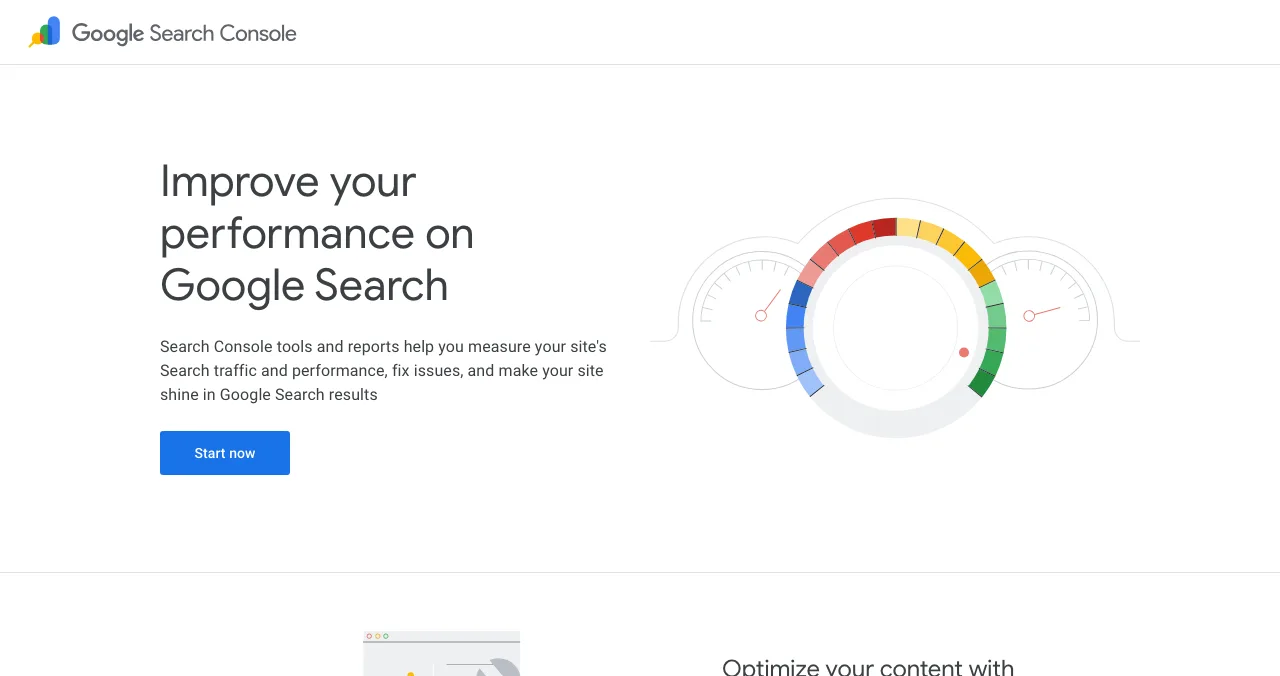
- Verify your site in Google Search Console. Google's own documentation recommends it "to discover and diagnose potential technical issues quickly". Submit your sitemap, then check the Page indexing report for pages Google can't index.
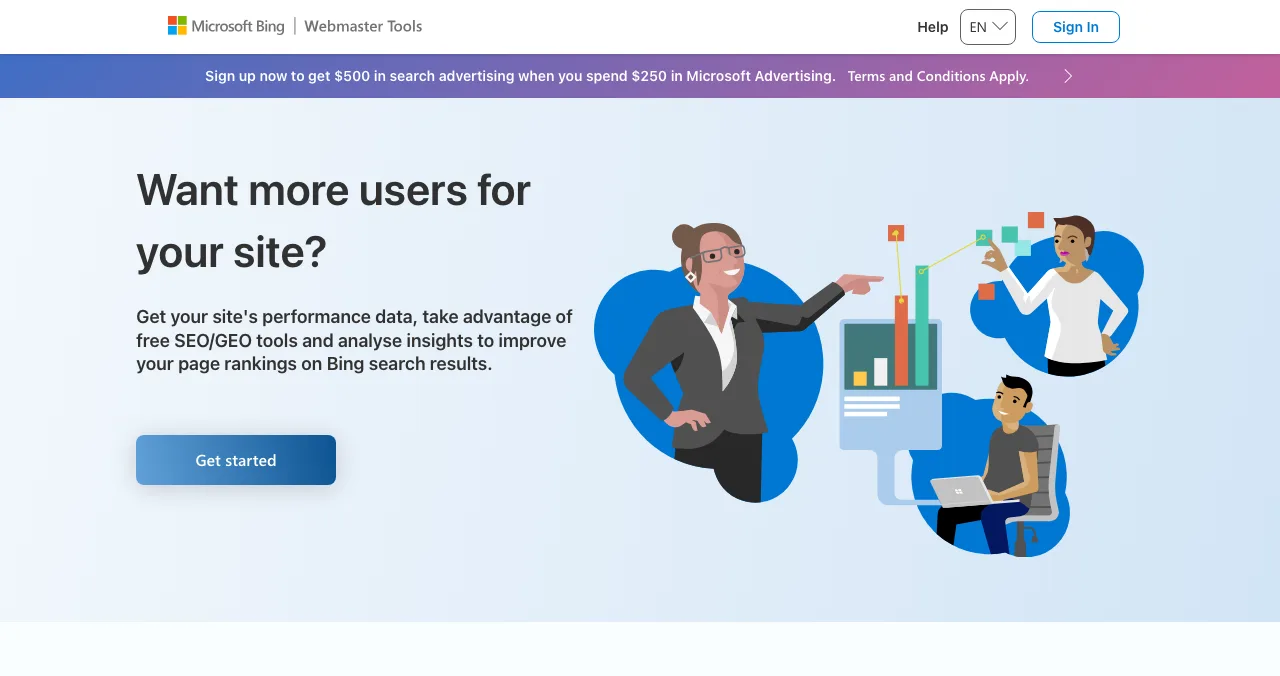
- Do the same in Bing Webmaster Tools. It's free and gives you Bing's view of your site.
- Turn on IndexNow. It's a simple ping that tells participating search engines a URL was added, updated or deleted; it's supported by Microsoft Bing, Naver, Seznam.cz, Yandex and Yep. Many hosts and CMSs have a switch for it.
- Check robots.txt and noindex tags. A leftover
Disallow: /from staging is the most common reason a new startup never appears.
Step 2: Let AI search engines in
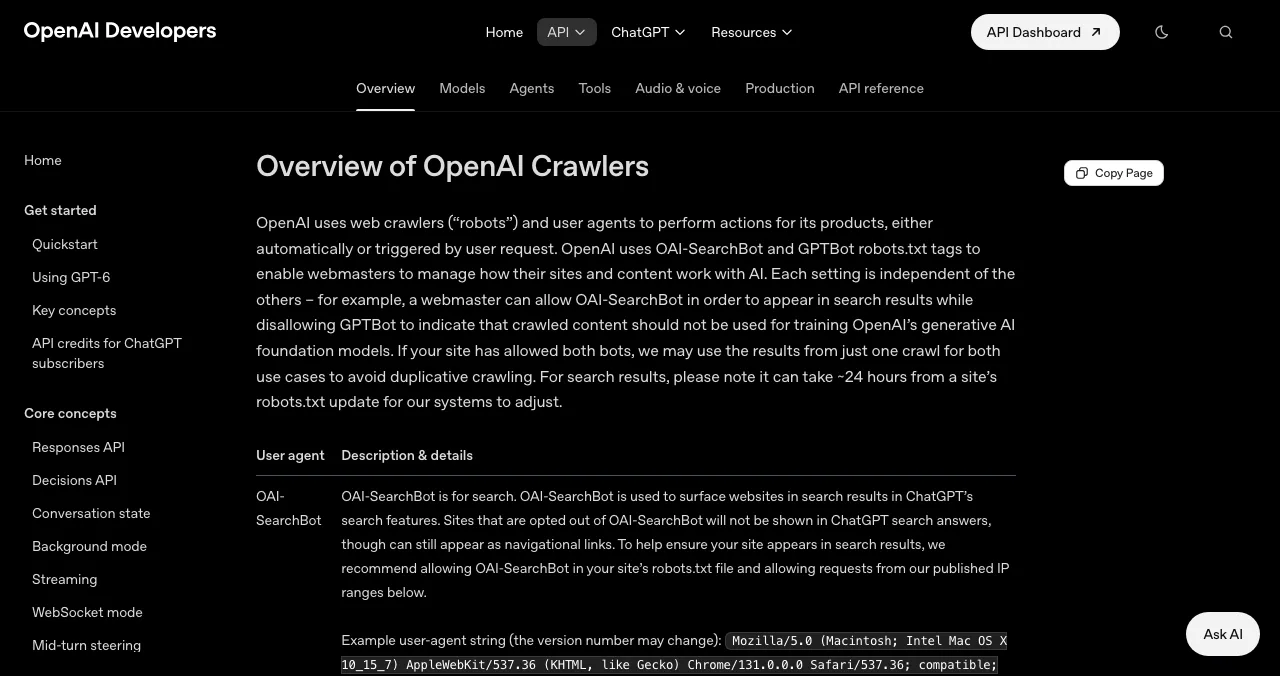
Each major AI assistant uses a named crawler for search. Block it, and you drop out of its answers.
| Assistant | Search crawler to allow | What the docs say | Training crawler (separate) |
|---|---|---|---|
| ChatGPT | OAI-SearchBot | Sites opted out "will not be shown in ChatGPT search answers" | GPTBot |
| Claude | Claude-SearchBot | Disabling it "may reduce your site's visibility" in search results | ClaudeBot |
| Perplexity | PerplexityBot | Recommended "to ensure your site appears in search results" | Not used for training |
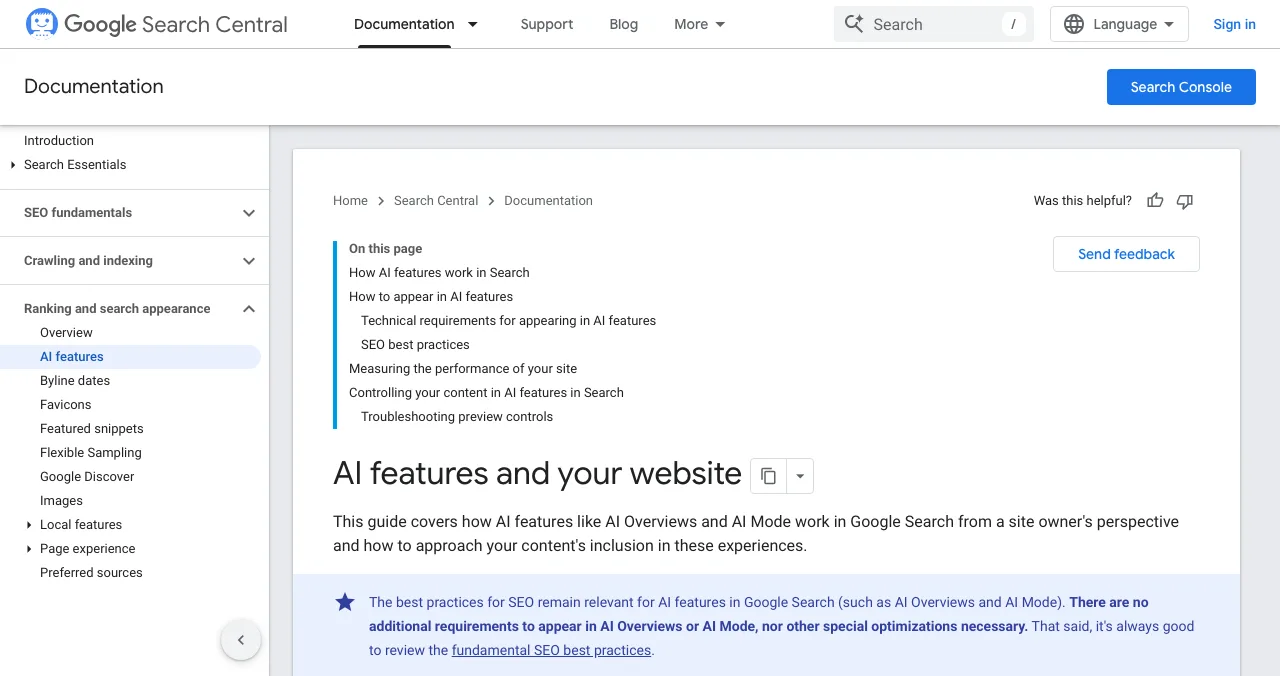
| Google AI Overviews and AI Mode | Googlebot (normal Search) | No extra requirements beyond Search eligibility | Google-Extended (Gemini training and grounding in Gemini Apps; not Search) |
Table: AI search crawlers and what each company's documentation says (checked 17 Nov 2026)
The search and training crawlers are controlled separately, so you can appear in AI search answers without allowing your content to be used for model training, if that's your preference. Google is the one to read carefully: its Google-Extended token covers both Gemini model training and grounding in the Gemini apps, though it doesn't affect Google Search. OpenAI and Perplexity say changes can take about 24 hours to apply. Also check that your CDN or firewall isn't blocking these bots: Google lists "crawling is allowed in robots.txt, and by any CDN or hosting infrastructure" as a basic requirement.
Step 3: Build consistent profiles and citations
Search engines and AI assistants trust what many independent pages say about you, especially when they say it the same way. A new startup's own site is one voice; profiles elsewhere are corroboration.
- Use one name, one tagline and one link everywhere. If your homepage says "AI call notes" and your directory listings say "meeting assistant", engines can't connect them.
- Launch sites and directories: Product Hunt, Peerlist, Uneed, SaaSHub and AlternativeTo each give you a public page that describes your product. See our launch site shortlist.
- A permanent profile that ranks on its own: a free Science of Apps Launchpad profile is written to rank on Google and to be quoted by AI assistants, and people find it by the problem they have.
- Founder and company pages: LinkedIn, GitHub (for developer products) and an About page that names the people behind the product.

Step 4: Write pages that engines can quote
The pages that get quoted answer one question clearly, early and specifically.

- Say what you do in the first sentence of your homepage. "Acme turns sales calls into follow-up emails for B2B teams" beats "The future of revenue intelligence".
- One page per real question. Pricing, "how it works", "Acme vs [competitor]", and the problems your customers search for. Use the question as the heading and answer it in the first two sentences.
- Be specific and sourced. Numbers, dates, named integrations and links to primary sources make a page worth citing.
- Make structured data match the page. Google says structured data should match the visible text; mark up your organisation, product and FAQs honestly.
- Show who's behind it. An About page, real names and a way to contact you are trust signals for people and engines alike.
Step 5: Measure, then do more of what works
Google says traffic from AI Overviews and AI Mode is included in Search Console's Performance report, under the "Web" search type. Check weekly which queries bring impressions and clicks, and write the next page for the questions you nearly rank for. In your analytics, watch for referrals from chatgpt.com, perplexity.ai and claude.ai.
Your organic visibility checklist

- Site verified in Google Search Console and Bing Webmaster Tools — sitemap submitted
- No accidental blocks — robots.txt, noindex tags and CDN bot rules checked
- OAI-SearchBot, Claude-SearchBot and PerplexityBot allowed — and Googlebot, of course
- IndexNow on — for Bing and other supporting engines
- Homepage says what you do in one plain sentence — for whom, and how you're different
- Same name, tagline and link on every profile — launch sites, directories, LinkedIn
- A permanent profile that ranks — such as a free Launchpad listing
- One page per customer question — answer first, with specifics and sources
A 30-day visibility plan
- Days 1–2
Fix the foundations
Verify Search Console and Bing Webmaster Tools, submit your sitemap, check robots.txt and allow the AI search crawlers.
- Days 3–7
Build your profiles
Publish your permanent Launchpad profile, then SaaSHub, AlternativeTo and a complete LinkedIn page, all with the same tagline.
- Week 2
Launch
Peerlist, Product Hunt or Show HN, matched to your audience; each launch page links back to your site.
- Week 3
Write three answer pages
Pricing explained, "how it works" and one "vs" or problem page, answer first.
- Week 4
Measure
Check Search Console queries and AI referrals; plan the next three pages around what's nearly ranking.
Mistakes that keep startups invisible

- Blocking crawlers by accident — a staging robots.txt or a strict bot firewall
- A clever homepage nobody can quote — if it doesn't say what you do, engines can't either
- Different names on different sites — splits your signals
- Blocking AI search crawlers to block training — they're separate; you can allow search and still opt out of training
- Chasing hacks instead of answers — Google says there's no special optimisation for AI features
Clarity helps people as much as engines: a homepage that makes visitors decode jargon adds cognitive load, and they leave.
Ready to be found?
How we know
Every rule here comes from the company's own documentation, read on 17 November 2026: Google Search Central's guide to AI features, OpenAI's crawler overview, Anthropic's help article on its bots, Perplexity's crawler page and IndexNow.org. Crawler names and policies change; check those pages before editing robots.txt. Science of Apps runs the Launchpad mentioned in step 3.
Key terms, defined
- Indexing: a search engine storing your page so it can appear in results.
- robots.txt: a file at your site's root that tells crawlers which pages they may fetch.
- Search crawler vs training crawler: AI companies use separate bots to power search answers and to collect training data; each can be allowed or blocked on its own.
- IndexNow: a protocol to notify supporting search engines instantly that a URL changed.
- Citation: an independent page that mentions your product, which engines use as corroboration.
- AI Overviews and AI Mode: Google Search features that answer with AI and link to supporting pages.
Frequently asked questions
How do I make my startup visible on Google?
Make sure Google can crawl and index your site: no blocking robots.txt rules or noindex tags, a sitemap submitted in Google Search Console, and pages with real text. Then give Google reasons to rank you: a clear homepage that says what you do, pages that answer the questions your customers search, and links from relevant sites such as launch platforms and directories.
How do I get my startup listed on Google?
There's no form to 'list' a startup in Google Search. You verify your site in Google Search Console, submit a sitemap and let Google crawl it. If you have a physical location that serves customers, you can also create a Google Business Profile, which Google says should be kept up to date.
How do I get my startup into ChatGPT, Claude and Perplexity answers?
Allow their search crawlers in robots.txt: OpenAI says sites opted out of OAI-SearchBot won't be shown in ChatGPT search answers, Anthropic says disabling Claude-SearchBot may reduce your visibility in its search results, and Perplexity recommends allowing PerplexityBot. Then make sure many trustworthy pages describe your product the same way.
Do I need llms.txt or special schema for AI search?
Not for Google. Google's documentation says you don't need new machine-readable files, AI text files or special schema to appear in AI Overviews or AI Mode. Structured data should match the visible text. An llms.txt file is a community proposal that some tools read; it does no harm, but it's not a requirement.
How long does organic visibility take for a new startup?
Indexing can take days; ranking for competitive terms usually takes months. You can speed up discovery by submitting a sitemap, using IndexNow for Bing and other supporting engines, and earning links from launch sites in your first weeks. Long-tail questions specific to your product often rank sooner than broad terms.
What is a startup SEO strategy?
A simple one: fix crawling and indexing, write a clear homepage and product pages, publish answers to the specific questions your customers search, get listed consistently on launch sites and directories, and measure in Search Console. Add pages as you learn which questions bring visitors.
Does launching on Product Hunt help SEO?
Launch pages can bring a burst of visits and some links, and your product page there stays live. But a single launch day isn't a strategy. Permanent profiles, consistent directory listings and your own answer-first pages do more for long-term visibility.
Sources
- Google Search Central — AI features and your website (checked 17 Nov 2026)
- Google Search Console — About
- Bing Webmaster Tools — About
- IndexNow — What is IndexNow?
- OpenAI — Overview of OpenAI crawlers (checked 17 Nov 2026)
- Anthropic (Claude Help Center) — Does Anthropic crawl data from the web, and how can site owners block the crawler?
- Google — Google's common crawlers: Google-Extended (checked 17 Nov 2026)
- Perplexity — Perplexity crawlers (checked 17 Nov 2026)
- Science of Apps — Launchpad: launch your product free
- Checked November 17, 2026. Figures that change — fees, salaries, prices — are reviewed every six months; if something is out of date, tell us.
Where to go from here
- How to rank in ChatGPT — the AI-answer side in depth
- What is AEO? — answer engine optimisation explained
- Top 5 websites to launch your startup free — your first citations and links
- Science of Apps - LaunchpadGenerative engine optimization for startups: what the research shows, and a plan to get cited by AI answersGEO for startups in 2027: what the original GEO research found, how to get cited by ChatGPT, Perplexity, Claude and Google AI, and a 30-day plan.
- Science of Apps - LaunchpadLLM SEO vs traditional SEO side by side: what stays the same, what changes, which crawlers matter and how to measure each, using Google's and AI companies' own docsLLM SEO vs traditional SEO, side by side: the foundations that stay the same, what changes (crawlers, answers, citations, measurement) and what to skip.
- Science of Apps - LaunchpadSEO for startups: a prioritised plan for the first six months, from getting indexed to pages that answer buyers' questions, using Google's own starter guideSEO for startups, month by month: get indexed, fix the basics, earn a few relevant links and publish pages answering buyers' questions, per Google's own guide.
- Career guidesAI search visibility and citation readiness in 2027: what marketing, PR and brand leaders need to know to be found, cited and described accuratelyAI search visibility skills for marketing and PR leaders in 2027: citation readiness, brand accuracy, crawler policy, measurement and team ownership.
- Science of Apps - LaunchpadThe AI search optimization checklist: crawler access, content, corroboration and measurement for Google AI Overviews, ChatGPT, Claude and PerplexityA 2027 AI search optimization checklist: crawler access, answer-first content, corroboration and measurement for AI Overviews, ChatGPT, Claude and Perplexity.
- Science of Apps - LaunchpadPerplexity SEO: how to show up in Perplexity answers, from allowing PerplexityBot and fixing your firewall to writing pages it citesHow to show up in Perplexity: allow PerplexityBot and its IP ranges, fix firewall rules, understand Perplexity-User, and write pages Perplexity cites.
Get the ideas, not the noise.
Sign up with Google and we’ll send you short UX psychology tips by email — why people tap, stall and leave, and what to do about it. Unsubscribe anytime. Prefer something to keep? Get the free Laws of UX guide as a PDF.
Launch day ends. Your listing shouldn't.
A permanent, free profile built to rank on Google and to be quoted by AI assistants, found by the problem you solve, plus your product tested end to end with a detailed report.