 By
Quick answer: What is usability testing and how do you do it?
- Usability testing = watching people attempt real tasks and noting where they struggle.
- Five users per round find most problems, per Nielsen Norman Group; run several small rounds.
- Methods: moderated, unmoderated, five-second, first-click, and expert heuristic reviews.
- Free tools: Zoom or Meet, Microsoft Clarity, Maze and Lyssna free plans.
- Fast first pass: expert checks plus measurements catch the obvious issues before user tests.
Key takeaways
- Usability is about whether people can do the job, not whether they like the design.
- Watch behaviour; don't ask opinions.
- Small, repeated rounds beat one big study.
- An expert review finds obvious issues cheaply, so user tests can find the subtle ones.
- Test sign-up and onboarding first; that's where startups lose most people.
Founders are the worst-placed people to judge their own product's usability: they know where every button is. Usability testing fixes that by putting the product in front of people who don't. This guide covers what a usability test is, the main methods and when to use each, how many users you need, free usability testing tools, a script for your first five-user test, and how an expert first pass makes those tests go further. Sources were read on 17–20 November 2026. Jump to the methods, the tools or the script.
- Users per round, per NN/g
- 5
- Of problems found by the first five-user study (Nielsen, 2000)
- 85%
- Tasks per session is plenty
- 3
- Usability heuristics for an expert first pass
- 10
What is usability testing?
Usability is how easily people can achieve their goals with a product: can they do it, how fast, with how many errors, and how they feel afterwards. Usability testing measures it by watching. You give someone who matches your users a realistic task ("You've just signed up. Invite a teammate."), ask them to think aloud, and note where they hesitate, err or give up.
It's not a survey, a focus group or a demo. Opinions ("I'd use this") predict little; behaviour (three wrong clicks before finding Settings) is evidence. Your mental model of the product isn't your users'; a usability test shows you theirs.
Which usability testing method should you use?
| Method | How it works | Best for | Cost |
|---|---|---|---|
| Moderated, remote | You watch live over video and can ask follow-ups | Early products, complex flows | Free to cheap |
| Moderated, in person | Same, in a room | Hardware, accessibility, rich observation | Time and travel |
| Unmoderated | Participants record themselves doing tasks via a tool | Quick answers at volume | Tool plans |
| Five-second test | Show a page for five seconds; ask what it's for | Landing page clarity | Free plans |
| First-click test | Where do people click first for a task? | Navigation and labels | Free plans |
| Heuristic evaluation | Experts review against usability principles | A fast first pass before users | Time |
| Session recordings | Watch real visitors on your live site | Finding where problems happen | Free (Clarity) |
Table: Usability testing methods compared (Science of Apps editorial, based on Nielsen Norman Group guidance)
How many users do you need for a usability test?
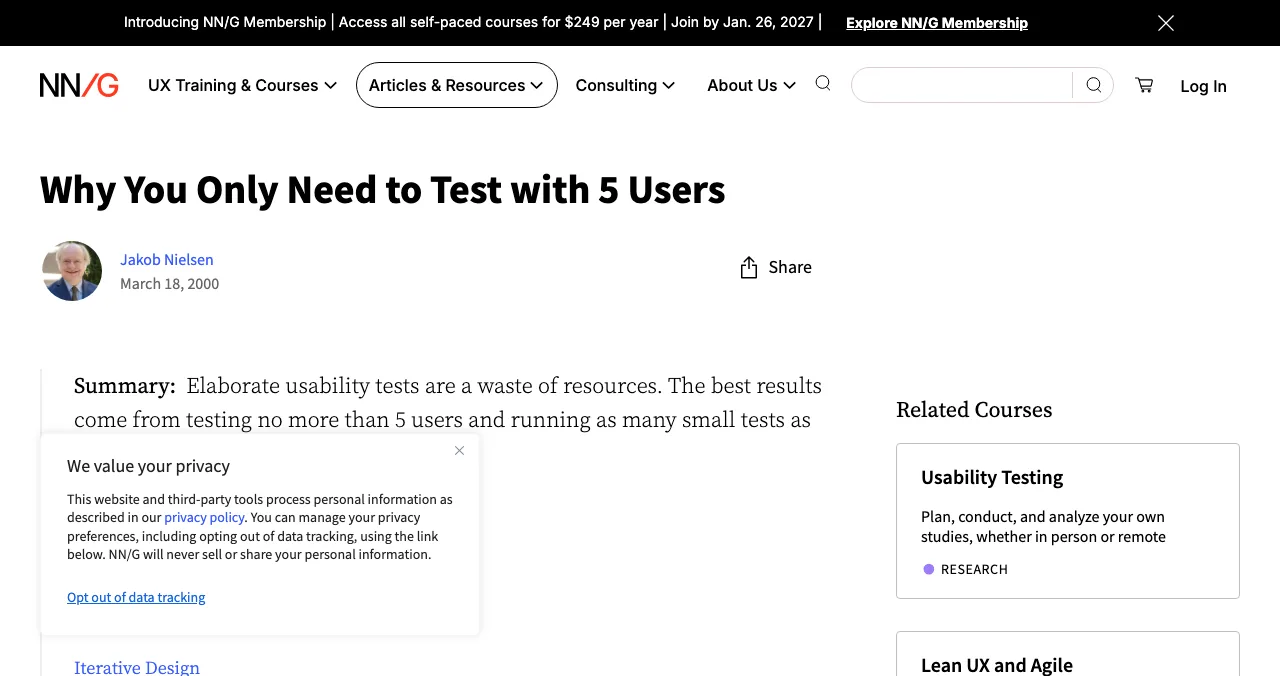
Jakob Nielsen's article (18 March 2000) argues that elaborate usability tests are a waste of resources: about 85% of usability problems are found by the first study with five participants, so you get more from three rounds of five, fixing between rounds, than from one study of fifteen. The caveat: five per round works for finding problems in a qualitative test. Measuring a success rate or comparing designs statistically needs more people.
Free usability testing tools
| Usability testing tool | Best for | Free terms |
|---|---|---|
| Video call (Zoom, Meet, Teams) | Moderated sessions | Free tiers |
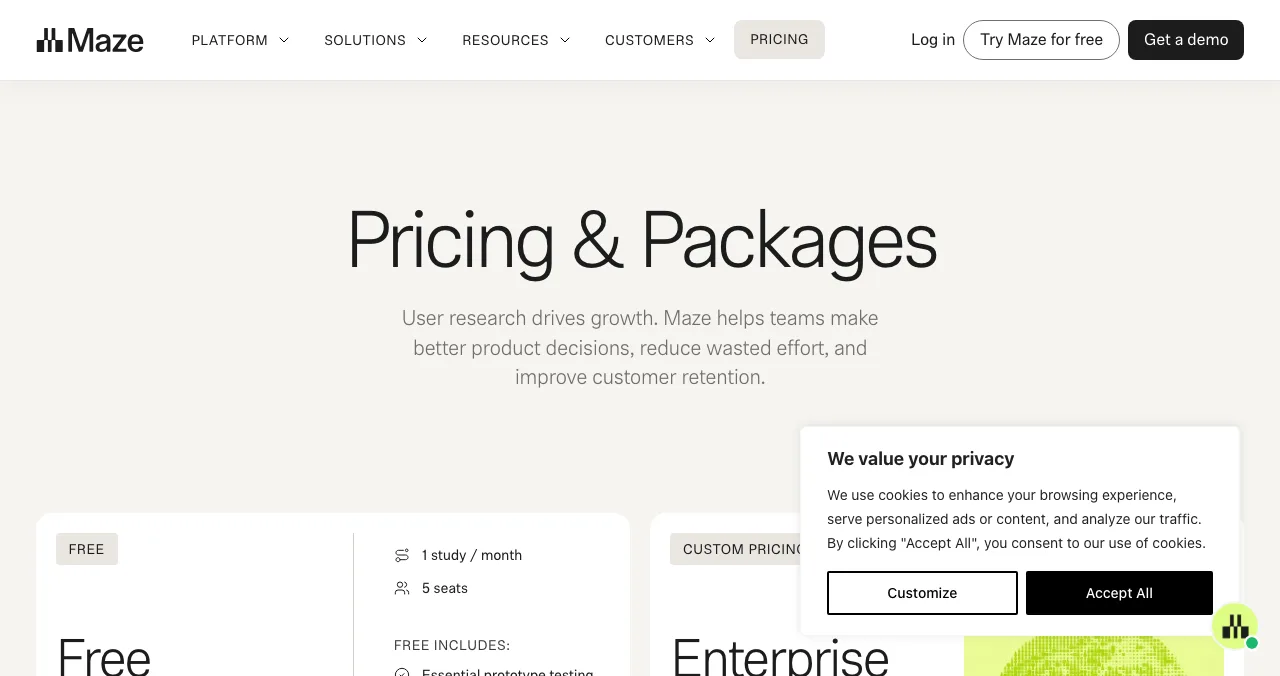
| Maze | Unmoderated prototype and usability tests | Free plan: 1 study a month, 5 seats (shown 17 Nov 2026) |
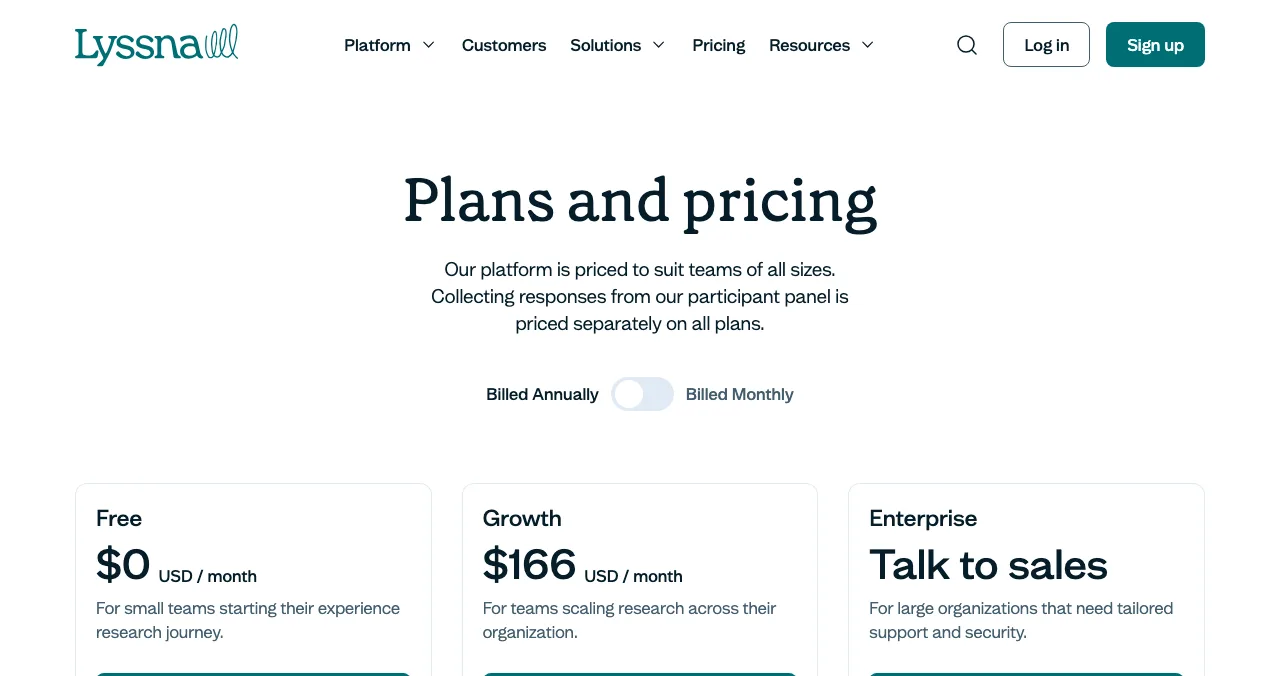
| Lyssna | Five-second, first-click, preference tests, surveys | Free plan, $0/month; panel responses priced separately |
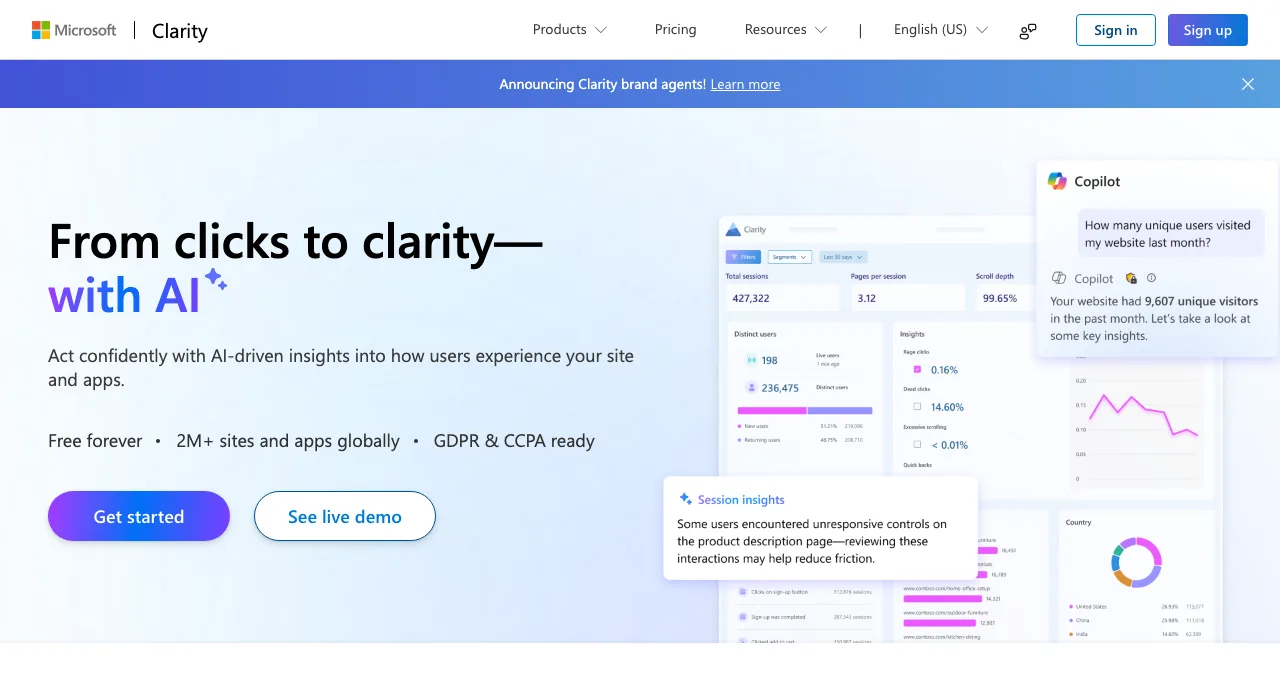
| Microsoft Clarity | Session recordings and heatmaps | Free forever, no traffic limits |
| Launchpad investigation | Expert first pass across 22 areas | Free to list; investigation optional |
Table: Free usability testing tools (each tool's own page, checked 17–20 Nov 2026)
Our UX audit tools and Hotjar alternatives cover more options.
A five-user usability test script

- Recruit five people who match your users — not friends who already know the product.
- Introduce — "We're testing the product, not you. Please think aloud. There are no wrong answers."
- Task 1: first impression — show the homepage for five seconds; ask what the product does.
- Task 2: sign up and reach first value — "Sign up and [do the first useful thing]."
- Task 3: the core job — the main thing users come back for.
- Stay quiet — don't help; note hesitations, wrong clicks and quotes.
- Debrief — "What was hardest? What did you expect to happen?"
- Fix, then test five more — the next round confirms the fixes.

- Record with permission — and note timestamps of problems
- Write tasks as goals — "Invite a teammate", not "Click Settings, then Team"
- Count, don't just feel — success, time, errors per task
- Rank problems by severity — blocks the task, slows it, or annoys
- Share clips, not reports — a 30-second clip convinces a team faster
Expert checks: a fast first usability pass
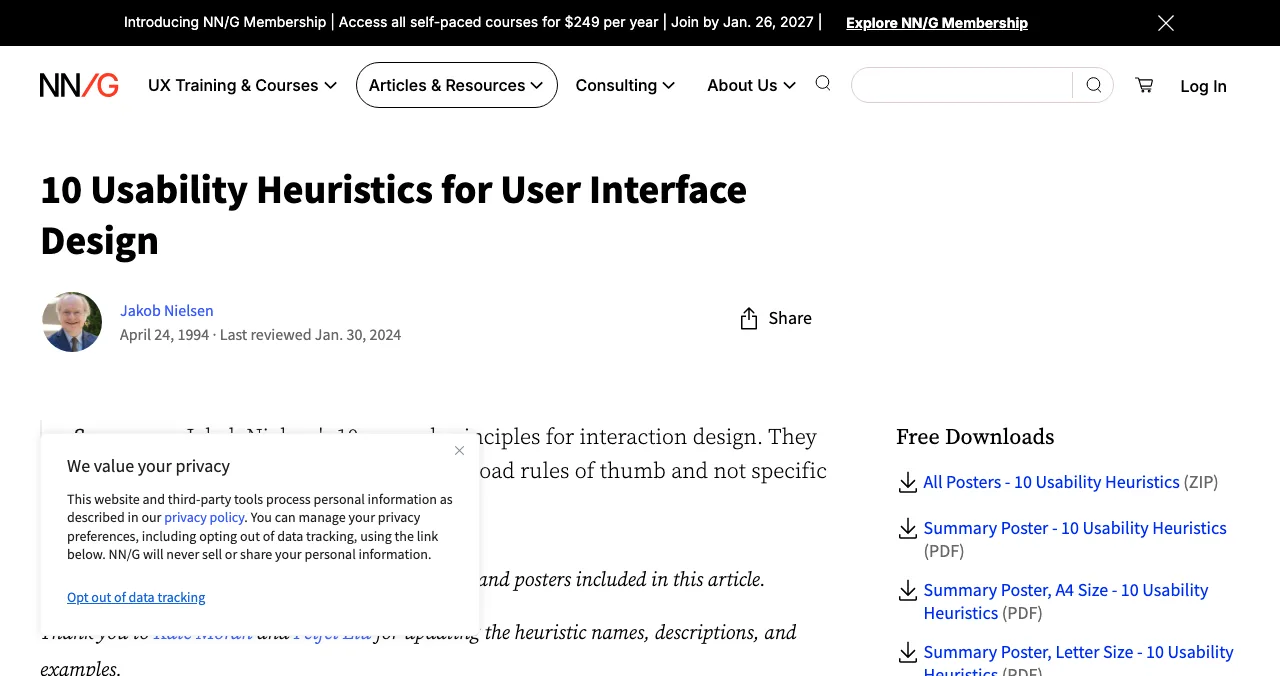
A heuristic evaluation, where experts review the interface against principles such as Nielsen's ten heuristics, finds many obvious issues (missing feedback, inconsistent labels, unhelpful errors) without recruiting anyone. Do it first, fix those, and your user tests will surface the subtler problems that only real people reveal. Our heuristic evaluation guide walks through it.
The Launchpad investigation as a first pass

The Launchpad investigation combines expert checks and measurements as a fast first usability pass. Your product is loaded in a real browser on desktop and mobile; 39 automatic measurements cover the landing page, sign-up and sign-in forms, speed, accessibility and more; 74 expert heuristics, grounded in the 60 Laws of UX and Nielsen's ten usability heuristics, cover the screens behind the login. Each finding carries one of five verdicts and evidence, and is approved by an analyst. Listing is free, forever; the investigation is optional and private.
- Areas of your product tested
- 22
- Automatic measurements, desktop and mobile
- 39
- Expert checks behind your login
- 74
- Verdicts that rank what to fix first
- 5
Arrive
First impression
Discoverability on Google, AI and social; landing page, pricing, trust and speed.
Join
The first minutes
Sign-up, sign-in, recovery and onboarding.
Use
The everyday job
Home, core flow, dashboards, search, microcopy and error states.
Pay
Value into revenue
Paywall, upgrade, checkout and payments.
Stay
Coming back
Notifications, account, settings and help.
Every screen
Throughout
Accessibility to WCAG 2.2, visual design and consistency.
Fix the obvious, then test the subtle
List free, then order the report that fits your stage.

 Economy
See what new customers see
- Store listing and homepage, screen by screen
- Scorecard against 60 Laws of UX
- The fixes worth most
PremiumThe full diagnosis and the plan
- Every screen, every finding, every flow
- All 60 laws with evidence and fixes
- 8 strategy chapters and a 90-day roadmap
Analyst-reviewed. Private to your team. Never affects ranking.
A two-week usability testing plan
- Days 1–2
Expert pass
Heuristic review yourself, or list on the Launchpad and order an investigation.
- Days 3–4
Fix the obvious
Errors, labels, feedback, contrast.
- Days 5–7
Round one
Five moderated sessions on sign-up, first value and the core task.
- Days 8–11
Fix
The top three problems by severity.
- Days 12–14
Round two
Five new people; confirm fixes; install Clarity to keep watching.
Mistakes to avoid

- Testing with friends and co-workers — they know too much
- Helping during the task — silence is the method
- Asking "would you use this?" — watch what they do instead
- One big study — small rounds with fixes in between
- Testing only the homepage — sign-up and onboarding first; the peak-end rule says the first session's worst moment sticks
Ready to launch?
How we know
Guidance on sample size and heuristics comes from Nielsen Norman Group; tool terms from each tool's own pricing page; Launchpad details from its investigation page; all read 17–20 November 2026. The methods table and script are Science of Apps' editorial framework. Search volumes ("usability testing" about 12,100 a month) are from Google Keyword Planner, global 12-month average. Science of Apps runs the Launchpad.
Key terms, defined
- Usability: how effectively, efficiently and satisfyingly people achieve goals with a product.
- Usability testing: watching representative users attempt realistic tasks to find problems.
- Usability test: a single session or study of that kind.
- Moderated vs unmoderated: with a facilitator present, or participants recording themselves.
- Heuristic evaluation: an expert review against established usability principles.
- Think-aloud: asking participants to say what they're thinking as they work.
Frequently asked questions
What is usability testing?
Usability testing is a research method where people who match your users try to complete realistic tasks with your product while you observe. You note where they hesitate, make errors or give up. It measures usability: how effectively, efficiently and satisfyingly people can achieve their goals, rather than whether they like the look.
How many users do you need for a usability test?
Nielsen Norman Group's long-standing guidance is about five per round. Jakob Nielsen's article says the first study with five participants finds about 85% of usability problems, and recommends several small rounds, testing again after each redesign, rather than one large study. Test more people when you need statistics.
What are the best usability testing tools?
For moderated sessions, a video call with screen sharing is enough. For unmoderated and quick tests, Maze and Lyssna both offer free plans. For watching real visitors, Microsoft Clarity is free with no traffic limits. Recruiting participants usually costs extra, so start with your own users and network.
What's the difference between a usability test and a heuristic evaluation?
A usability test watches real users attempt tasks. A heuristic evaluation has experts review the interface against established principles, such as Nielsen's ten usability heuristics. Experts find many obvious issues quickly and cheaply; users reveal the problems experts miss. Use the review first, then the test.
Can I do usability testing for free?
Yes. Recruit five people who match your users, give them three realistic tasks over a video call, ask them to think aloud, and record with permission. Add Microsoft Clarity to watch real visitors, and use Maze or Lyssna's free plans for quick unmoderated tests.
What should a startup usability test first?
The path to first value: landing page to sign-up to the first meaningful result. That's where most new users decide whether to stay. After that, test the core task people come back for, and the upgrade or checkout step if you charge.
Sources
- Nielsen Norman Group — Why You Only Need to Test with 5 Users (checked 20 Nov 2026)
- Nielsen Norman Group — 10 Usability Heuristics for User Interface Design (checked 17 Nov 2026)
- Nielsen Norman Group — How to Conduct a Heuristic Evaluation (checked 17 Nov 2026)
- Maze — Pricing (checked 17 Nov 2026)
- Lyssna — Pricing (checked 20 Nov 2026)
- Microsoft — Clarity (checked 20 Nov 2026)
- Science of Apps — Product investigation: 22 areas (checked 20 Nov 2026)
- Checked November 20, 2026. Figures that change — fees, salaries, prices — are reviewed every six months; if something is out of date, tell us.
Where to go from here
- Heuristic evaluation guide — the expert review
- UX audit tools — tools compared
- UX research methods — beyond usability tests
- Science of Apps - LaunchpadThe best UX audit tools for startups, free and paid: what each one actually checks (behaviour, speed, accessibility, research) and the gaps no tool fillsThe best UX audit tools for startups, free and paid: Clarity, PageSpeed Insights, WAVE, Hotjar, Maze and an end-to-end product test, with what each checks.
- Science of Apps - LaunchpadA free website UX audit for startups: the five things to check first (findability, clarity, speed, accessibility, the sign-up path) with the free tools that measure eachA free website UX audit for startups: check findability, clarity, speed, accessibility and the sign-up path first, with free Google, WebAIM and Microsoft tools.
- Science of Apps - LaunchpadWhat a 360-degree product audit is: every stage of the customer journey, measured and checked by experts, with five verdicts and a priority order, and how to get one freeA 360 degree product audit checks every stage of the journey, from first visit to renewal, with measurements, expert checks and verdicts. What it covers.
- Science of Apps - LaunchpadThe Berkus method explained: Dave Berkus's five elements, up to $500,000 each, a worked example, the 2016 update and how to raise each score with evidenceThe Berkus method values a pre-revenue startup by adding up to $500,000 for each of five risk-reducing elements. Formula, example, update and limits.
- Science of Apps - LaunchpadThe UX audit checklist: a free, journey-based template for websites and apps, built on Nielsen's heuristics and WCAG 2.2A free UX audit checklist for websites and apps: 60 checks across the user journey, from first impression to payment, using Nielsen's heuristics and WCAG 2.2.
- Science of Apps - LaunchpadHow to get testimonials from your first users: when to ask, five copy-paste request scripts, how to turn a reply into a usable quote, and the FTC rules on reviewsHow to get testimonials from your first users: ask at the moment of success, use five request scripts, get permission and follow the FTC review rules.
Get the ideas, not the noise.
Sign up with Google and we’ll send you short UX psychology tips by email — why people tap, stall and leave, and what to do about it. Unsubscribe anytime. Prefer something to keep? Get the free Laws of UX guide as a PDF.
Launch day ends. Your listing shouldn't.
A fast first usability pass: list free on the Launchpad, then order an investigation with 74 expert checks and 39 measurements across 22 areas, before you recruit testers.